Card Printer DPI Resolution Explained: What You Need to Know
Table of Contents []
- What Card Printer DPI Resolution Actually Means for Your ID Program - Plastic Card ID
- The Fundamentals of DPI in Plastic Card Printing
- Matching DPI to Your Card Program Volume and Purpose
- How Ribbon Type Interacts with DPI Resolution
- Buyer's Guide - Choosing the Right DPI for Your Specific Needs
- Accessories That Maximize Your Printer's DPI Potential
- Why Plastic Card ID Is the Right Partner for Your Card Printer Decision
What Card Printer DPI Resolution Actually Means for Your ID Program - Plastic Card ID
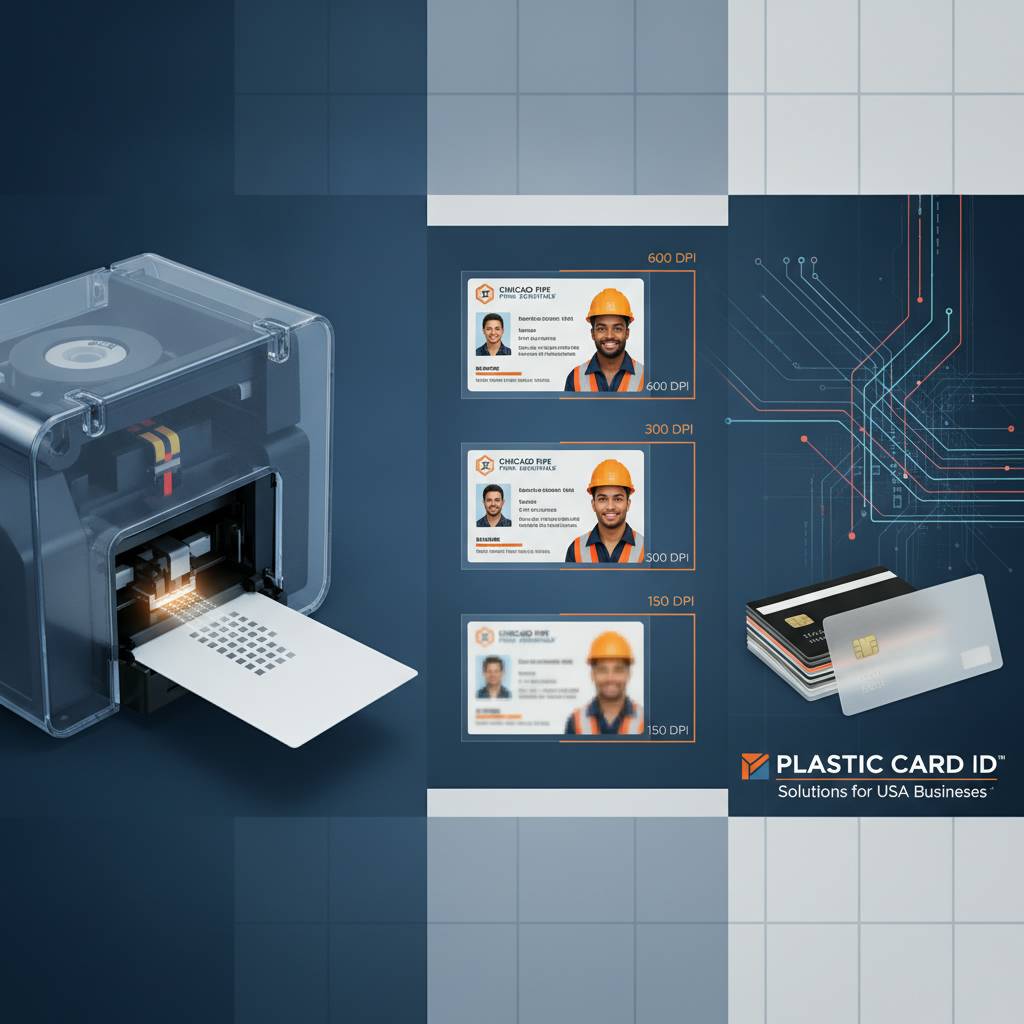 Most buyers shopping for a card printer fixate on price or brand name. Understandable. But here's the thing - the specification that will determine whether your employee badges look razor-sharp or frustratingly blurry is one most people gloss right over: DPI resolution. Understanding it changes everything about how you choose, use, and get value from a plastic card printer.
DPI stands for dots per inch. In card printing, it describes how many individual color dots a print head deposits across a single inch of card surface. More dots packed into that inch means finer detail, crisper edges, smoother gradients, and text that reads cleanly even at very small font sizes. It sounds simple, and in concept it is - but the real-world implications are layered, and CPE is here to untangle them for you.
| DPI Level | Typical Use Case | Example Printer | Best For |
|---|---|---|---|
| 300 x 300 DPI | Entry-level color cards | Evolis Badgy200 | Low-volume ID, membership |
| 300 x 600 DPI | Mid-range detailed output | Evolis Primacy2 | Employee IDs, access cards |
| 600 x 600 DPI | High-resolution full-color | Evolis Agilia | Premium credential, VIP badges |
| 300 x 1200 DPI | Monochrome text and barcodes | Fargo / Zebra mono models | High-precision barcodes, fine text |
The Fundamentals of DPI in Plastic Card Printing
 Think about the last ID badge you held. If the photo looked grainy, or the company logo had jagged edges, that printer was almost certainly operating below optimal DPI for the content being printed. Resolution is the silent architect of print quality, working invisibly but determining every visual outcome. Card printers use thermal dye sublimation or direct-to-card transfer methods, and each transfers color through a ribbon - the DPI setting governs how finely that ribbon's dye is applied.
There is a meaningful distinction between horizontal and vertical DPI values, which is why you often see specifications listed as "300 x 600" rather than a single number. Horizontal DPI controls how many dots are placed per inch along the card's width. Vertical DPI is governed by how precisely the print head moves the card through the printer. A higher vertical DPI creates smoother color transitions and tighter text rendering in that axis - important for portrait photos and fine barcode lines alike.
How DPI Affects Photo Reproduction on ID Cards
Photographs are arguably the most demanding element a card printer must reproduce. A face contains thousands of subtle tonal gradations - skin tone shifts, shadow gradients, hair texture. At 300 x 300 DPI, a headshot on a small ID card can look acceptable but will reveal soft edges when examined closely. Step up to 300 x 600 DPI and those same details tighten considerably, making photos appear more lifelike and professional.
At 600 x 600 DPI - the territory of premium printers like the Evolis Agilia - portrait photography on a CR-80 card becomes genuinely impressive. The dye sublimation process at this resolution blends colors so smoothly that pixelation is essentially invisible to the naked eye. For organizations where the card's visual quality reflects institutional prestige, this level of resolution is worth every dollar of investment.
Consider a university issuing student IDs, or a hospital producing staff credentials. These cards are seen dozens of times a day. The quality of those badges quietly communicates something about the organization itself. Resolution is never just a technical specification - it's a brand statement printed on a piece of plastic the size of your palm.
DPI and Barcode Scanability - A Practical Reality Check
Barcodes are unforgiving. A color logo with slightly soft edges might still look great; a barcode with slightly soft edges might simply fail to scan. This is where DPI resolution becomes genuinely mission-critical. Linear barcodes, QR codes, and PDF417 formats all depend on precisely rendered bars and spaces - any blurring caused by insufficient resolution can introduce read errors at point of scan.
Monochrome printing modes on card printers frequently achieve much higher DPI values than their color counterparts, sometimes reaching 300 x 1200 DPI or beyond. When your card design includes a barcode that must scan reliably across thousands of transactions - loyalty programs, access control, event ticketing - printing that barcode in monochrome mode at maximum DPI is a best practice, even if the rest of the card is printed in full color through a separate pass.
Fargo and Zebra printers in CPE's lineup are particularly well-regarded for barcode-grade precision. Their monochrome ribbon options paired with high vertical DPI specs make them workhorses for security-focused ID programs where scanability is non-negotiable. Zebra especially has built a reputation among access control professionals for exactly this reason.
Understanding Resolution Specs When Comparing Printer Models
Manufacturer DPI specifications are not always directly comparable across brands. One printer listed at 300 DPI may use a higher-quality print head with better dot placement consistency than a competing 300 DPI unit. This is why hands-on print samples and brand reputation matter alongside spec sheets. CPE has spent over two decades learning which specifications translate to real-world quality and which are marketing-friendly numbers on a datasheet.
Look beyond the headline DPI figure and ask how the printer handles dye diffusion. Dye sublimation printers, which diffuse dye into the card's surface rather than sitting on top of it, inherently produce smoother results at equivalent DPI values compared to direct-to-card inkjet-style systems. The Evolis Primacy2, for example, achieves a perceptibly superior output quality at 300 x 600 DPI than many competing printers claim with nominally similar specs.
Matching DPI to Your Card Program Volume and Purpose
Here is an honest truth most suppliers won't tell you upfront: not every organization needs 600 DPI. A small gym printing 200 membership cards annually with basic logos and names printed in legible text will function perfectly well on an entry-level 300 x 300 DPI printer. Spending significantly more to achieve higher resolution on a card that simply doesn't require it is poor budget management.
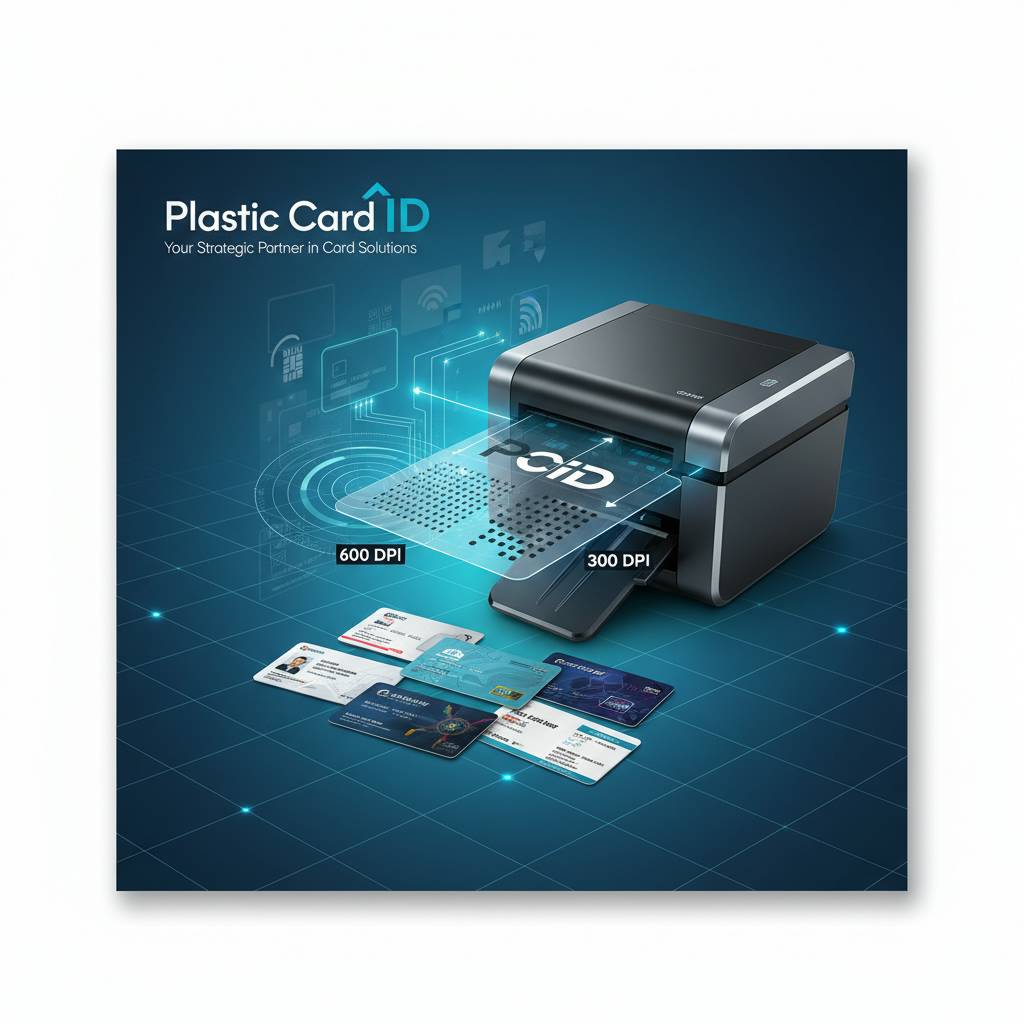
The smarter question is not "what is the highest DPI available?" but rather "what does my specific card content demand?" Match the printer's resolution capability to the complexity and use case of your card design, your monthly print volume, and your audience's quality expectations. That thinking is exactly what CPE brings to every conversation with a new customer.
Low-Volume Organizations and Entry-Level Resolution
For organizations printing under 1,000 cards per year - think small nonprofits, community clubs, boutique retail loyalty programs - the Evolis Badgy200 at 300 x 300 DPI is a genuinely capable solution. At this volume and with straightforward card designs, 300 DPI delivers entirely acceptable results without the capital expenditure of a higher-end system. The cards look professional, photos reproduce cleanly, and text is sharp at standard font sizes.
Budget matters at this tier. Entry-level printers typically fall in the $300-$600 range, making them accessible for smaller organizations with limited purchasing authority. The tradeoff is that fine details in complex logos may show mild softness, and very small text - below 6pt - can lose crispness. For most low-volume use cases, neither of these limitations creates a practical problem.
Mid-Range Programs Requiring Consistent Professional Quality
Organizations printing 1,000 to 6,000 cards per month occupy a different world. At this scale, card quality becomes a visible, daily representation of the organization - employee IDs worn on lanyards across a facility, access cards swiped hundreds of times daily, student credentials checked at building entries. Consistent, professional print quality at this volume demands a mid-range printer with 300 x 600 DPI or better.
The Evolis Zenius and Primacy2 both operate in this tier and are outstanding value propositions for medium-scale programs. The Primacy2 in particular supports optional dual-sided printing, magnetic stripe encoding, and smart chip encoding upgrades - meaning resolution quality and functional card capability advance together. This is the sweet spot where the investment in a better printer pays dividends across thousands of cards per year.
Ribbons matter here too. YMCKO ribbons (yellow, magenta, cyan, black overlay) are the standard for full-color card printing at this resolution range. The black panel in a YMCKO ribbon is particularly important for sharp text and barcode rendering, adding definition that the color panels alone cannot achieve. CPE stocks a full range of OEM and compatible ribbons for every printer in its lineup.
High-Volume and Premium Applications - When Maximum DPI Matters Most
- VIP and executive credential programs where card quality must project authority and prestige
- Event badge printing requiring photographic-quality output at speed for large attendee volumes
- Hotel key cards and loyalty cards for luxury brands where the tactile and visual experience is part of the guest journey
- Security and government ID programs mandating high-resolution portrait images for biometric or visual verification
- Financial institution membership cards - not processing cards, but premium client credential cards - where quality signals institutional standing
For these applications, the Evolis Agilia represents the premium answer. Its 600 x 600 DPI output achieves edge-to-edge photo quality that genuinely stands apart from mid-range alternatives. Pair that with lamination module support and retransfer printing technology, and you're producing cards that rival professionally outsourced credentials - except you're producing them in-house, on demand, with complete control over timing and personalization.
How Ribbon Type Interacts with DPI Resolution
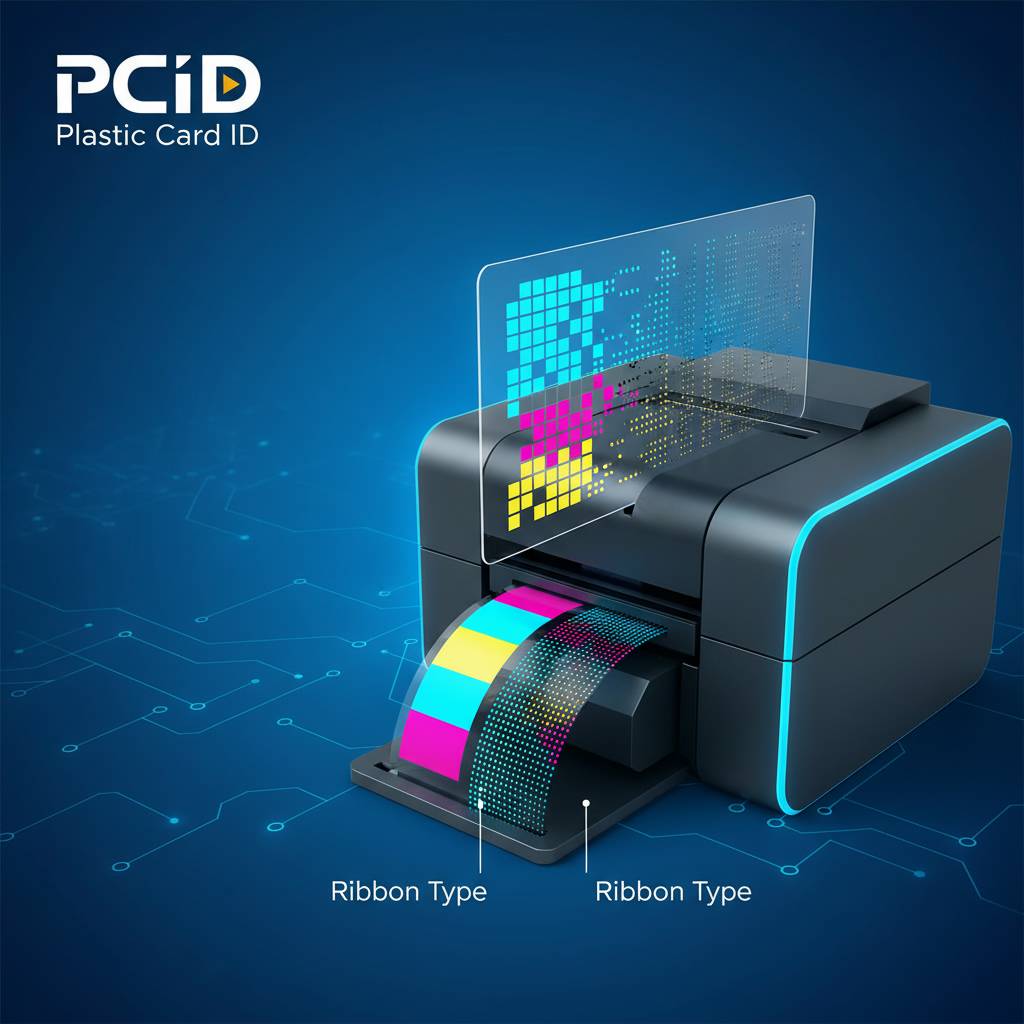 Resolution and ribbon are inseparable partners. A 600 DPI print head running a low-grade ribbon will underperform. Conversely, a premium ribbon on a 300 DPI printer won't suddenly achieve 600 DPI results. The ribbon is the medium through which DPI expresses itself - it carries the dye, delivers it to the card surface, and its quality directly determines how faithfully those thousands of dots per inch are realized.
YMCKO ribbons are the standard for full-color card programs. The "K" panel delivers a dense, sharp black specifically for text and barcodes, while the "O" overlay panel applies a protective coating that extends card life and enhances color vibrancy. Monochrome ribbons - black, blue, red, gold, or silver - operate at the printer's highest achievable DPI and are ideal when color is unnecessary but precision is paramount.
YMCKO Ribbons and Color Fidelity at Different DPI Levels
The interaction between a YMCKO ribbon and a print head's DPI level is where color fidelity is won or lost. At 300 x 300 DPI, each color layer deposits dots at a moderate density - sufficient for solid color fields and recognizable logos, but color gradients and photographic skin tones may show subtle banding if examined closely. At 300 x 600 DPI, those same gradients smooth out noticeably as the increased vertical resolution fills in tonal transitions more completely.
Premium YMCKO ribbons from Evolis, Fargo, and Zebra are engineered specifically for their respective print heads, calibrated to the exact thermal energy profiles and dot placement timings of each model. Using OEM ribbons - the ribbons CPE stocks and recommends - ensures that the full DPI capability of your printer is actually realized, rather than undermined by ribbon chemistry mismatches.
Monochrome Ribbon Precision for Barcodes and Text
When your card program prioritizes scannable barcodes, sequential numbering, or fine-print security text over full-color photography, monochrome ribbons become your best friend. Running a monochrome ribbon allows the print head to operate at maximum vertical DPI, placing dots with a precision that full-color thermal cycling cannot match. The result is razor-sharp bar edges and text that reads cleanly at font sizes that would blur in color mode.
Access control cards, library cards, and event credentials frequently use this hybrid approach: color elements printed via YMCKO ribbon, followed by a separate monochrome pass for the barcode or sequential ID number. Some card printers handle this in a single pass with a YMCKO-K ribbon that includes an additional high-resolution black panel precisely for this purpose. Understanding these ribbon configurations is a key part of getting maximum output quality from any resolution level.
Specialty Ribbons and Their Resolution Implications
Beyond standard YMCKO and monochrome, specialty ribbons for metallic finishes, fluorescent UV-reactive inks, and holographic overlays each interact with DPI in specific ways. Metallic and fluorescent ribbons tend to show resolution limitations more readily than standard dye panels, making them most effective on printers operating at 300 x 600 DPI or above. At lower DPI levels, metallic text can appear slightly rough at edges.
Holographic lamination overlays - a separate function from the print ribbon - add a security layer on top of already-printed cards and don't directly affect the DPI of the base print. However, they work best when the underlying print quality is high, since the holographic layer will magnify visual imperfections just as readily as it magnifies intended design elements. CPE supplies lamination modules and laminate rolls for compatible Evolis and other printers in its lineup.
Buyer's Guide - Choosing the Right DPI for Your Specific Needs
 Ready to find the right card printer for your resolution requirements? The team at Plastic Card ID is standing by to match you with exactly the right equipment for your program's scale and quality demands. Call 800.835.7919 today.
Making the right DPI decision comes down to three factors: the visual complexity of your card design, the functional requirements of your card (does it need to scan, swipe, or tap?), and your monthly print volume. Get all three aligned with your printer selection, and you'll produce professional credentials efficiently and cost-effectively for years.
Five Questions to Ask Before Buying a Card Printer
- Does my card design include photographs? If yes, prioritize at least 300 x 600 DPI.
- Will cards carry barcodes, QR codes, or fine-print serial numbers that must scan reliably? Consider monochrome DPI capability.
- How many cards will I print per month? This determines whether a low, mid, or high-throughput printer matches your needs.
- Do cards need to encode magnetic stripes or smart chips? These features can be added as upgrades on several mid-range models.
- What does the card represent visually to its holder or viewer? Premium applications justify premium resolution investment.
There is no single correct answer that applies universally. A warehouse issuing functional access control badges has different priorities than a hospitality group producing guest recognition cards. The right printer is the one that meets your specific quality standard at your specific volume, reliably, day after day. CPE has navigated this decision with over 100,000 customers - the pattern recognition that comes with that experience is genuinely valuable when you're choosing your next printer.
Evolis Lineup and DPI Positioning
Evolis designs its printer lineup with deliberate resolution tiering. The Badgy200 sits at entry-level 300 x 300 DPI, purpose-built for organizations with modest volumes and budgets. The Zenius and Primacy2 step up to 300 x 600 DPI, handling mid-range programs with improved photo quality and text sharpness. The Agilia reaches 600 x 600 DPI for organizations requiring the best available color fidelity in a direct-to-card or retransfer format.
What makes Evolis particularly interesting is that their print quality consistency across production runs is among the best in the industry. Card 1 and card 5,000 from a Primacy2 look identical in color accuracy and sharpness. For programs printing staff IDs in batches across multiple departments, this consistency ensures every employee receives a card that looks equally professional regardless of when it was printed.
Fargo, Zebra, and Matica - Security and Speed at Various DPI Levels
Fargo printers, now part of the HID Global family, are particularly valued in government and high-security ID programs. Their DPI specifications are competitive with Evolis at comparable price points, but their software integration capabilities and security feature support make them especially attractive for programs that must interface with physical access control systems. Fargo's lamination-equipped models produce cards with excellent durability alongside their resolution quality.
Zebra card printers bring a similar security focus with particularly strong barcode output performance, making them a natural fit for healthcare, retail, and logistics credential programs where cards must scan at point of use. The Matica Event Printer occupies a unique niche: high-speed on-site badge printing for large events, where throughput speed is as important as output quality, and 300 DPI at high print rates delivers entirely professional results for event credentials.
Accessories That Maximize Your Printer's DPI Potential
A printer's DPI specification is its ceiling - but without the right supporting accessories, you may never reach that ceiling in real-world output. Cleaning kits are the most commonly overlooked factor. Dust, debris, and dye residue accumulate on print heads over time, degrading dot placement accuracy and introducing artifacts into what should be crisp output. Regular cleaning is the single highest-ROI maintenance action for any card printer.
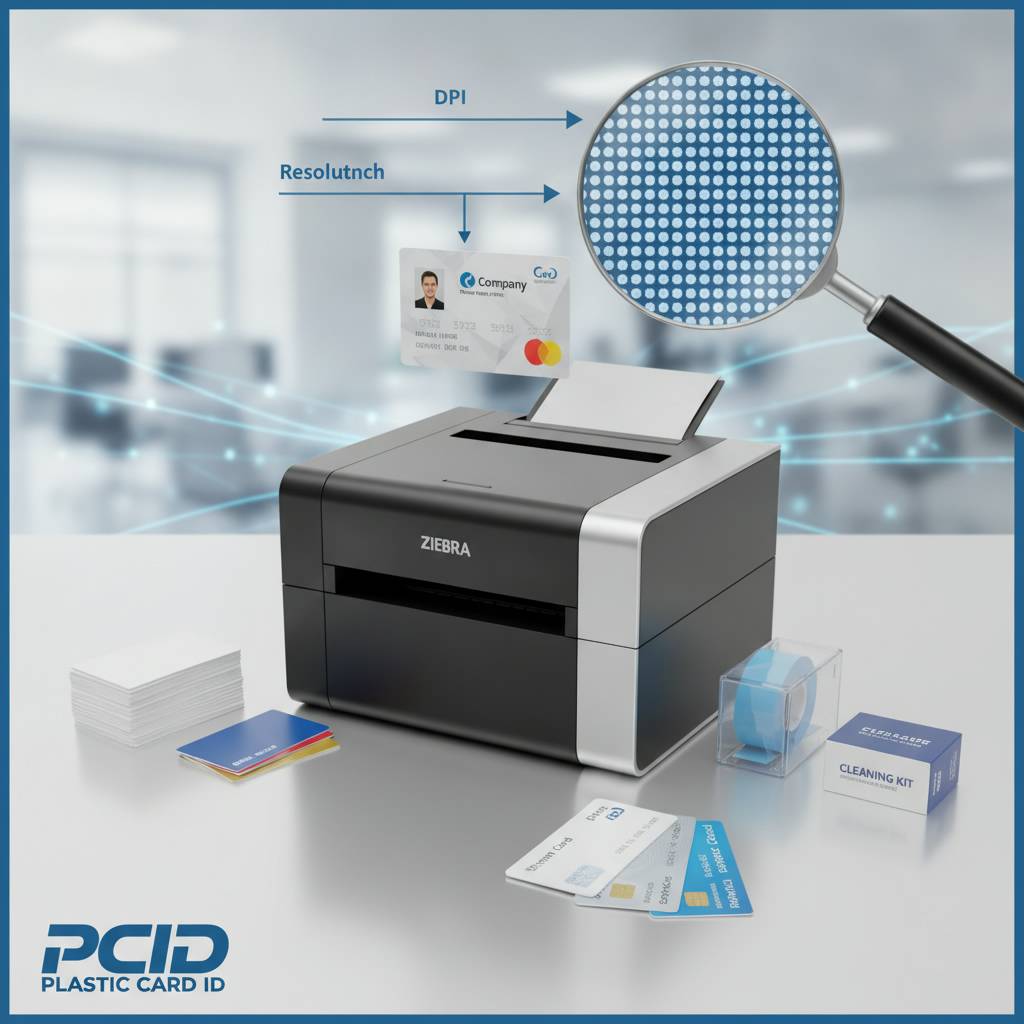
Card quality matters equally. Low-grade PVC cards with surface inconsistencies or contamination interfere with dye transfer, creating uneven color fields and reducing effective print sharpness regardless of the printer's rated DPI. CPE recommends using professional-grade PVC card stock - the kind it supplies - to ensure that the printer's resolution capability is matched by a card surface ready to receive it properly.
Cleaning Kits and Print Head Maintenance
Print heads are precision instruments. The micro-sized heating elements that create each individual dot must remain clean and calibrated to produce accurate, consistent dots. Contaminated print heads produce output that looks soft or streaky - not because the DPI specification has changed, but because physical debris is interrupting dot placement. A regular cleaning regimen, using the manufacturer-recommended cleaning cards and rollers, preserves the full DPI capability of the printer across its entire service life.
Evolis, Fargo, and Zebra all supply cleaning kits specifically formulated for their respective printers, and CPE stocks these kits alongside the printers and ribbons it supplies. Establishing a cleaning schedule - typically every ribbon change or every 500 cards printed, depending on the model - is not optional for programs that depend on consistent, high-resolution output. Treat print head maintenance as seriously as you treat ribbon selection.
Lamination Modules and How They Affect Final Card Quality
Lamination does not increase DPI, but it profoundly affects how the final card looks and feels. A laminate overlay applied over a 300 x 600 DPI print can elevate the card's perceived quality significantly by adding gloss depth, enhancing color vibrancy, and providing a surface protection layer that prevents the print from scuffing or fading. For programs where cards are handled daily - employee IDs, loyalty cards, access credentials - lamination extends functional life dramatically.
Some Evolis models support inline lamination modules, allowing the printer to print and laminate in a single continuous process. This is efficient for mid-to-high-volume programs and ensures every card receives identical lamination treatment. For programs producing premium credentials where tactile quality matters as much as visual quality, inline lamination paired with high-DPI printing delivers a finished product that feels as impressive as it looks.
Encoding Upgrades and Their Relationship to Print Resolution
Magnetic stripe encoding and smart chip encoding are functional additions that operate independently from the print head's DPI specification, but they share the same physical card and must be planned together. A card with a magnetic stripe requires print calibration to ensure the stripe area is handled correctly - most card printers have specific handling for HiCo and LoCo magnetic stripes to avoid thermal damage during the printing process.
Smart chip cards introduce similar considerations: the chip module sits proud of the card surface, and the printer must accommodate this physical variation during card transport. Mid-range printers like the Primacy2 with encoding upgrades handle both magnetic stripe and smart chip cards while maintaining their full 300 x 600 DPI output on the printable areas of the card. Planning the full card specification - print quality, encoding type, lamination - as an integrated system produces the best results.
Why Plastic Card ID Is the Right Partner for Your Card Printer Decision
 Purchasing a card printer is not a decision most organizations make frequently. It's a multiyear commitment to a particular technology, a particular ribbon supply chain, and a particular support relationship. Getting that decision right the first time saves significant time, money, and frustration over the life of the program. CPE has spent more than 25 years building the expertise and product curation to make that decision straightforward for every type and size of organization across the United States.
The lineup CPE carries is not accidental. Evolis, Fargo, Zebra, and Matica represent the proven leaders in professional card printing - brands whose DPI specifications are backed by engineering precision, whose ribbons are calibrated to their hardware, and whose products have earned trust across industries from healthcare to hospitality, education to enterprise security. This is not a catalog assembled from whoever offered the best distributor margins; it is a curation built on a quarter-century of knowing what actually works.
Complete Program Support from a Single Source
Beyond the printers themselves, CPE supplies the complete ecosystem a card program requires: ribbons in YMCKO, monochrome, and specialty formats; cleaning kits; lamination modules; encoding upgrades for magnetic stripe and smart chip; input hoppers for high-volume batch printing; and card carriers and sleeves for protecting finished credentials. One supplier relationship covers every consumable and accessory need your program will encounter.
This single-source approach simplifies purchasing, reduces vendor management complexity, and ensures that the accessories you receive are compatible with the printers you're running. There is no guesswork about ribbon compatibility or laminate sizing - CPE knows exactly which products work with which printers and supplies them accordingly. That certainty has measurable value when your card program is running under deadline and you need the right consumable immediately.
In-House Printing Advantages That DPI Makes Possible
The full benefit of understanding and maximizing DPI resolution is realized when you bring card printing in-house. Print on demand, personalize each card individually, encode magnetic stripes or chips in the same workflow, and eliminate lead times from outside vendors entirely. In-house card printing gives organizations total control over their credential program - quality, timing, personalization, and cost per card all become internal decisions rather than external dependencies.
Organizations printing employee ID cards, membership cards, loyalty cards, access control cards, student IDs, hotel key cards, and event credentials have all found that in-house printing, supported by the right DPI resolution for their application, delivers better results faster and at lower long-term cost than outsourcing. The upfront investment in a quality printer pays back quickly when measured against per-card costs from external suppliers.
Getting Started with Plastic Card ID Today
Whether you're launching a new card program from scratch or upgrading an aging printer to take advantage of modern resolution capabilities, Plastic Card ID is ready to help. The process is straightforward: describe your card content, your monthly volume, and your quality expectations - and the right printer recommendation follows naturally from those three inputs. There is no complicated consulting engagement required - just a conversation with people who know this category deeply.
Call 800.835.7919 to speak with a card printer specialist who can walk through your specific program requirements and identify the ideal DPI resolution tier and printer model for your needs. Over 100,000 customers have trusted CPE with this decision - and that trust has been earned one well-matched printer recommendation at a time.
Contact Plastic Card ID now at 800.835.7919 and discover exactly how the right card printer DPI resolution can transform your credential program - sharp, professional, and entirely within your control.
Previous Page