Card Printer Input Hopper Guide: Capacity and Features Explained
Table of Contents []
- The Complete Card Printer Input Hopper Guide from Plastic Card ID
- What Is a Card Printer Input Hopper, Really?
- Choosing the Right Hopper Capacity for Your Card Program
- Maintaining Your Input Hopper for Long-Term Reliability
- Input Hoppers Across the Major Card Printer Brands
- Accessories That Work With Your Input Hopper System
- Frequently Asked Questions About Card Printer Input Hoppers
- Your Next Step With Plastic Card ID
The Complete Card Printer Input Hopper Guide from Plastic Card ID
 Most people shopping for a card printer zero in on print quality, speed, and ribbon costs - which makes sense. But there is one component that quietly determines whether your entire card printing workflow runs smoothly or turns into a daily frustration: the input hopper. Get this right, and your printer hums along with minimal intervention. Get it wrong, and you are hand-feeding cards, dealing with jams, and wondering why you invested in in-house printing at all.
This guide breaks down everything you need to know about card printer input hoppers - what they do, how they differ across models and brands, what capacity actually matters for your volume, and how to choose and maintain the right setup. Whether you are running a hotel front desk, a corporate HR office, or a university ID center, understanding your hopper is the difference between a system that works for you and one you are constantly working around.
| Printer Model | Standard Hopper Capacity | Expandable/Upgrade Available | Best For |
|---|---|---|---|
| Evolis Badgy200 | 25 cards | No | Low-volume, under 1,000 cards/year |
| Evolis Zenius | 50 cards | Yes | Small to mid-volume ID programs |
| Evolis Primacy2 | 100 cards | Yes | Mid-volume, up to 6,000 cards/month |
| Evolis Agilia | 200 cards | Yes | High-quality, edge-to-edge production |
| Fargo HDP6600 | 100 cards | Yes | Security ID, government, enterprise |
| Zebra ZC300 | 100 cards | Yes | Corporate and access control programs |
| Matica Event Printer | 200 cards | Yes | On-site event badge printing |
What Is a Card Printer Input Hopper, Really?
 Strip away all the technical language and the answer is refreshingly simple: the input hopper is the tray or slot where blank PVC cards wait before they are fed into the printer. It is the starting point of every card that comes out the other end. Think of it like the paper tray on an office printer, but purpose-built for rigid plastic cards that are 0.76mm thick and precisely sized to CR-80 standard dimensions.
What makes this seemingly mundane component worth a detailed conversation is its outsized influence on productivity, reliability, and the total cost of running your card program. A hopper that holds 25 cards will have you refilling it constantly during a busy enrollment day. A hopper that feeds inconsistently will cause misprints, wasted ribbons, and jams that require manual intervention. This is not a passive tray -- it is an active, engineered mechanism that aligns, separates, and feeds each card precisely into the print path.
How the Feeding Mechanism Actually Works
Inside the input hopper, a combination of rollers, guides, and sometimes a motorized lift platform ensures that cards feed one at a time, squarely positioned, every single cycle. Most professional-grade card printers use a friction-feed or pick-roller system, where a rubber roller grabs the bottom card in the stack and pulls it forward. This sounds simple, but it requires careful tension calibration -- too loose and you get double-feeds; too tight and cards skip or jam.
Higher-end systems like the Evolis Agilia and Matica Event Printer use more sophisticated elevator-style mechanisms that lift the card stack progressively as cards are consumed, maintaining consistent pressure on the rollers throughout the entire hopper load. This engineering detail is exactly why batch printing 150 cards on a premium unit feels effortless while doing the same job on an undersized entry-level hopper becomes a half-day exercise in babysitting the machine.
Standard Card Dimensions and Hopper Compatibility
Nearly every card printer input hopper is designed around the CR-80 card standard: 3.375 inches by 2.125 inches, at 0.76mm thickness. This is the same size as a standard credit card, and it is the universal format for employee ID cards, membership cards, hotel key cards, student IDs, and most access control credentials. CPE supplies printers calibrated to this standard across every brand in the lineup.
Some hoppers also accommodate slightly thicker cards -- 1.0mm cards used for premium loyalty or VIP credentials, for instance. Before assuming your printer can handle a different card thickness, it is worth confirming with the manufacturer spec sheet, because forcing a 1.0mm card through a hopper designed only for 0.76mm stock will absolutely cause jams and can damage the feed rollers over time.
Why Hopper Design Varies by Print Volume Tier
There is a direct relationship between how a printer's hopper is engineered and the volume tier it targets. Entry-level printers like the Evolis Badgy200 use a compact, gravity-fed input slot holding around 25 cards because their target users are printing sporadically -- event badges for a quarterly meeting, replacement ID cards for new hires. The simplified feed mechanism keeps the price accessible and the footprint small.
Mid-range workhorses like the Evolis Primacy2 step up to 100-card hoppers with more robust feed mechanisms, because users printing 1,000 to 6,000 cards per month cannot afford to stop and refill every few minutes. At the top end, industrial platforms built for sustained high-throughput runs use hoppers that stack 200 cards or more, often with dual-hopper configurations that allow one stack to feed while the other is being refilled -- a feature that effectively eliminates downtime for operations that print cards continuously.
Choosing the Right Hopper Capacity for Your Card Program
The most common mistake buyers make is selecting a printer based on print speed or output quality without accounting for how hopper capacity will affect their real-world workflow. A printer that outputs 150 cards per hour is genuinely fast -- but if the hopper only holds 25 cards, you are refilling it six times per hour, which means your actual throughput is whatever you can babysit, not whatever the spec sheet claims.
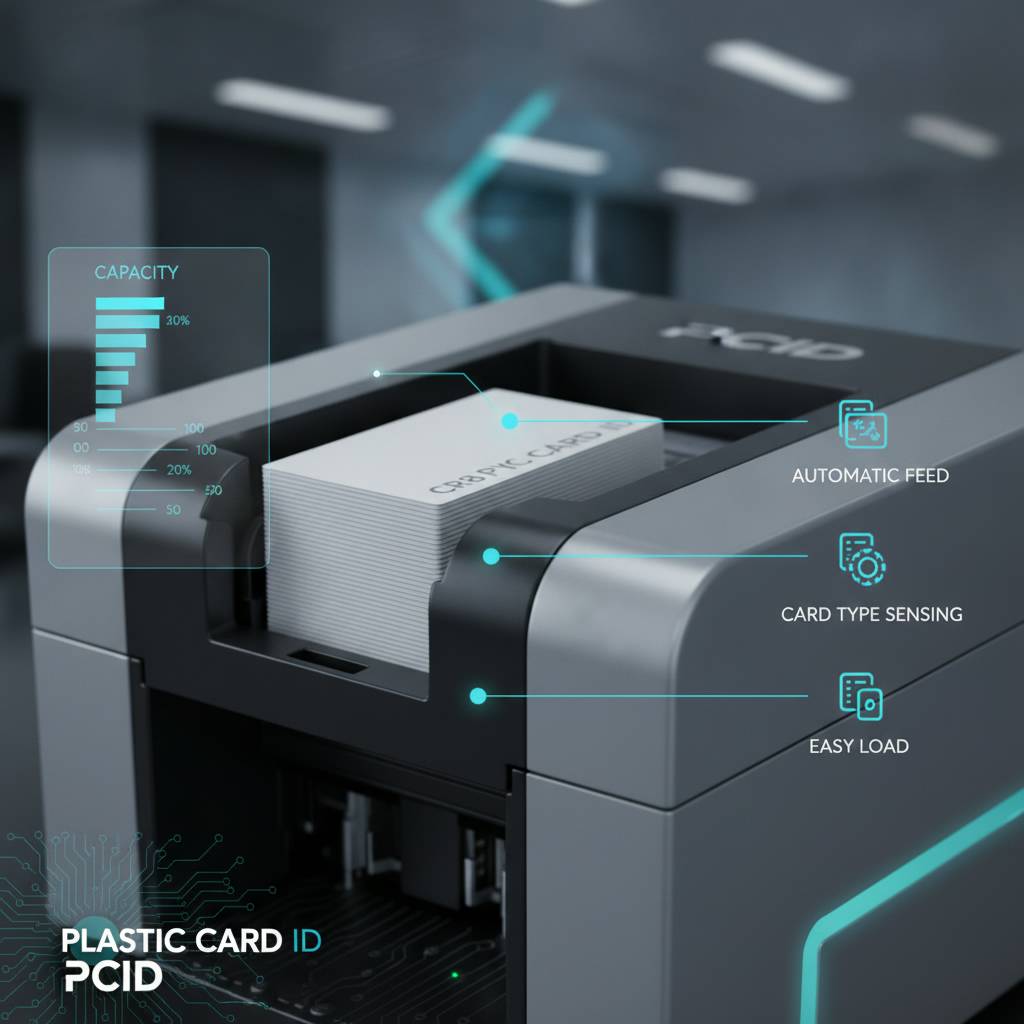
Matching hopper capacity to your production volume is not about buying the biggest possible unit. It is about right-sizing the hardware to your actual workflow so that the machine accelerates your operations rather than creating new bottlenecks. The table above offers a useful starting reference point, but there are a few additional factors worth working through before committing to a purchase.
Calculating Your Real Card Volume
Start by separating your card printing into distinct categories: regular scheduled runs (new employee onboarding, semester enrollment, annual membership renewals) versus on-demand printing (replacement cards, walk-in visitors, event check-ins). These two modes of printing have very different hopper demands. Scheduled batch runs favor higher capacity. On-demand single-card printing barely engages the hopper at all.
A practical rule of thumb used by experienced ID program managers: if you ever need to print more than 50 cards in a single sitting on a regular basis, you want a hopper that holds at least 100 cards. If you routinely run batches over 100 cards, seriously consider a printer with expandable hopper options or dual-hopper capability. Running a university orientation where 400 student IDs need to be ready by Monday morning is simply not a job for a 25-card hopper -- no matter how good the print quality is.
Expandable Hoppers: When and Why to Upgrade
Several printers in the Plastic Card ID lineup support optional hopper expansion modules that increase base capacity significantly. The Evolis Zenius, for example, can be upgraded beyond its standard 50-card input with an external card feeder, essentially giving a compact desktop unit the feeding muscle of a mid-range machine. This kind of modular upgrade path is genuinely valuable for organizations whose volume is growing.
Upgrading a hopper is almost always more economical than replacing the entire printer, assuming the base unit still meets your print quality and encoding needs. If you are already at maximum hopper expansion and still experiencing bottlenecks, that is the signal to step up to the next printer tier rather than fight the workflow. Contact 800.835.7919 to talk through whether a hopper upgrade or a printer upgrade makes more sense for your specific situation.
Dual Hoppers and Multi-Card Input Configurations
For organizations managing complex card programs -- say, a hospital printing staff IDs in multiple security tiers, or a theme park printing different card types for guests versus employees -- dual-hopper configurations offer a compelling advantage. These systems allow two different card stocks to be loaded simultaneously, with the printer switching between them based on job commands. This eliminates manual card swaps between print runs of different card types.
The Evolis Agilia and certain Fargo enterprise platforms support this kind of multi-feed configuration. It is genuinely one of those features that seems like a luxury until you have used it once, at which point going back to a single hopper feels like a significant step backward. Operational efficiency compounds when your hardware stops requiring constant human supervision -- and dual-hopper printing is one of the clearest examples of that principle in action.
Maintaining Your Input Hopper for Long-Term Reliability
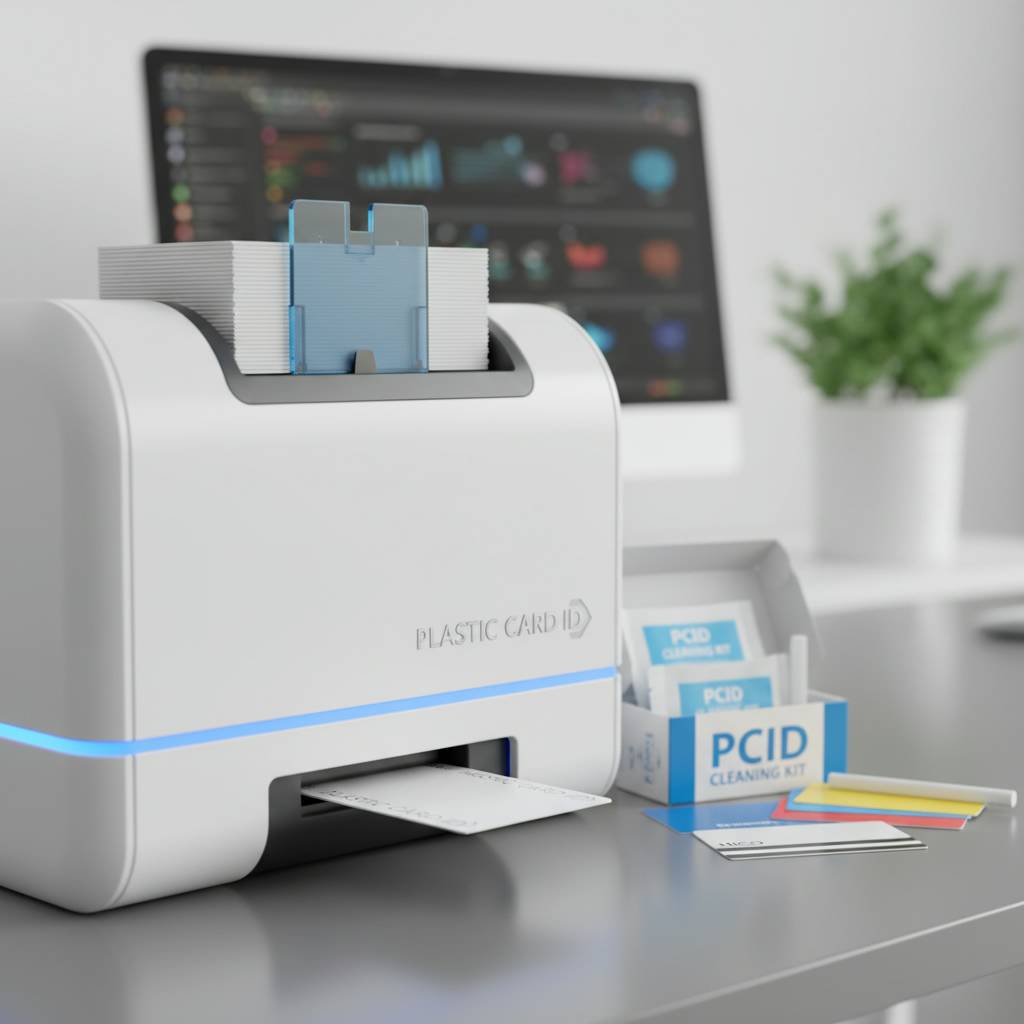 Input hoppers are mechanical components, and like all mechanical components, they perform best when they are kept clean, properly adjusted, and used within their designed specifications. Neglecting hopper maintenance is one of the most common reasons card printers develop chronic jam problems or inconsistent feeding issues, even when the print head and ribbon system are perfectly healthy.
The good news is that hopper maintenance is genuinely simple and takes very little time when done consistently. CPE ships cleaning kits alongside its printers and accessories precisely because routine cleaning is non-negotiable for professional card printing operations that want reliable results over years, not just months.
Cleaning the Hopper and Feed Rollers
Dust, card debris, and plasticizer residue from PVC cards accumulate on feed rollers over time, reducing friction and causing feeding inconsistencies. Most manufacturer-recommended cleaning routines call for running a cleaning card through the system at regular intervals -- typically every 1,000 cards printed, or whenever feeding issues begin to appear. These pre-saturated cleaning cards are designed to gently dissolve residue from rollers without damaging them.
For the hopper tray itself, a simple wipe-down with a lint-free cloth removes accumulated card dust. Pay particular attention to the card guides and separator edges, where debris tends to build up and can misalign cards as they enter the print path. Five minutes of cleaning every few weeks prevents the kind of persistent misfeeds that cost you wasted ribbon panels and misprinted cards -- a return on that small time investment that is hard to argue with.
Adjusting Card Guides for Different Card Stocks
Most input hoppers include adjustable side guides that can be set for precise card width alignment. When these guides are set too loose, cards can enter the print path at a slight angle, causing edge printing misalignment that ruins the finished card and wastes ribbon. When set too tight, they can cause drag that leads to double-feeds or the printer flagging a jam even when no physical jam exists.
The correct adjustment seats the card stack snugly between the guides without any lateral wobble, while still allowing the stack to drop freely under gravity. If you switch between card stocks of different thicknesses -- for example, moving between standard 0.76mm and premium 1.0mm PVC -- re-check the guide settings each time. This two-minute adjustment step prevents a surprising number of the printing frustrations that operators blame on the printer when the actual culprit is an improperly configured hopper.
Recognizing When a Hopper Component Needs Replacement
Feed rollers are wear items. Over time, even with regular cleaning, the rubber surface degrades and loses the friction coefficient it needs to reliably separate and advance cards. Early signs include cards feeding at an angle, double-feeds becoming more frequent even after cleaning, or the printer requiring multiple attempts to pick a card before successfully feeding it. These are not signs that the printer is dying -- they typically mean the feed rollers simply need replacement.
Replacement roller kits are available for most professional-grade printers and are far less expensive than a service call. For organizations running high volumes, tracking approximate card counts and scheduling preventive roller replacement before problems develop is a smart maintenance practice. CPE can help you identify the right cleaning and maintenance supplies for your specific printer model.
Input Hoppers Across the Major Card Printer Brands
 Evolis, Fargo, Zebra, and Matica each take slightly different engineering approaches to their input hopper designs, reflecting their distinct design philosophies and target use cases. Understanding these differences helps you evaluate not just raw capacity numbers but how the hopper integrates with the rest of the printer's mechanics and software ecosystem.
None of these brands cut corners on hopper engineering at the professional level. But they do make different trade-offs between compactness, capacity, expandability, and mechanical simplicity -- and those trade-offs matter depending on your environment and operational requirements.
Evolis Hopper Design: Modular and Scalable
Evolis printers are known for a modular design philosophy that extends directly to their hopper systems. The Badgy200 keeps things appropriately simple for its entry-level positioning. Step up to the Zenius or Primacy2 and you get a meaningfully more capable feeding system with optional expansion accessories. The Agilia represents Evolis at its most sophisticated, with high-capacity input and precision alignment engineering suited for the premium output quality this printer is built to deliver.
What distinguishes Evolis hopper design across the lineup is thoughtful attention to the card path from input to output. Cards in an Evolis printer are treated gently and precisely through every stage, which matters particularly when printing over laminate overlays or encoding magnetic stripes, where card alignment tolerances are tighter than standard print-only jobs.
Fargo and Zebra: Security-First Hopper Engineering
Fargo and Zebra printers are heavily used in government, law enforcement, enterprise security, and healthcare environments where ID card integrity is paramount. Their hopper designs reflect this security-first orientation: robust construction, reliable feed mechanisms engineered for CR-80 and CR-79 card formats, and strong compatibility with encoded card stocks including magnetic stripe and smart chip variants.
Zebra's ZC-series and ZXP-series printers offer 100-card hoppers as standard across most models, with upgrade paths available for higher-volume configurations. Fargo's HDP (High Definition Printing) platform printers use reverse-transfer technology that demands particularly precise card feeding, making their hopper engineering one of the more sophisticated in the industry. When card authenticity and print quality cannot be compromised, the feeding precision of these platforms directly contributes to the end result.
Matica Event Printer: High-Speed Hopper Performance
The Matica Event Printer occupies a unique niche in the Plastic Card ID lineup -- it is specifically engineered for on-site, real-time badge and credential printing at conferences, trade shows, sporting events, and similar high-traffic environments. Its hopper is built for rapid, sustained output with minimal operator intervention, because the last thing a registration desk manager needs during a 500-person event check-in is a printer that requires constant reloading or adjustment.
High-capacity input, fast cycle times between cards, and a feeding mechanism engineered for reliability under continuous-use conditions make the Matica Event Printer's hopper system genuinely purpose-fit for its use case. If your organization runs live events where credentialing speed directly affects attendee experience, this is hardware worth understanding in detail. Call 800.835.7919 for a detailed walkthrough of what this platform can do for your event operations.
Accessories That Work With Your Input Hopper System
The input hopper does not operate in isolation. Several accessories from the Plastic Card ID supply catalog interact directly with your card feed system and can either enhance its capabilities or, if selected incorrectly, create problems. Getting the accessory selection right from the start saves time, money, and the frustration of discovering incompatibilities after the fact.
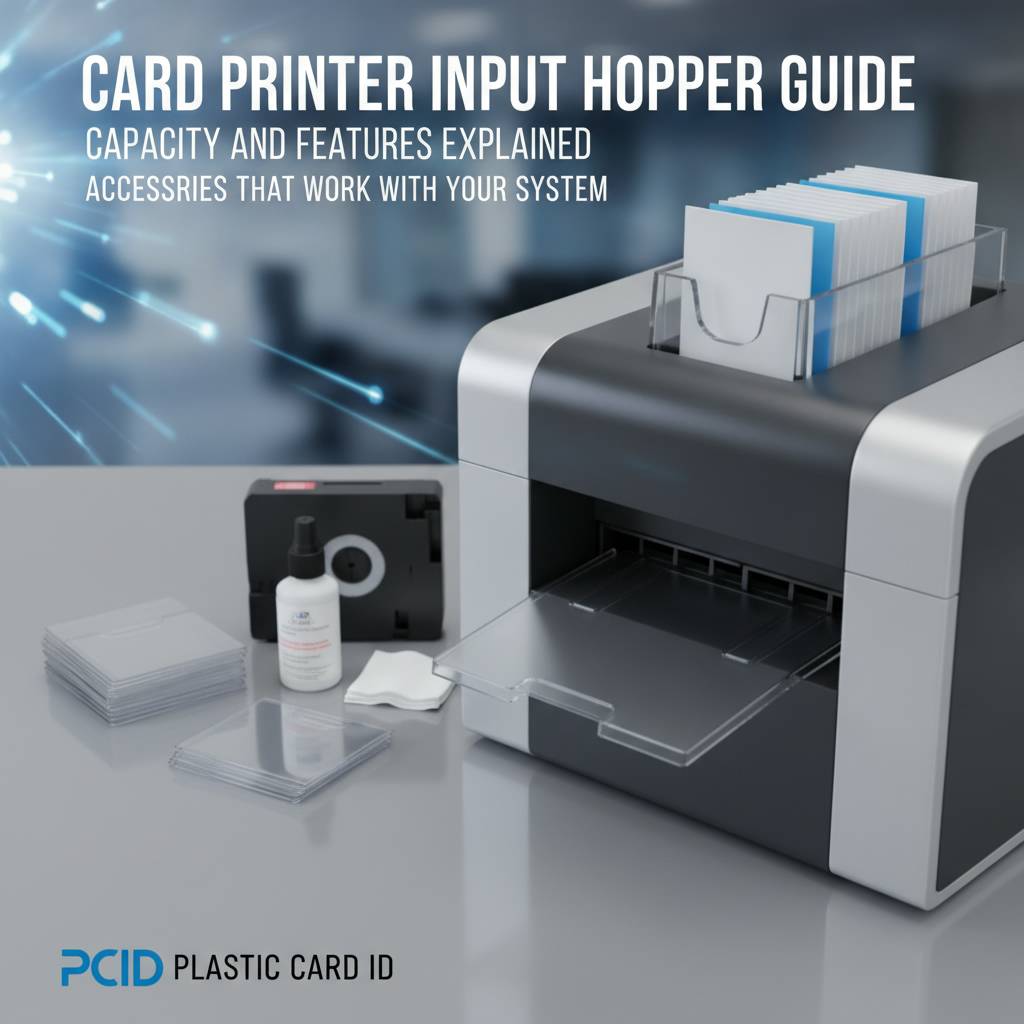
Card carriers, cleaning kits, and specific ribbon types are the most commonly relevant accessory categories for hopper-related considerations. Each deserves a moment of attention before you finalize your supply order.
Card Carriers and When to Use Them
Card carriers are thin, rigid carrier sheets designed to transport special card stocks through the print path. They are used when printing on non-standard media -- adhesive-backed cards, pre-punched cards with hanging slots, or cards with pre-applied overlaminates -- that would otherwise jam or misalign in the standard hopper and print path. The carrier holds the specialty card securely and takes it through the printer as a single unit.
It is important to understand that card carriers are not a general-use accessory; they are for specific, non-standard card types. Using a carrier unnecessarily with standard CR-80 PVC cards can actually cause feeding problems rather than prevent them. Match your accessories to your actual card stock and you will avoid a category of self-inflicted headaches that are surprisingly common among new card printing operators.
- Standard CR-80 PVC cards -- no carrier needed; load directly into the hopper
- Adhesive-backed cards -- use a card carrier to prevent adhesive contamination of rollers
- Pre-punched or notched cards -- use a carrier to prevent misalignment in the print path
- Pre-laminated card stock -- confirm printer compatibility first; a carrier may be recommended
- 1.0mm thick PVC cards -- verify hopper thickness tolerance before loading; some printers require a settings adjustment
Cleaning Kits and Hopper Health
Cleaning kits designed for card printers include cleaning cards, cleaning swabs, and in some comprehensive kits, cleaning solution for manual roller maintenance. These are not optional extras for organizations serious about printer longevity. A cleaning regimen costs a fraction of a service call and extends the reliable operational life of your feed system measurably. Most manufacturers recommend cleaning intervals tied to card count rather than calendar time, because a printer that sits idle for three months and then prints 2,000 cards in a week needs cleaning based on the run, not the date.
Plastic Card ID supplies cleaning kits compatible with the full range of Evolis, Fargo, Zebra, and Matica printers. Stock a few kits alongside your ribbon and card inventory so cleaning never gets deferred simply because you are out of supplies. It is one of those small operational disciplines that keeps a card program running cleanly for years.
Ribbons and Their Interaction With Card Feeding
Your choice of ribbon -- YMCKO full-color, monochrome, or specialty panels -- does not directly affect hopper operation, but it does interact with overall print path performance. Using the correct ribbon type for your card stock and print job is important because a mismatched ribbon can cause the printer to behave differently on the card path, including applying more or less heat that can slightly affect card rigidity during the print process.
For organizations using magnetic stripe encoding or smart chip cards, the card's construction requires that the hopper and feed path handle it consistently throughout the entire print and encode cycle. Cards with a magnetic stripe on the back must feed with the stripe in the correct orientation -- most hoppers have orientation guides or diagrams that indicate the correct loading direction. Getting this right from the first card in the batch prevents encoding errors that would require reprinting the entire run.
Frequently Asked Questions About Card Printer Input Hoppers
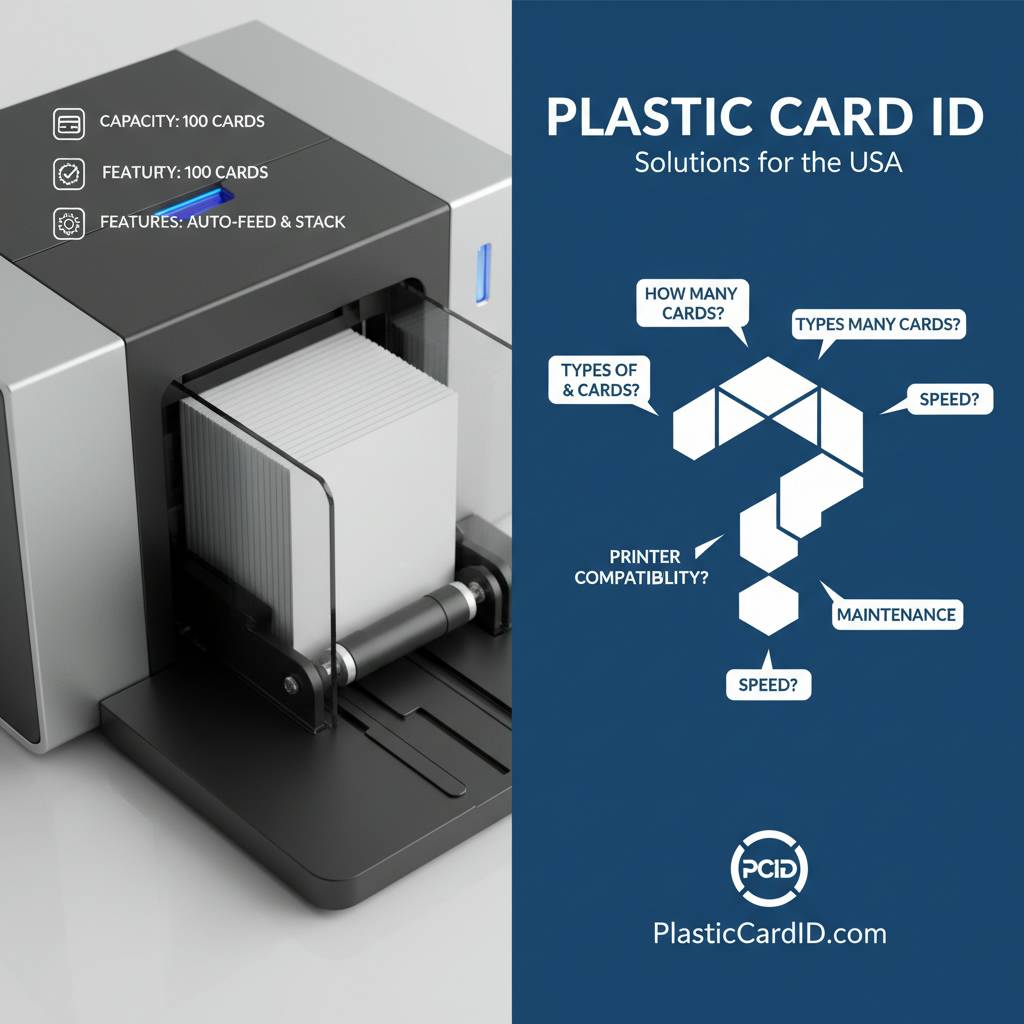 After working with over 100,000 customers across the United States, Plastic Card ID has heard the same hopper-related questions come up again and again. Here are the most useful answers in plain language.
Common Hopper Questions Answered
Can I use any brand of PVC card in my printer's hopper? Broadly yes, as long as the cards meet CR-80 dimensions and the correct thickness for your printer model. However, some printer warranties and maintenance agreements specify using certified card stock, and off-brand cards of inconsistent thickness can cause feeding problems. Using quality, consistent card stock is simply good practice.
Why does my printer jam more often when the hopper is nearly empty? This is a common experience with gravity-fed or spring-tension hoppers. As the card stack gets lower, the pressure on the feed roller decreases, which can make feeding less reliable. The fix is straightforward: do not wait until the hopper is nearly empty before refilling. Keeping at least 20-25 cards in the hopper maintains consistent feed pressure and reduces end-of-stack jams. Proactive refilling is a simple habit that eliminates a common frustration entirely.
- Refill the hopper before it drops below 20-25 cards to maintain consistent feed pressure
- Fan the card stack before loading to prevent cards from sticking together
- Ensure cards are loaded in the correct orientation for magnetic stripe or chip encoding
- Verify guide width settings whenever you switch to a different card stock
- Run a cleaning card through the system at every 1,000 cards to keep rollers in optimal condition
Troubleshooting Persistent Feed Issues
If your printer is experiencing consistent feeding problems that cleaning and guide adjustment have not resolved, work through the following diagnostics before concluding that the printer requires service. First, confirm you are using standard 0.76mm CR-80 cards -- a batch of out-of-spec cards from a new supplier is a surprisingly frequent culprit. Second, inspect the feed rollers visually for visible wear, glazing, or flat spots that indicate they need replacement. Third, check whether the problem occurs consistently or only at certain points in the card stack, which can identify whether the issue is mechanical or positional.
Most persistent feed issues trace back to one of three causes: worn rollers, incorrect card stock, or improperly adjusted guides. All three are correctable without professional service in most cases. If you have systematically ruled all three out and the problem persists, that is the appropriate time to contact technical support. CPE keeps a knowledgeable team available to help customers work through exactly these situations without unnecessary service visits or replacement hardware.
When Is It Time to Upgrade Your Hopper or Your Printer?
The honest answer is that hopper capacity should never be the single deciding factor in a printer upgrade -- but it is a legitimate signal worth taking seriously. If you find yourself refilling the hopper multiple times per print session on a regular basis, that operational friction has a real cost in staff time and interrupted workflow. Quantify it honestly: how many minutes per week is your team spending on hopper-related interruptions? What is that time worth?
If the math justifies an upgrade, the next question is whether a hopper expansion accessory resolves the issue or whether you need a full printer upgrade to address volume demands comprehensively. Calling Plastic Card ID at 800.835.7919 with your current print volumes and workflow details will get you a straight answer rather than a sales pitch -- the goal is matching hardware to operational reality, not upselling for its own sake.
Your Next Step With Plastic Card ID
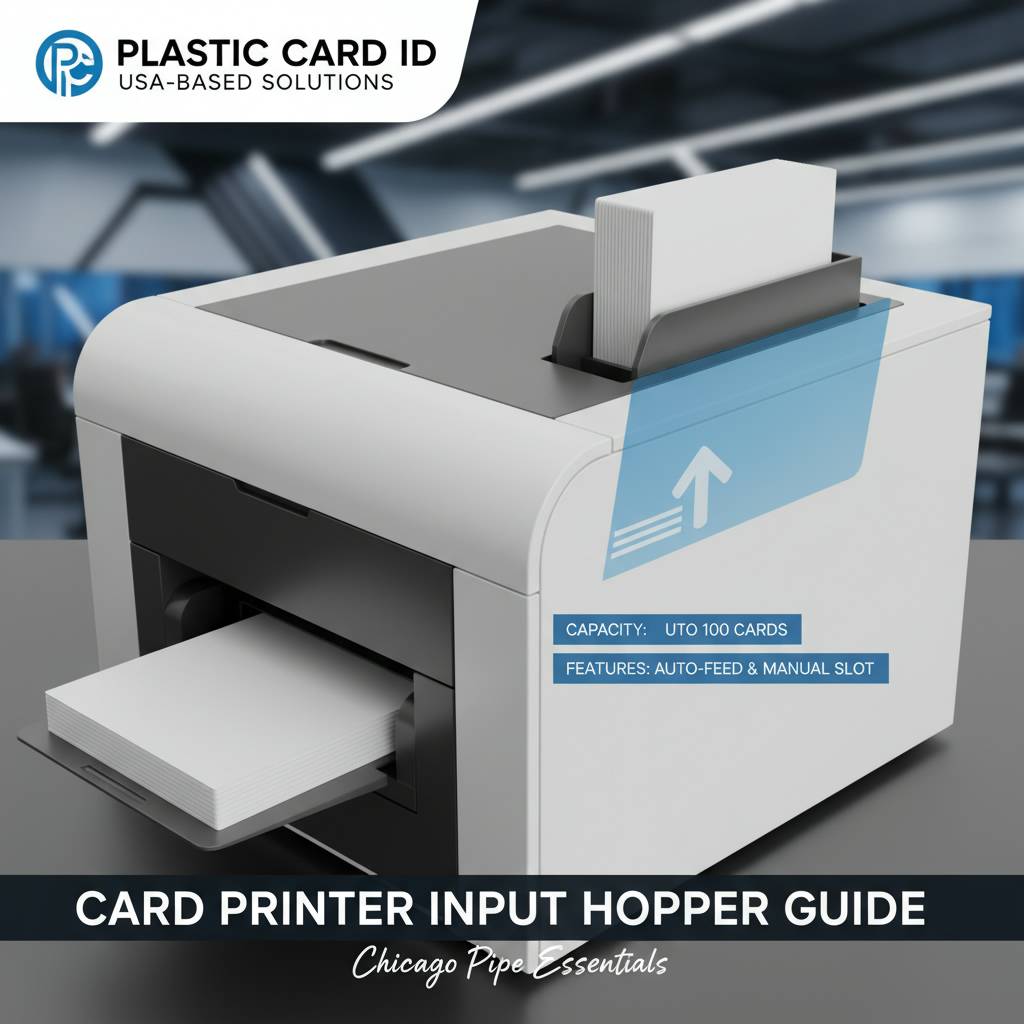 Input hoppers are one of those components that experienced card printing professionals take seriously and first-time buyers often overlook. After reading this guide, you understand why hopper capacity, feed mechanism design, maintenance requirements, and accessory compatibility all matter to the performance of your card program -- not just on day one, but across years of daily use.
Plastic Card ID has spent over 25 years helping businesses of every size and type build reliable, professional in-house card printing operations. From the Evolis Badgy200 for the small nonprofit printing a few hundred membership cards per year, to the Matica Event Printer handling badge credentials for a 5,000-person conference, every printer in the lineup has been selected because it delivers professional results at its intended volume tier. The same careful selection applies to every ribbon, cleaning kit, hopper expansion module, and accessory in the catalog.
Ready to find the right card printer and hopper configuration for your organization? Contact Plastic Card ID today at 800.835.7919 and speak with a specialist who knows this hardware inside and out.
Previous Page