Card Printer Cleaning Kit Guide: Keep Your Printer Running
Table of Contents []
- Your Complete Card Printer Cleaning Kit Guide - Plastic Card ID
- Why Cleaning Is Not Optional for Card Printers
- What's Inside a Card Printer Cleaning Kit
- Cleaning Schedules by Print Volume
- Common Cleaning Mistakes and How to Avoid Them
- Buying the Right Cleaning Kit - What to Look For
- Cleaning Kit FAQs for Card Printer Users
- Trust Plastic Card ID for Your Card Printer Cleaning Supplies and Hardware Needs
Your Complete Card Printer Cleaning Kit Guide - Plastic Card ID
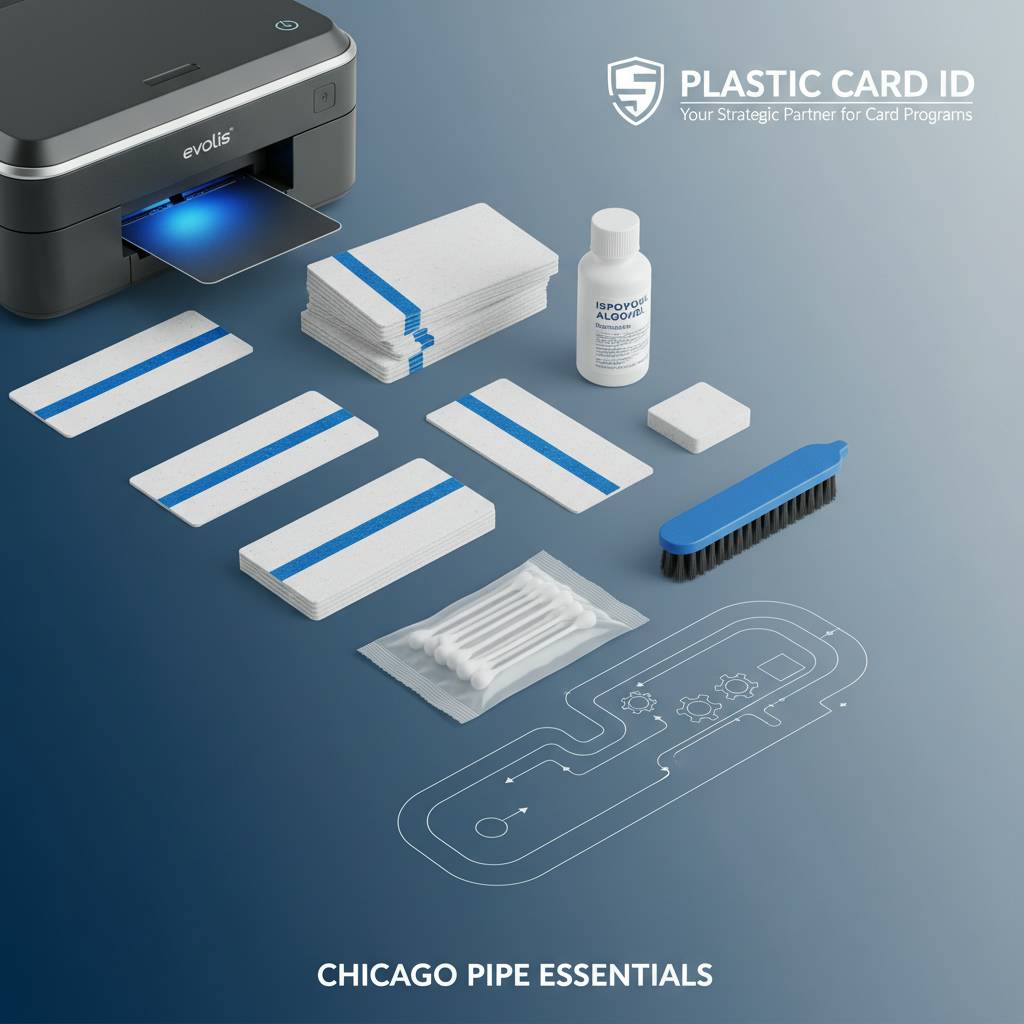 Most card printer problems don't start with bad ribbons or firmware glitches. They start with dust. A single fiber caught beneath a printhead, a roller coated with card residue, or a debris-laden transport path - these are the silent killers of print quality that frustrate IT managers, badge administrators, and operations teams alike. If your cards are coming out with streaks, faded patches, or misfeeds, the answer is almost always the same: clean the printer.
This guide exists because cleaning is genuinely misunderstood. People either skip it entirely or perform it so infrequently that the damage compounds. CPE has worked with tens of thousands of businesses across the United States, and the pattern is consistent - organizations that maintain a regular cleaning schedule get dramatically longer printer life, fewer ribbon jams, and cards that look sharp from the first print to the ten-thousandth. Let's break this down properly.
| Cleaning Component | Primary Function | Recommended Frequency | Compatible Printer Types |
|---|---|---|---|
| Cleaning Cards | Cleans rollers and transport path | Every ribbon change or 500 cards | All card printer brands |
| Cleaning Swabs (T-tip) | Cleans printhead, edges, cavities | Every 500-1,000 cards | Evolis, Fargo, Zebra, Matica |
| Adhesive Cleaning Roller | Removes surface dust from cards pre-print | Replace when tacky surface degrades | Mid-range and high-volume models |
| Isopropyl Cleaning Pen | Precision printhead cleaning | As needed for stubborn deposits | All brands |
| Full Cleaning Kit (bundled) | Comprehensive maintenance package | Stock on hand always | Brand-specific kits available |
Why Cleaning Is Not Optional for Card Printers
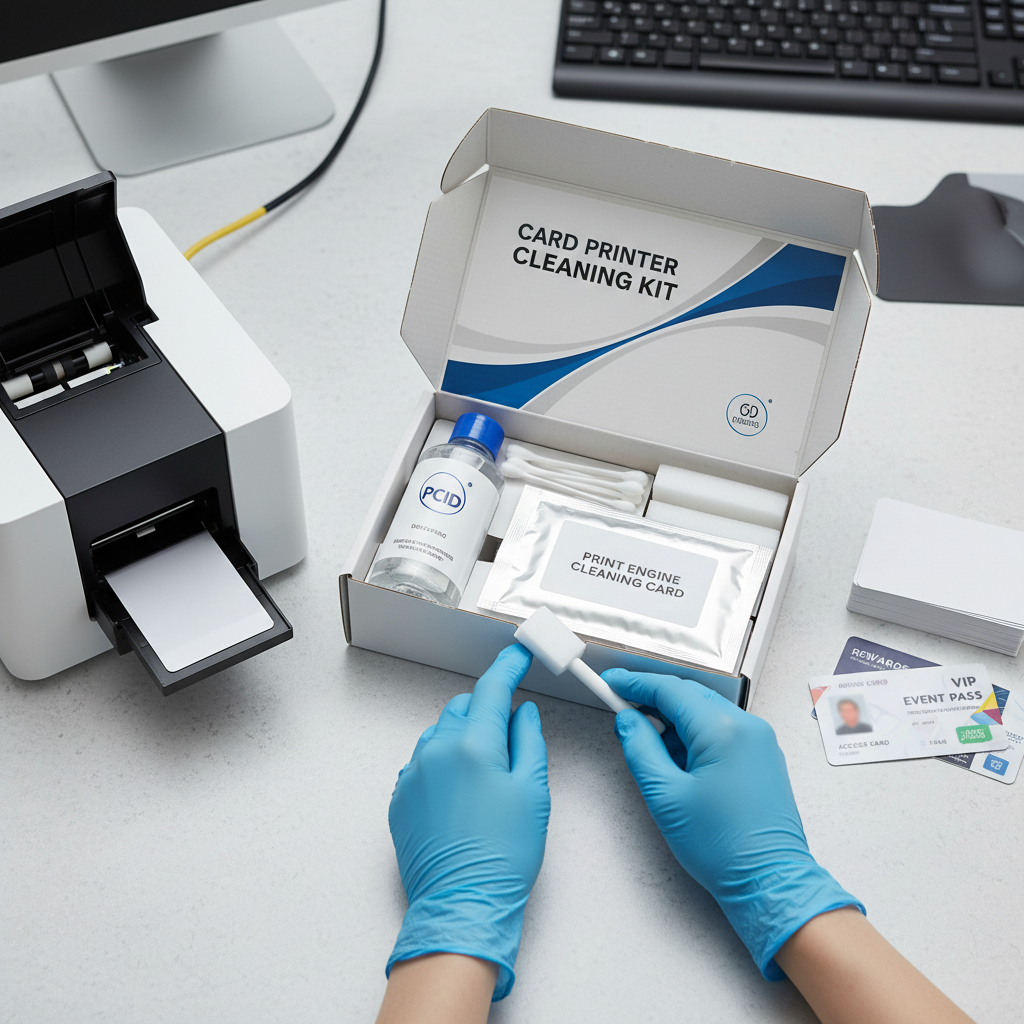 There's a persistent myth in card printing circles that modern printers are maintenance-free - that they're so refined and automated that routine cleaning is an afterthought. That assumption costs businesses real money. Card printers are precision instruments, and their internal components operate under tight tolerances. Dust, card dust, ribbon residue, and even skin oils from handling cards can accumulate inside the machine at a pace that surprises most users.
The consequences range from mild to severe. Mild neglect shows up as faint horizontal lines across printed cards - telltale signs of a dirty printhead. Severe neglect leads to card jams, roller damage, and eventual printhead failure. Replacing a printhead on a mid-range Evolis or Zebra printer can run $150-$400 or more depending on the model. Compare that to a cleaning kit priced at $15-$50, and the math is obvious. Preventive maintenance isn't bureaucratic box-checking; it's smart operations.
How Dirt Damages Printer Components
The printhead is the most vulnerable component inside any card printer. It contains microscopic heating elements that transfer dye from the ribbon onto the card surface. When a particle - even one invisible to the naked eye - lodges against these elements, it creates a dead zone. That dead zone produces a streak or void in every card printed thereafter until addressed. The damage can become permanent if abrasive particles are dragged repeatedly across the printhead.
Transport rollers face a different threat. PVC cards are not perfectly clean surfaces - they carry static, dust, and microscopic particulates from the card manufacturing process. As thousands of cards pass through the rollers, that material builds up. Dirty rollers lose their grip and their ability to feed cards evenly, resulting in misfeeds, skewed cards, and frustrating print misalignment. A cleaning card, run through the transport path at the right interval, removes this buildup efficiently and non-abrasively.
The Real Cost of Skipping Maintenance
Consider a mid-size business printing 2,000 employee ID cards per month on an Evolis Primacy2. If cleaning is skipped for six months, the accumulated debris on rollers and printhead will likely produce visible quality degradation by month three or four. By month six, the printhead may require replacement or the printer itself may need a service call. Downtime during a printer service event can stall badge issuance for days - a real operational burden for organizations where ID cards are tied to building access or system authentication.
The cost calculation changes dramatically when cleaning kits are stocked and used on schedule. A complete cleaning kit for a printer running 2,000 cards per month costs roughly $20-$45 and lasts several months with proper use. That investment, annualized, is a fraction of a single service call or printhead replacement. Organizations that treat cleaning as optional are, in effect, choosing the more expensive path.
Warranty Implications of Neglected Cleaning
Most card printer manufacturers - Evolis, Fargo, Zebra, Matica - include cleaning requirements in their product documentation and warranty terms. Failure to perform documented maintenance can void your printer warranty. This isn't buried fine print; it's a straightforward acknowledgment that these machines require care to perform as designed. If a service technician opens your printer and finds heavy roller contamination or a printhead caked with debris, you may find warranty claims disputed.
Keeping a log of cleaning events - date, card count, cleaning components used - is a simple habit that pays dividends if a warranty issue arises. Some organizations assign cleaning responsibilities to a designated user and build it into their supply ordering cadence. When ribbons are reordered, cleaning cards are reordered too. It becomes second nature quickly, and the printers respond with consistent, high-quality output.
What's Inside a Card Printer Cleaning Kit
Not all cleaning kits are created equal, and understanding what's included in a kit - and why each component matters - helps you make smarter purchasing decisions. A comprehensive card printer cleaning kit is not just a bag of swabs. Each component targets a specific area of the printer, and using the wrong tool in the wrong place can cause more harm than good. Here's what you should expect from a quality kit.
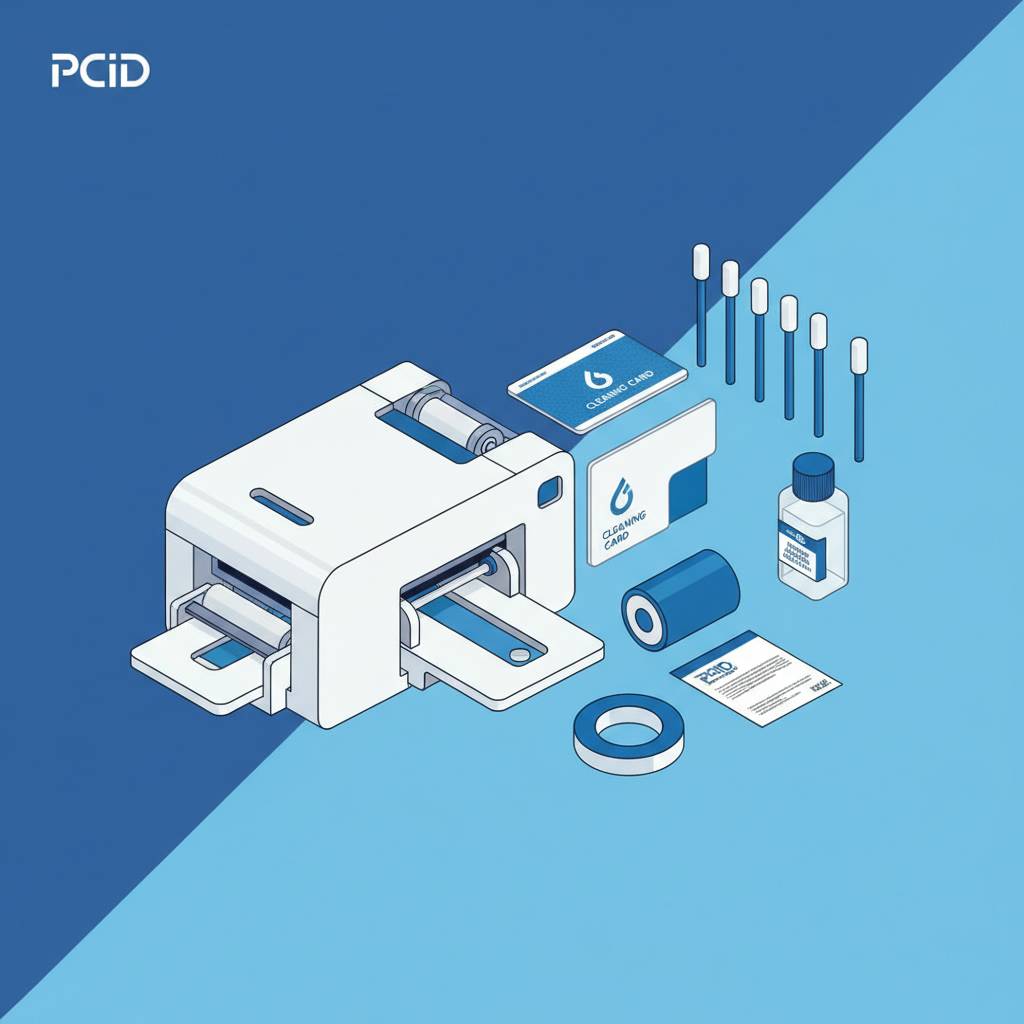
Kits vary by brand and printer model. Evolis offers cleaning kits tailored specifically to its printer lineup, including the Badgy, Zenius, Primacy2, and Agilia. Fargo and Zebra similarly produce cleaning supplies engineered for their hardware. Using brand-matched cleaning supplies isn't just a formality - these products are formulated and sized to work within the specific tolerances of each printer's internal geometry. CPE stocks brand-specific kits so customers get the right materials for their exact hardware.
Cleaning Cards - The Workhorse Component
Cleaning cards look nearly identical to a standard PVC card, but they're coated with a proprietary cleaning compound that picks up and holds particulates from rollers and the card transport path. You run them through the printer just like a regular card - in some printers, a dedicated cleaning mode feeds the card slowly and with extra roller pressure to maximize contact. This is the single most impactful cleaning action you can perform on any card printer.
Frequency guidelines typically call for a cleaning card run every time you change a ribbon, or approximately every 500 cards - whichever comes first. High-volume printers or printers in dusty environments may benefit from more frequent cleaning. The card itself is disposable; once used, it's discarded. Some kits include multiple cleaning cards to cover several maintenance cycles from a single purchase, making it easy to keep stock on hand without constant reordering.
Cleaning Swabs and Printhead Care
T-tip swabs and long-handled cleaning swabs are pre-moistened or used with isopropyl alcohol to clean the printhead surface, card cavities, sensor windows, and other precision areas that a cleaning card cannot reach. The printhead should never be touched with bare fingers or standard cotton swabs - the oils from skin and the loose fibers from household cotton swabs are contaminants in their own right. Purpose-built printer swabs are lint-free and safe for use on sensitive components.
When using swabs on a printhead, the technique matters. Always wipe in a single direction rather than a back-and-forth scrubbing motion. Apply gentle, consistent pressure. Allow the printhead to cool completely before cleaning if the printer has been in recent use. In most Evolis and Zebra printers, the printhead is accessible once the ribbon compartment is opened, making swab cleaning a quick and straightforward process.
Adhesive Cleaning Rollers and Their Role
Inside higher-end card printers, an internal adhesive cleaning roller captures dust and debris directly off each card's surface before it ever reaches the printhead. Think of it as a pre-cleaning stage that reduces the burden on the rest of the maintenance system. Over time, this roller's adhesive surface becomes saturated and needs replacement. Neglecting to replace the adhesive cleaning roller defeats much of the dust-removal benefit it provides.
Replacement adhesive rollers are typically sold individually or as part of broader cleaning kits for compatible models. They're a low-cost consumable - often in the $10-$25 range per roller - that plays an outsized role in print quality for printers running at mid-range to high volumes. If you're printing membership cards, hotel key cards, or student IDs in meaningful quantities, this component deserves attention in your maintenance routine.
Cleaning Schedules by Print Volume
 One of the most practical questions in card printer maintenance is simply: how often should I clean? The answer depends almost entirely on how many cards you print and the conditions in your environment. A printer in a clean office printing 100 cards per month has very different needs than one running 3,000 cards monthly in a warehouse breakroom. Calibrating your cleaning schedule to your actual usage prevents both under-maintenance and unnecessary downtime.
The table in this guide provides a quick-reference framework, but the narrative matters too. Volume is the primary driver, but card stock quality, ambient dust levels, and ribbon type also influence how quickly contaminants build up. Understanding these factors allows you to create a maintenance cadence that's genuinely matched to your operation rather than a generic one-size-fits-all schedule.
Low-Volume Printers - Under 1,000 Cards Per Year
Printers like the Evolis Badgy200 are designed for small organizations - nonprofits, small businesses, schools - that print infrequently. For these users, a cleaning kit may last many months because the card count between cleaning events accumulates slowly. However, low-volume printers face a different risk: extended idle periods allow dust to settle inside the machine. A printer that sits unused for three months in a typical office environment will collect meaningful dust.
The recommended approach for low-volume users is to run a cleaning card both before and after any print session following an extended idle period. Keeping the printer covered when not in use also reduces internal dust accumulation. A basic cleaning kit - cleaning cards and a swab or two - is generally sufficient for this usage tier, and should be reordered annually or when supplies run low.
Mid-Volume Printers - 1,000 to 6,000 Cards Per Month
This is where cleaning discipline matters most, and where the consequences of neglect accumulate fastest. Organizations printing employee IDs, loyalty cards, or access control credentials in this volume range are running their printers regularly - multiple sessions per week. At this scale, every ribbon change should be accompanied by a cleaning card run without exception. Swab cleaning of the printhead should occur every 500-1,000 cards, which may mean every one to two weeks at the high end of this range.
Mid-volume printers like the Evolis Zenius and Primacy2 are workhorses built for this range. They often include automated cleaning prompts that alert the operator when a cleaning cycle is due based on card count. These prompts are features, not nuisances - follow them. CPE recommends keeping a full cleaning kit in stock at all times so that when a cleaning prompt appears, the supplies are immediately available and maintenance isn't deferred.
Call 800.835.7919 to speak with a cleaning supplies specialist who can recommend the right kit for your specific printer model and monthly volume.
High-Volume and Industrial Printers - Above 6,000 Cards Per Month
High-throughput printers like the Evolis Agilia and Matica Event Printer operate at speeds and volumes that generate internal contamination at a correspondingly higher rate. For these systems, cleaning is essentially an ongoing operational activity rather than a periodic event. Some high-volume installations schedule cleaning at defined card-count milestones automatically, driven by the printer's internal counter. Following these automated schedules is non-negotiable for maintaining print quality and hardware longevity at this scale.
Organizations at this volume level often benefit from establishing a dedicated supply inventory, keeping multiple cleaning kits on hand and treating them as operational consumables in the same category as ribbons. Maintenance logs become especially valuable here - both for tracking cleaning compliance and for diagnosing any emerging issues before they become equipment failures. The return on this level of maintenance rigor is measured in consistent print output and extended hardware lifecycles.
Common Cleaning Mistakes and How to Avoid Them
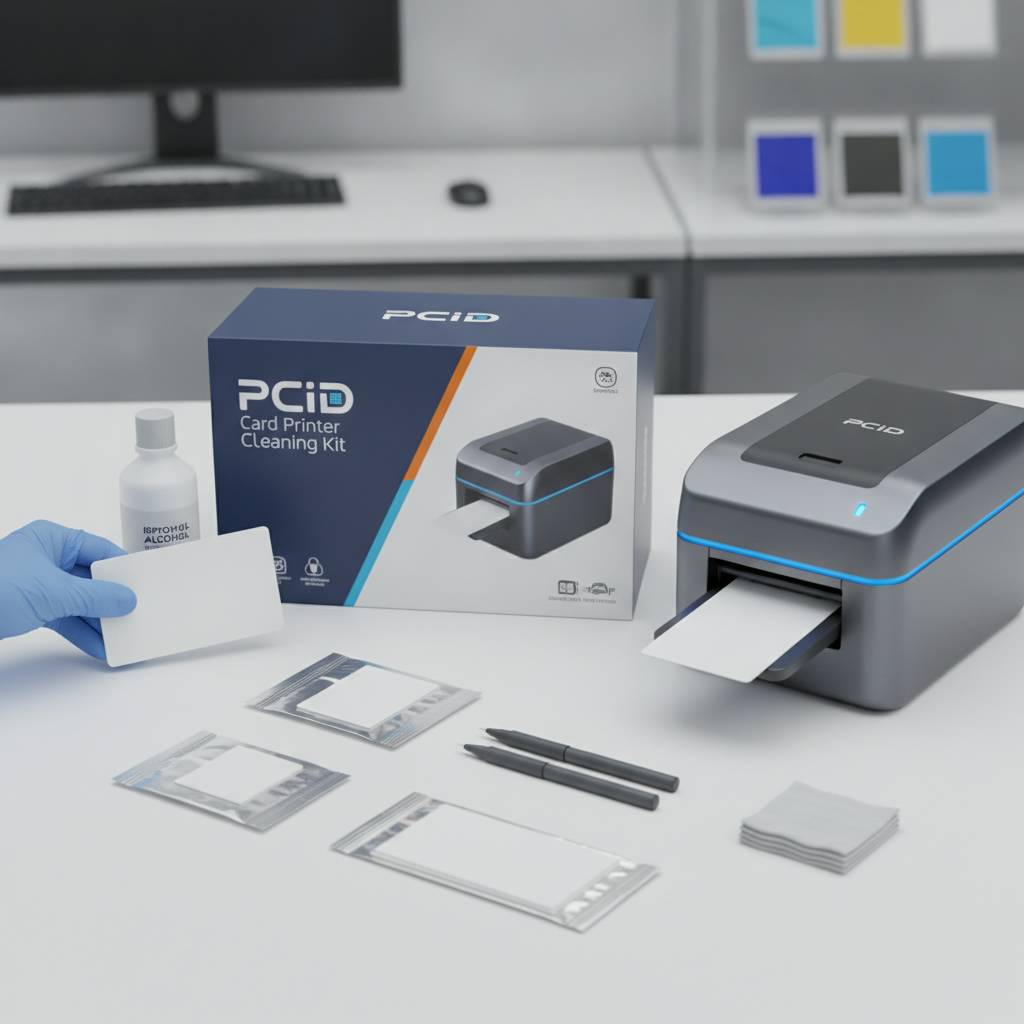 Experience across thousands of card printing operations reveals a predictable set of cleaning errors that users make - many of them well-intentioned. Knowing what not to do is just as important as knowing the correct procedure. These mistakes range from using the wrong cleaning materials to performing cleaning at the wrong time, and each carries real consequences for print quality and hardware health.
The most common mistake is using household isopropyl alcohol at too high a concentration. Printer manufacturer guidelines typically specify 99% isopropyl alcohol for direct component contact, while some cleaning pens and swabs come pre-moistened at the correct concentration. Using 70% rubbing alcohol - the kind found in most medicine cabinets - introduces water content that can damage sensitive components. Always use cleaning materials specified for card printers.
Using the Wrong Cleaning Supplies
Cotton balls, paper towels, compressed air cans, and generic swabs are not appropriate for card printer maintenance. Cotton fibers left on a printhead create exactly the kind of debris problem cleaning is meant to solve. Paper towels are mildly abrasive on precision surfaces. Compressed air can drive debris deeper into the printer rather than removing it, and it can damage delicate printhead elements if applied too closely or forcefully.
Use brand-specific or printer-compatible cleaning supplies. When a manufacturer specifies a particular cleaning card formulation or swab type, that specification reflects engineering knowledge about what's safe and effective inside that specific machine. Substituting cheaper or generic materials is a false economy that puts expensive hardware at unnecessary risk.
- Never use cotton balls or household swabs on printhead surfaces
- Never use paper towels inside the card transport path
- Avoid compressed air directed at the printhead at close range
- Do not use isopropyl alcohol below 99% concentration on components
- Always use lint-free, printer-grade swabs and manufacturer-approved cleaning cards
Cleaning at the Wrong Time
Cleaning a printhead immediately after an extended print run is risky - the printhead operates at elevated temperatures, and applying cleaning solutions to a hot printhead can cause thermal shock or solvent damage. Always allow the printer to cool for at least 10-15 minutes after heavy use before performing printhead cleaning with swabs. Cleaning card runs, which are passive and mechanical, can generally be performed at any time through the printer's standard cleaning mode.
The opposite error - cleaning so infrequently that the machine requires aggressive remediation - is also problematic. At that point, standard cleaning procedures may not fully restore the printer to optimal condition, and a professional service call may be necessary. Consistent, scheduled maintenance at the right intervals prevents the buildup from ever reaching that threshold.
Ignoring Cleaning Prompts and Alerts
Modern card printers from Evolis, Fargo, Zebra, and Matica include internal counters that track card volume and trigger cleaning alerts when a defined threshold is reached. These prompts appear on the printer's display or through the driver software and are genuinely informative - they reflect the manufacturer's tested understanding of when cleaning is needed. Dismissing or ignoring these alerts is one of the fastest paths to print quality degradation.
Some operators dismiss cleaning prompts because they don't have supplies on hand, intending to clean "next time." That deferred cleaning accumulates. By the time cleaning finally happens, multiple cleaning cycles worth of debris has built up, and a single cleaning run may not fully address it. Stock cleaning supplies proactively and treat the cleaning prompt as an immediate action item, not a suggestion.
Buying the Right Cleaning Kit - What to Look For
When shopping for a card printer cleaning kit, the primary filter should be compatibility with your specific printer model. A cleaning kit designed for the Evolis Primacy2 differs in card dimensions, swab configuration, and chemical formulation from one designed for a Fargo HDP5000. Using mismatched supplies risks either ineffective cleaning or, worse, unintentional damage to components designed around specific material tolerances.

CPE carries cleaning kits matched to every printer brand in its lineup - Evolis, Fargo, Zebra, and Matica. Ordering from a supplier who understands the hardware ensures you receive the correct kit for your equipment without guesswork. Beyond brand compatibility, consider kit quantity - how many cleaning cycles does the kit cover, and does that align with your print volume between reorders?
Kit Contents Checklist
A full-featured cleaning kit should include a meaningful supply of cleaning cards, at least a few T-tip or printhead swabs, and ideally a replacement adhesive cleaning roller if your printer model uses one. Some kits also include a cleaning pen for precision spot cleaning. Evaluate kits by what they include relative to your cleaning interval and print volume, not just by price alone - a cheaper kit that runs out after two cleaning cycles costs more per cycle than a comprehensive kit purchased once.
- Cleaning cards - verify they match your card size standard (CR80 for most)
- Printhead cleaning swabs or T-tip applicators - lint-free, pre-moistened or dry
- Adhesive cleaning roller replacement (if applicable to your printer model)
- Cleaning pen or isopropyl pen for precision spot treatment
- Printed or digital cleaning procedure guide matched to your printer
Price Ranges and Value Considerations
Basic cleaning card packs for standard card printers run $10-$25 for a pack of 10-50 cards. Full cleaning kits with swabs, cleaning cards, and adhesive rollers typically range from $20-$65 depending on brand and kit depth. Premium kits that include replacement rollers and multiple cleaning card sets may run $50-$90 but cover significantly more maintenance cycles. Evaluated per cleaning event, the cost is minimal against the value of protected hardware.
Resist the temptation to price-shop cleaning supplies to the point of brand substitution. The difference in price between a manufacturer-matched cleaning kit and a generic alternative is usually small - $5-$15 in most cases. The risk of using untested generic materials on a $500-$3,000 printer is not proportionate to that savings. Invest in correct supplies from a trusted card printer supplier.
Where and How to Order
Ordering cleaning supplies from the same source as your card printers and ribbons is the most efficient approach. A supplier who carries both the hardware and the consumables can confirm compatibility instantly and often simplifies ordering by bundling supplies with ribbon reorders. Keeping at least one full cleaning kit in reserve at all times ensures that a cleaning prompt is never met with an empty supply cabinet.
When placing orders, it's worth verifying that the cleaning cards in any kit are rated for your printer's cleaning mode - some printers run cleaning cards at a specific feed speed that requires cards with the correct coating density. Your supplier should be able to confirm this. 800.835.7919 is available for customers who want to confirm the right kit before ordering.
Cleaning Kit FAQs for Card Printer Users
 After thousands of customer interactions, the same questions come up repeatedly about card printer cleaning. Rather than scatter the answers throughout the page, here they are in direct, practical form. These are the real-world questions operators ask, and the answers reflect both manufacturer guidance and practical field experience.
Cleaning should never feel like a complicated technical procedure. The cleaning systems built into modern card printers from Evolis, Fargo, Zebra, and Matica are designed to be operator-accessible without specialized training. Once you've done it a couple of times, it takes under five minutes and becomes second nature in the rhythm of your print operations.
Can I Use Cleaning Cards from a Different Brand in My Printer?
Technically, many cleaning cards are physically compatible across brands - they're CR80 cards that fit standard card paths. However, the cleaning compound coating varies by formulation, and using a cleaning card not rated for your printer model is done at your own risk. When in doubt, use manufacturer-specified cleaning cards. The compatibility question is most critical for printers with adhesive pre-cleaning rollers, as the wrong cleaning card surface can interact poorly with the roller material.
Some third-party cleaning card suppliers do produce cards tested and rated for compatibility with multiple printer brands. These can be acceptable options when sourced from reputable suppliers who document compatibility. Still, brand-matched kits from a knowledgeable card printer supplier are the most reliable path. CPE can advise on compatible options if your specific model has supply availability constraints.
How Do I Know When My Printer Needs Cleaning Outside of Automated Prompts?
Visual cues are your best early-warning system. Horizontal lines or streaks across printed cards almost always indicate printhead contamination. Card misfeeds or skewed card positioning signal dirty transport rollers. Faded or uneven color density on YMCKO-printed cards can indicate both printhead and roller issues. Any unexpected change in print output quality should prompt a cleaning cycle before any other diagnosis.
In many cases, running a single cleaning card resolves print quality issues that might otherwise prompt a service call or ribbon replacement. It's always the correct first diagnostic step. If a cleaning card run followed by a swab cleaning of the printhead doesn't resolve the issue, then deeper diagnosis - ribbon condition, card stock quality, driver settings - is warranted.
How Long Does a Cleaning Kit Last?
Kit longevity depends entirely on your print volume and how closely you follow recommended cleaning intervals. A basic kit with 10 cleaning cards and 2-3 swabs might cover three to four months for a printer running 500 cards per month. The same kit at 3,000 cards per month might last three to four weeks. Calculate your expected consumption based on your monthly card volume and order accordingly so you're never caught without supplies when a cleaning prompt appears.
Most experienced operators find that ordering cleaning supplies quarterly - synced with their ribbon reorder schedule - keeps inventory manageable without stockpiling excess. Some high-volume operations order monthly. Let your print volume guide the cadence, and build it into your regular supply management process as naturally as you would any other operational consumable.
Trust Plastic Card ID for Your Card Printer Cleaning Supplies and Hardware Needs
 There's a reason CPE has served over 100,000 customers across the United States and continues to be a go-to resource for organizations managing in-house card printing programs. The combination of deep product knowledge, brand-matched supply availability, and genuine operational expertise makes a difference when you're trying to keep a critical printing system running cleanly and consistently. Whether you're running a Badgy200 for 200 employee badges per year or an Agilia for thousands of credentials per month, the cleaning discipline is the same: do it on schedule, use the right supplies, and your hardware will reward you with years of reliable performance.
Card printer cleaning kits are a small but essential investment in the performance and longevity of equipment that many organizations depend on daily. From employee ID cards and access control credentials to membership cards, hotel keys, student IDs, and event badges, the printers that produce these cards deserve proper maintenance. A well-maintained printer produces professional-quality cards consistently - and that reflects directly on your organization's brand and operational competence. Don't let a $20 cleaning kit be the reason a $1,500 printer fails prematurely.
Contact Plastic Card ID today at 800.835.7919 to order the right cleaning kit for your printer model, stock up on ribbons and supplies, or get expert guidance on your card printing program. Plastic Card ID is ready to help you keep every card looking its best.
Previous Page