Magnetic Stripe Encoding on Card Printers: Everything Explained
Table of Contents []
- Magnetic Stripe Encoding on Card Printers: What Plastic Card ID Wants You to Know
- Understanding Magnetic Stripe Technology in Card Printing
- Which Printers Support Magnetic Stripe Encoding
- Supplies That Support Magnetic Stripe Encoding Programs
- Practical Buyer's Guide: Selecting a Mag Stripe Encoding Setup
- Applications That Rely on Magnetic Stripe Encoding
- Why In-House Magnetic Stripe Encoding Beats Outsourcing
- Get the Right Magnetic Stripe Card Printer Setup with Plastic Card ID
Magnetic Stripe Encoding on Card Printers: What Plastic Card ID Wants You to Know
 Most people don't think twice about swiping a card - hotel room, gym membership, employee badge - but the invisible strip running across the back of that card is doing serious work. Magnetic stripe encoding transforms a simple plastic card into a functional credential, storing data that readers can retrieve instantly. If your organization relies on swipe-based access control, loyalty tracking, or time-and-attendance systems, understanding how magnetic stripe encoding integrates with card printers is genuinely important before you buy anything.
There's a lot of confusion in this space. Some buyers assume all card printers come equipped to encode mag stripes. Others don't realize encoding can often be added as a module upgrade. And plenty of purchasing managers have ordered the wrong ribbon or the wrong card stock only to discover the problem after the fact. CPE helps organizations avoid those costly missteps - with deep product knowledge earned over more than 25 years in the business.
| Printer Model | Mag Stripe Option | Volume Range | Best Use Case |
|---|---|---|---|
| Evolis Badgy200 | No built-in encoding | Under 1,000/year | Small orgs, basic ID cards |
| Evolis Zenius | Optional module | 1,000-6,000/month | Mid-size ID programs |
| Evolis Primacy2 | Optional module | 1,000-6,000/month | Dual-sided, encoded cards |
| Evolis Agilia | Available | High volume | Premium output, encoding |
| Fargo / Zebra | Integrated options | Varies by model | Security-focused ID programs |
| Matica Event Printer | Available | High-speed on-site | Events, badge printing |
Understanding Magnetic Stripe Technology in Card Printing
 A magnetic stripe - often called a mag stripe - is a band of iron-based magnetic particles laminated onto a plastic card. When a card printer with an encoding module writes to that stripe, it aligns those particles in patterns representing data. The process happens automatically during printing, which means you get a fully printed and encoded card in a single pass. This integration of print and encode is one of the most powerful efficiency advantages of in-house card production.
There are three distinct tracks on a standard magnetic stripe, each with its own capacity and coercivity requirements. Track 1 holds up to 79 alphanumeric characters, Track 2 holds up to 40 numeric characters, and Track 3 holds up to 107 numeric characters. Most access control and loyalty systems use Track 2; hotel key card systems often use Track 3. Your specific application determines which tracks need to be written and read.
HiCo vs. LoCo: Choosing the Right Coercivity
Coercivity measures how resistant a magnetic stripe is to accidental demagnetization. High coercivity (HiCo) stripes require stronger magnetic fields to write and to erase, making them far more durable in demanding environments. If your cards will be carried in pockets alongside smartphones, other cards, or near magnetic closures on bags, HiCo is almost always the smarter choice. Most employee ID and access control cards use HiCo stripes rated at 2750 Oe.
Low coercivity (LoCo) stripes are easier to write and are standard on hotel room key cards, where the card is temporary and the system is designed to rewrite the stripe for each new guest. LoCo cards are rated at 300 Oe. The encoding module on your printer must match the coercivity of the card stock you're using - a HiCo encoder won't reliably write LoCo cards and vice versa. This is a common source of encoding errors that CPE helps customers diagnose before they become expensive problems.
How the Encoding Module Works During Printing
When a card printer equipped with a magnetic stripe encoding module receives a print job, the card passes through the print head for color or monochrome printing, then moves through the encoding station where the write head magnetizes the stripe. The entire sequence happens within a single card path, typically completing in seconds. The result is a simultaneously printed and encoded card without any additional manual handling.
Most modern printers with encoding modules communicate directly with card design software via USB or Ethernet. The software handles both the visual layout and the data fields assigned to each mag stripe track. When you hit print, the driver sends both sets of instructions simultaneously. This seamless workflow is one of the biggest reasons organizations choose in-house printing over outsourcing to a card bureau.
Cards That Accept Magnetic Stripe Encoding
Not all plastic cards have magnetic stripes. You must specifically order CR80 PVC cards with pre-applied mag stripe for encoding to work. These cards are available in both HiCo and LoCo varieties, and the stripe itself is usually visible as a dark brown or black band across the back of the card. Using the wrong card stock is one of the fastest ways to waste an entire print run.
Card stock quality matters beyond just having the stripe. Warped, dusty, or statically charged cards can cause feed errors and inconsistent encoding. CPE supplies cards specifically tested with the printer brands it carries, so customers aren't guessing at compatibility. Proper card storage - away from heat, humidity, and magnetic fields - is also essential to maintaining stripe integrity before and after printing.
Which Printers Support Magnetic Stripe Encoding
Across the printer brands that Plastic Card ID carries, magnetic stripe encoding is either a factory-integrated feature or an add-on module that can be installed at the time of purchase. The key is matching encoder capability to your program's actual demands - volume, track requirements, and coercivity. Buying more encoder than you need wastes money; buying less creates operational headaches.
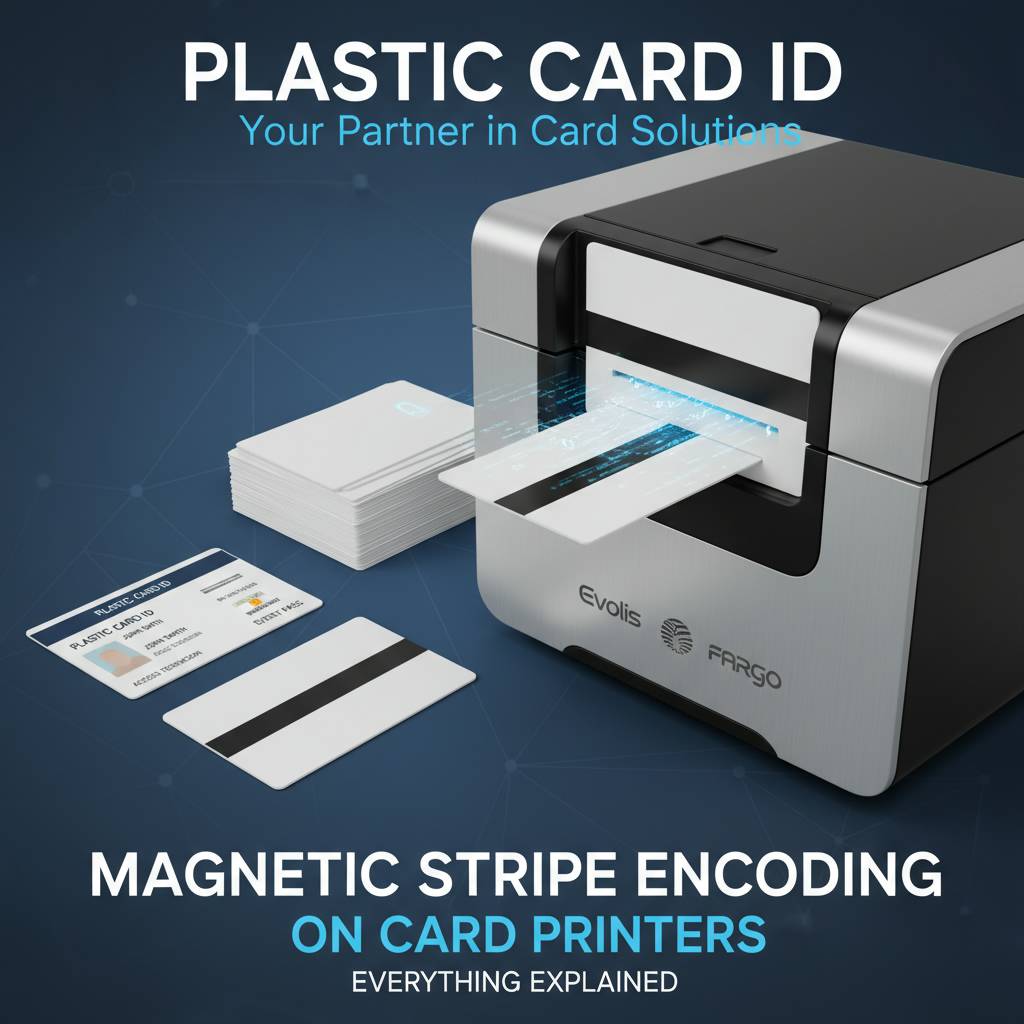
It's also worth knowing that some printers accept field-installed encoding upgrades, while others must be factory-configured. This is a critical detail that affects long-term flexibility. A printer purchased today without encoding may or may not support an upgrade path depending on the model. Always ask before buying.
Evolis Printers with Encoding Options
The Evolis lineup covers a wide range of encoding needs. The Zenius and Primacy2 both support optional magnetic stripe encoding modules, making them popular choices for mid-volume programs printing 1,000 to 6,000 cards per month. The Primacy2 adds dual-sided printing capability, which is ideal for cards that carry encoded data on the back stripe and a full-color photo ID on the front. The combination of dual-sided printing and mag stripe encoding in one compact unit is genuinely difficult to beat at this price tier.
The Evolis Agilia takes things further with premium edge-to-edge printing quality alongside encoding capability, targeting organizations where card appearance and data integrity are both non-negotiable. For organizations just starting out, the Evolis Badgy200 is an excellent entry-level printer, though it lacks native encoding support - making it a better fit for programs that don't require swipe functionality.
Fargo and Zebra Encoding Capabilities
Fargo printers - now part of the HID Global family - have long been associated with security-grade ID programs. Many Fargo models come with integrated or optional magnetic stripe encoding, and their driver software provides detailed control over track data, read-after-write verification, and encoding diagnostics. For security-conscious organizations, read-after-write verification is a feature worth specifically requesting - it confirms the stripe was written correctly before the card is ejected.
Zebra card printers similarly offer strong encoding options and are widely used in enterprise environments where large card volumes require reliability and consistency. Zebra's ZXP series and ZC series printers support magnetic stripe encoding modules, with driver tools that integrate well into existing ID management software platforms. Call 800.835.7919 to discuss which Fargo or Zebra configuration is the right fit for your security program.
Matica and High-Speed Event Applications
The Matica Event Printer addresses a very specific need: printing and encoding large numbers of cards rapidly, on-site, at events. Think conferences, trade shows, corporate meetings, or university orientation days. Speed and reliability under pressure are the defining requirements here, and the Matica delivers. Magnetic stripe encoding in this context often ties into event management software that pulls attendee data and writes it directly to each card as it prints.
On-site event printing eliminates the logistical nightmare of pre-printing thousands of badges, shipping them, managing lists of no-shows, and reprinting last-minute additions. Being able to print and encode a badge credential in seconds at the registration desk is a game-changer for event operations. The Matica platform is purpose-built for exactly that workflow.
Supplies That Support Magnetic Stripe Encoding Programs
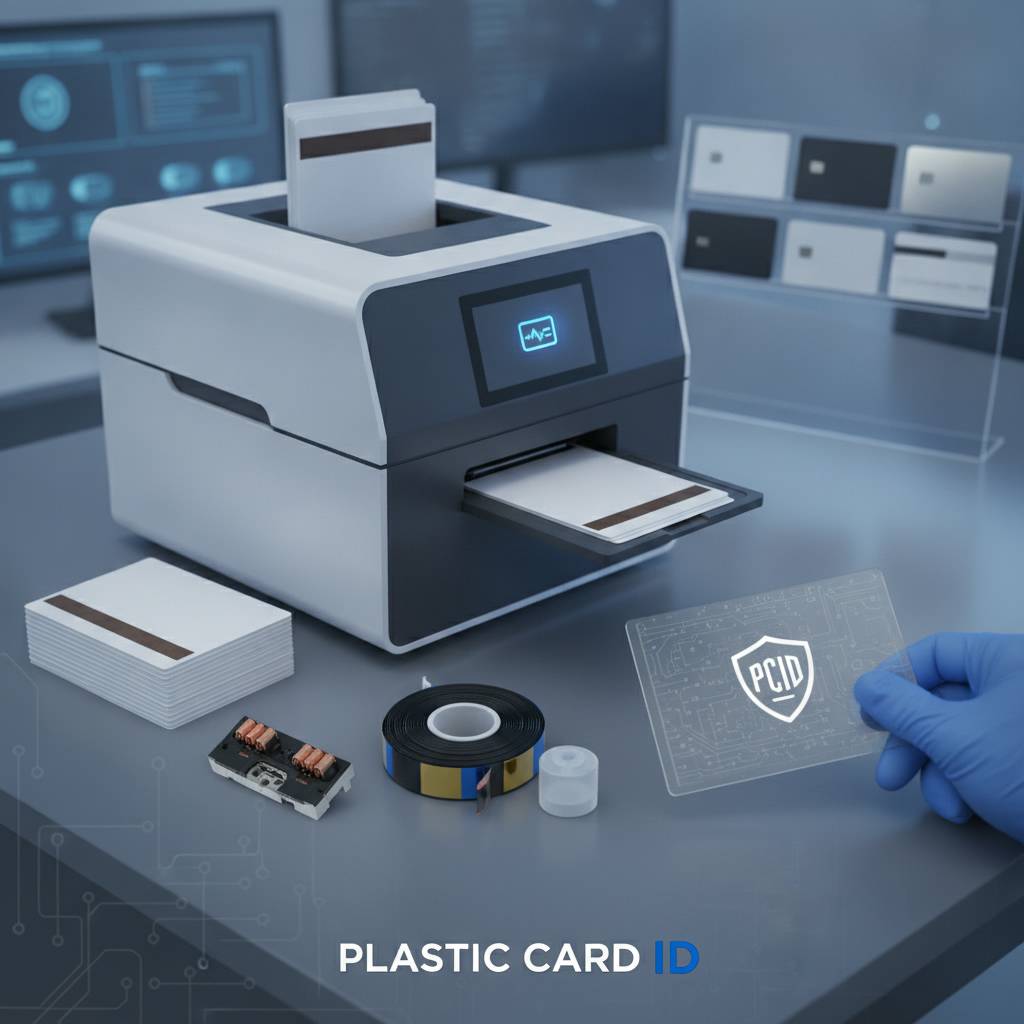 A card printer is only as good as the supplies that run through it. For programs involving magnetic stripe encoding, the supply chain includes more than just ribbons. Card stock compatibility, cleaning protocols, and encoding verification are all part of maintaining a program that produces consistently reliable encoded credentials.
Ribbons for Encoded Card Programs
The ribbon type you use doesn't directly interact with the magnetic stripe - encoding is handled by the separate encoder module - but ribbon choice still matters for the final card product. YMCKO ribbons produce full-color cards with a protective overlay panel, which is standard for photo ID cards that also carry encoded data. The overlay adds durability and some protection against casual tampering with the card surface.
Monochrome ribbons are a cost-effective option when color printing isn't needed - for example, access control cards where the card face carries only a logo and a name in black. These ribbons have a significantly lower cost per card and are appropriate for high-volume programs where color adds cost without adding value. CPE stocks ribbons in YMCKO, monochrome black, and specialty formulations for the brands in its lineup.
Cleaning Kits and Encoding Accuracy
Dust, card debris, and ribbon residue accumulate inside a card printer over time. When that debris reaches the encoding write head, encoding errors follow. A consistent cleaning schedule is one of the simplest ways to protect encoding reliability - and it's often the first thing technicians check when a customer reports inconsistent stripe writes. Most printer manufacturers recommend a cleaning cycle every 1,000 cards or any time print quality or encoding errors are observed.
Cleaning kits typically include pre-saturated cleaning cards and swabs designed to reach the print head, feed rollers, and encoding station. These are not interchangeable with generic cleaning supplies - using the wrong materials can leave residue or damage sensitive components. Plastic Card ID supplies manufacturer-approved cleaning kits matched to each printer model it carries.
Lamination Modules and Card Security
Some card programs add a lamination module to the printer, which applies a thin film overlay to the finished card. Lamination significantly increases card durability and adds a layer of physical security - holographic laminate options make cards extremely difficult to convincingly counterfeit. Laminate overlays do not interfere with magnetic stripe functionality, so high-security programs can combine encoding with lamination without compromise.
The combination of a full-color printed card, magnetic stripe encoding, and lamination overlay represents the high end of what desktop and mid-range card printers can produce entirely in-house. What would require multiple external vendors - and weeks of lead time - can be accomplished in a single print run at your facility, on demand, with total data control. That's a meaningful operational advantage for any organization managing sensitive credentials.
Practical Buyer's Guide: Selecting a Mag Stripe Encoding Setup
 Purchasing a card printer for a program that includes magnetic stripe encoding involves more variables than buying a basic desktop printer. Getting it right the first time saves money, time, and frustration. Below is a practical framework for evaluating your options before you commit.
Key Questions to Answer Before You Buy
- What tracks do you need to encode? Most access control and loyalty systems use Track 2. Hotel key systems often use Track 3. Know your system's requirements before spec'ing the encoder.
- HiCo or LoCo? Permanent credentials for employees or members almost always call for HiCo. Temporary cards for hotel guests or event attendees may use LoCo.
- What is your monthly card volume? This determines whether you need an entry-level, mid-range, or high-throughput printer. Oversizing your printer wastes capital; undersizing it burns out equipment prematurely.
- Do you need dual-sided printing? If your card design requires content on both faces - and most professional ID programs do - choose a printer that handles duplex printing natively or with a flip module.
- What software are you running? Confirm that your card design and ID management software supports the encoder protocol for the printer you're considering. Most major platforms support the brands CPE carries.
- Do you need read-after-write verification? For security-critical programs, this feature confirms successful encoding before the card is released. It's available on select Fargo and Zebra models.
Volume-Based Printer Recommendations
Under 1,000 cards per year, the Evolis Badgy200 handles basic printing needs cleanly, though it won't encode. For organizations in that volume range that do need mag stripe encoding, the Evolis Zenius with encoding module is the logical step up - it's compact, reliable, and produces professional results without a steep learning curve. Matching the printer to your actual volume is the single most important spec decision you'll make.
From 1,000 to 6,000 cards per month, the Evolis Primacy2 with encoding module becomes the workhorse of choice for most programs - especially those needing dual-sided output. Organizations that require premium print quality at this volume should evaluate the Evolis Agilia. High-speed or event-driven programs should seriously consider the Matica Event Printer when on-site encoding is part of the workflow.
Working with Plastic Card ID to Configure Your System
With over 100,000 customers served across more than two decades, Plastic Card ID has encountered virtually every configuration scenario in the card printing world. The value isn't just the hardware - it's the accumulated expertise that helps customers configure their systems correctly from day one. That means matching the right printer, the right encoding module, the right card stock, and the right ribbon to your specific application.
Reach out directly at 800.835.7919 to speak with a specialist who understands both the technical requirements and the practical realities of running an in-house card program. Whether you're setting up a new system from scratch or upgrading an aging printer, the conversation is worth having before you place an order.
Applications That Rely on Magnetic Stripe Encoding
Magnetic stripe encoding on card printers serves a remarkably broad range of real-world applications. The technology itself is decades old, but its reliability and near-universal reader infrastructure keep it firmly relevant for organizations that need fast, dependable credential verification without the cost overhead of smart chip systems.
Employee ID and Access Control
Corporate campuses, manufacturing facilities, hospitals, schools, and government offices all use mag stripe encoded employee ID cards to manage physical access. A swipe at a door reader validates the cardholder's identity and access permissions in milliseconds. Printing these cards in-house means new employees can receive a fully encoded credential on their first day - no waiting for an external vendor to print and ship a batch.
Time-and-attendance systems also commonly rely on magnetic stripe cards. Employees swipe in and out, and the system logs hours automatically. The data on the stripe ties the card to a specific employee record in the HR system, making payroll integration straightforward. Organizations that print their own cards can also immediately deactivate and reissue credentials when an employee loses a card or changes roles - a capability that outsourced programs simply can't match for speed.
Membership, Loyalty, and Hotel Key Programs
Gyms, clubs, libraries, retail loyalty programs, and hotels all have excellent reasons to print and encode their own cards rather than outsourcing. For membership and loyalty programs, the stripe typically carries a member ID number that links to the organization's database. Swipe the card at checkout or entry, and the system pulls up the member's account, rewards balance, or access permissions instantly. Personalizing each card with a photo, name, and encoded member number in a single print run is a compelling operational advantage.
Hotel key cards are one of the most familiar uses of LoCo magnetic stripe technology. Properties that print their own key cards gain flexibility - they can encode a card for any room, any stay length, at any time at the front desk. The Matica Event Printer's speed capability translates well to busy hotel check-in scenarios where guests don't want to wait while their key card is being prepared.
Student IDs and Campus Credentials
Universities and K-12 schools issue student ID cards that serve multiple functions: library access, meal plan management, building entry, and event ticketing. Many of these systems are mag stripe based, particularly in institutions that built their infrastructure before smart card readers became cost-effective. In-house card printing gives campus card offices the ability to produce and replace student IDs quickly and economically throughout the academic year.
A mid-range printer like the Evolis Primacy2 with a magnetic stripe encoding module is a natural fit for a campus card office printing dual-sided photo IDs with encoded meal plan and access data. For larger university systems with higher volumes, Fargo or Zebra printers with encoding modules and read-after-write verification provide the throughput and reliability that high-stakes credential programs demand.
Why In-House Magnetic Stripe Encoding Beats Outsourcing
 The case for bringing card production in-house is compelling on multiple fronts. Cost, speed, security, and flexibility all point in the same direction once an organization passes a certain volume threshold - and for most programs with magnetic stripe encoding needs, that threshold is lower than people assume.
Cost Per Card Advantage
Outsourcing card printing means paying a vendor's margin on every card, plus shipping, plus the overhead of managing purchase orders and lead times. In-house printing costs are primarily the ribbon cost per card - which for a standard YMCKO ribbon typically falls in a very manageable range per card - plus the amortized cost of the printer hardware. At volumes of even a few hundred encoded cards per month, in-house printing usually pays for the hardware within the first year.
There's also the hidden cost of downtime. When you run out of a critical card type and need to reorder from an outside vendor, operations may stall. In-house printing eliminates that dependency entirely. You control your supply chain, your print schedule, and your output quality.
Security and Data Control
Sending cardholder data - names, photos, ID numbers, access levels - to an outside print vendor introduces data security risks that many organizations, particularly those in healthcare, education, or government, are not comfortable accepting. When you print and encode cards in-house, sensitive personal data never leaves your facility. That's a meaningful compliance and risk management advantage that goes beyond cost considerations.
Additionally, card inventory control is tighter when production happens on-site. You know exactly how many cards were printed, when, and for whom. Lost or stolen blank card stock is less of an issue when your stock is secured in your own facility rather than at a third-party vendor. For regulated industries, this auditability can be operationally critical.
On-Demand Flexibility
Perhaps the most underappreciated advantage of in-house printing is the ability to print exactly what you need, when you need it. One card for a new employee. A replacement for a lost member credential. A batch of fifty for an upcoming event. On-demand printing with in-house magnetic stripe encoding means zero minimum order quantities and zero lead times. That flexibility transforms how organizations manage their card programs day to day.
CPE has helped organizations of every size - from small businesses issuing a handful of employee badges to large enterprises producing thousands of encoded credentials per month - realize this flexibility through the right hardware and supply configuration. The difference between a well-configured in-house program and a poorly matched one is substantial, which is why getting good guidance at the outset matters.
Get the Right Magnetic Stripe Card Printer Setup with Plastic Card ID
 If magnetic stripe encoding is part of your card program - or if you're considering adding it - there's no substitute for talking to people who have configured these systems for over 100,000 customers across more than 25 years. Plastic Card ID carries the full lineup: Evolis, Fargo, Zebra, and Matica printers, plus the encoding modules, card stock, ribbons, cleaning kits, and accessories that keep programs running smoothly.
Whether you're running a corporate access control program, a campus ID office, a hotel front desk operation, or a membership organization, the right configuration makes all the difference. Don't guess at compatibility or settle for the first printer you find on a generic reseller's website. Work with a team that understands the full system - printer, encoder, cards, supplies, and software - and can match it to your actual requirements.
Contact Plastic Card ID today at 800.835.7919 and get your magnetic stripe card printing program configured correctly from day one.
Previous Page