Card Printer Ribbons Types YMCKO Explained: Full Breakdown
Table of Contents []
- Card Printer Ribbons Types YMCKO Explained - Plastic Card ID
- YMCKO Ribbons: The Industry Standard Fully Decoded
- Monochrome Ribbons: Speed, Volume, and Economy
- YMCKOK and Dual-Sided Printing Ribbons Explained
- Specialty Ribbons: Holographic, UV, Silver, and Gold
- Ribbons, Cleaning Kits, and Keeping Print Quality Consistent
- Matching Ribbons to Your Card Printer: Buyer Tips from Plastic Card ID
- Ready to Optimize Your Card Program? Contact Plastic Card ID Today
Card Printer Ribbons Types YMCKO Explained - Plastic Card ID
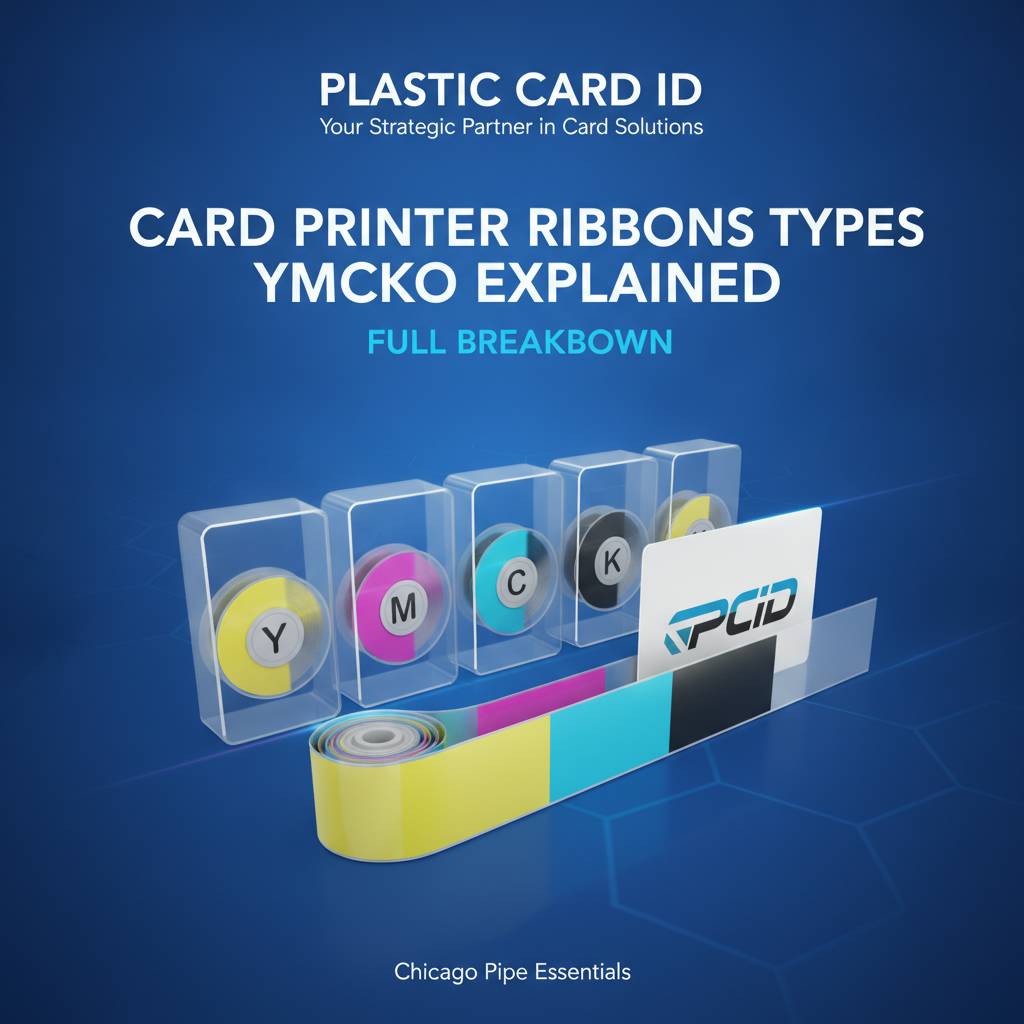 Walk into any operation that prints its own ID cards in-house and you'll notice something immediately: the ribbon sitting inside that card printer is doing a lot more heavy lifting than most people realize. It's not just ink. It's color science, chemistry, and precision engineering compressed into a thin film cartridge - and choosing the wrong one quietly destroys your budget, your print quality, and your timeline all at once.
Understanding card printer ribbon types - especially the industry-standard YMCKO format - is one of the most practical things any badge program manager can do. Whether you're running a school ID system, a hotel key card operation, or a full-scale corporate access control program, the ribbon you load determines everything from cost-per-card to output quality. CPE has seen this confusion derail programs that had perfectly capable printers. Let's fix that right now.
Why Ribbons Matter More Than Most Buyers Expect
A card printer without the right ribbon is like a high-end camera with the wrong lens - technically functional, practically limited. The ribbon is the consumable that defines every print job: color depth, durability, encoding capability, and even how well the card survives daily handling in a cardholder's wallet or badge clip.
Most organizations don't think hard about ribbons until they run out mid-project or start seeing streaky, faded output. By then, they've already wasted cards, wasted time, and possibly produced credentials that don't meet their own security or branding standards. Getting ribbon selection right from day one is the professional approach.
The Scale of What PCID Carries
With over 25 years supplying card printers and consumables to businesses across the United States, Plastic Card ID has developed a comprehensive ribbon inventory that matches every printer in their lineup - Evolis, Fargo, Zebra, and Matica. That means when you buy a printer here, the ribbons that work with it are already in stock and ready to ship.
More than 100,000 customers have come through CPE for card printing supplies, and ribbon selection questions rank among the most frequently asked. This guide exists because that question deserves a real, thorough answer - not a one-liner on a product page.
What Happens When You Use the Wrong Ribbon
Using an incompatible or mismatched ribbon in a card printer isn't just an aesthetic problem. It can cause physical damage to the print head, which is one of the most expensive components to replace in any card printer. It can also trigger error states that lock the printer until the correct ribbon is detected - a real disruption when you're printing badges for a 500-person conference starting in three hours.
Ribbon compatibility isn't optional - it's foundational. Each printer model is calibrated to read specific ribbon cartridge identifiers, and professional-grade systems from Evolis, Fargo, and Zebra all use encoding chips or notch patterns to verify ribbon authenticity. This is by design, and it protects your hardware investment.
| Ribbon Type | Best For | Color Output | Typical Cost Per Card |
|---|---|---|---|
| YMCKO | Full-color ID cards, one-sided | Full color overlay | $0.35-$0.75 |
| YMCKOK | Full-color, dual-sided printing | Full color two black panels | $0.45-$0.90 |
| KO / K Monochrome | High-volume single-color printing | Single color | $0.05-$0.15 |
| YMCKO-K | Color front, mono back | Color black back panel | $0.40-$0.80 |
| Specialty (silver, gold, UV) | Security features, premium aesthetics | Metallic or invisible UV | $0.50-$1.20 |
YMCKO Ribbons: The Industry Standard Fully Decoded
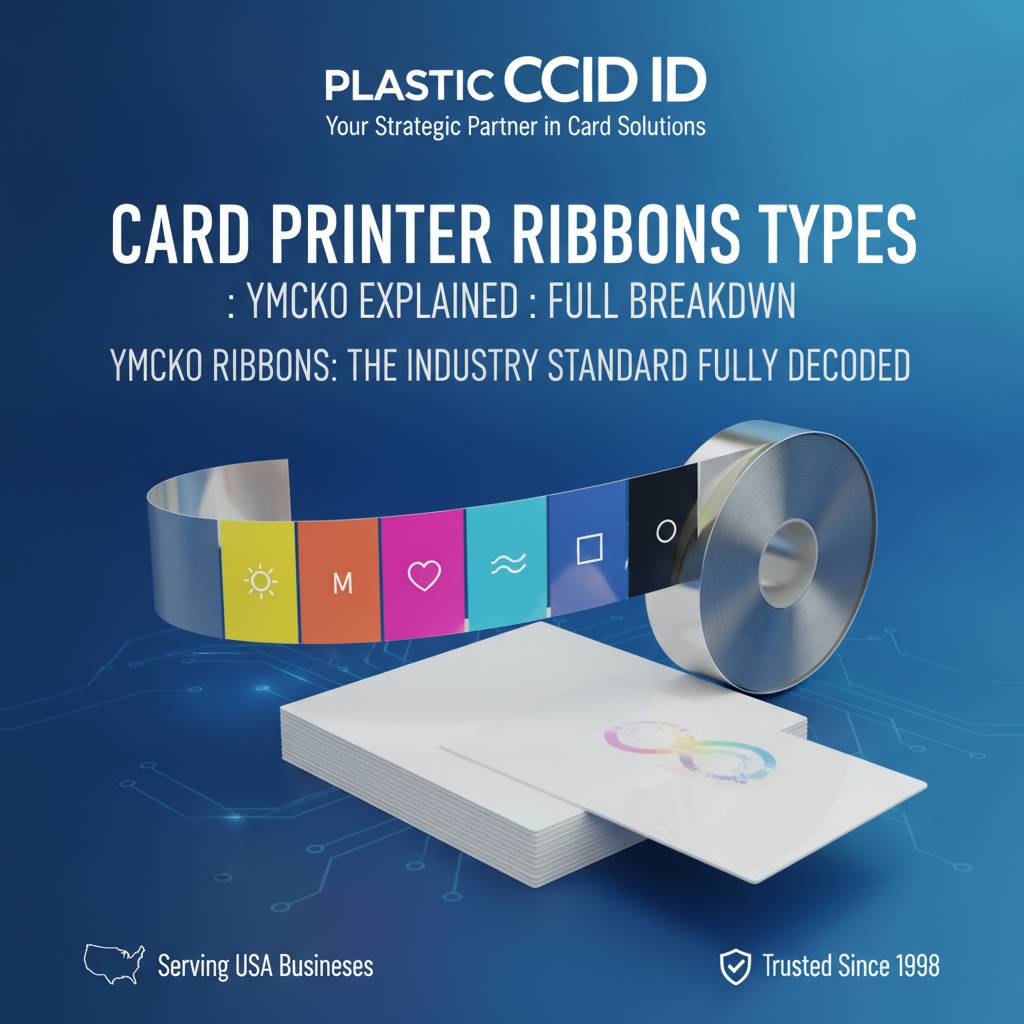 YMCKO is not a brand name or a proprietary system - it's a panel description. Each letter represents a distinct layer applied during the printing process, and together they produce the vibrant, durable, full-color ID cards that most people picture when they think of a professional badge. Understanding what each panel does is the key to understanding why this ribbon format dominates the industry.
YMCKO stands for Yellow, Magenta, Cyan, Black, and Overlay - five panels, each with a specific job. The color panels work together to produce the full-color photographic quality most card programs require, while the K and O panels add sharpness and surface protection that the color panels alone cannot provide.
Y, M, C: The Color Foundation
Yellow, Magenta, and Cyan are the three subtractive primary colors used in virtually all color printing. Card printers using thermal dye sublimation apply these panels in sequence, with each color transferring microscopically onto the card's surface. The result is a continuous-tone image - meaning color blends smoothly without visible dots, which is what gives dye-sub ID cards that near-photographic appearance.
Each of the three color panels passes over the entire card surface separately. The printer head heats specific areas of each panel to different intensities, causing varying amounts of dye to transfer. The combination of those three passes produces the millions of possible color combinations that make photo-quality badge printing possible. This three-panel color system is why dye-sublimation card printing looks dramatically better than inkjet output on plastic.
K: The Black Panel and Why It Exists Separately
You might wonder why a separate black panel is needed when mixing Y, M, and C at full density theoretically produces black. In practice, that mixed black appears slightly brown or muddy - fine for backgrounds and color blending, but unacceptable for text, barcodes, and sharp graphics that need crisp, true black. The dedicated K panel solves this instantly.
The K panel in an YMCKO ribbon uses a different transfer technology than the color panels - typically resin thermal transfer rather than dye sublimation. This produces sharper, more opaque black lines ideal for printed names, employee numbers, barcodes, and any fine detail that needs hard edges. That resin K panel is what makes barcodes actually scannable on a dye-sub card. Without it, barcode readers would struggle with the soft gradients that dye-sub color produces.
O: The Overlay Panel - Protection You Cannot Skip
The O panel is a clear, protective laminate layer applied over the entire printed surface as the final step. It protects the dye layers beneath from UV degradation, scratching, moisture, and normal wear from handling. Without this layer, a dye-sublimation printed card will visibly fade and scratch within weeks of regular use.
The overlay also plays a security role. Some overlay panels are printed with holographic patterns, fine-line security designs, or UV-reactive elements that make cards harder to counterfeit. Standard clear overlay extends card life significantly, while specialty overlay options add another dimension of credential security. For organizations printing access control cards or student IDs meant to last an academic year or longer, the O panel is not optional - it's essential.
Monochrome Ribbons: Speed, Volume, and Economy
Not every card program needs full color. In many high-volume environments, monochrome ribbons are the smarter, faster, more cost-effective choice. Monochrome ribbons use a single color panel - most commonly black, but also available in blue, red, green, white, silver, and gold - and print using resin thermal transfer. The result is crisp, durable single-color output at a fraction of the cost per card.
Where YMCKO ribbons typically yield 200-300 prints per cartridge, a monochrome black ribbon on the same printer might yield 1,000-2,000 prints or more. For operations like visitor management, temporary access badges, or loyalty card number encoding where color imagery isn't required, this cost difference is substantial over time.
When to Choose Monochrome Over YMCKO
The decision usually comes down to whether card personalization includes a photo. If your card design uses pre-printed color card stock - where the company logo and color design are already on the card blank - and the printer only needs to add names, numbers, and barcodes, a monochrome ribbon handles everything at a fraction of the cost.
- Visitor badges that don't require photo identification
- Loyalty and membership cards with pre-printed branded designs
- Library cards, parking passes, and campus access cards without photos
- High-volume temporary event credentials needing only barcodes and text
- Student ID backup batches where color printing is handled separately
Monochrome ribbons also print faster per card than YMCKO ribbons because the printer only needs to make a single pass rather than five. For operations running hundreds of cards daily, this speed difference is meaningful. CPE carries monochrome ribbons for every printer brand in the lineup, so matching the right cartridge to your hardware is straightforward.
White Monochrome Ribbons: A Special Case
White monochrome ribbons deserve a specific mention because their use case is entirely different from black. White ribbons are used primarily for printing on dark-colored card stock - black, navy, or dark gray cards where standard color printing would be invisible. They're also used to create white blocking layers beneath color designs on dark substrates.
White ribbon printing requires a printer specifically capable of white panel output, which not all desktop card printers support. If your application involves printing on dark card stock, verify white ribbon compatibility before purchase. The team at Plastic Card ID can confirm compatibility for any hardware in the lineup.
YMCKOK and Dual-Sided Printing Ribbons Explained
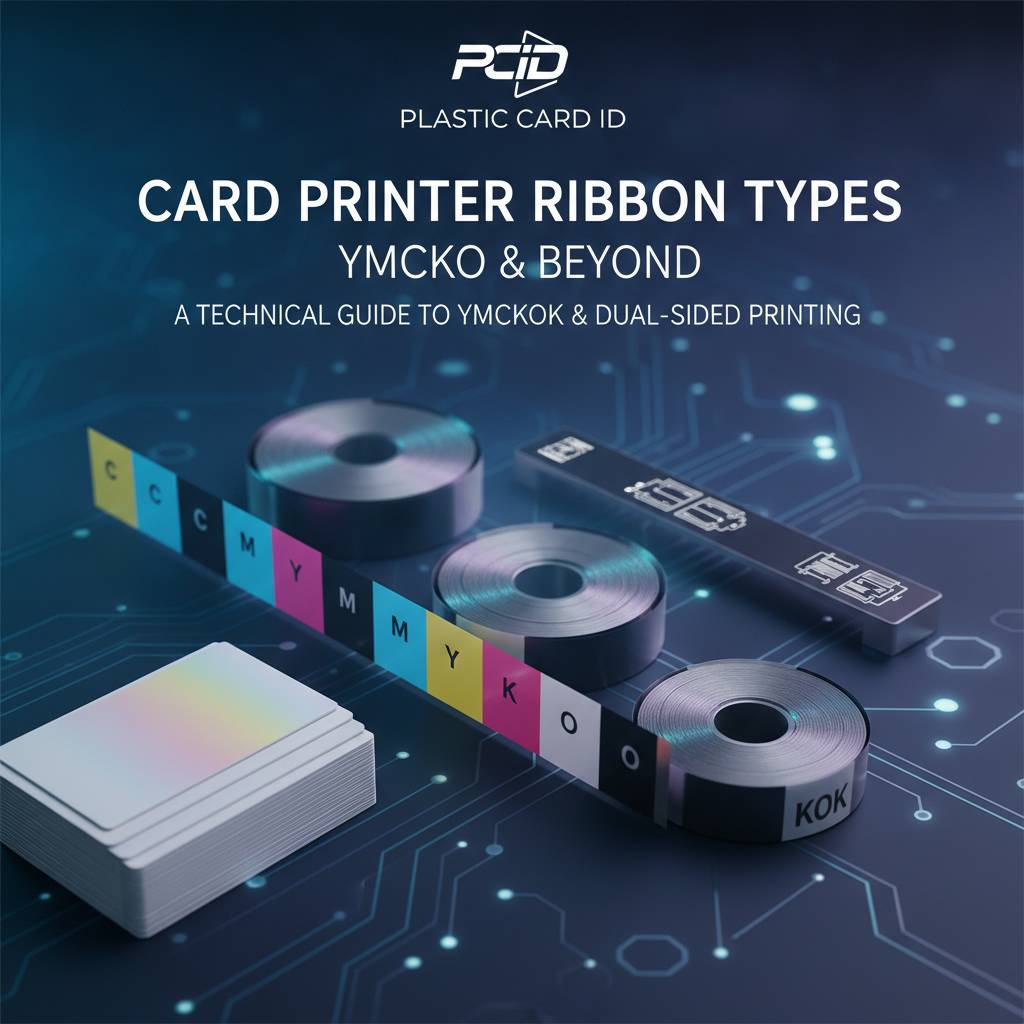 Once an organization needs to print on both sides of a card, ribbon selection becomes slightly more complex - but not complicated. Dual-sided printing is handled in one of two ways: using a ribbon with an additional K panel built in (YMCKOK), or using a separate monochrome ribbon cartridge loaded in the printer's second print station.
The Evolis Primacy2 and similar mid-range printers from Fargo and Zebra support dual-sided output. These systems are popular with HR departments printing employee ID cards with a photo on the front and department details, emergency contact, or magnetic stripe instructions on the back. The dual-sided configuration essentially doubles the information density of each card.
How YMCKOK Works Differently from YMCKO
An YMCKOK ribbon contains six panels: Yellow, Magenta, Cyan, Black (for the color front), Overlay, and a second Black panel for printing on the card's reverse side. The printer uses the YMC, K, and O panels for the front face, then flips the card and uses the second K panel to print text, barcodes, or other monochrome content on the back.
This configuration is efficient and cost-effective for moderate-volume dual-sided programs. The per-card cost is higher than a plain YMCKO ribbon, but lower than running two separate ribbon types through two separate printers. For organizations printing 1,000-6,000 cards per month - the sweet spot for printers like the Evolis Zenius or Primacy2 - YMCKOK strikes the right balance of quality and economy.
Choosing the Right Ribbon for Dual-Sided Programs
Not every dual-sided application needs color on both sides. Many practical ID card designs use a full-color photo and name on the front with a simple black-printed barcode or magnetic stripe instructions on the back. For these programs, YMCKOK is the correct and most cost-efficient ribbon choice. If both sides need full-color output, a printer with two separate ribbon stations may be required.
Call 800.835.7919 to discuss dual-sided setup options with the Plastic Card ID team. They can match your card design to the right printer and ribbon configuration before you place your order, saving you from purchasing hardware that doesn't match your actual workflow.
Specialty Ribbons: Holographic, UV, Silver, and Gold
 Standard YMCKO ribbons handle the vast majority of professional card printing applications beautifully. But some programs have requirements that go beyond color output - specifically, security features and premium visual elements that signal authenticity or exclusivity. Specialty ribbons address these needs directly.
Security-conscious programs printing access control cards, government employee credentials, or high-value membership cards often incorporate holographic overlays, UV fluorescent panels, or metallic color panels. These elements are difficult to replicate without the original printing hardware and ribbon combinations, adding a meaningful layer of deterrence against card fraud and duplication.
UV Fluorescent Ribbons for Card Security
UV ribbons print content that is invisible under normal lighting but glows visibly under ultraviolet light. This is used to embed hidden security marks, institutional logos, or verification text directly into the card surface. Security personnel with UV scanners can instantly verify authentic cards versus counterfeits without any change to the card's normal visible appearance.
UV panel printing adds a professional security layer that's surprisingly affordable relative to the protection it provides. Hospitals, universities, and corporate security programs increasingly incorporate UV elements into their ID cards as standard practice. CPE carries UV ribbon options compatible with select Evolis, Fargo, and Zebra printer models.
Metallic Ribbons: Silver and Gold Panels
Silver and gold metallic ribbons produce reflective, premium-looking text and graphics that standard YMCKO ribbons simply cannot replicate. These are popular for membership cards, VIP credentials, and loyalty cards where the visual quality of the card communicates status and value to the cardholder. A metallic silver name on a dark card stock creates an immediate premium impression.
These ribbons use resin-based transfer like monochrome ribbons, so they produce sharp, opaque metallic graphics rather than photographic gradients. They're typically used for specific design elements - text, logos, borders - rather than full-card imagery. When combined with pre-printed card stock and a precision card printer, the results look exceptionally professional.
Holographic Overlay Ribbons
Some overlay panels go beyond simple clear lamination to incorporate holographic patterns - rainbow-shifting imagery, fine guilloche patterns, or custom security designs that are visible at certain angles. These holographic O panels function identically to standard clear overlay panels in terms of print process, but add visible security characteristics that standard overlays lack.
Holographic overlays are standard equipment in many government-issued ID programs and are increasingly adopted by large corporate access control systems. They require no special printer hardware modifications - just a compatible holographic overlay ribbon in place of the standard O panel. This is one of the most practical security upgrades available to any in-house card printing program.
Ribbons, Cleaning Kits, and Keeping Print Quality Consistent
A high-quality ribbon installed in a dirty printer is still going to produce poor output. Dust, card debris, and residue from previous print runs accumulate on the print head and roller system over time, causing streaks, spots, and color inconsistencies that users often blame on the ribbon - when the real culprit is the printer's internal cleanliness. This is why cleaning kits are part of every professional card printing program.
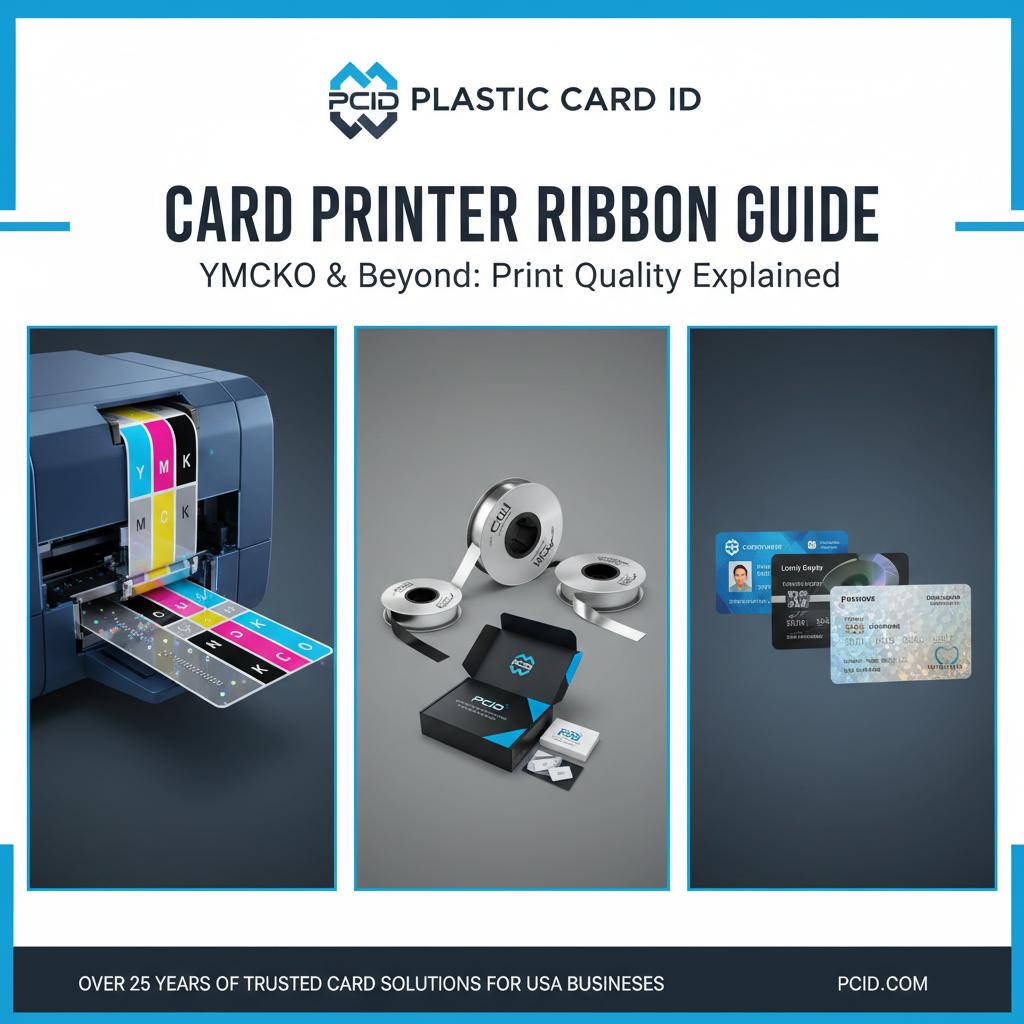
Most Evolis printers include a cleaning card prompt cycle triggered by ribbon replacement, making it easy to build cleaning into routine operations. Fargo and Zebra printers similarly recommend cleaning cycles at defined interval points. Plastic Card ID supplies cleaning kits for every printer brand in the lineup, and recommends keeping a cleaning kit stocked alongside your ribbon inventory.
The Cleaning and Ribbon Replacement Cycle
Best practice for professional card printing programs is to run a cleaning cycle every time you install a new ribbon. This takes under two minutes and dramatically extends print head life - the most expensive component in any card printer. A neglected print head that fails prematurely can cost $150-$400 to replace, while a cleaning kit runs a fraction of that cost.
- Clean the printer at every ribbon change using the included or separately purchased cleaning card
- Store unused ribbons in a cool, dry environment away from direct sunlight
- Never touch the ribbon film surface with bare hands - oils from skin degrade dye transfer quality
- Match replacement ribbons to the exact part number for your printer model
- Check ribbon yield counts regularly to avoid mid-job outages
Maintaining a small stock of backup ribbons is standard practice for any operation printing regularly. Running out mid-project - especially before an event or employee onboarding day - creates delays that proper inventory management entirely prevents. CPE makes reordering easy with consistent part numbers and fast fulfillment.
Lamination Modules as a Step Beyond Overlay Ribbons
For programs needing even greater card durability than the O panel overlay provides, lamination modules attach to select printers and apply a physical laminate patch over the finished printed card. This creates a much thicker protective layer than a ribbon overlay can achieve, and is often used for cards that will face particularly harsh handling conditions - outdoor use, heavy industrial environments, or cards that must last multiple years without replacement.
Lamination modules work alongside YMCKO ribbons, not as replacements for them. The color printing process happens first via the ribbon, and the laminator applies its protective patch afterward as a finishing step. This combination represents the highest durability output available from a desktop card printing system.
Matching Ribbons to Your Card Printer: Buyer Tips from Plastic Card ID
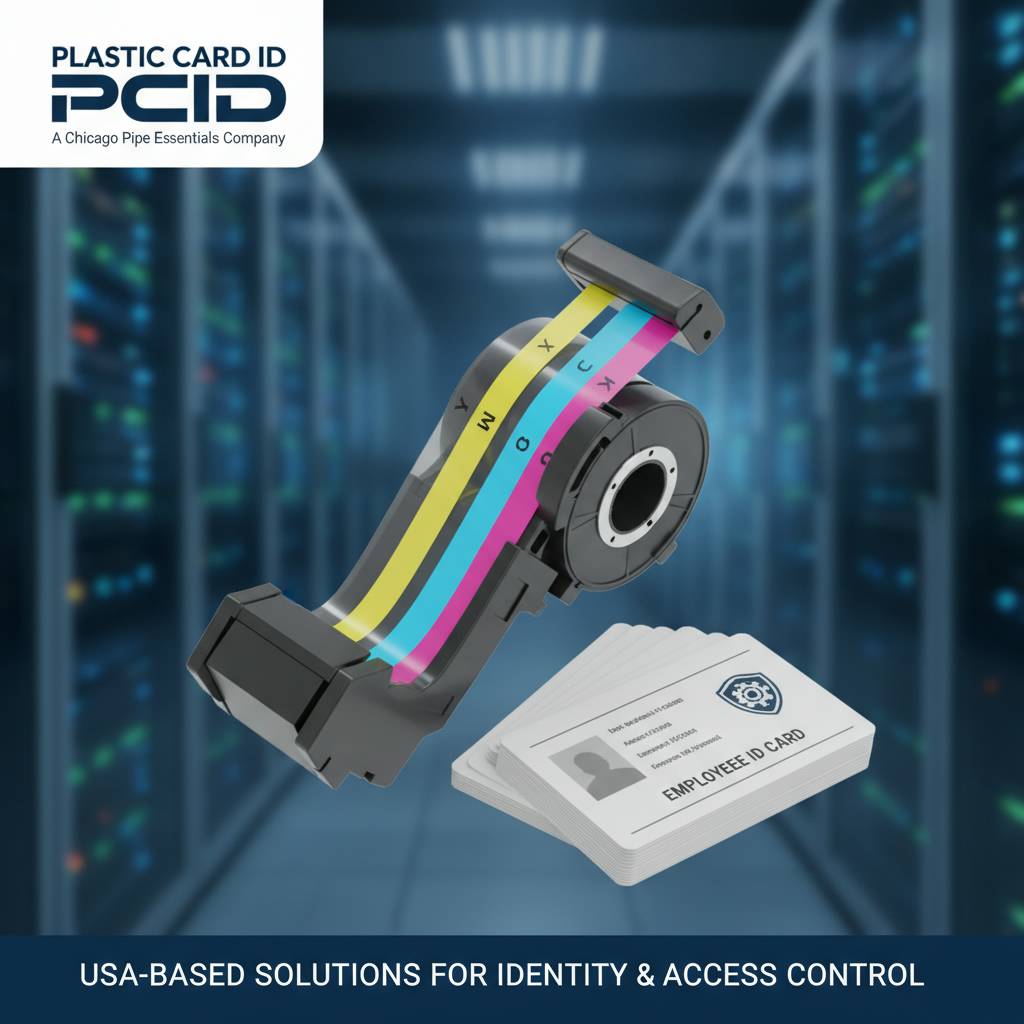 After serving over 100,000 customers across the United States, CPE has observed a consistent pattern: buyers who understand their ribbon options before choosing a printer make better hardware decisions and spend less money over the lifetime of their card program. The ribbon type you need most often should factor directly into which printer model you select.
Entry-level printers like the Evolis Badgy200 are designed for organizations printing fewer than 1,000 cards per year - and their compatible ribbons reflect that scale. Mid-range systems like the Evolis Zenius and Primacy2 support a broader range of ribbon types including YMCKOK for dual-sided output. The premium Evolis Agilia, positioned for the highest quality output, uses high-yield ribbon formats that reduce per-card costs at volume.
Matching Ribbon Type to Card Program Volume
A small nonprofit printing 200 membership cards annually has no business buying a high-throughput industrial ribbon system. Conversely, a university printing 5,000 student IDs each fall semester needs to be calculating ribbon yield and per-card cost very carefully. Volume-appropriate ribbon selection is where smart programs find real savings.
Fargo and Zebra printers in Plastic Card ID's lineup tend to attract security-focused programs - corporate access control, healthcare facilities, government contractors - where ribbon selection often includes specialty security panels. These programs benefit from discussing their specific requirements with the Plastic Card ID team before finalizing their consumable selection. Call 800.835.7919 to speak directly with someone who knows this lineup thoroughly.
Encoding Ribbons and What They Are Not
One source of confusion worth clearing up: magnetic stripe encoding and smart chip encoding are handled by the printer's hardware modules - not by the ribbon. A magnetic stripe encoder embedded in the printer writes data to the card's mag stripe track independently of the ribbon printing process. The ribbon produces the visual surface; the encoder handles the data layer.
This means you don't need a special "encoding ribbon" to produce cards with functional magnetic stripes or smart chips. You need a printer equipped with the appropriate encoding hardware, loaded with whatever ribbon type produces your desired visual output. CPE carries encoding upgrades for several printer models in the lineup for organizations that need this capability.
Where to Order and What to Expect
Every ribbon carried by Plastic Card ID is matched to a specific printer model and yield count, so ordering by printer model eliminates guesswork entirely. Their inventory covers YMCKO, YMCKOK, monochrome in multiple colors, specialty UV, metallic, and holographic overlay options - all from the same brands as the printers themselves.
Pricing varies by ribbon type and yield count, with monochrome options running significantly less per card than full-color YMCKO ribbons. Full-color YMCKO ribbons for desktop printers typically fall in the $30-$80 range per cartridge depending on yield, while high-yield cartridges for mid-range systems may run $75-$200. Buying in small quantities for low-volume programs is perfectly sensible; higher-volume programs benefit from multi-cartridge stocking to reduce per-unit cost.
Ready to Optimize Your Card Program? Contact Plastic Card ID Today
 Understanding card printer ribbon types - from the industry-standard YMCKO format to monochrome speed ribbons, dual-sided YMCKOK configurations, and specialty security panels - is the foundation of running a professional, cost-effective in-house card printing program. Every organization's needs are different, and the right ribbon choice depends on your printer model, your card design, your volume, and your security requirements.
Plastic Card ID has spent over 25 years helping businesses across the United States get this right. Whether you're setting up a new card program or optimizing an existing one, the combination of professional-grade hardware from Evolis, Fargo, Zebra, and Matica with the correct ribbon selection produces results that outside vendors and generic supplies simply cannot match.
Call Plastic Card ID at 800.835.7919 today. Their team knows the full lineup inside and out - printers, ribbons, cleaning kits, encoding modules, and everything else your card program needs to operate at its best. Serious card printing deserves serious support, and that's exactly what Plastic Card ID delivers.
Previous Page