Single-Sided vs Dual-Sided Card Printer: Which Should You Choose?
Table of Contents []
- Single-Sided vs Dual-Sided Card Printer: Which One Does Your Business Actually Need?
- What Exactly Is a Single-Sided Card Printer?
- Understanding Dual-Sided Card Printers
- Side-by-Side: The Real Differences That Drive the Decision
- Buyer's Guide: Choosing Between Single-Sided and Dual-Sided
- The Complete Card Printing Ecosystem: Beyond the Printer
- Frequently Asked Questions: Single-Sided vs Dual-Sided Card Printers
- Ready to Choose? Plastic Card ID Is Here to Help
Single-Sided vs Dual-Sided Card Printer: Which One Does Your Business Actually Need?
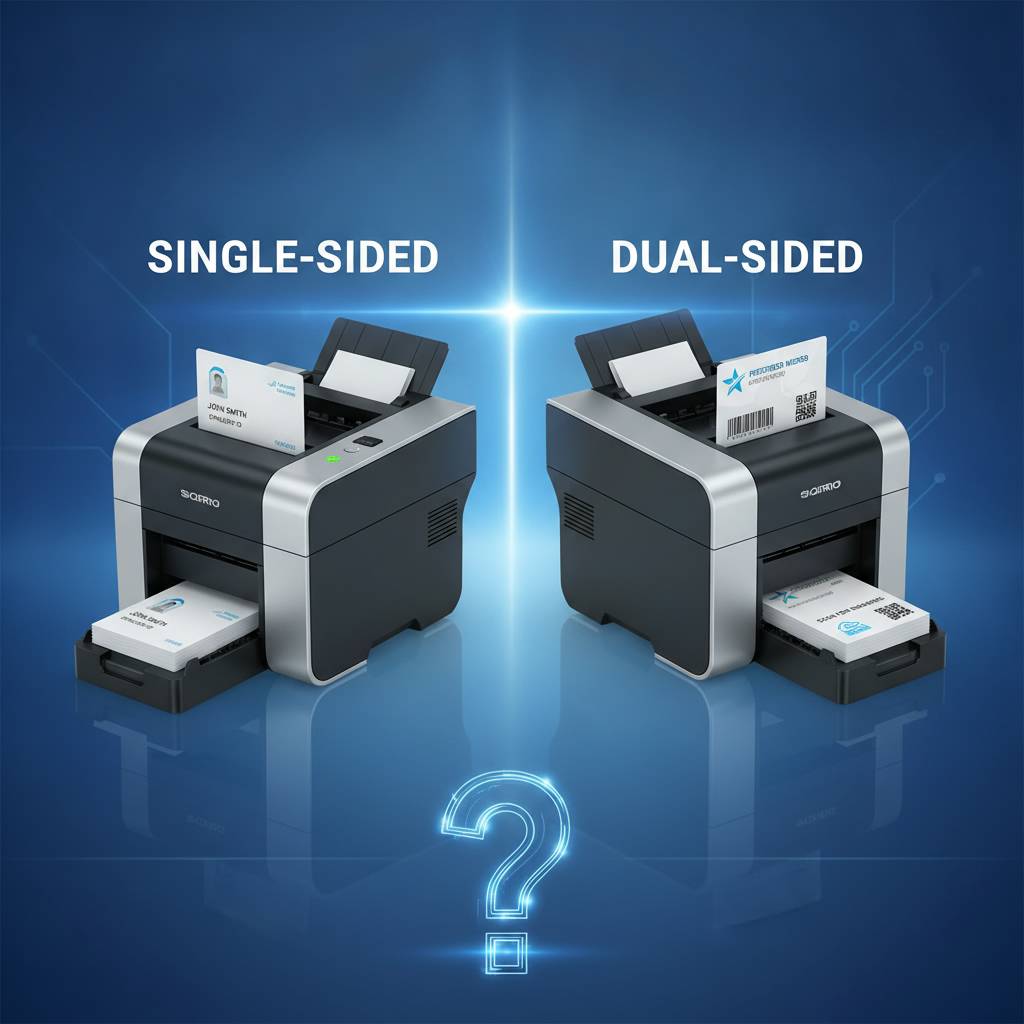 Here's a question that trips up more buyers than you'd expect: do you actually need to print on both sides of the card? It sounds simple, but the answer shapes everything - your budget, your hardware, your ribbon consumption, and how your finished credentials look in someone's hand. Plastic Card ID has worked with over 100,000 organizations across the United States, and this single-versus-dual debate comes up constantly. Let's break it down thoroughly.
Whether you're badging 50 employees at a small office or issuing thousands of student IDs across a university campus, the print configuration of your card printer is one of the most consequential decisions you'll make. Get it right and everything runs smoothly. Get it wrong and you're either paying for capability you don't use - or scrambling to upgrade six months in.
| Feature | Single-Sided | Dual-Sided |
|---|---|---|
| Print Configuration | Front only | Front and back |
| Typical Use Case | Basic ID, loyalty, membership | Access control, full-detail ID badges |
| Print Speed | Faster per card | Slightly slower |
| Ribbon Consumption | Lower | Higher |
| Hardware Cost | Lower upfront | Higher upfront |
| Best Brands at PCID | Evolis Badgy200, Evolis Zenius | Evolis Primacy2, Fargo, Zebra |
What Exactly Is a Single-Sided Card Printer?
 A single-sided card printer does precisely what the name says - it applies graphics, text, photos, and encoded data to one face of a PVC card. The print head passes across the front of the card during a single mechanical pass. Simple, efficient, and in many use cases, completely sufficient. These machines are generally smaller, faster on a per-card basis, and friendlier to operating budgets.
For organizations that centralize all essential information on the card front - a name, photo, title, department, maybe a barcode - there's genuinely no functional reason to pay for dual-sided capability. The savings compound. Lower hardware cost, less ribbon used per card, and faster throughput all add up over a production run. CPE knows this and stocks a strong selection of single-sided models for exactly this audience.
The Evolis Badgy200: Entry-Level Champion
If your organization prints fewer than 1,000 cards annually, the Evolis Badgy200 is almost certainly on the right shelf for you. This compact single-sided printer handles color YMCKO ribbon printing and ships with card design software, making it a genuine plug-and-play solution. Small nonprofits, boutique fitness studios, local libraries - this machine handles them all without complaint.
Don't let the entry-level label fool you. The Badgy200 produces crisp, professional credentials that hold up in wallet and lanyard use. The printer's compact footprint means it lives comfortably on a reception desk or in a break room without consuming prime real estate. For seasonal badge runs or occasional replacement printing, it's a workhorse in a small body.
When Single-Sided Is the Smarter Financial Choice
Budget conversations matter. A single-sided printer typically costs meaningfully less than its dual-sided counterpart from the same product family. If your card design only ever uses the front face - and many excellent card programs do exactly that - you're not leaving value on the table by going single-sided. You're spending appropriately for your actual requirements.
Ribbon cartridges also factor heavily into total cost of ownership. Single-sided printing uses one ribbon pass per card. Dual-sided printing requires two passes, meaning ribbons deplete roughly twice as fast per card printed. Over a year of regular production, that difference accumulates into real dollars. For cost-sensitive programs, this math is worth doing before purchase.
Ideal Applications for Single-Sided Printers
Certain card programs are natural fits for single-sided output. Loyalty cards with a branded front and a standard back that's never printed. Basic membership credentials where a name and number suffice. Event badges that serve their purpose for a day. Hotel key cards where only one side carries printed information. These applications don't require back-side printing and are better served by leaner hardware.
The cleaner the card design requirement, the more a single-sided printer makes sense. If your IT or HR team is managing a simple employee ID program where everyone's badge carries a photo, name, and department on the front, and the back is either blank or pre-printed from card stock, a single-sided unit handles the job perfectly and lets you redirect budget elsewhere.
Understanding Dual-Sided Card Printers
Dual-sided printers - sometimes called duplex printers - contain a flipper mechanism that rotates the card after the front face is printed so the print head can make a second pass on the back. This mechanical elegance adds cost and complexity to the machine, but unlocks significant design flexibility. When both sides of a card carry meaningful, personalized information, dual-sided is not a luxury - it's a functional necessity.
Think about the ID cards many of us carry daily. The front holds a photo, name, and organization logo. The back carries a magnetic stripe, an emergency contact, building access instructions, or a secondary barcode. That second surface is working real estate, and a dual-sided printer is the tool that fills it. Organizations with complex credentialing needs find dual-sided capability pays for itself in reduced card complexity and stronger security.
The Evolis Primacy2: Mid-Range Dual-Sided Power
The Evolis Primacy2 is built for organizations printing 1,000 to 6,000 cards per month and needing both sides of the card covered. It handles YMCKO full-color ribbons, monochrome options, and supports encoding upgrades for magnetic stripe and smart chip integration. The Primacy2 is a favorite among university campuses, healthcare systems, and mid-sized corporate ID programs that can't afford downtime or mediocre output.
Speed matters at this volume level. The Primacy2 delivers dual-sided cards efficiently enough that high-demand enrollment periods - the start of a school semester, a new employee onboarding wave - don't become bottlenecks. Combine this printer with an input hopper expansion and you've built a capable, semi-automated production station that handles volume without fuss.
Fargo and Zebra Dual-Sided Options for Security-Focused Programs
Fargo and Zebra printers bring additional muscle to security-critical ID programs. These brands are trusted in government, law enforcement, healthcare credentialing, and enterprise access control environments where card integrity is non-negotiable. Dual-sided Fargo and Zebra models available through Plastic Card ID support advanced encoding, lamination overlays, and holographic security features that make credentials far harder to replicate.
Call 800.835.7919 to speak with a product specialist who can match specific Fargo or Zebra dual-sided models to your security requirements. The lineup includes options at multiple price points, and getting the right fit on the first purchase saves significant time and budget over attempting to upgrade later.
Dual-Sided and High-Volume: Industrial-Grade Solutions
At the top of the production scale, the Evolis Agilia delivers edge-to-edge, premium-quality dual-sided output for organizations demanding the best possible card finish. Enterprise manufacturing facilities, large healthcare networks, and government agencies issuing tens of thousands of credentials find the Agilia's throughput and output quality justifies its position in the lineup.
For event credentialing at scale, the Matica Event Printer addresses a very specific need: fast, on-site badge production for conferences, trade shows, and large public events. When hundreds of attendees need printed credentials in real time, a printer that can keep pace without producing substandard output becomes essential equipment. High throughput and consistent quality at volume is a combination that not every printer delivers - the Matica is built specifically for that challenge.
Side-by-Side: The Real Differences That Drive the Decision
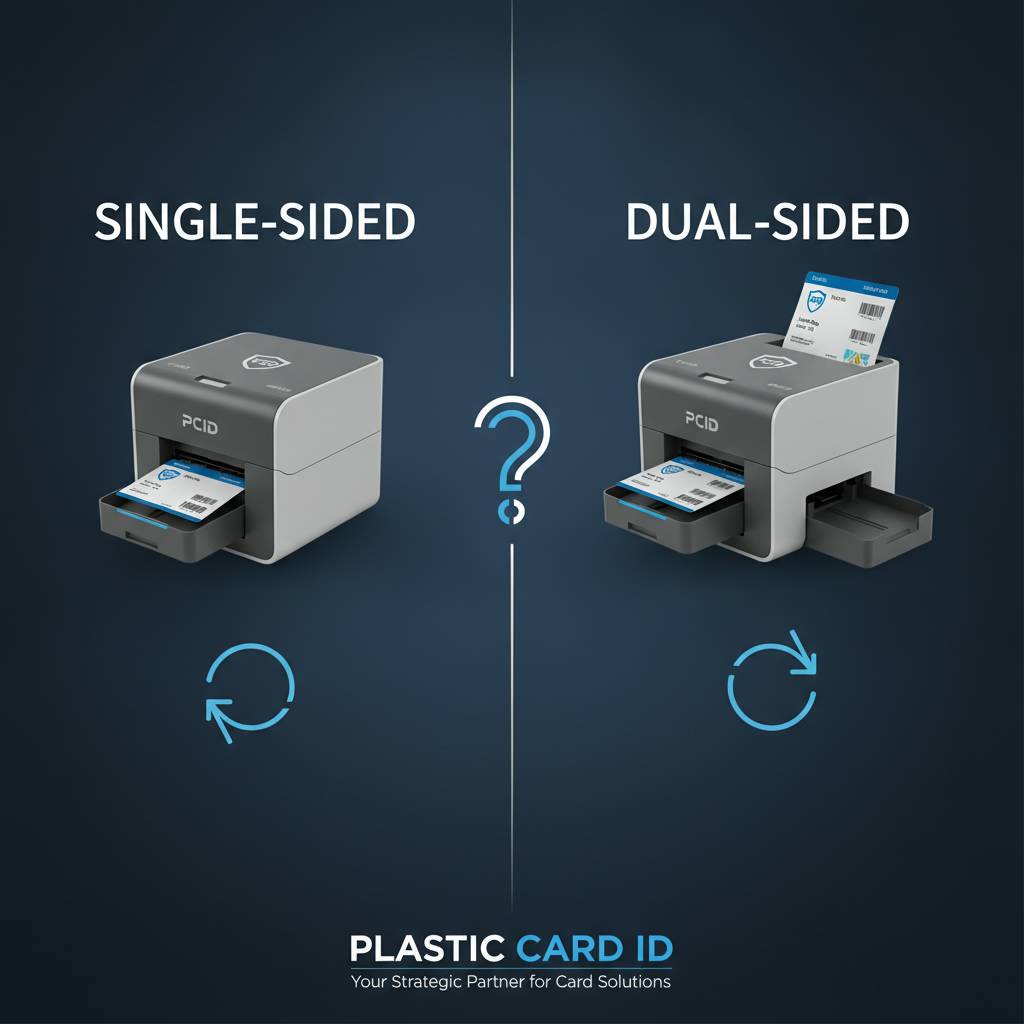 Comparing single-sided and dual-sided printers isn't just a spec-sheet exercise. The right choice depends on understanding your actual production workflow, your card design requirements, your volume today and projected for the next three years, and your budget for both hardware and consumables. Let's look at the meaningful distinctions that drive real purchasing decisions.
| Cost Factor | Single-Sided | Dual-Sided |
|---|---|---|
| Printer Hardware | Lower initial cost | Higher initial cost |
| Ribbon Usage per Card | One pass | Two passes |
| Cleaning Kit Frequency | Standard intervals | Same or slightly more frequent |
| Maintenance Complexity | Simpler mechanism | More components |
Print Volume and Speed Considerations
Single-sided printers are inherently faster per card because the card only travels through the print mechanism once. For low-volume programs, this speed difference is barely perceptible. But when you're printing 200 or 300 cards in a single session - new semester, corporate rebrand, annual renewal - the time differential becomes tangible. Dual-sided printers add the flip cycle, which extends per-card time slightly.
That said, modern dual-sided printers have narrowed this gap considerably. A well-designed duplex unit like the Primacy2 handles its flip cycle efficiently enough that production throughput remains strong even at mid-range volume. The speed penalty is real but not dramatic for most organizational use cases. Where it matters most is in high-volume, time-critical scenarios - think a registration desk processing 500 event credentials in two hours.
Ribbon Types and Consumables Planning
Both single-sided and dual-sided printers use the same ribbon families: YMCKO full-color ribbons for photo-quality output, monochrome ribbons for black-only text and barcode printing, and specialty ribbons for specific applications like security overlays. The difference is in consumption rate. Dual-sided printing burns through ribbon approximately twice as fast per card, so consumables planning and reorder frequency need to account for this.
Plastic Card ID stocks a complete range of ribbons for Evolis, Fargo, Zebra, and Matica printers. Getting the right ribbon matched to your specific model and print requirements isn't optional - using an incompatible ribbon produces substandard output and can damage printer components. Consumables compatibility is just as important as the printer selection itself.
Encoding, Lamination, and Add-On Modules
Both print configurations support encoding upgrades. Magnetic stripe encoding writes data onto the card's magnetic stripe during the print pass - useful for access control, timekeeping systems, and stored-value applications. Smart chip encoding handles contact and contactless chip cards used in secure facilities and modern identification systems. These upgrades are available as factory-installed options or field-installable modules on select models.
Lamination modules are another meaningful add-on, applying a protective overlay that extends card life dramatically and adds an optional security layer. Whether you're running a single-sided Zenius or a dual-sided Primacy2, lamination capability is available and worth considering for high-wear applications like employee access badges that clip on and off dozens of times a day.
Buyer's Guide: Choosing Between Single-Sided and Dual-Sided
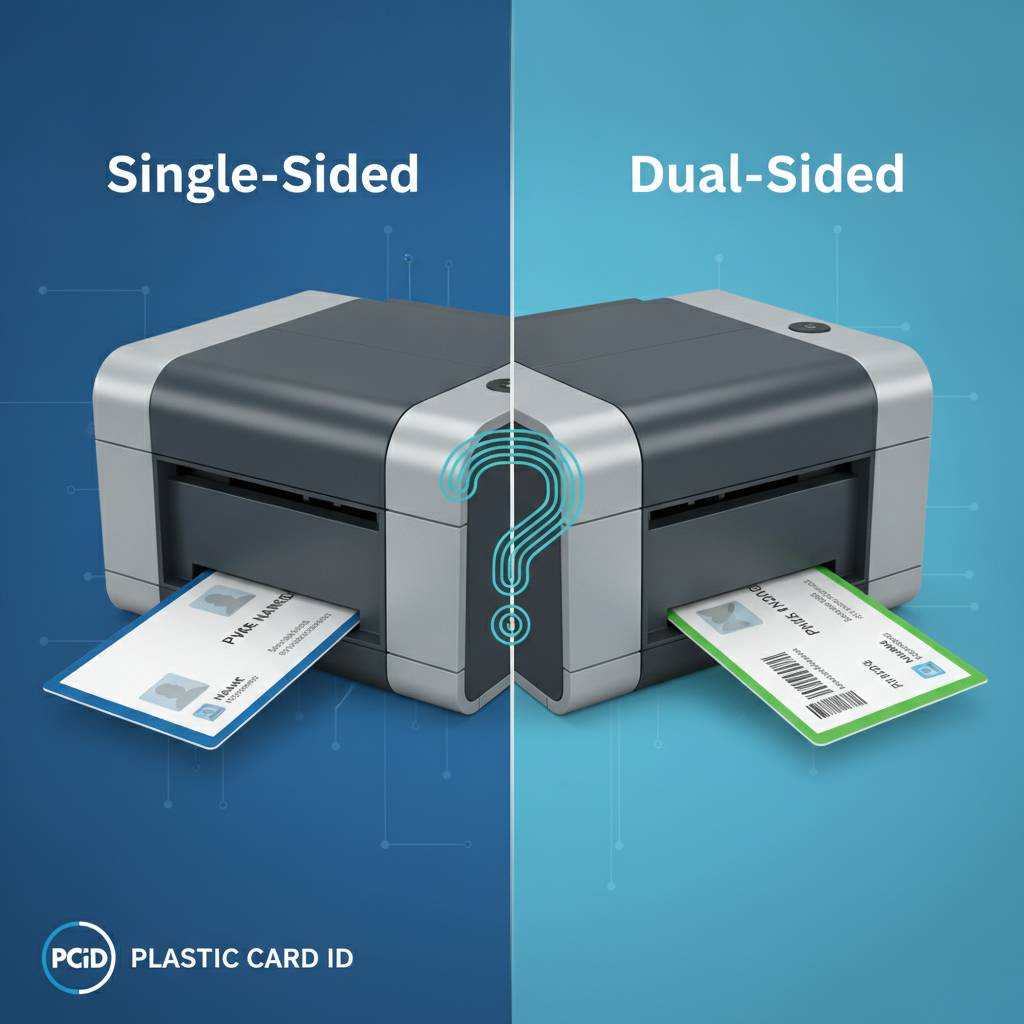 The question isn't which configuration is better in the abstract - it's which one is right for your specific program. Here's a structured way to think through the decision. Work through these considerations honestly and the answer typically becomes clear before you've finished the list.
Questions to Ask Before You Buy
- Does your card design include personalized content on the back? If yes, you need dual-sided. If the back is always blank or pre-printed on card stock, single-sided works.
- What is your annual card volume? Under 1,000 cards per year points toward entry-level single-sided. 1,000-6,000 per month suggests a mid-range duplex unit.
- Do you need magnetic stripe or chip encoding on the back? Encoding doesn't require dual-sided printing, but if you also need printed information on the back, you'll want both capabilities in one machine.
- What is your budget for hardware and annual consumables? Dual-sided units cost more upfront and consume more ribbon. Build your three-year cost projection before deciding.
- Are you printing security credentials that require tamper-evident features? Dual-sided printers often pair better with lamination overlays and holographic options that security programs require.
- What brands are compatible with your existing card management software? Evolis, Fargo, Zebra, and Matica all have strong software ecosystems but verifying compatibility before purchase is essential.
CPE makes it easy to work through these questions with a product specialist who understands the full lineup. Buying the right printer the first time costs less than upgrading six months later, and the team at Plastic Card ID has guided over 100,000 customers through exactly this process.
Card Program Types and Their Natural Fit
Employee ID programs at larger organizations almost always benefit from dual-sided printing. The front carries the photo, name, and department; the back holds emergency contacts, access zone designations, or a secondary barcode linked to the HR system. The card does more work, and that increased utility justifies the additional production cost. For leaner employee badge programs where a photo and name are sufficient, single-sided is perfectly adequate.
Membership and loyalty card programs sit comfortably with single-sided printing in most cases. The card front carries branding and member information; the back is either blank, pre-printed with standard terms, or carries a barcode that doesn't need personalization per card. Single-sided handles this cleanly and keeps costs lean across potentially large issuance volumes. Student ID programs land somewhere in the middle - many institutions want dual-sided for the added functionality, but smaller schools with modest budgets run successful programs on single-sided hardware.
Future-Proofing Your Card Printer Investment
One genuinely important consideration that buyers sometimes overlook: where is your card program going in three to five years? If you're running a single-sided printer today because your current program only needs front-side printing, but your organization is planning to implement access control on those same cards within 18 months, buying a dual-sided-capable model now - even if you only use one side initially - is smarter economics than replacing hardware ahead of schedule.
Modular printers are worth understanding in this context. Certain models in the Evolis lineup, for example, allow duplex module upgrades after initial purchase. This means you can buy a capable single-sided unit today, and if your requirements evolve, you add the flipper module rather than replacing the entire printer. Ask about this flexibility when you call - it's a meaningful option for programs with uncertain growth trajectories.
The Complete Card Printing Ecosystem: Beyond the Printer
Choosing between single-sided and dual-sided matters enormously, but it's only one dimension of building a functional card production program. The printer is the centerpiece, but what surrounds it determines whether your program runs smoothly week after week. Plastic Card ID supplies every element of this ecosystem - not just the printers themselves.
Ribbons, Cleaning Kits, and Maintenance Supplies
Ribbon selection is non-trivial. YMCKO ribbons deliver full-color output ideal for photo ID cards. Monochrome ribbons - black, white, or specialty colors - handle text-only back-side printing efficiently and at lower cost than running full YMCKO for back-of-card content. Many dual-sided programs actually use YMCKO on the front and a monochrome ribbon pass on the back, reducing consumable costs while maintaining professional output quality on both faces.
Cleaning kits are maintenance, not optional accessories. PVC card printers accumulate dust and debris that degrade print quality and shorten hardware lifespan if not regularly cleared. Every major brand - Evolis, Fargo, Zebra, Matica - specifies cleaning intervals and compatible cleaning materials. Following these schedules protects your investment and keeps output quality consistent across the life of the machine. Skipping maintenance is the most common cause of preventable printer failure in card production environments.
Card Carriers, Sleeves, and Input Hoppers
For programs issuing credentials at volume, input hoppers are a meaningful upgrade. These expanded card feed systems hold larger card quantities, reducing the frequency of manual reloading during production runs. Combined with dual-sided printing capability, an input hopper transforms a desktop printer into a capable semi-automated production station. Plastic Card ID carries hopper accessories compatible with select models in the Evolis, Fargo, and Zebra lineups.
Card carriers and sleeves protect finished credentials after printing. Lamination adds durability at the printer level, but physical card sleeves and holders protect cards in daily use - preventing scratches, moisture damage, and the general wear that comes with a credential that's handled repeatedly. For hotel key cards, student IDs, and employee access badges, protective sleeves extend usable card life and maintain the professional appearance of the credential longer.
Support Resources and Ongoing Assistance
Twenty-five years of experience supporting card printing programs across the United States means Plastic Card ID has encountered essentially every configuration challenge, compatibility question, and workflow problem that comes with running a card program. That institutional knowledge is available when you call 800.835.7919. Whether you're troubleshooting a ribbon feed issue or trying to determine which encoding module is compatible with your specific access control system, the team is equipped to help.
Getting your card program set up correctly from day one - right printer model, correct ribbon type, appropriate accessories, compatible card stock - prevents the frustrating and expensive process of diagnosing problems after deployment. Expert guidance before purchase is worth more than reactive support after a problem emerges. This is a philosophy that has served over 100,000 PCID customers well.
Frequently Asked Questions: Single-Sided vs Dual-Sided Card Printers
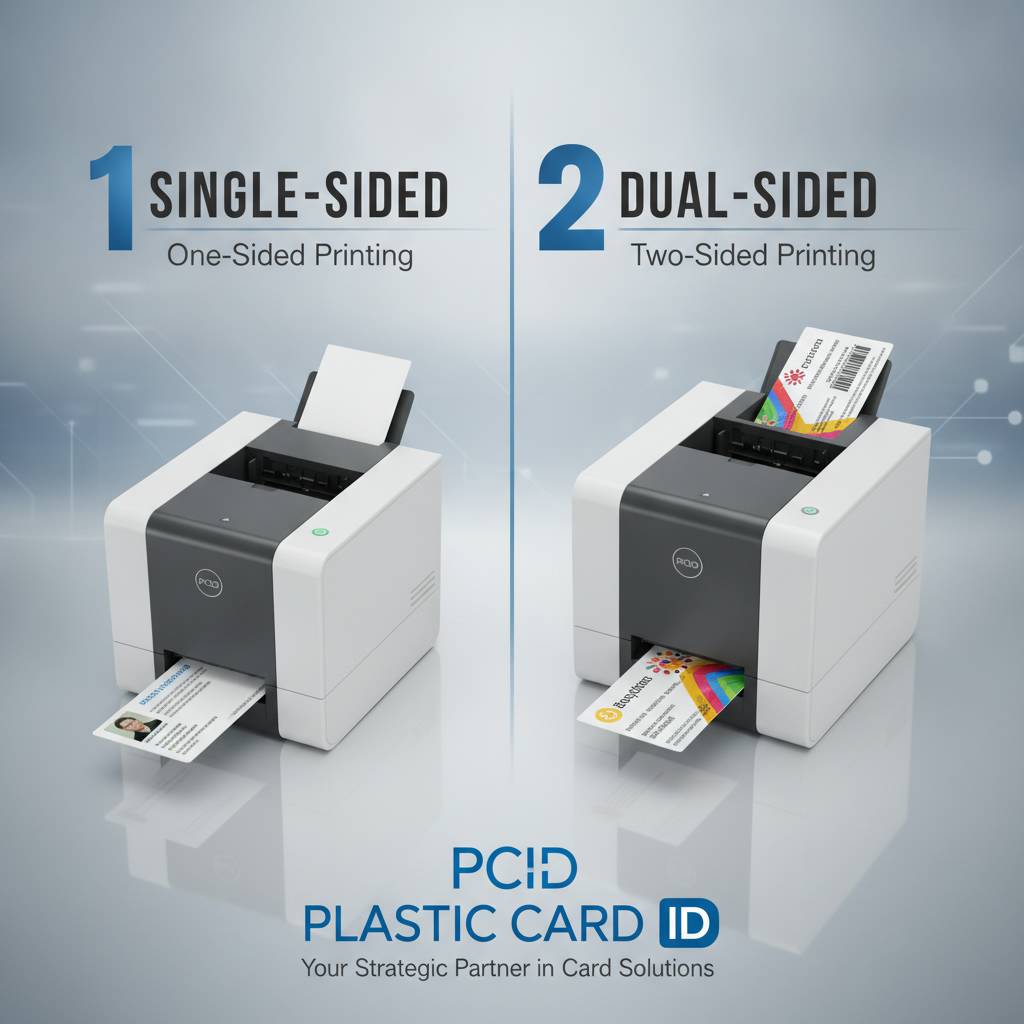 These questions come up repeatedly in conversations with buyers evaluating their first printer or upgrading from an existing system. Answering them clearly saves time and helps organizations make confident purchasing decisions.
Can I upgrade a single-sided printer to dual-sided later?
On some models, yes. Certain Evolis printers support a duplex upgrade module that can be added after initial purchase, converting a single-sided unit to dual-sided capability without replacing the entire printer. This upgrade path isn't available on all models, so if future duplex capability is a possibility you want to preserve, specifically ask about modular upgrade compatibility before purchasing. Not all brands and models offer this flexibility.
For models without a duplex upgrade path, organizations that outgrow single-sided capability face a full printer replacement. This isn't necessarily a financial disaster if the original printer served its purpose during its useful life, but it's worth knowing upfront so the purchase decision is made with accurate expectations about long-term flexibility.
Does dual-sided printing slow down production significantly?
It adds time per card due to the flip cycle, but the impact on most card programs is manageable. Modern dual-sided printers have engineered the flip mechanism to operate quickly enough that throughput remains reasonable for typical organizational volumes. Where the speed difference becomes operationally significant is in high-volume, time-compressed scenarios - event registration desks, large enrollment processing sessions, or any situation where hundreds of cards must be produced in a short window.
For those high-speed scenarios, the Matica Event Printer is the appropriate tool. It's built around throughput speed for exactly these event credentialing situations. For standard office-based ID programs processing cards in batches, the slight speed reduction from dual-sided printing is a non-issue in day-to-day operation.
What's the price difference between single-sided and dual-sided models?
The gap varies by brand and production tier, but buyers can generally expect dual-sided models to cost more than single-sided versions within the same product family. Entry-level single-sided units like the Evolis Badgy200 represent the lower end of the price spectrum. Mid-range dual-sided units like the Primacy2 sit higher. Enterprise and industrial dual-sided systems at the top of the lineup represent the most significant investment.
The total cost of ownership calculation matters more than the hardware sticker price alone. Factor in ribbon consumption rates, cleaning kit frequency, and the value of the functionality you're purchasing. A dual-sided printer that eliminates the need to send cards to an outside vendor, for example, may pay for its cost premium quickly through reduced outsourcing expense and faster card issuance turnaround.
Ready to Choose? Plastic Card ID Is Here to Help
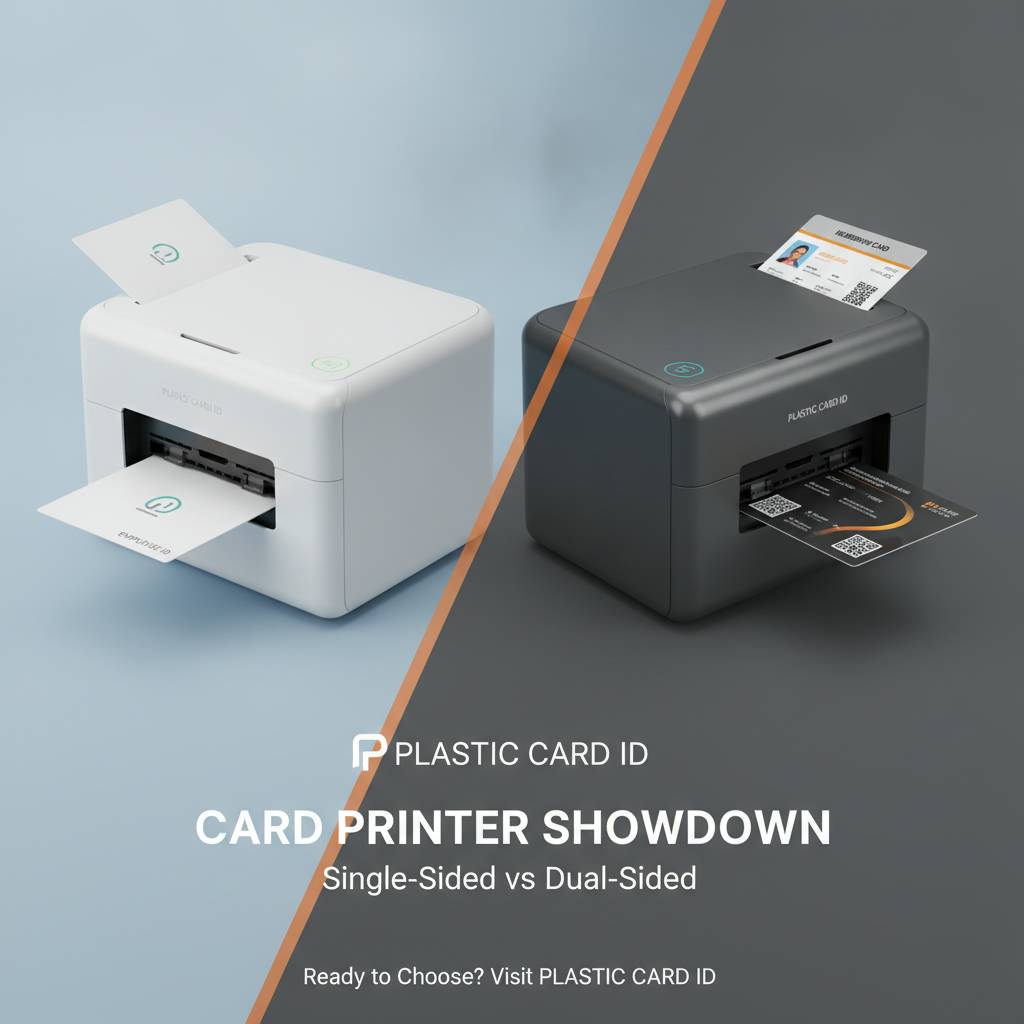 The single-sided vs dual-sided decision doesn't have to be complicated, but it deserves careful thought. Card programs are long-term investments. The printer you select today will likely be serving your organization for years, and getting the configuration right from the beginning saves time, money, and frustration. Plastic Card ID has spent over 25 years helping organizations across every industry navigate exactly this decision.
Whether you're setting up a new employee ID program, scaling up a membership card operation, or replacing aging hardware that no longer meets your volume demands, the team at Plastic Card ID can walk you through the complete Evolis, Fargo, Zebra, and Matica lineups and match the right printer to your specific requirements. No upselling to features you don't need. No underselling to hardware that won't serve your program. Just an honest, experienced recommendation based on your actual situation.
Contact Plastic Card ID today and speak with a card printer specialist who knows this equipment inside and out. Call 800.835.7919 to get started - your card program deserves the right tools from day one.
Previous Page