Plastic Card Printer for Student ID Cards: Top Choices
Table of Contents []
- Why Plastic Card ID Is the Go-To Source for a Plastic Card Printer for Student ID Cards
- Matching the Right Printer to Your Student ID Program
- Security and Encoding Features That Matter for Student IDs
- Supplies That Keep Your Student ID Program Running
- The Case for In-House Student ID Card Printing
- Choosing the Right Plastic Card Printer for Student ID Cards: A Buyer's Guide
- Frequently Asked Questions About Student ID Card Printers
- Partner With Plastic Card ID for Your Student ID Card Printing Program
Why Plastic Card ID Is the Go-To Source for a Plastic Card Printer for Student ID Cards
 Walk into almost any school, college, or university in America, and somewhere behind the front desk or in the registrar's office, there's a card printer humming away. Student ID cards are the backbone of campus life - access control, library privileges, meal plans, event entry, transit passes - and the organizations that print them in-house never want to go back to outsourcing. If you're evaluating a plastic card printer for student ID cards, the choices can feel overwhelming. That's exactly where CPE steps in.
Plastic Card ID has been supplying plastic card printers and accessories to businesses and institutions across the United States for over 25 years, building a customer base that now exceeds 100,000 organizations. The curated lineup spans every production scale - from a small charter school printing a few hundred cards a year to a large university system churning out thousands of cards each semester. Whether you need a desktop unit that fits on a shelf or a high-throughput machine that handles batch enrollment rushes, there's a printer in this catalog built for exactly that job.
This page walks you through everything: how to match print volume to the right model, which features matter most for student ID programs, what supplies keep the operation running smoothly, and why in-house printing beats outsourcing every time. No fluff, no filler - just practical guidance from people who have seen every scenario.
| Printer Model | Brand | Ideal Volume | Key Features | Best For |
|---|---|---|---|---|
| Badgy200 | Evolis | Under 1,000 cards/year | Color, single-sided, compact | Small schools, clubs |
| Zenius | Evolis | 1,000-3,000 cards/month | Color, single-sided, mag stripe option | Mid-size schools |
| Primacy2 | Evolis | 1,000-6,000 cards/month | Dual-sided, mag stripe, smart chip | Universities, large districts |
| Agilia | Evolis | High volume, premium | Edge-to-edge, retransfer printing | Flagship university programs |
| Fargo/Zebra Series | Fargo / Zebra | Varies by model | Security-focused, durable | Access control, high-security IDs |
Matching the Right Printer to Your Student ID Program
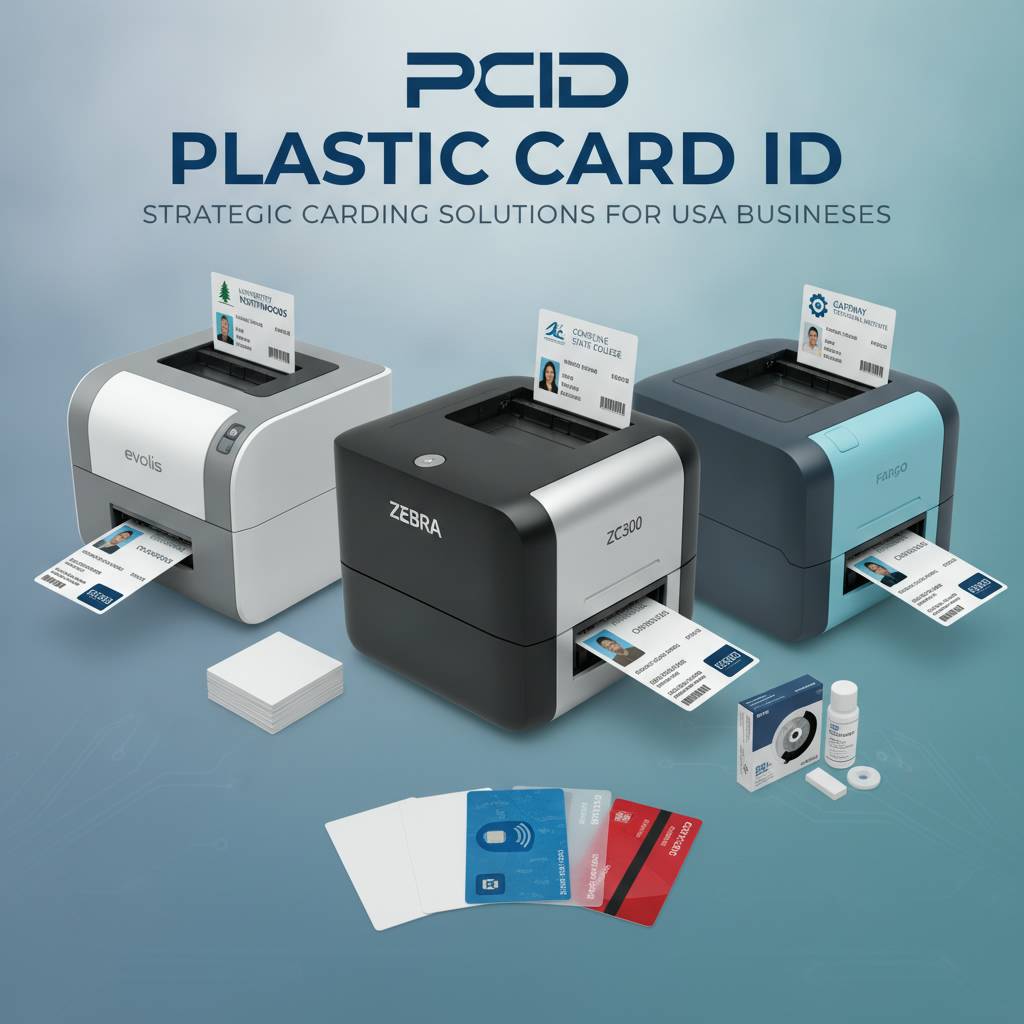 The single biggest mistake institutions make when purchasing a plastic card printer for student ID cards is buying on price alone without factoring in volume. A printer that's underpowered for your enrollment will wear out prematurely, produce inconsistent color quality, and cost more per card in the long run. Conversely, an industrial machine purchased for a 200-student school is capital tied up unnecessarily. The right fit depends on three numbers: how many students you enroll, how many replacement cards you issue annually, and whether you need encoding.
Think about what a typical semester looks like. A community college processing 4,000 new enrollees each fall, then issuing replacements throughout the year, might print 6,000 to 8,000 cards annually. A small private K-8 school with 300 students, minimal turnover, and low replacement rates might print fewer than 400 cards a year. Those two institutions need completely different machines, and CPE stocks options for both ends of the spectrum - along with every stop in between.
Entry-Level: The Evolis Badgy200 for Small Schools
The Evolis Badgy200 is purpose-built for organizations printing fewer than 1,000 cards per year, making it an ideal starting point for small private schools, charter schools, after-school programs, or extracurricular clubs that need their own credentialing solution. It's compact enough to live on a desk next to a computer without demanding dedicated counter space, yet it delivers genuine color output on standard CR80 PVC cards - the same size as a credit card.
Setup is genuinely straightforward, and the bundled card design software lets staff without graphic design backgrounds produce clean, professional-looking student ID cards in a matter of minutes. For a small operation that doesn't need magnetic stripe encoding or dual-sided printing, the Badgy200 delivers everything required at a price point that doesn't require a capital expenditure approval process.
Mid-Range Power: Evolis Zenius and Primacy2
Step up in volume - say, a high school with 1,200 students, or a mid-size college running enrollment processing throughout the year - and the Evolis Zenius becomes the natural choice. It handles 1,000 to 3,000 cards per month without complaint, supports optional magnetic stripe encoding for access control or meal plan integration, and produces crisp, consistent color output that holds up to daily use.
The Evolis Primacy2 pushes that ceiling higher, handling up to 6,000 cards per month and adding dual-sided printing as a standard capability, which means student ID cards can carry a photo and personal details on the front while displaying barcodes, magnetic stripe information, or institutional branding on the reverse. Dual-sided printing doubles the real estate on every card without doubling your print time, and the Primacy2 also supports smart chip encoding for institutions running contactless access systems.
Premium Output: The Evolis Agilia for University-Scale Programs
Large universities, multi-campus school districts, and institutions where card quality is a direct reflection of institutional brand will want to look seriously at the Evolis Agilia. This is retransfer printing at its finest - the print process produces edge-to-edge coverage with no white border, and the image quality is noticeably superior to standard direct-to-card printing, which matters when a student ID card also serves as an official credential presented to third parties.
The Agilia is built for volume and consistency. It doesn't just print faster - it prints better, with color accuracy and durability that standard desktop units can't match. For flagship university programs where tens of thousands of cards pass through a single office each year, and where every card represents the institution to the outside world, the Agilia delivers the caliber of output those programs demand.
Security and Encoding Features That Matter for Student IDs
A student ID card in 2024 isn't just a piece of plastic with a photo on it. It's a key. It unlocks dormitory doors, charges a meal plan account, logs library checkouts, validates transit passes, and sometimes even grants access to athletic facilities or computer labs. The encoding capabilities built into or added to a plastic card printer for student ID cards determine how much that card can actually do.
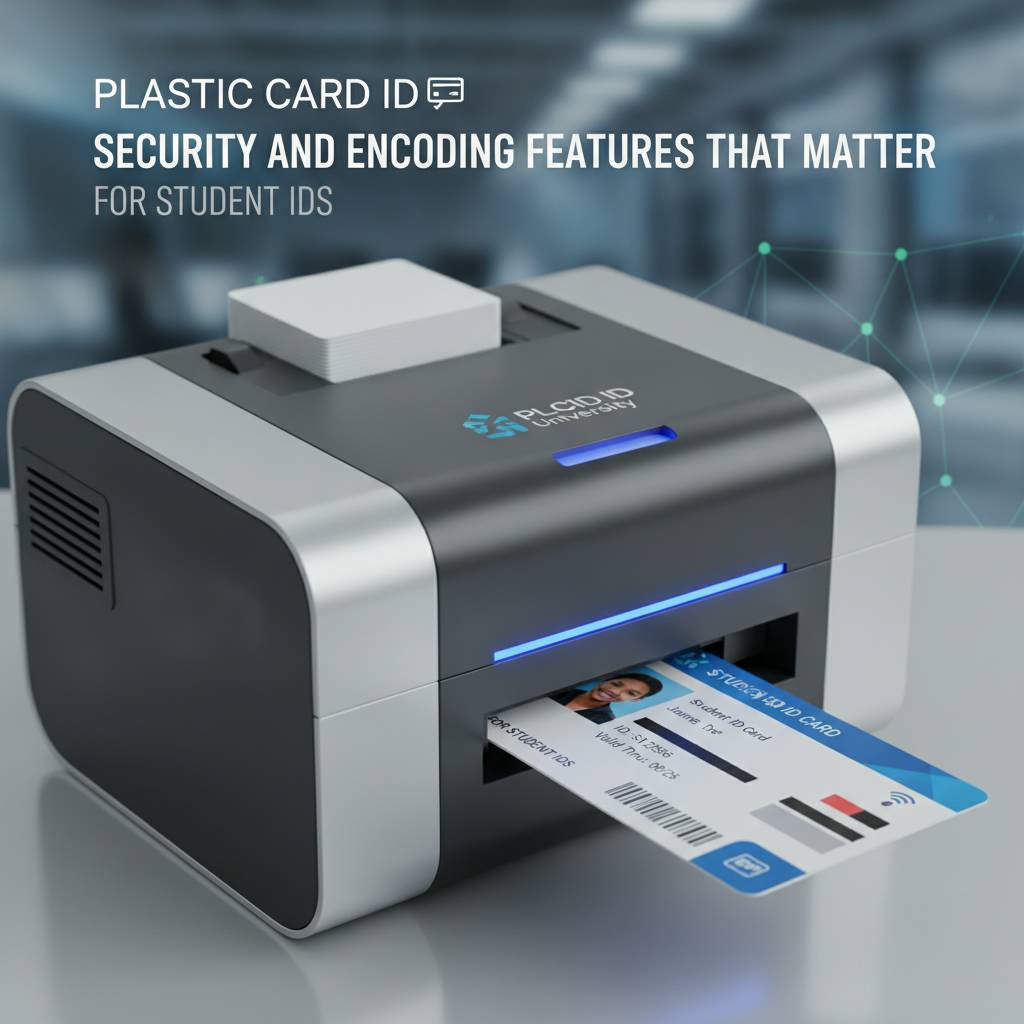
This is an area where CPE has deep expertise. The available encoding options - magnetic stripe, smart chip, contactless RFID - each serve different use cases, and the right combination depends entirely on what systems your institution already operates or plans to implement. Getting the encoding right at the printer level eliminates the need for separate encoding hardware downstream.
Magnetic Stripe Encoding
Magnetic stripe encoding remains the most widely deployed technology in student ID programs across the country, primarily because it's compatible with legacy access control, meal plan, and point-of-sale systems that schools have operated for decades. A printer with a built-in magnetic stripe encoder writes data to the card's stripe during the same print pass - no separate step, no separate machine.
Both the Evolis Zenius and Primacy2 support magnetic stripe encoding as an optional upgrade, and Fargo and Zebra models in the lineup offer similar capabilities. Encoding cards at the point of printing eliminates a manual step that introduces errors and keeps the ID issuance workflow tight and efficient, especially during high-volume enrollment periods when speed and accuracy both matter.
Smart Chip and Contactless Options
For institutions implementing modern access control or payment systems, contact smart chip and contactless RFID encoding represent the current standard. The Evolis Primacy2 supports contact chip encoding, and several Fargo and Zebra models in the CPE catalog extend capabilities into contactless territory. These technologies allow a single card to interact with multiple systems - door locks, library terminals, cafeteria registers - without requiring magnetic stripe infrastructure.
The practical advantage for a student carrying one of these cards is significant: one card, one credential, multiple access points. For the institution, consolidated credential management reduces administrative complexity and the cost of managing separate access tokens for different campus systems. When the card printer handles encoding inline, the issuance process stays fast and clean.
Holographic Overlaminates and Tamper-Evident Features
Some institutions - particularly those where student ID cards are used as official age verification or access credentials with real security implications - want an extra layer of protection built into the card itself. Holographic overlaminate modules, available as add-on components for several printers in the lineup, apply a thin tamper-evident layer over the printed surface during the same print run.
This layer makes duplication and tampering visually obvious and dramatically increases the card's resistance to physical wear, extending the useful life of the ID. For programs that issue cards intended to last a full four-year academic career, lamination is a cost-effective investment that reduces replacement card volume and the administrative burden of reissuance.
Supplies That Keep Your Student ID Program Running
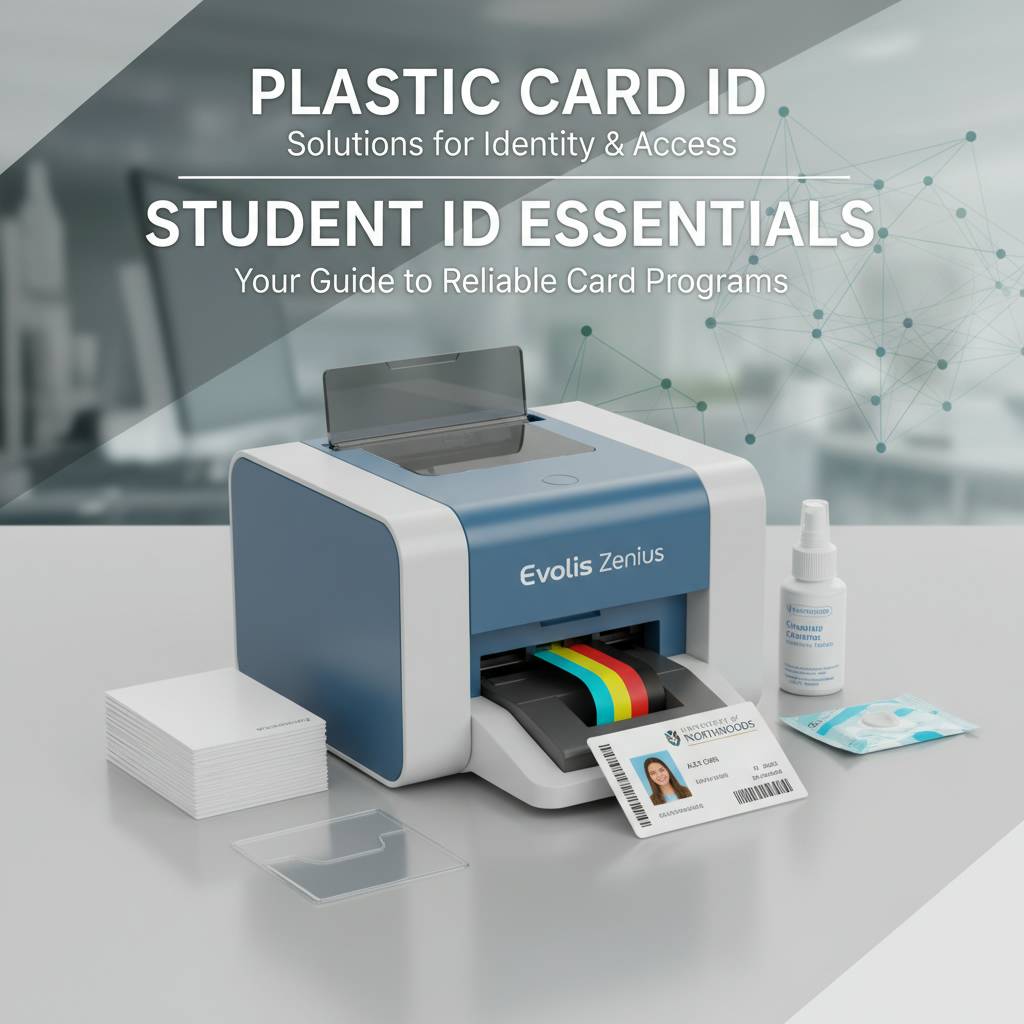 A printer is only as reliable as the consumables feeding it. Institutions that stock the right ribbons, cleaning kits, and blank cards never face the embarrassing scenario of turning away a student on enrollment day because the supply shelf ran dry. Plastic Card ID supplies every consumable a card printing program needs, from standard YMCKO color ribbons to specialty options for monochrome batch printing.
Printer Ribbons: YMCKO, Monochrome, and Specialty
The YMCKO ribbon - Yellow, Magenta, Cyan, Black, Overlay - is the standard color ribbon used in the vast majority of student ID programs. It produces full-color photo-quality output with a protective overlay panel that seals the printed surface. Each ribbon panel yields a set number of cards, and knowing your yield per ribbon is essential for budgeting and reorder planning.
For programs that print high volumes of cards where color isn't required - access control cards, internal facility badges, or temporary visitor passes - monochrome black ribbons dramatically reduce the cost per card. Smart supply management means pairing the right ribbon type to each print job, and CPE carries the full range for every printer model in the catalog.
Cleaning Kits and Maintenance Supplies
Print head failure is the most common cause of premature printer retirement, and the overwhelming majority of print head failures trace back to one cause: inadequate cleaning. Dust, card debris, and ribbon residue accumulate inside the printer over time and degrade print quality before ultimately damaging the print head. Cleaning kits - swabs, cards, and rollers designed specifically for each printer model - are inexpensive insurance against a very expensive repair.
A consistent cleaning schedule, performed according to the manufacturer's recommended intervals, keeps print quality consistent and extends the operational life of the machine by years. The cost of a cleaning kit is trivial compared to the cost of a print head replacement or a new printer, and it's one of the easiest ways to protect the investment an institution makes in its card printing infrastructure.
Blank PVC Cards, Hoppers, and Card Carriers
Standard CR80 PVC cards - 3.375 inches by 2.125 inches, 30 mil thickness - are the baseline stock for student ID printing. They're durable, they accept dye-sublimation printing beautifully, and they're compatible with every printer in the lineup. Specialty stocks, including cards pre-loaded with magnetic stripes or smart chips, are also available for programs that need encoded blanks rather than post-print encoding.
Input hoppers expand the card capacity of mid-range and high-volume printers, allowing longer unattended print runs - critical during back-to-school enrollment rushes when staff are managing multiple tasks simultaneously. Card carriers and sleeves protect finished cards during distribution and extend the card's lifespan once it's in a student's hands. Outfitting the complete card program means thinking beyond the printer itself, and CPE stocks the accessories that make the whole operation work.
The Case for In-House Student ID Card Printing
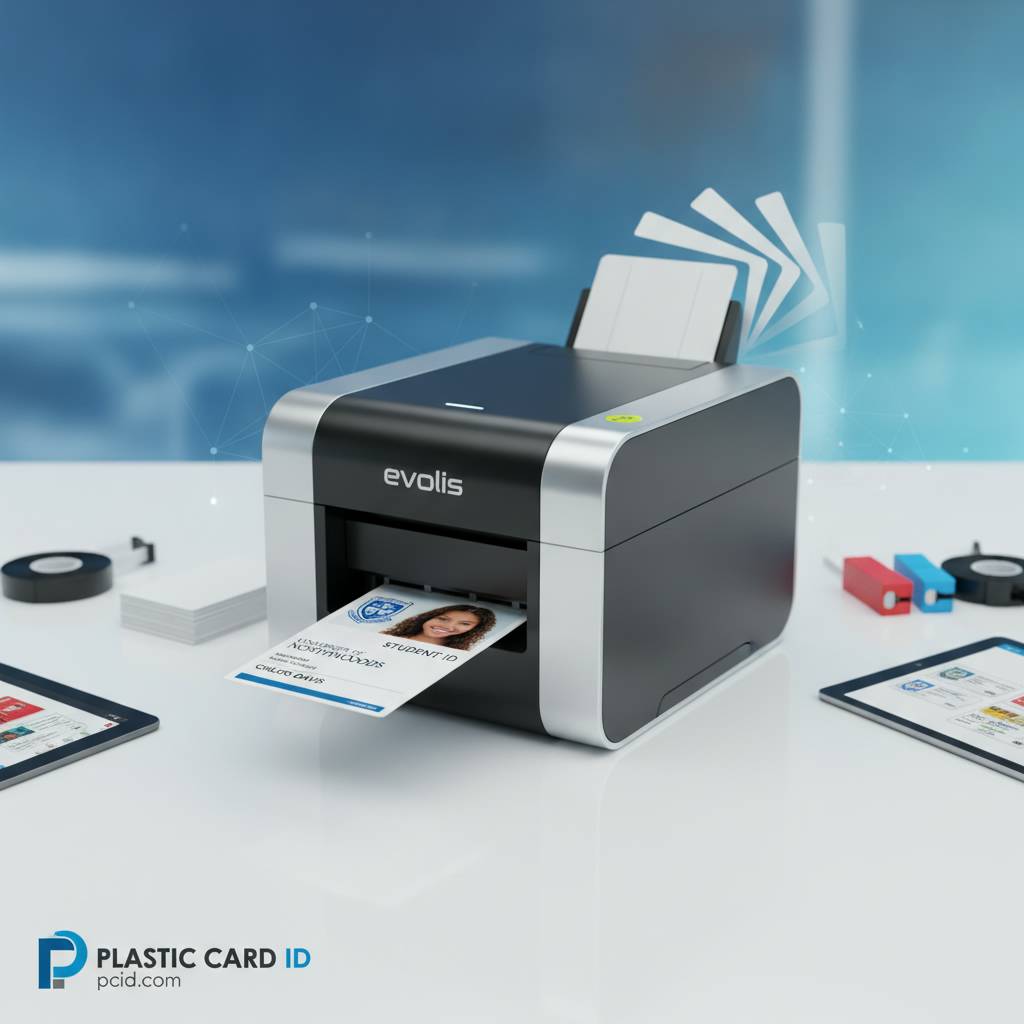 Institutions that have made the switch from outsourcing to in-house printing almost universally report the same reaction: they can't believe they waited this long. The operational advantages compound over time, and the initial investment in a printer and supplies pays for itself faster than most administrators expect. Control, speed, and flexibility are the three pillars of the in-house advantage.
Print on Demand, Personalize Every Card
With an outsourced card program, you batch your order, wait for production, wait for shipping, and then distribute. If a student enrolls late, transfers in, or loses their card, you're back in the queue. With an in-house printer, a new student can have a personalized ID card in their hands within minutes of completing enrollment paperwork. That responsiveness changes the student experience and eliminates a genuine administrative pain point.
In-house printing also means every card is unique - photo, name, student ID number, year of graduation, and any encoded data all applied in a single pass. There's no batch minimum, no setup fee, and no lead time. The registrar's office controls the process from start to finish, which also means sensitive student data never leaves the building.
Eliminate Vendor Lead Times and Minimums
Outsourced card vendors typically require minimum order quantities that force institutions to stockpile generic cards and manage pre-personalized inventory. Mistakes mean reprints with additional turnaround time. Urgency costs extra. With an in-house plastic card printer for student ID cards, there are no minimums, no rush fees, and no waiting. You print exactly what you need, when you need it.
For institutions that process rolling admissions, manage high transfer rates, or operate across multiple campuses with different card designs, the flexibility of in-house printing is genuinely transformative. The printer pays for itself quickly when you calculate what you were previously spending on per-card vendor pricing, shipping, and rush charges.
Total Control Over Data and Card Design
Student records are sensitive. Shipping card data - even encrypted - to an outside vendor introduces compliance considerations that in-house printing eliminates entirely. The design staff controls the template, the registrar controls the data feed, and IT controls the network connection. Nothing leaves the institution's infrastructure until a finished, personalized card is handed to a student.
Design flexibility is the other dimension of control. Seasonal design updates, department-specific card variants, temporary credential formats for visiting students or guest lecturers - all of these become trivial to implement when the printer lives in-house. Institutional agility and data security are natural byproducts of owning your card printing operation.
Choosing the Right Plastic Card Printer for Student ID Cards: A Buyer's Guide
Buying the wrong printer isn't just a financial inconvenience - it disrupts the entire card program until a replacement arrives. These are the questions every institution should answer before placing an order, and the factors CPE uses to guide customers toward the right recommendation.
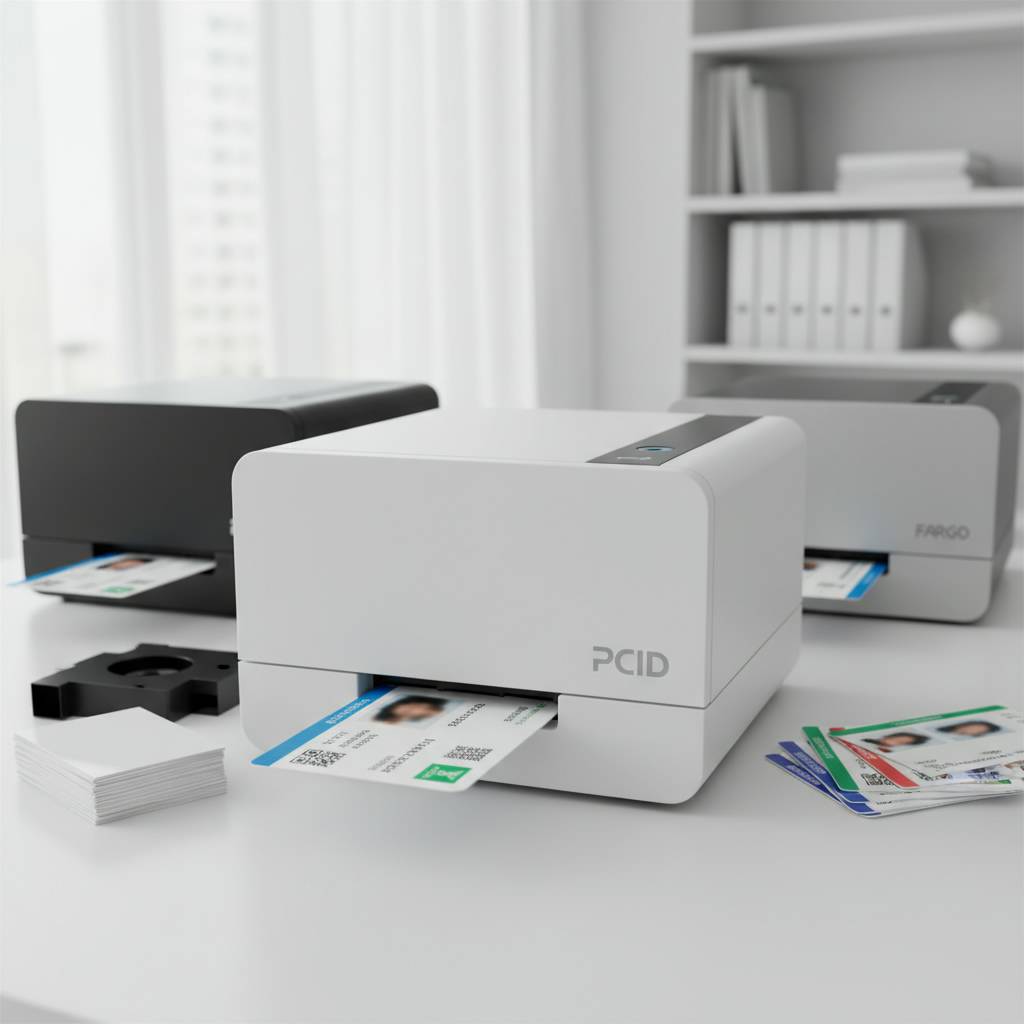
Key Questions Before You Buy
- How many students do you enroll per year, and how many replacement cards do you issue? Total annual card volume is the single most important spec to match.
- Do you need single-sided or dual-sided printing? Dual-sided costs more but maximizes the information on every card.
- Do your campus systems require magnetic stripe encoding, smart chip, or contactless RFID? Encoding support must be specified at the time of purchase for most models.
- Will one printer serve one location, or do you need multiple units across campuses? Uniformity of model simplifies supply management and staff training.
- What is your budget for the initial printer purchase versus ongoing consumables? Total cost of ownership over three to five years is a more useful figure than sticker price alone.
- Do you require holographic overlaminates or other tamper-evident security features?
- What card design software does your institution currently use, and does it need to integrate with your student information system?
Understanding Total Cost of Ownership
The printer's purchase price is just the opening chapter. Ribbons, blank cards, cleaning kits, and occasional maintenance are recurring costs that vary significantly based on print volume and ribbon type. A YMCKO ribbon yields a finite number of cards, and calculating cost-per-card across the ribbon's lifespan reveals the true operating economics. For high-volume programs, a higher-priced printer with lower per-card ribbon costs can result in lower total expenditure over three years than a cheaper entry-level machine.
Think in terms of total cost of ownership over the expected life of the printer, not just the initial outlay. CPE can help institutions run these calculations based on their specific volume and encoding requirements, ensuring the recommendation is genuinely optimized for the long-term budget, not just the purchase order.
Getting Expert Guidance Before You Order
The catalog at Plastic Card ID is wide enough that navigating it without guidance can feel like standing in a hardware store aisle staring at 40 different drill bits when all you needed to know was the hole size. The good news: the team behind CPE has fielded questions from every type of institution imaginable, and matching a customer to the right printer is a core part of what they do.
Reach out directly before placing an order, especially if your situation involves encoding requirements, multi-campus deployments, or integration with existing campus infrastructure. A five-minute conversation can prevent a costly mismatch and set up the card program for success from day one. Call 800.835.7919 to speak with a knowledgeable representative who understands student ID printing from the ground up.
Frequently Asked Questions About Student ID Card Printers
 These are the questions institutions ask most often when evaluating a plastic card printer for student ID cards. If your question isn't here, the team at CPE is a phone call away.
Can I print photos directly onto the cards?
Yes. Every color printer in the lineup - from the entry-level Badgy200 to the premium Agilia - uses dye-sublimation printing to produce photo-quality images directly onto the PVC card surface. The photo is embedded in the card, not printed on top of it, which means it won't peel, flake, or smear under normal handling conditions. Student photos can be imported from a webcam capture, a database export, or any standard image file format compatible with the card design software.
The overlay panel in YMCKO ribbons seals the printed surface with a clear protective layer during the same print pass, adding resistance to surface scratching and UV fading. For institutions that want additional durability, a lamination module applies a thicker overlaminate that significantly extends the card's useful life.
How long does it take to print a single student ID card?
Print speeds vary by model and print mode. Entry-level models like the Badgy200 print a single-sided color card in approximately 45 to 60 seconds. Mid-range models like the Zenius and Primacy2 operate faster, and dual-sided modes add time proportional to the back-side print complexity. High-volume machines like the Agilia produce cards at significantly higher throughput rates suited to batch enrollment processing.
For walk-up ID issuance - a student presents at the registrar's window, photo is captured, data is confirmed, card is printed - most mid-range printers complete the job well within the time it takes to handle the interaction. In practical terms, wait times for individual students are negligible on any printer sized appropriately for the institution's volume.
What happens when a student loses their ID card?
This is one of the most compelling arguments for in-house printing. A student reports a lost ID, the registrar or designated staff member pulls up the student record, verifies identity, and prints a replacement card on the spot. The replacement card is in the student's hands within minutes, encoded identically to the original, with no vendor queue, no shipping wait, and no temporary paper workaround.
Replacement card fees, where institutions charge them, can be processed through the same front-office workflow. The economics of replacement card printing are favorable: the cost of ribbon and blank card for a single replacement is a fraction of what outsourced replacement cards cost, even before factoring in the shipping component.
Partner With Plastic Card ID for Your Student ID Card Printing Program
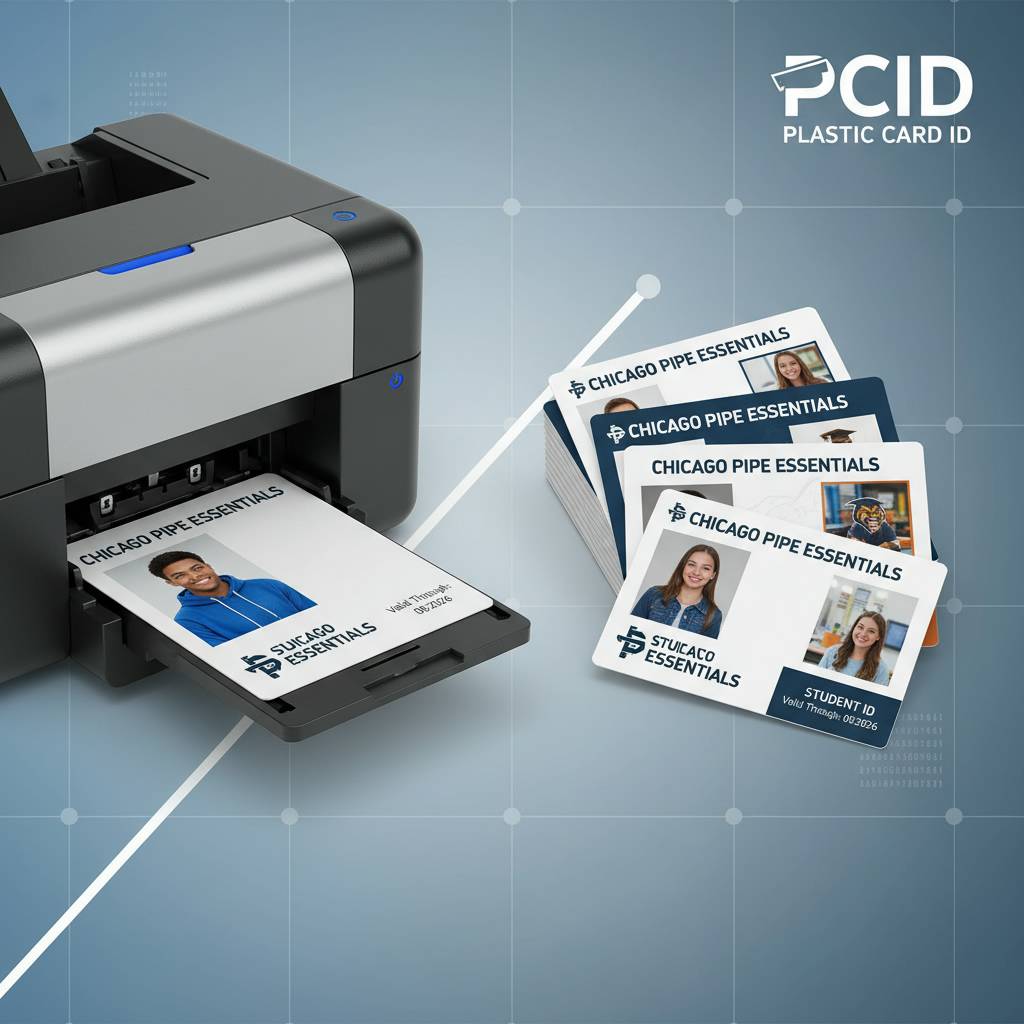 There's a reason more than 100,000 customers across the United States have trusted Plastic Card ID with their plastic card printing programs. The combination of a carefully curated printer lineup, deep stock of consumables and accessories, and genuine expertise in matching institutions to the right solution produces outcomes that outlast a single equipment purchase. This is a long-term relationship with a supplier who knows the category inside and out.
Whether you're setting up a brand-new student ID program from scratch, replacing aging equipment that can no longer keep pace with enrollment, or scaling a single-campus solution to a multi-campus deployment, CPE has the hardware, the supplies, and the knowledge to make it work. The right plastic card printer for student ID cards is the one that fits your volume, your encoding needs, your budget, and your workflow - and finding that fit is exactly what Plastic Card ID excels at.
Call 800.835.7919 today to speak with a specialist at Plastic Card ID and get a recommendation tailored to your institution's specific student ID program needs. The conversation is free. The right printer will pay for itself.
Previous Page