Plastic Card Printer for Access Control Cards Reviewed
Table of Contents []
- Why Plastic Card ID Is the Go-To Source for Plastic Card Printers for Access Control Cards
- Understanding Access Control Cards and Why Printing Them In-House Matters
- The Best Plastic Card Printers for Access Control Programs by Volume
- Supplies and Accessories That Keep Your Access Control Card Program Running
- Access Control Card Applications: Who Prints These Cards and Why
- Frequently Asked Questions About Plastic Card Printers for Access Control
- Buyer Tips: Getting the Most From Your Access Control Card Printer Investment
- Connect With Plastic Card ID to Build Your Access Control Card Program
Why Plastic Card ID Is the Go-To Source for Plastic Card Printers for Access Control Cards
 Access control is serious business. Whether you're managing entry to a corporate headquarters, a university campus, a healthcare facility, or a government building, the cards that open doors - sometimes literally - need to be produced with precision, reliability, and the right technology behind them. That's where in-house plastic card printing changes everything for security-minded organizations.
Plastic Card ID has spent more than 25 years supplying professional-grade plastic card printers to businesses across the United States, building a customer base of over 100,000 organizations. They understand access control card programs at every scale - from a small office needing 200 cards per year to a large enterprise issuing thousands of encoded credentials each month.
This page breaks down exactly what you need to know: which printers handle access control card printing best, what encoding options matter, and how to build a card program that keeps your facility secure without depending on outside vendors or unpredictable lead times.
| Printer Model | Brand | Monthly Volume | Encoding Options | Best For |
|---|---|---|---|---|
| Badgy200 | Evolis | Under 1,000/year | None standard | Small offices, starter programs |
| Zenius | Evolis | 1,000-3,000/month | Mag stripe, smart chip | Mid-size access programs |
| Primacy2 | Evolis | Up to 6,000/month | Dual-sided, mag stripe, smart chip | Corporate, healthcare, education |
| Agilia | Evolis | High volume | Full encoding suite | Premium edge-to-edge output |
| HID Fargo Series | Fargo | Variable | Mag stripe, smart chip, contactless | Security-focused ID programs |
| Zebra ZC Series | Zebra | Variable | Mag stripe, smart chip | Enterprise access control |
Understanding Access Control Cards and Why Printing Them In-House Matters
 There's a meaningful difference between printing a generic employee badge and producing a fully functional access control card. The latter needs to carry encoded data - whether on a magnetic stripe, a smart chip, or a contactless RFID element - that communicates with your physical access system. Getting that data right, every single time, requires a printer built for the job.
Organizations that rely on outside vendors to print their access cards face a familiar set of frustrations: lead times that stretch days or weeks, minimum order quantities that don't match their actual needs, and the ever-present risk of receiving cards that don't encode correctly. In-house printing eliminates all of that. When a new employee needs a card on day one, you print it on day one.
What Makes an Access Control Card Different From a Standard ID
Standard photo ID badges display a person's name, photo, and title. Access control cards do all of that and more - they carry encoded data that your door readers, turnstiles, or parking systems can actually interpret. The encoding is the functionality. Without it, you just have a pretty piece of plastic.
Magnetic stripe encoding writes data in tracks on the card's magnetic band, suitable for many legacy access systems. Smart chip encoding embeds writable data in a chip embedded in the card itself, offering higher security and greater data capacity. Choosing the right encoding type depends entirely on what your access control system is designed to read.
The Real Cost of Depending on Outside Card Vendors
Think about the last time your organization needed an access card urgently - a new hire, a replacement after a loss, a temporary contractor. If you were calling an outside vendor, you already know the drill: quotes, confirmations, shipping timelines, and the occasional error that sends you back to square one. That's operational drag your security program can't afford.
With a plastic card printer for access control cards on-site, your issuance timeline collapses from days to minutes. You control the data, the personalization, the encoding, and the output quality. No minimums, no lead times, no dependency on a third party to get it right.
Encoding Upgrades That Turn a Printer Into a Credential-Issuing Machine
Plastic Card ID supplies encoding upgrades that can be added to compatible printers, transforming them into full credential issuance systems. Magnetic stripe modules handle HiCo and LoCo encoding across all three standard tracks. Smart chip encoding modules write data to contact chips embedded in the card. These options are available across several models in the Evolis, Fargo, and Zebra lineups.
Not every access control program uses the same card technology, which is exactly why having upgrade options matters. Matching your printer's encoding capability to your access system's requirements is step one of any successful in-house card program - and CPE carries the hardware to support that match regardless of where your system sits on the technology spectrum.
The Best Plastic Card Printers for Access Control Programs by Volume
Volume is the first filter. A printer that's perfect for a 200-card-per-year school district would be completely inadequate for a hospital system issuing thousands of badges monthly. Right-sizing your printer to your actual output needs protects your investment and keeps your program running without bottlenecks.

The good news: the lineup carried by Plastic Card ID covers every point on that spectrum, with models from Evolis, Fargo, Zebra, and Matica that address low-volume through high-throughput access control printing needs. Here's how to think about the options.
Low-Volume Access Control: Evolis Badgy200
The Evolis Badgy200 is a compact, straightforward single-sided card printer suited for organizations printing fewer than 1,000 cards per year. Small businesses, nonprofits, boutique office environments - these are the natural homes for the Badgy200. It delivers clean, professional-quality output without complexity or a steep learning curve.
For entry-level access programs where cards carry a simple printed credential rather than sophisticated encoding, the Badgy200 is an approachable starting point. It's also an excellent fit for organizations that want to explore in-house card printing before committing to a more capable system.
Mid-Range Workhorses: Evolis Zenius and Primacy2
The Evolis Zenius and Primacy2 handle the 1,000 to 6,000 cards per month range - the sweet spot for most corporate, healthcare, education, and municipal access control programs. Both support optional encoding upgrades for magnetic stripe and smart chip applications. The Primacy2 adds dual-sided printing, which is critical when the back of the card needs to carry additional encoded data, barcodes, or policy text.
Dual-sided printing with encoding capability is a powerful combination for access control programs that want to maximize the functional real estate on each card. Think photo and name on front, magnetic stripe on back, with chip encoding available as a module. That's a complete credential in a single pass through the printer.
High-Volume and Premium Output: Evolis Agilia, Fargo, and Zebra
When volume climbs or output quality becomes non-negotiable, the conversation moves to the Evolis Agilia, the Fargo lineup, and Zebra's ZC series. The Agilia delivers edge-to-edge, premium-quality card printing that satisfies the most demanding visual and functional specifications. Fargo printers are a trusted name in security-focused ID programs, offering robust encoding options and proven reliability in high-stakes environments.
Zebra's card printers bring enterprise-grade durability and encoding flexibility to the table, appealing to organizations that run large-scale access control programs across multiple locations. For on-site event credentialing where speed is critical, the Matica Event Printer handles high-speed badge printing with the throughput that a conference or large venue demands. Call 800.835.7919 to discuss which model fits your specific volume and encoding requirements.
Supplies and Accessories That Keep Your Access Control Card Program Running
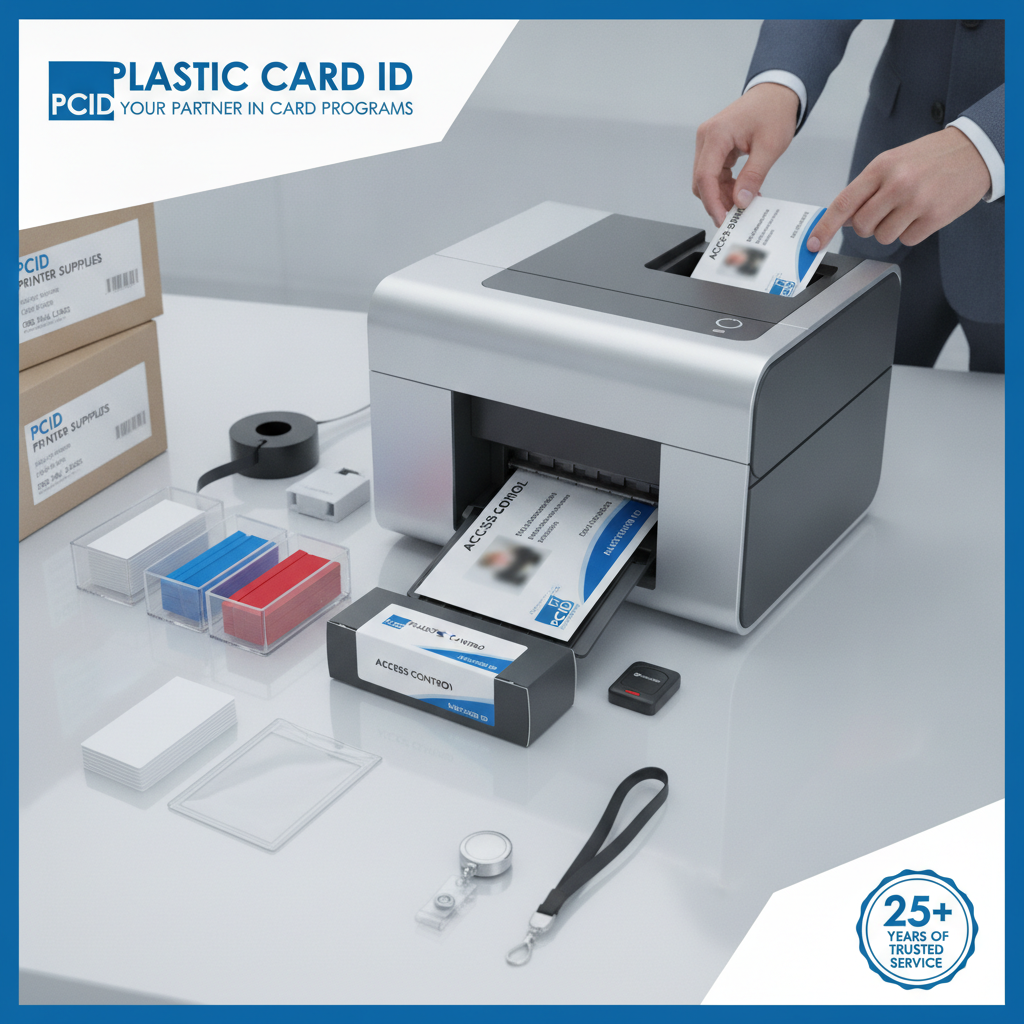 A printer without the right supplies is just an expensive doorstop. The ongoing operational reality of any card program is that ribbons, cleaning kits, and related accessories need to be in stock and correctly matched to your printer model. Plastic Card ID supplies the full range of consumables and accessories to support every printer in their lineup.
Keeping the supply chain for your card program simple and centralized is one of the underappreciated benefits of working with a single, experienced supplier. When your ribbon is running low, you're not hunting across multiple vendors - you call the same team that sold you the printer.
Ribbons: YMCKO, Monochrome, and Specialty Options
Card printer ribbons are not interchangeable. YMCKO ribbons - which print full-color images with an overlay panel for card protection - are the standard choice for access control cards that include a photo. Monochrome ribbons (black, blue, red, and others) work for cards where color isn't required, offering lower per-card cost and faster print speeds. Specialty ribbons handle unique requirements like metallic finishes or enhanced security features.
For access control programs, matching ribbon type to card design and volume is a meaningful cost management decision. A facility printing 3,000 cards per month in monochrome black will spend significantly less per card than one printing full-color YMCKO - but only if the card program design actually supports that approach. CPE can help you work through those options.
Lamination Modules and Card Durability
Access control cards take a beating. They go in and out of wallets, readers, and badge holders dozens of times per week. Lamination modules apply a protective overlay to printed cards, dramatically extending their usable life and protecting the printed surface from wear, UV fading, and scratching. For high-traffic environments, lamination is not a luxury - it's a maintenance strategy.
Several printers in the Plastic Card ID lineup support lamination modules as either integrated or add-on components. When you factor in the cost of replacing cards that wear out prematurely, the incremental investment in lamination capability tends to pay for itself quickly in programs with moderate to high daily card usage.
Cleaning Kits, Input Hoppers, and Card Carriers
Printer maintenance is the unglamorous side of running an in-house card program - but skipping it is how you end up with streaky prints, card jams, and premature printhead wear. Cleaning kits are designed for specific printer models and should be used on a regular schedule to keep the card path and printhead performing at spec. Plastic Card ID supplies the right cleaning kits for every printer they sell.
Input hoppers expand a printer's card-loading capacity, which matters when batch printing large runs of access control cards. Card carriers and sleeves protect finished credentials during issuance and daily use. These accessories are the operational infrastructure that separates a smoothly running card program from one that always seems to be one problem away from a disruption.
Access Control Card Applications: Who Prints These Cards and Why
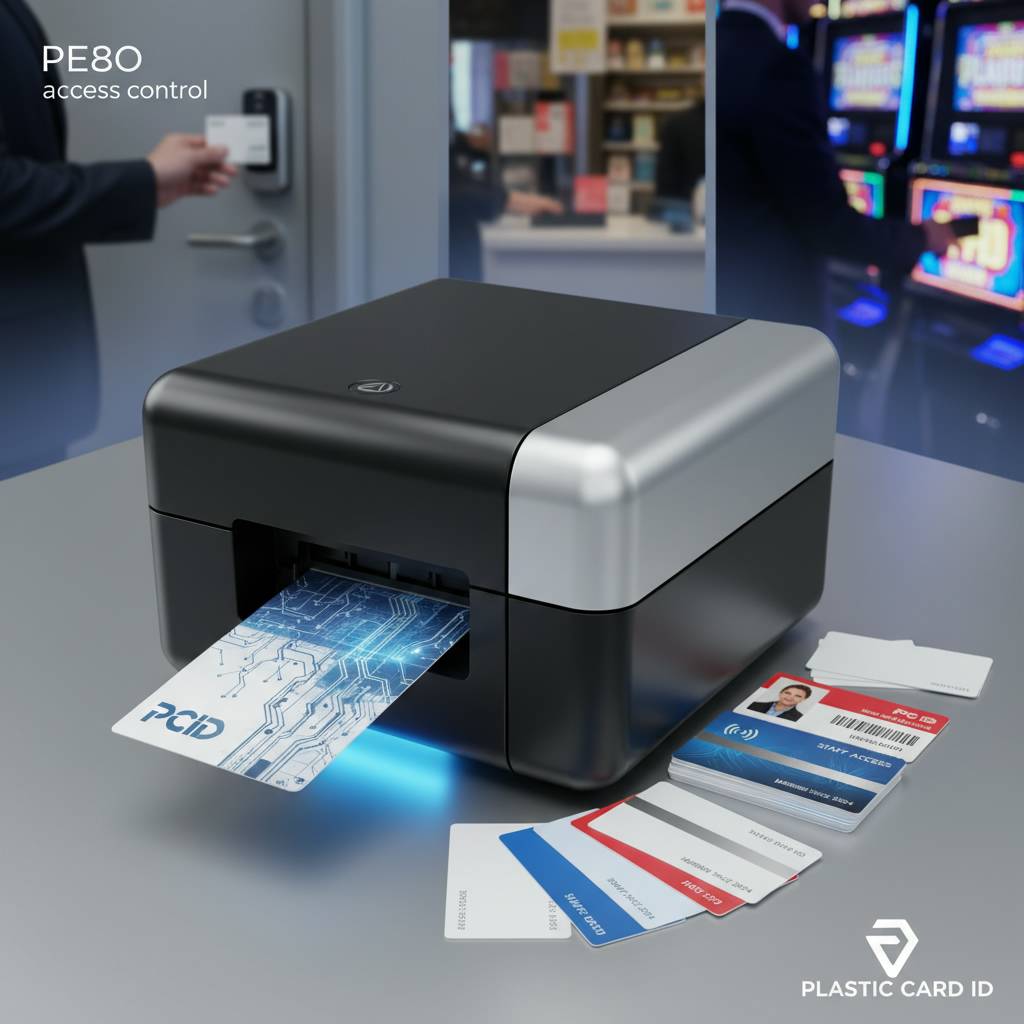 The range of organizations that run in-house access control card programs is broader than most people expect. It extends well beyond corporate security departments into healthcare, education, government, hospitality, and beyond. What they share is a need for reliable, on-demand credential issuance that outside vendors simply cannot provide at the speed or flexibility required.
Corporate and Enterprise Security Programs
Large corporate campuses with multiple access zones, visitor management requirements, and frequent employee turnover are among the most demanding use cases for access control card printing. New hires, contractors, and visitors all need credentials that are issued quickly, encoded correctly, and visually consistent with the organization's security standards.
Printers like the Evolis Primacy2, Fargo, and Zebra ZC series are well-suited to corporate environments because they handle volume, support dual-sided printing with encoding, and integrate with the card design software that security departments already use. Keeping issuance in-house means your security team controls every credential that enters your facility - no exceptions.
Healthcare, Education, and Government Facilities
Hospitals, universities, and government buildings share a common challenge: high turnover, complex access hierarchies, and serious consequences when the wrong person gets through the wrong door. Access control card programs in these environments need to be fast, accurate, and capable of producing credentials that actually work with the facility's access hardware.
These organizations also tend to run multiple card types - employee IDs, student IDs, contractor badges, visitor passes - all of which may carry different encoding data. A printer that handles encoding upgrades and dual-sided printing in a single pass is not a nice-to-have in these environments; it's a baseline requirement. Contact CPE at 800.835.7919 to discuss the right configuration for your facility type.
Hotels, Events, and Temporary Credentialing
Hotel key cards are one of the most recognizable forms of access control cards in daily life. Properties that print their own key cards in-house maintain complete control over the guest experience and can issue replacement cards in seconds rather than waiting on an outside service. The Evolis Zenius and Primacy2 handle hotel key card programs efficiently, with magnetic stripe encoding covering the most common hotel lock system requirements.
For large-scale events - conferences, trade shows, concerts - the Matica Event Printer delivers the high-speed on-site badge printing that event credentialing demands. Speed and reliability under pressure are the defining requirements of event badge printing, and Matica's purpose-built approach to that use case shows in the hardware's design.
Frequently Asked Questions About Plastic Card Printers for Access Control
Buyers considering their first plastic card printer for access control often arrive with a consistent set of questions. The answers below address the most common concerns and help narrow the decision before a conversation with the Plastic Card ID team.
What Encoding Do I Need for My Access Control System?
The encoding your printer needs to support depends entirely on what your access readers are designed to read. Most legacy systems use magnetic stripe cards encoded on HiCo or LoCo tracks. Newer systems often use smart chip or contactless technology. The safest approach is to identify your access system's card specification before selecting a printer - then match the printer's encoding module to that specification.
Plastic Card ID carries printers with magnetic stripe encoding, contact smart chip encoding, and various combination configurations. If you're unsure what your system requires, the team can help you work through the technical details. Getting the encoding right from the start prevents the frustration of discovering an incompatibility after your first card run.
How Many Cards Per Month Do I Actually Need to Print?
This is the question most buyers underestimate. Many organizations calculate only their initial issuance volume - new employees or students at the start of a term - without accounting for replacements, temporary credentials, visitor passes, and the inevitable attrition of cards that get lost, damaged, or demagnetized. A realistic monthly volume estimate should include all of these card types, not just the obvious primary population.
- Count new credential issuances (employees, students, contractors)
- Add estimated replacement rate (typically 10-15% of active cards per year)
- Include visitor and temporary credential volume
- Factor in any card types that see daily reader wear and need more frequent replacement
- Consider seasonal spikes - enrollment periods, annual badge renewals, large events
Once you have a realistic monthly number, matching it to the right printer tier becomes straightforward. The difference between under-buying and right-sizing your printer can mean the difference between a smooth program and a constant production backlog.
Do I Need Single-Sided or Dual-Sided Printing?
Single-sided printers are simpler and cost less. Dual-sided printers add flexibility that matters in specific scenarios. If your access control cards need to carry a photo and personal data on the front and encoded information, a barcode, or additional policy text on the back, dual-sided printing is the right choice. If your card design is front-only, a single-sided printer handles the job cleanly and at lower cost per card.
The Evolis Primacy2 is the natural starting point for organizations that want dual-sided capability with encoding options. For organizations that are certain their program is front-only, the Zenius delivers strong performance at a more accessible price point. Neither choice is wrong - the right answer depends on your card design and access system requirements.
Buyer Tips: Getting the Most From Your Access Control Card Printer Investment
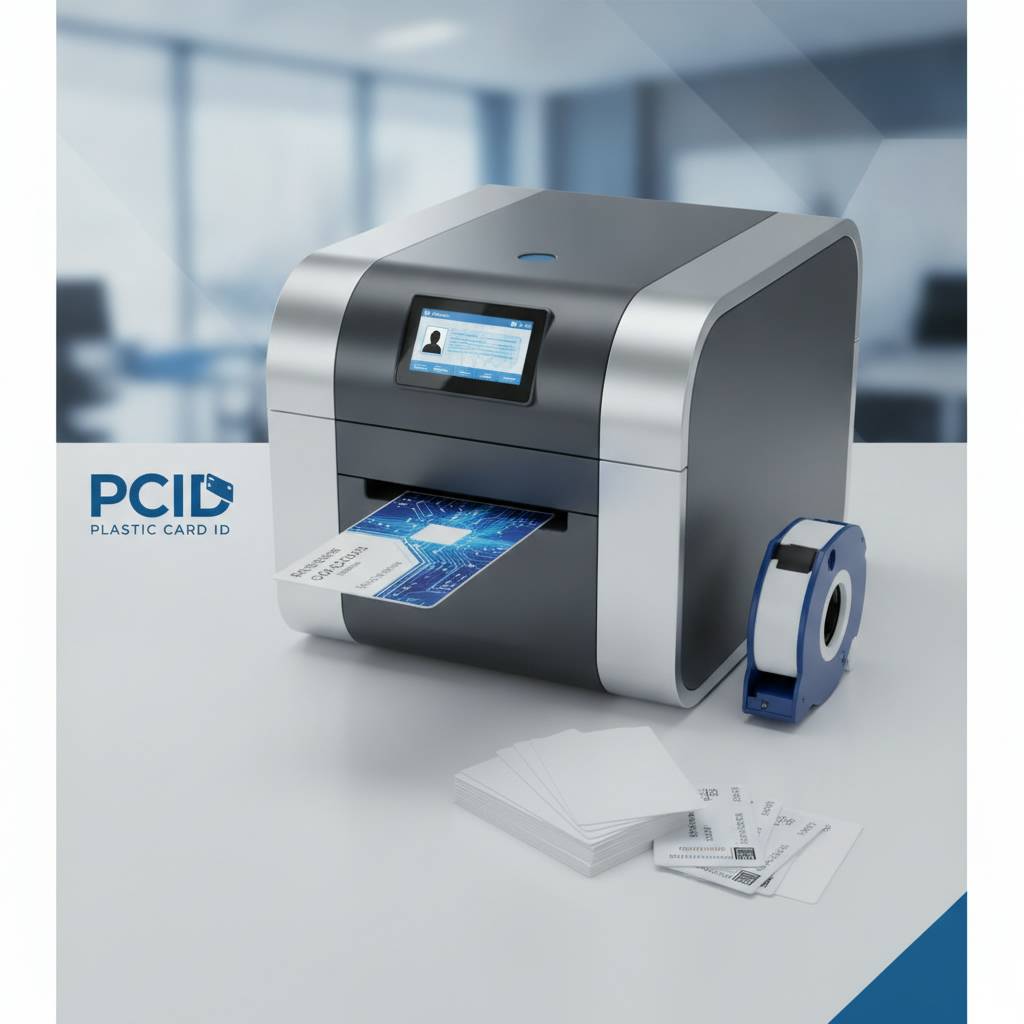 Buying the right printer is only the beginning. Organizations that run successful in-house access control card programs treat the printer as a piece of critical infrastructure - maintaining it properly, keeping supplies stocked, and integrating it into their security workflow from day one. These tips help you get the full value from the investment.
Plan Your Supply Inventory Before You Start Printing
Nothing disrupts a card program faster than running out of ribbon in the middle of a batch print run. Before your printer arrives, establish a supply inventory plan that accounts for your monthly volume, your ribbon yield per roll, and a reasonable safety stock buffer. Running out of supplies is an operational failure that in-house printing was supposed to eliminate.
Work with CPE to identify the correct ribbon part numbers for your printer model - YMCKO for full-color, monochrome for single-color applications - and establish a reorder schedule that keeps you comfortably ahead of demand. The same applies to cleaning kits, which should be on hand and used on the schedule the printer manufacturer recommends.
Train Your Staff on the Printer and Card Issuance Workflow
A printer that only one person knows how to operate is a vulnerability. Cross-training at least two team members on the printer, the card design software, and the encoding configuration protects your card program from the disruption of a single point of failure. If the one person who knows how to print cards is out sick, your access control program shouldn't grind to a halt.
Most of the printers carried by Plastic Card ID are designed with usability in mind - setup is straightforward, and the learning curve for day-to-day operation is manageable. Investing an hour or two in staff training at the outset pays dividends every time a card needs to be issued quickly and the person who normally does it isn't available.
Integrate Card Printing Into Your Onboarding and Security Workflow
The full operational benefit of in-house card printing is only realized when it's woven into the larger workflow - not treated as a separate, manual step. When a new employee is added to your HR system, the trigger for card printing should happen as part of that process, not as an afterthought on their first day. Treating card issuance as an integrated workflow step rather than an isolated task is how organizations eliminate the "day one, no badge" problem entirely.
Many card design software platforms integrate with HR and access control systems to automate data population on the card template. When the printer, the software, and the access control system are all talking to each other, the issuance process becomes fast, accurate, and largely self-managing. That's the operational ideal that Plastic Card ID helps organizations build toward.
Connect With Plastic Card ID to Build Your Access Control Card Program
 Choosing the right plastic card printer for access control is a decision that affects your organization's security, efficiency, and day-to-day operations for years. It deserves more than a quick click-and-ship transaction. The team at Plastic Card ID has spent over 25 years helping organizations across the United States match the right hardware, encoding options, and supplies to their specific access control requirements.
Whether you're setting up your first in-house card program or upgrading aging equipment that can no longer keep up with your volume or encoding needs, CPE has the expertise and the product lineup to get you to the right solution without guesswork.
Ready to take control of your access control card program? Contact Plastic Card ID today at 800.835.7919 and speak with a specialist who can help you identify the right printer, encoding configuration, and supplies to keep your credentials professional, functional, and issued on your schedule - not a vendor's.
Previous Page