How to Choose a Plastic Card Printer: Expert Advice
Table of Contents []
- Your Complete Guide to Choosing a Plastic Card Printer - Plastic Card ID
- Understanding Print Volume - The First Question You Must Answer
- Single-Sided vs. Dual-Sided Printing - More Than Just a Feature
- Encoding Options: Magnetic Stripe, Smart Chip, and Beyond
- Ribbons, Supplies, and the True Cost of Card Printing
- Matching Your Printer to Your Use Case
- Working with Plastic Card ID to Find Your Ideal Printer
Your Complete Guide to Choosing a Plastic Card Printer - Plastic Card ID
 Picking the wrong card printer is an expensive mistake - one that organizations make more often than you'd think. Too much machine for a small office. Not enough throughput for a busy school district. The wrong encoding options for an access control program. Getting this decision right starts with honest answers to a few pointed questions about what your card program actually demands. That's exactly what this guide is built to help you do.
Plastic Card ID has been supplying professional plastic card printers to businesses across the United States for over 25 years, serving more than 100,000 customers in the process. That kind of experience translates into real, practical guidance - not generic spec-sheet comparisons. Whether you're launching your first in-house ID program or upgrading aging equipment, the framework below will help you choose with confidence.
| Category | Volume Range | Typical Models | Best For |
|---|---|---|---|
| Entry-Level | Under 1,000 cards/year | Evolis Badgy200 | Small offices, nonprofits, clubs |
| Mid-Range | 1,000-6,000 cards/month | Evolis Zenius, Primacy2 | Businesses, schools, hospitals |
| High-Performance | High-volume, premium quality | Evolis Agilia, Fargo, Zebra | Enterprise, government, security |
| Event/On-Site | High-speed bursts | Matica Event Printer | Conferences, events, stadiums |
Understanding Print Volume - The First Question You Must Answer
 Volume is the single most important factor in choosing a plastic card printer, and yet it's routinely underestimated. Organizations often buy based on price alone, only to discover that their chosen machine bogs down under real-world demand. Conversely, buying a high-throughput industrial system for a 200-card-a-year program is simply wasting capital. Be honest about your numbers before anything else.
Think in both annual totals and peak demand. A school might print 500 student IDs in a three-day window at the start of the semester - that burst requirement matters just as much as the annual figure. Map your actual printing schedule before you shop, not after.
Low-Volume Printing: Fewer Than 1,000 Cards Per Year
For organizations printing infrequently - think small associations, boutique fitness studios, local nonprofits - an entry-level printer like the Evolis Badgy200 delivers reliable results without the price tag of a full commercial unit. It handles straightforward single-sided color printing cleanly and connects via USB with minimal setup. Don't let the entry-level label fool you: the output quality is professional and consistent.
These printers are designed for simplicity. Staff with no prior card printing experience can be up and running within an hour. The tradeoff is speed and feature depth - you won't find dual-sided printing or magnetic stripe encoding built in at this tier. For simple visual ID cards or basic membership cards, it's an excellent fit.
Mid-Range Volume: 1,000 to 6,000 Cards Per Month
This is where most organizations land - schools, regional businesses, healthcare facilities, hotels. The Evolis Zenius and Primacy2 are workhorses built for consistent, daily production at this scale. Both offer optional magnetic stripe encoding, dual-sided printing, and higher card input capacity than entry-level models. They're faster, smarter, and built to handle real operational pressure.
The Primacy2 in particular has become a go-to for organizations that need dual-sided printing with lamination capability. If your card design uses both sides - and many access control or employee ID designs do - this class of printer earns its place on the desk quickly. The ribbon yield per panel is strong, keeping supply costs manageable across a large card program.
High-Volume and Industrial Production
When your program demands edge-to-edge premium output, high daily throughput, or enterprise-grade security features, you're looking at machines like the Evolis Agilia, Fargo, and Zebra lines. These printers are built differently - heavier-duty mechanics, larger input hoppers, smarter encoding options, and the kind of image quality that government IDs and corporate security programs require.
CPE stocks a curated selection from these brands specifically because one size does not fit all at this tier. Fargo printers are particularly respected in security-focused ID programs where card integrity and encoding precision matter enormously. Zebra machines bring robust durability to high-demand enterprise environments. Matching your security requirements to the right platform is critical here.
Single-Sided vs. Dual-Sided Printing - More Than Just a Feature
It sounds like a simple checkbox decision. It isn't. The choice between single-sided and dual-sided printing shapes your card design options, your per-card cost, and your production speed simultaneously. Organizations sometimes commit to single-sided printing, then redesign their cards six months later and wish they'd bought differently. Think through your card layout before you commit to a printer.
Dual-sided printers use a flipper module to automatically rotate the card mid-print. This adds time per card but unlocks a full canvas for your design - employee photo on the front, barcode and policy text on the back, for example. Single-sided units are faster and cost less per card when one face carries all necessary information.
When Single-Sided Is the Right Call
Simple loyalty cards, basic event credentials, and membership cards with a clean front-face design rarely need anything on the reverse. Single-sided printing is faster, the ribbon lasts longer per batch, and the printer mechanics are simpler - meaning fewer things that can theoretically need attention over time. If your use case is genuinely one-sided, don't pay for hardware you won't use.
Hotel key cards are an interesting example. The magnetic stripe encodes room access data, but the visual design is almost always single-sided - branding on the front, plain or minimally branded on the reverse. Single-sided printers with magnetic stripe encoding handle this beautifully and cost-effectively.
When Dual-Sided Printing Pays for Itself
Employee ID programs almost always benefit from dual-sided cards. Front face carries the photo, name, title, and company logo. The back holds the magnetic stripe, barcode, emergency contact information, or building access instructions. Trying to squeeze all of that onto one side produces cluttered, hard-to-read cards that undermine the professional image you're trying to project.
Student IDs, healthcare staff badges, and library cards are similarly natural candidates for dual-sided printing. The incremental cost of a dual-sided printer is typically well justified when the card design genuinely requires it. Ask yourself honestly: would a single side ever feel cramped with your required content? If yes, go dual-sided from the start.
Lamination: The Dual-Sided Upgrade You Might Not Have Considered
Inline lamination modules, available on select mid-range and high-performance printers, apply a protective overlay to the printed card surface directly after printing. This dramatically extends card life in high-use environments - cards swiped through readers dozens of times a day, carried loose in pockets, exposed to outdoor conditions. The Evolis Primacy2 supports lamination modules and is a popular choice for programs where card durability is non-negotiable.
For organizations issuing cards with a multi-year intended lifespan - employee IDs, student cards, access credentials - lamination is a worthwhile investment. It protects printed color from fading and the card surface from physical wear. Factor this into your printer selection early rather than discovering lamination options after the fact.
Encoding Options: Magnetic Stripe, Smart Chip, and Beyond
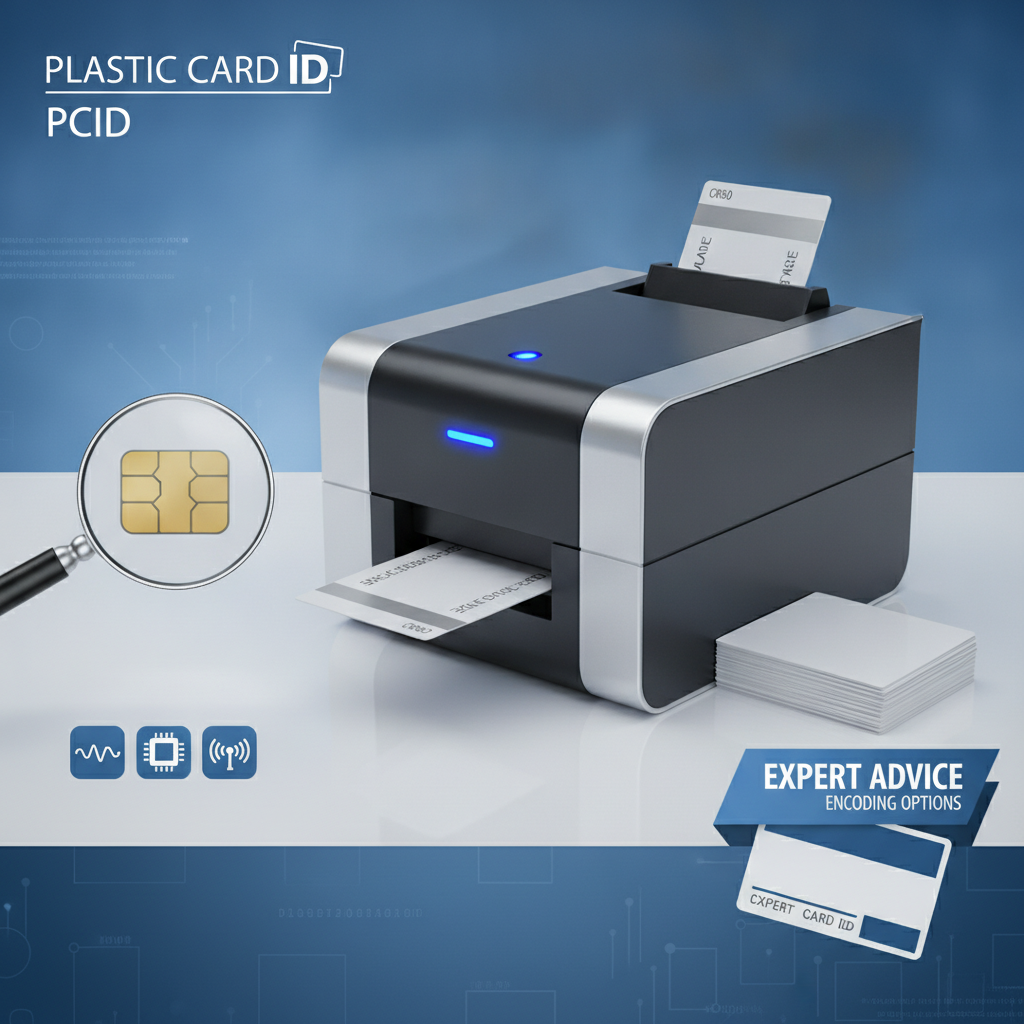 A plastic card printer that only prints pictures and text is just the beginning. The real power of in-house card production is the ability to encode functional data directly into each card as it prints. Magnetic stripe encoding, smart chip programming, and proximity card compatibility transform a printed credential into a working access control or data-carrying tool.
CPE supplies encoding upgrade modules for a range of compatible printers, meaning organizations aren't locked into a configuration they chose on day one. Understanding your encoding needs upfront, however, saves time and prevents unnecessary hardware changes down the road.
Magnetic Stripe Encoding
Magnetic stripe encoding remains the most widely used card technology in the United States. It's cost-effective, universally compatible with card readers, and well understood by IT and facilities teams. Hotel key cards, employee time-and-attendance systems, access control programs, and loyalty card platforms frequently rely on magnetic stripe data. Most mid-range and above card printers from the CPE lineup offer magnetic stripe encoding as a built-in or add-on option.
Three-track HiCo (high coercivity) stripes are the standard for access control and business applications - they hold data more reliably than LoCo stripes and resist accidental erasure from common magnetic fields. Make sure you know which standard your existing card readers require before specifying your printer's encoding configuration.
Smart Chip and Contact/Contactless Options
Smart chip encoding supports significantly more data than a magnetic stripe and enables more sophisticated security protocols - two-factor authentication, encrypted credentials, digital certificates. Fargo and Zebra platforms in particular offer robust smart card encoding support, making them favorites for government agencies, financial institutions, and enterprises with elevated security requirements.
Contactless smart cards (often called proximity or RFID cards) are increasingly common in corporate access control environments. Some card printers can encode these cards in-line; others require a separate programming station. Clarify this workflow before purchasing. The last thing a busy IT department needs is a gap between the printer output and the encoding step.
Choosing Encoding Based on Your Use Case
- Hotel key cards: Magnetic stripe encoding - standard and cost-effective for room access systems
- Employee access control: Magnetic stripe or smart chip, depending on existing reader infrastructure
- Student IDs: Magnetic stripe for library systems, cafeteria accounts, and building access
- Healthcare staff badges: Smart chip or RFID for secure area access and patient record system authentication
- Loyalty and membership cards: Magnetic stripe or barcode (no encoding module required for barcodes)
- Event credentials: Barcode or QR code printed directly - the Matica Event Printer excels here
Knowing your use case before you call CPE at 800.835.7919 means the conversation moves faster and the recommendation is sharper. Don't guess at encoding requirements - confirm them with your IT or facilities team before specifying hardware.
Ribbons, Supplies, and the True Cost of Card Printing
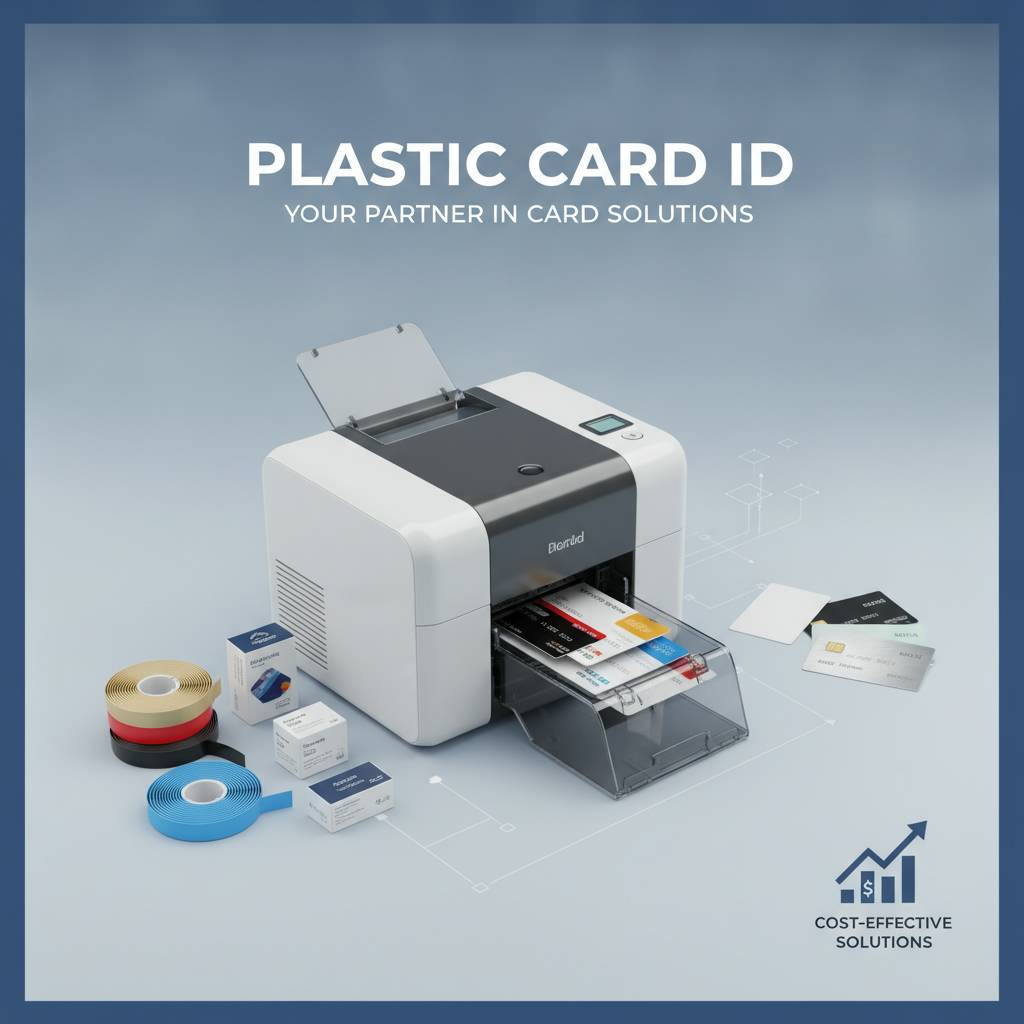 The printer purchase is a one-time decision. The ribbon and supply costs are a recurring commitment for the life of your card program. Too many buyers focus exclusively on the hardware price and underestimate what the ongoing consumables will cost at their actual print volume. Do the math before you buy.
YMCKO ribbon panels (Yellow, Magenta, Cyan, Key black, Overlay) produce full-color cards with a protective clear overlay coat. Monochrome ribbons in black, white, or custom colors cost significantly less per card and work well for text-heavy, single-color designs. Specialty ribbons - silver, gold, holographic overlay - serve specific branding and security applications.
Calculating Your Cost Per Card
A standard YMCKO ribbon panel for a popular mid-range printer might yield 200-500 prints and cost $40-$120 depending on the model and supplier. That works out to roughly $0.20-$0.40 per card in ribbon cost alone, before factoring in the blank PVC card stock. Add $0.03-$0.10 per card for blank cards, and your all-in consumable cost per printed card lands somewhere between $0.23 and $0.50 for full-color production.
Monochrome ribbons drop that cost dramatically - sometimes to $0.05-$0.10 per card. For organizations printing large volumes of simple cards (black-on-white membership cards, text-only event badges), this difference compounds quickly across thousands of cards. Factor ribbon type into your printer selection, because some printers support a broader range of ribbon options than others.
Cleaning Kits and Printer Maintenance
Card printers are precision machines with thermal print heads, rollers, and transport mechanisms that accumulate dust and card debris over time. Skipping routine cleaning is the most common cause of premature print head failure - and print heads are not cheap to replace. CPE supplies cleaning kits designed for each compatible printer model, including cleaning cards, cleaning swabs, and roller cleaning supplies.
Most manufacturers recommend a cleaning cycle every time you load a new ribbon - a discipline that takes about two minutes and saves hundreds of dollars in avoidable repair costs. Build this into your operating procedure from day one. It's one of those habits that separates organizations with long-lived, reliable card programs from those constantly dealing with print quality problems.
Card Carriers, Sleeves, and Accessories
Cards that exit a printer in perfect condition can be damaged in distribution and everyday use without proper accessories. Card carriers protect freshly printed cards during handling and transport. Badge sleeves and holders extend card life in environments where cards are frequently handled. Retractable reel holders and lanyards complete the professional credential package for employee and visitor badge programs.
CPE supplies a complete range of these accessories, making it straightforward to source everything a card program needs from a single supplier. Consolidating supply sourcing simplifies reordering and ensures compatibility between cards, carriers, and printers.
Matching Your Printer to Your Use Case
The best card printer for a hotel chain's key card operation looks nothing like the best printer for a conference organizer printing 5,000 event badges in a single afternoon. Use case specificity is what separates a smart hardware investment from an expensive mismatch. Here's how common programs map to the right printer class.
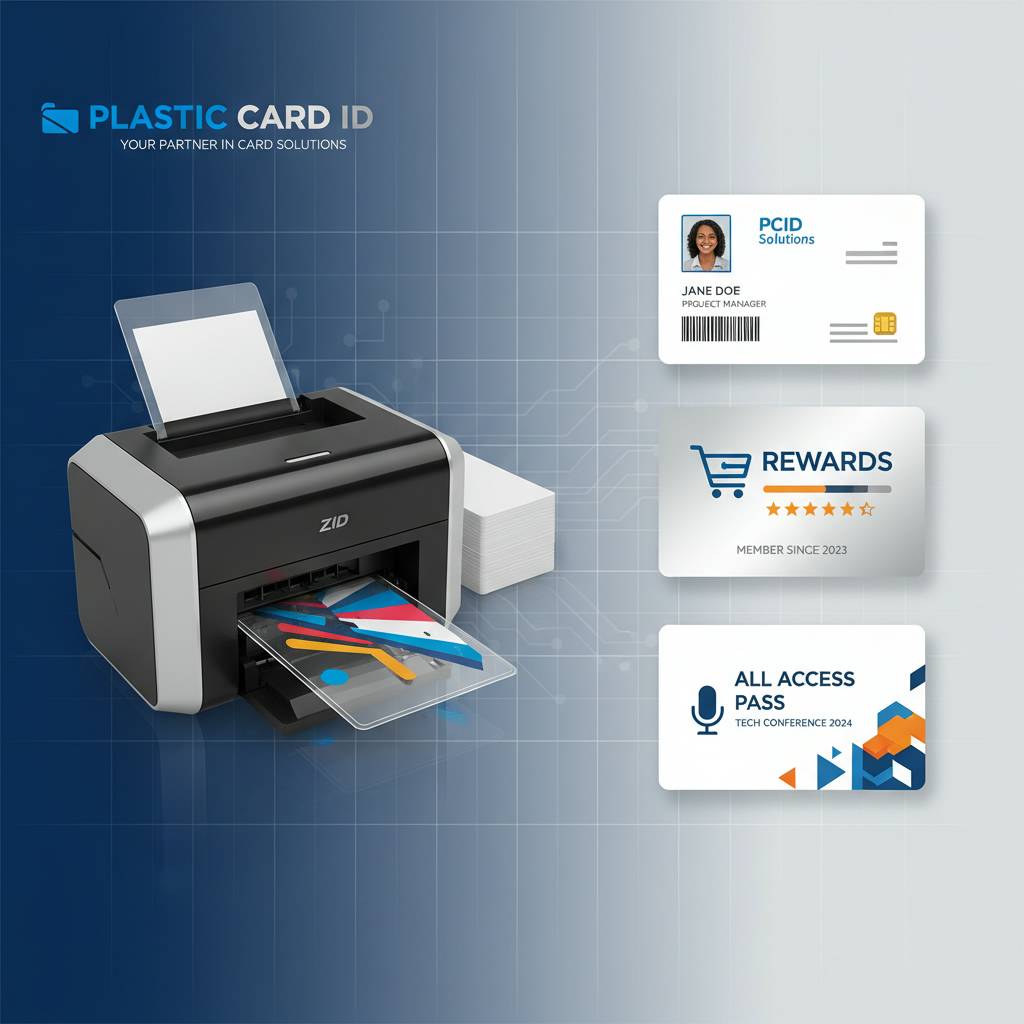
Employee ID and Access Control Programs
These programs typically combine color photo printing with magnetic stripe or smart chip encoding on a dual-sided card. Mid-range printers like the Evolis Primacy2 handle this workflow superbly at most business scales. For enterprise programs with higher daily volumes or elevated security requirements, Fargo and Zebra platforms offer the encoding sophistication and throughput that serious access control programs demand.
The ability to print on demand - rather than ordering batches from an outside vendor - is a genuine operational advantage. New hires get their ID cards on day one. Terminated employees can have cards deactivated and reprinted as needed without waiting days for an outside order to arrive. Control, speed, and security all improve when you own the production process in-house.
Event and Conference Credential Printing
Event credentialing has its own unique demands: high-speed printing, on-site operation, and often the need to print names and registration data dynamically at check-in. The Matica Event Printer is purpose-built for exactly this scenario, delivering fast throughput for on-site badge production at conferences, trade shows, sporting events, and festivals. It integrates with registration software and handles burst demand that would overwhelm a standard desktop printer.
For recurring events or organizations that host multiple events annually, owning an event printer is far more cost-effective than renting equipment or outsourcing badge production. The upfront investment pays back quickly once you account for the avoided vendor fees, turnaround delays, and logistical headaches of outsourcing.
Loyalty, Membership, and Student ID Programs
- Loyalty cards often require full-color printing with a magnetic stripe for point-of-sale system integration - mid-range printers handle this well
- Membership cards for gyms, associations, and clubs vary widely in volume - match the printer tier to your actual annual card count
- Student IDs for schools and universities often involve dual-sided printing, photo capture, and magnetic stripe or barcode encoding for library and cafeteria systems
- Library cards typically use barcode-only designs and can be managed efficiently on entry-level or mid-range single-sided printers
Each of these programs has distinct volume, encoding, and design characteristics. The commonality is that all of them benefit from in-house printing - faster issuance, per-card customization, and no dependence on outside vendors for day-to-day card production.
Working with Plastic Card ID to Find Your Ideal Printer
 Choosing a plastic card printer doesn't have to be a solo research project. Plastic Card ID brings 25 years of hands-on experience helping organizations across the United States navigate exactly this decision - from small businesses printing a few hundred cards a year to enterprise programs churning out tens of thousands of cards monthly. The guidance is practical, direct, and based on real-world printing programs across every industry.
The curated lineup at CPE covers Evolis, Fargo, Zebra, and Matica - specifically chosen because these brands represent the best combination of print quality, reliability, and long-term support availability. You're not sorting through a generic catalog of hundreds of obscure models. You're working from a focused, professional selection built for serious card programs.
How to Prepare Before You Call
The more specific you can be about your requirements, the faster and more accurate the recommendation. Before reaching out, gather a few key data points: your estimated monthly and annual card volume, whether you need single or dual-sided printing, what encoding (if any) your card readers require, and whether you anticipate needing lamination or specialty finishes. This information turns a general conversation into a targeted recommendation.
If you're replacing an existing printer, note the make, model, and any pain points you experienced. Ribbon costs too high? Print head failures too frequent? Throughput too slow? These specifics help CPE identify whether you need a same-tier replacement or a genuine step up in capability.
What Ongoing Support Looks Like
Plastic Card ID doesn't just sell you a printer and move on. Ribbons, cleaning kits, encoding upgrades, lamination modules, card carriers, and blank card stock are all available for reorder as your program evolves. Having a single, experienced supplier for hardware and consumables keeps the supply chain simple and the support conversation straightforward when questions arise.
Call Plastic Card ID at 800.835.7919 and tell us exactly what your card program needs. The right printer, configured correctly from the start, is the foundation of a card program that runs smoothly for years without surprises. That's a better outcome than buying the wrong machine and discovering the limitations after the fact.
Buyer Tips: Quick Checklist Before You Purchase
- Confirm your annual and monthly card volume estimates - include seasonal peaks
- Decide whether single-sided or dual-sided printing matches your card design
- Identify any encoding requirements by checking with IT or facilities on existing card reader technology
- Calculate your expected cost per card using ribbon yield and blank card stock pricing
- Determine whether inline lamination is needed for card durability
- Ask about input hopper capacity if you run large unattended print batches
- Confirm software compatibility with your existing badge design or ID management platform
- Factor in cleaning kits and consumable reorder logistics from day one
Taking thirty minutes to work through this checklist before purchasing can prevent months of frustration with the wrong equipment. The best card printer is the one that fits your actual program - not the one with the most features or the lowest sticker price.
Ready to find the right machine? Contact Plastic Card ID today at 800.835.7919 - a 25-year track record of helping over 100,000 customers get their card programs right is standing by to help you do the same.
Previous Page