Plastic Card Printer Buying Guide: Find Your Perfect Match
Table of Contents []
- Your Complete Plastic Card Printer Buying Guide from Plastic Card ID
- Understanding Your Print Volume Before You Buy
- Printer Brands Compared: Evolis, Fargo, Zebra, and Matica
- Ribbons, Supplies, and the True Cost of Ownership
- What You Can Print: Card Types and Use Cases
- Buyer's Guide FAQ: Common Questions Answered
- Make the Right Choice the First Time with Plastic Card ID
Your Complete Plastic Card Printer Buying Guide from Plastic Card ID
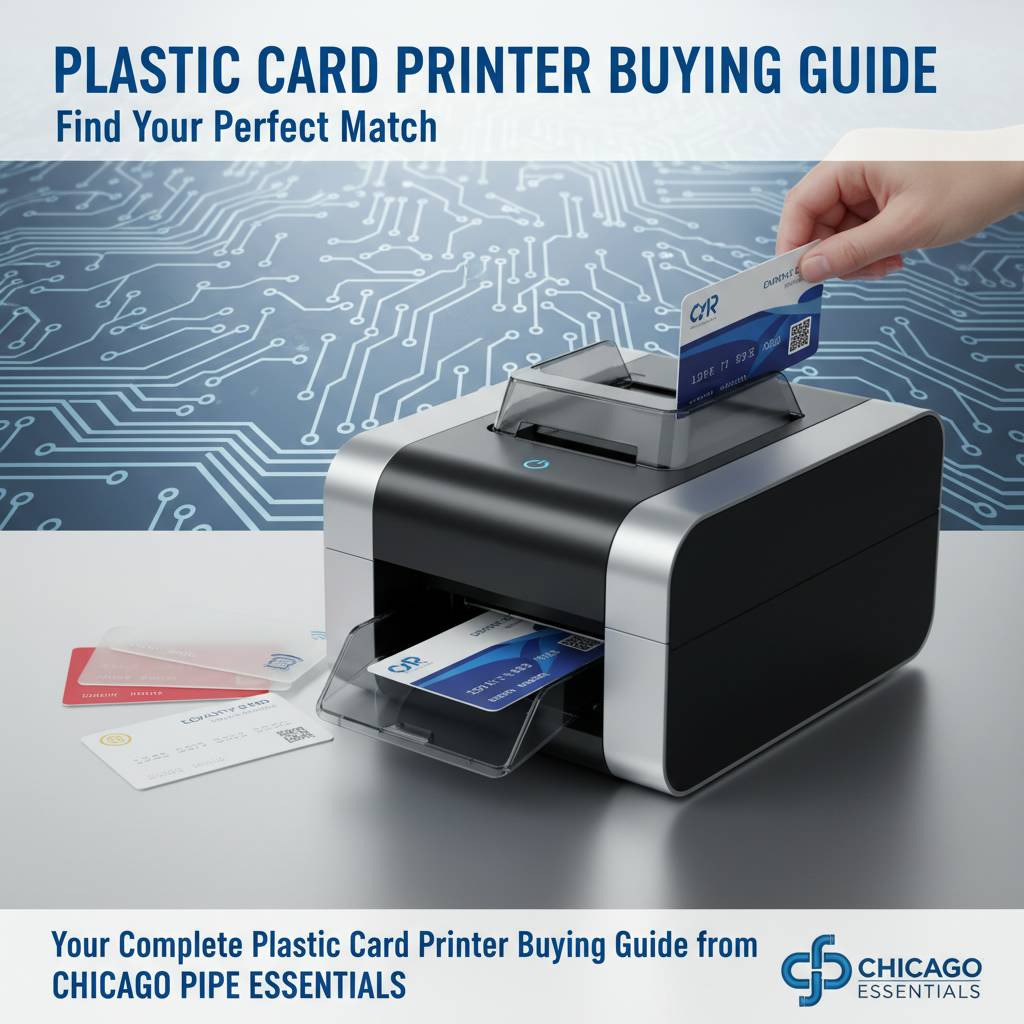 Choosing the right plastic card printer is not as simple as picking the cheapest unit on a search results page. The decision involves understanding your monthly print volume, the types of cards you need, the encoding features required, and how much ongoing supply cost you can absorb. Get it wrong, and you end up with a printer that bottlenecks your operations or one that sits idle because it was designed for a scale you never reach.
Plastic Card ID has been helping organizations across the United States navigate this exact decision for over 25 years, supplying professional-grade card printers and accessories to more than 100,000 customers. This guide draws on that deep expertise to walk you through everything you need to know before buying - from identifying your print volume to selecting the right ribbon type, and from understanding encoding options to knowing which brands excel at what.
| Print Volume | Recommended Models | Best For |
|---|---|---|
| Under 1,000 cards/year | Evolis Badgy200 | Small offices, clubs, nonprofits |
| 1,000-3,000 cards/month | Evolis Zenius, Evolis Primacy2 | Mid-size businesses, schools |
| 3,000-6,000 cards/month | Fargo, Zebra mid-range | Corporate ID, access control |
| High-volume / events | Evolis Agilia, Matica Event | Industrial, events, hospitality |
Understanding Your Print Volume Before You Buy
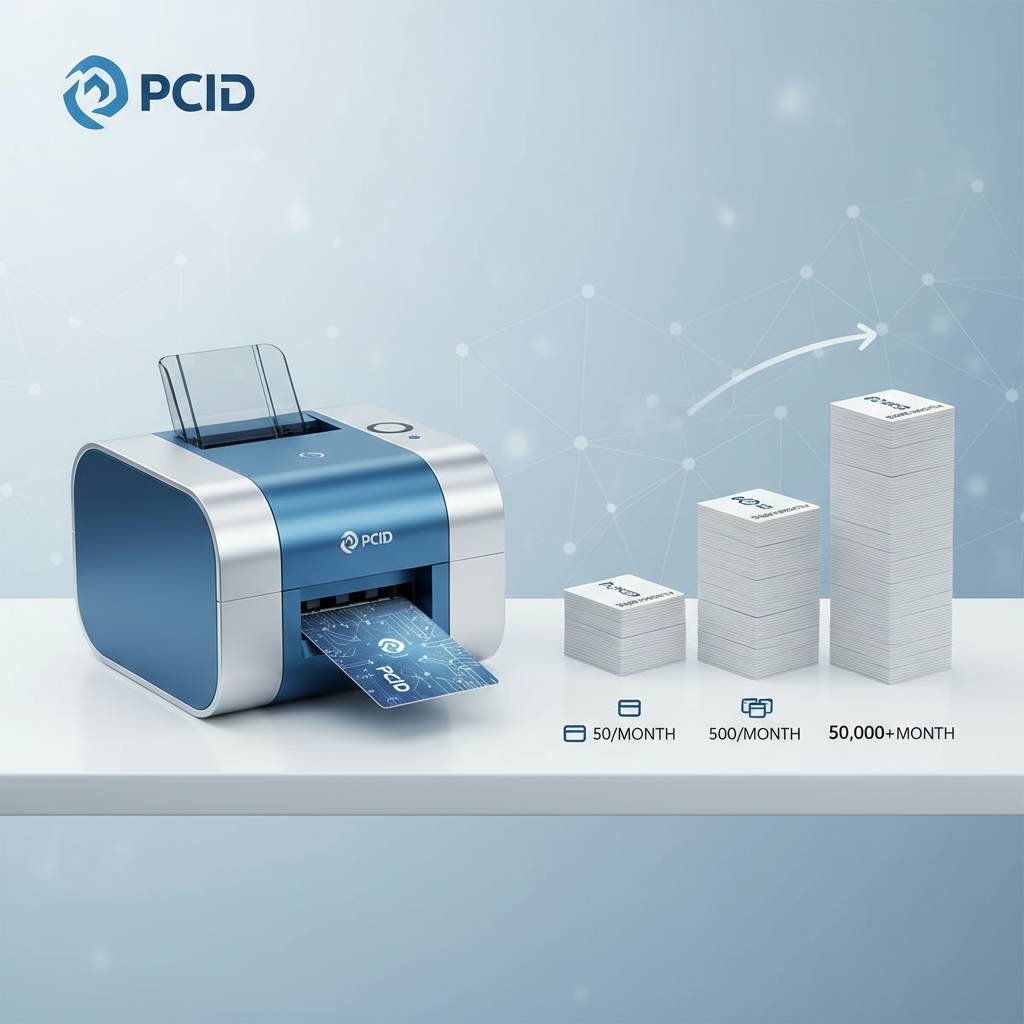 Volume is the single most important variable in selecting a card printer, and yet it is the one most buyers overlook. Organizations routinely purchase a printer rated for 500 cards per year when their actual need is 2,000 per month - and they pay for that mismatch in wear, downtime, and ribbon waste. Knowing your numbers ahead of time is not just smart budgeting; it is the difference between a smooth operation and a constant frustration.
Be honest about your realistic print demand, not your theoretical one. Count current card issuances, project growth over 18-24 months, and factor in seasonal spikes. A university printing student IDs might print 3,000 cards in September alone but nearly nothing in July. That seasonal reality shapes which printer tier makes sense.
Low-Volume Environments: Under 1,000 Cards Per Year
For small businesses, nonprofit organizations, community clubs, and startups, an entry-level desktop printer is typically the right call. The Evolis Badgy200 is purpose-built for this tier: compact, easy to set up, and affordable to run. It handles basic single-sided printing with full-color YMCKO ribbons without demanding the budget or maintenance overhead of industrial units.
Do not let the "entry-level" label fool you into thinking results are subpar. These printers still produce sharp, professional cards with vivid color. The trade-off is speed - they are not built for burst printing - but for an organization that needs a couple hundred cards a quarter, speed is rarely the constraint.
Mid-Volume Environments: 1,000 to 6,000 Cards Per Month
This is the busiest tier in the market, and it is where the Evolis Zenius and Evolis Primacy2 shine. Both models handle consistent daily printing with reliability. The Primacy2, in particular, supports dual-sided printing and magnetic stripe encoding - features that matter significantly for employee ID programs, membership cards, and access control systems.
Mid-range printers represent the best value for most organizations. They are fast enough to handle busy issuance periods, durable enough for daily use, and flexible enough to accept encoding upgrades as needs evolve. If you are running a corporate HR department, a healthcare facility, or a school district, this tier is where you likely belong.
High-Volume and Industrial Environments
When printing demands push into the tens of thousands of cards per month - or when the quality bar demands edge-to-edge, flawless output every single time - you need a different class of machine entirely. The Evolis Agilia delivers premium, high-definition card printing with exceptional color consistency, designed for organizations where visual quality is non-negotiable.
The Matica Event Printer addresses a different kind of high-volume need: rapid on-site badge production. Events, conferences, trade shows, and large hospitality venues need to print credentials fast, on demand, with minimal downtime. The Matica is engineered precisely for that chaos. When every second of delay at a check-in desk costs you attendee satisfaction, having the right high-speed tool is everything.
Printer Brands Compared: Evolis, Fargo, Zebra, and Matica
Not all card printer brands occupy the same niche, and understanding where each excels helps you match the tool to the job. Plastic Card ID carries all four of the industry's leading brands precisely because no single manufacturer wins every category. Each has engineering strengths, software ecosystems, and supply chain characteristics that make it the right choice in specific scenarios.
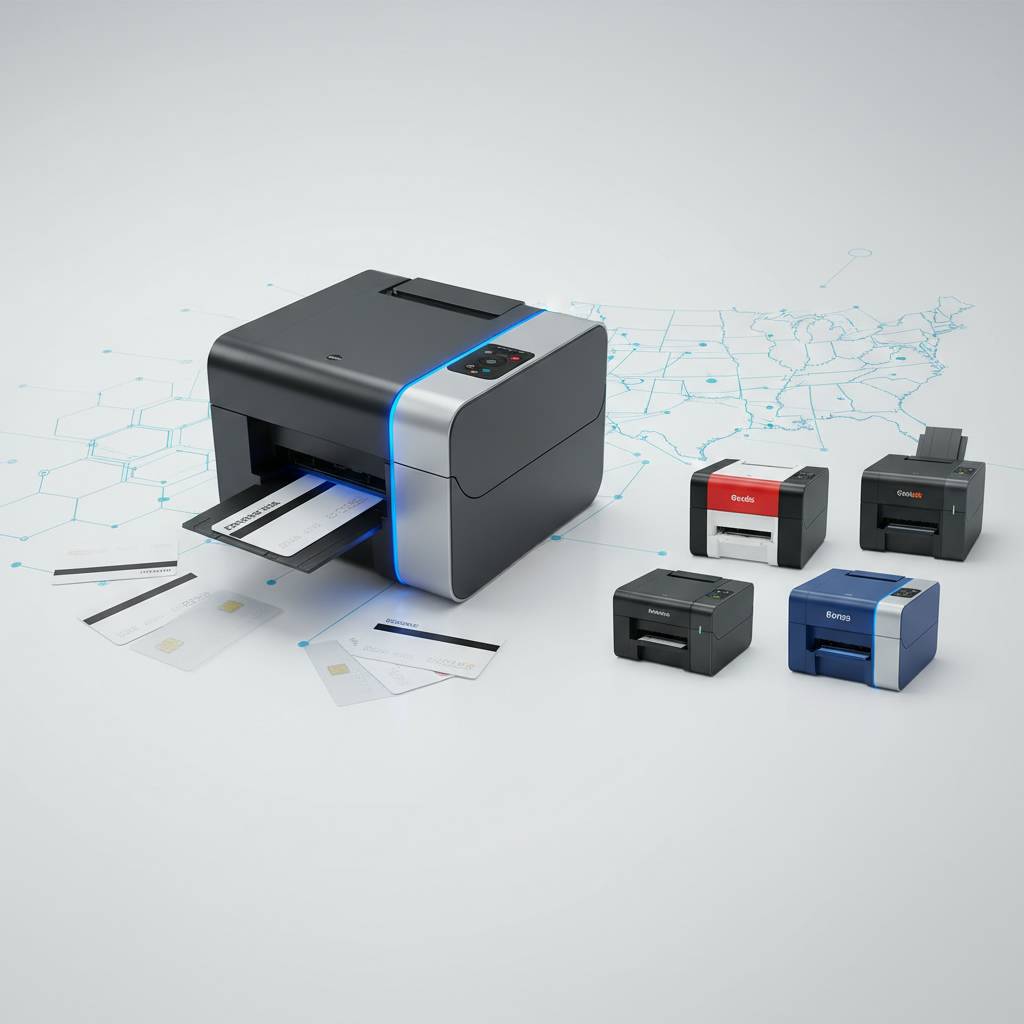
Rather than brand loyalty driving your decision, let the use case drive it. Security-critical ID programs have different requirements than hospitality key card operations, which are different again from event badge printing. Knowing where each brand excels removes guesswork from the equation.
Evolis: Versatility Across the Entire Spectrum
Evolis is arguably the most well-rounded brand in the portfolio, covering everything from the beginner-friendly Badgy200 to the premium Agilia. Their printers are known for intuitive software, clean ribbon mechanics, and consistent output quality. The Zenius and Primacy2 have become go-to models for mid-market buyers because they balance capability and cost-of-ownership exceptionally well.
What distinguishes Evolis further is their upgrade path. Many models accept add-on encoding modules for magnetic stripe or smart chip, meaning you can start simple and expand as your card program matures. That flexibility is rare in the industry and makes Evolis a smart long-term investment for growing organizations.
Fargo and Zebra: Security-First ID Printing
Fargo and Zebra printers are the preferred choice where security and credential integrity are paramount. Think law enforcement, government agencies, corporate campus access, and healthcare ID programs. Both brands integrate cleanly with access control software ecosystems, and their printers support the full range of encoding options including smart chip and high-coercivity magnetic stripe.
Fargo's HoloPatch lamination technology and Zebra's ZXP series are trusted by security professionals precisely because they produce cards that are difficult to counterfeit and easy to verify. If your card program involves restricted access or sensitive data, these are the brands worth examining closely. Call CPE at 800.835.7919 to discuss which Fargo or Zebra model fits your specific security requirements.
Matica: Purpose-Built for Event and Hospitality Use
Matica occupies a specialized lane that the other brands do not fully address: rapid, high-volume printing in dynamic, real-world environments. The Matica Event Printer is not a corporate office machine - it is built for the floor of a convention center, the front desk of a resort, or the check-in tent at a major outdoor event.
Its design prioritizes throughput and reliability under pressure. When 500 conference attendees need badge credentials in the first 30 minutes of a morning registration window, the Matica does not flinch. No other printer in the lineup matches its combination of speed and portability for live-event use cases.
| Brand | Key Strength | Top Use Case |
|---|---|---|
| Evolis | All-around versatility | Businesses of all sizes |
| Fargo | Security & lamination | Government, healthcare, corporate |
| Zebra | Access control integration | Campus ID, enterprise security |
| Matica | Speed and portability | Events, hospitality, conferences |
Ribbons, Supplies, and the True Cost of Ownership
 The sticker price of the printer is only part of the story. Ribbons and consumables are an ongoing operational cost, and different ribbon types carry dramatically different price points and yields. Understanding ribbon economics before you buy a printer can save you thousands of dollars annually. A printer that seems affordable upfront may have expensive proprietary ribbons that inflate the per-card cost significantly over time.
CPE stocks a full range of ribbons and supplies to keep any card program running without interruption. Whether you need full-color YMCKO panels, monochrome black ribbons, specialty overlays, or KO (clear overlay only) panels for specific workflows, Plastic Card ID has the inventory and expertise to match the right ribbon to your printer and application.
YMCKO vs. Monochrome Ribbons: Knowing the Difference
YMCKO ribbons contain five panels: Yellow, Magenta, Cyan, Black, and a clear Overlay panel. They are used for full-color card printing and produce the vibrant, photographic quality most people associate with professional ID cards. These ribbons cost more per yield - typically producing 200-500 cards per ribbon depending on the model - but they are the standard for any card requiring a color photo or logo.
Monochrome ribbons, by contrast, print single-color output - most commonly black - at a far lower cost per card. If your application involves printing text-only data, barcodes, or signatures on pre-printed card stock, monochrome is dramatically more economical. Choosing the wrong ribbon type for your application is a common and costly mistake that Plastic Card ID helps buyers avoid every day.
Cleaning Kits and Lamination Modules
Card printers require periodic cleaning to maintain print quality and extend the life of the print head - the most expensive component to replace. Cleaning kits include cleaning cards and swabs designed to remove dust, debris, and ribbon residue from the internal transport path. Skipping regular cleaning is the number one cause of premature print head failure, so building cleaning into your maintenance schedule is non-negotiable.
Lamination modules add a protective overlay to finished cards, extending their physical lifespan significantly and enabling additional security features like holographic overlaminates. For access control cards, employee badges, and any card subject to heavy daily use, lamination is a worthwhile upgrade. Plastic Card ID carries lamination modules compatible with the printers in their lineup and can advise on which overlay types best match your security and durability needs. Contact CPE directly at 800.835.7919 for supply bundle pricing.
Input Hoppers, Card Carriers, and Encoding Add-Ons
For high-volume operations, input hoppers that hold 100 or more cards dramatically reduce manual loading time. Rather than feeding cards one at a time or in small batches, hoppers allow the printer to run extended jobs unattended - a meaningful productivity gain in busy environments.
Encoding upgrades for magnetic stripe and smart chip (contact and contactless) transform a basic card printer into a full credential issuance system. Magnetic stripe encoding is essential for hotel key cards, loyalty programs, and access control systems. Smart chip encoding - both contact and RFID contactless - is increasingly required for modern security-compliant ID programs. These are not afterthoughts; they are the features that determine whether your cards actually do the job they need to do.
What You Can Print: Card Types and Use Cases
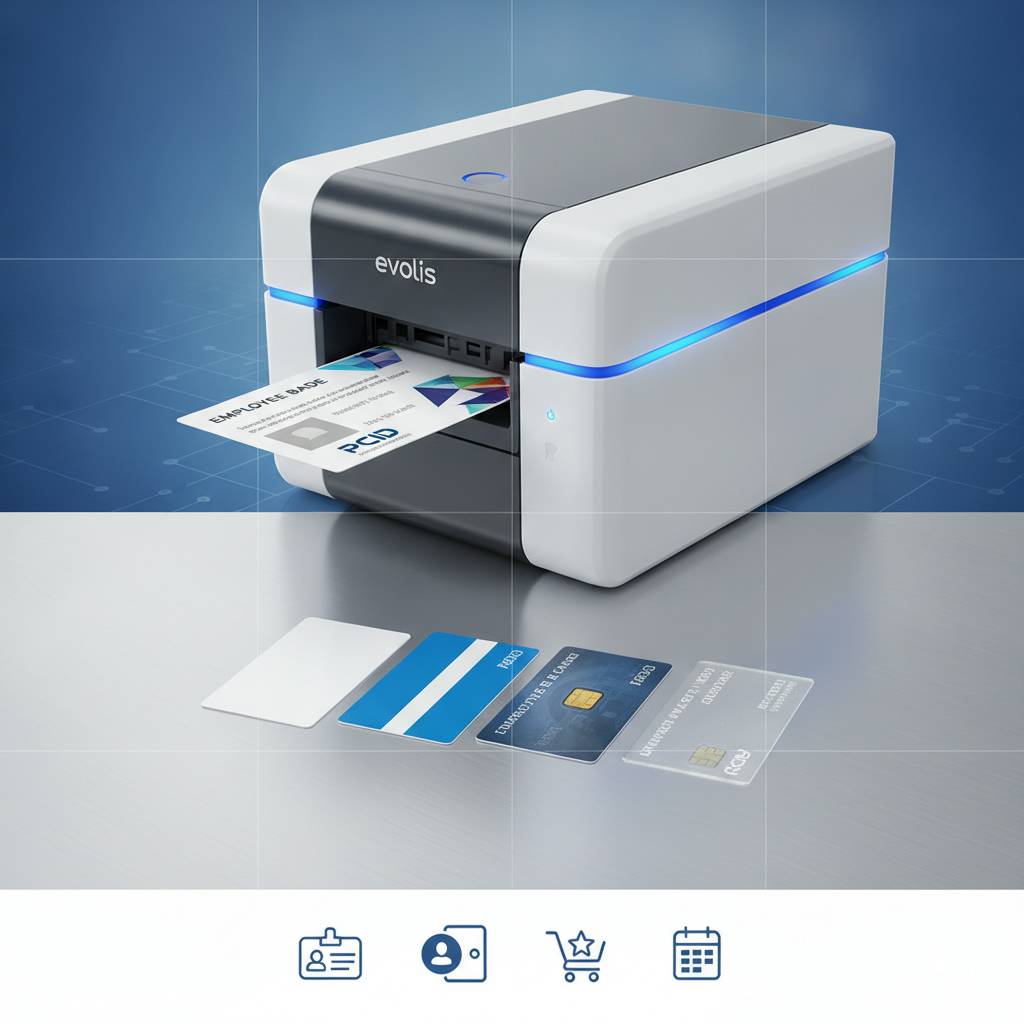 The variety of applications supported by in-house card printing is broader than most buyers initially realize. Plastic Card ID supports programs printing across dozens of card types, from the mundane to the highly specialized. Understanding what is possible helps organizations identify whether in-house printing can consolidate what were previously multiple vendor relationships.
The core advantage of printing in-house is control. Print on demand, personalize every card individually, issue replacements immediately, and never wait weeks for an outside vendor to fulfill an order. That level of operational independence has real dollar value that compounds over time, particularly for organizations with frequent staff turnover or ongoing member enrollment.
Employee ID Cards, Access Control, and Security Credentials
Employee ID programs are among the most common reasons organizations invest in card printers. Whether your goal is simple visual identification or full access control with encoded magnetic stripes or smart chips, the right printer supports the entire workflow from photo capture to finished encoded card. Fargo and Zebra printers are particularly well-suited for security-critical credential programs, while Evolis mid-range models handle typical corporate ID needs efficiently.
Access control cards require precise encoding to work with door readers and security systems. Not all printers support all encoding types, which is why working with an experienced supplier like Plastic Card ID - rather than purchasing blindly online - ensures you get a printer that actually integrates with your existing access infrastructure.
Membership, Loyalty, and Student ID Programs
Gyms, retail chains, libraries, universities, and professional associations all benefit from in-house card printing. Membership cards with magnetic stripe encoding enable point-of-sale loyalty tracking and check-in automation. Student IDs for K-12 schools and universities frequently incorporate photo ID, barcodes, and magnetic stripe all on a single card - a combination that mid-range printers handle with ease.
The economics become especially compelling at scale. Ordering printed cards from outside vendors for a membership base of 5,000 people involves lead times, minimum order quantities, and a total loss of personalization flexibility. Printing in-house means a new member gets their card the day they join - not three weeks later.
Hotel Key Cards, Event Badges, and Specialty Applications
Hospitality operations depend on rapid, reliable key card encoding to check guests in without friction. Hotels typically encode magnetic stripe or RFID cards matched to their property management system, and having an on-site printer means a replacement card takes seconds, not a service call. The Matica Event Printer serves high-speed hospitality needs alongside its event badge role.
Event credentials - lanyards, badges, wristbands, and access passes - are another area where in-house printing delivers clear operational advantages. Whether printing for a 50-person corporate meeting or a 5,000-person trade show, having printing capability on-site eliminates the logistical nightmare of pre-printed credentials that never perfectly match last-minute attendance changes.
Buyer's Guide FAQ: Common Questions Answered
After more than 25 years and over 100,000 customers served, Plastic Card ID has heard essentially every question a card printer buyer can ask. Below are the most common ones, answered directly and practically - without jargon or sales spin.
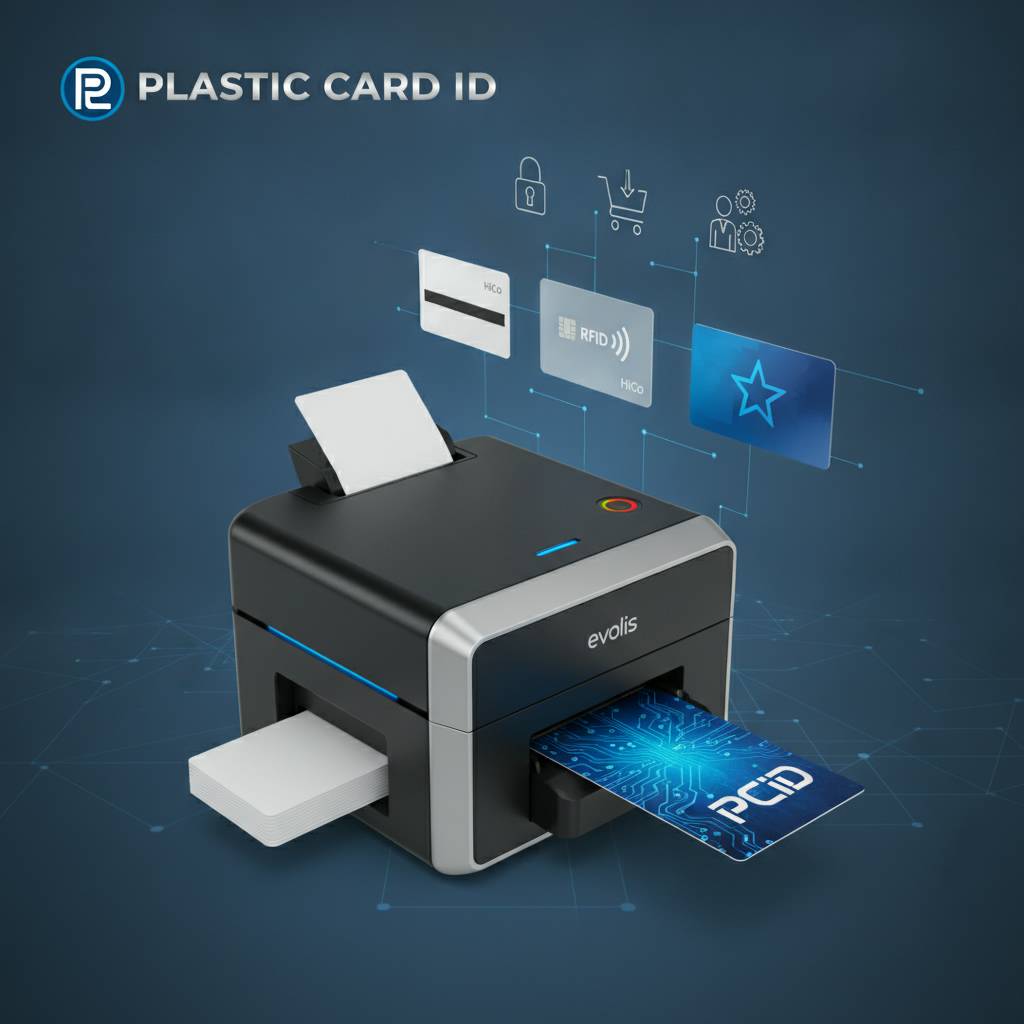
These questions come from real buyers across industries: HR managers, IT directors, school administrators, event coordinators, and small business owners. If your situation introduces a question not addressed here, CPE is available to walk through it personally.
Frequently Asked Questions
- Do I need a single-sided or dual-sided printer? If your cards display information on both faces - photo on front, barcode and text on back, for example - you need a dual-sided (duplex) model. Single-sided printers cost less but limit your card design flexibility.
- What is the difference between magnetic stripe and smart chip encoding? Magnetic stripe stores data in a physical magnetic band on the card back. Smart chips (contact or contactless) store significantly more data and offer higher security. The right choice depends on your existing infrastructure and security requirements.
- Can I print cards one at a time, or must I print in batches? Most printers support both. Desktop models handle individual card printing perfectly well. High-volume models with input hoppers excel at batch jobs but are not limited to them.
- What ongoing costs should I budget for? Budget for ribbons (YMCKO ribbons typically run $40-$120 per ribbon depending on yield and printer model), cleaning kits (periodic replacement every 500-1,000 cards), and occasional print head replacement after extended use.
- Do these printers work with standard CR80 card stock? Yes. All printers in the Plastic Card ID lineup use standard CR80 PVC card stock - the same size as a standard credit card - which is widely available and cost-effective.
- Does Plastic Card ID supply credit or debit card payment processing equipment? No. Plastic Card ID supplies card printers and related hardware for identification, access control, membership, and event credentialing. Financial payment processing equipment is outside their scope entirely.
Choosing Between a Bundle and Individual Components
Many buyers ask whether to purchase a printer alone or opt for a complete bundle that includes ribbons, cleaning kits, and blank card stock. For first-time buyers, a bundle almost always makes more sense. It ensures you have everything needed to start printing immediately, avoids the frustration of receiving a printer with no ribbon supply, and typically offers better overall value than purchasing components separately.
For organizations replacing an existing printer, purchasing the unit alone and sourcing supplies through existing vendor relationships may be more practical. Either way, Plastic Card ID can configure the right package for your specific starting point - whether you are building a card program from scratch or upgrading an established one.
Warranty, Support, and What Happens When Things Go Wrong
Printer warranties vary by brand and model, typically ranging from one to three years. Evolis, Fargo, Zebra, and Matica all stand behind their hardware with manufacturer warranties, and Plastic Card ID supports the buyer relationship beyond the initial sale. Knowing you have a reliable supply partner who stocks the ribbons, cleaning kits, and replacement parts your specific printer requires is worth factoring into the buying decision alongside the hardware cost itself.
Print head failures, ribbon jams, and encoder calibration issues are occasional realities in any card printing environment. Having access to a knowledgeable supplier who has seen every common failure mode - and knows how to resolve it quickly - reduces downtime meaningfully. Reach out to CPE at 800.835.7919 whenever questions or issues arise.
Make the Right Choice the First Time with Plastic Card ID
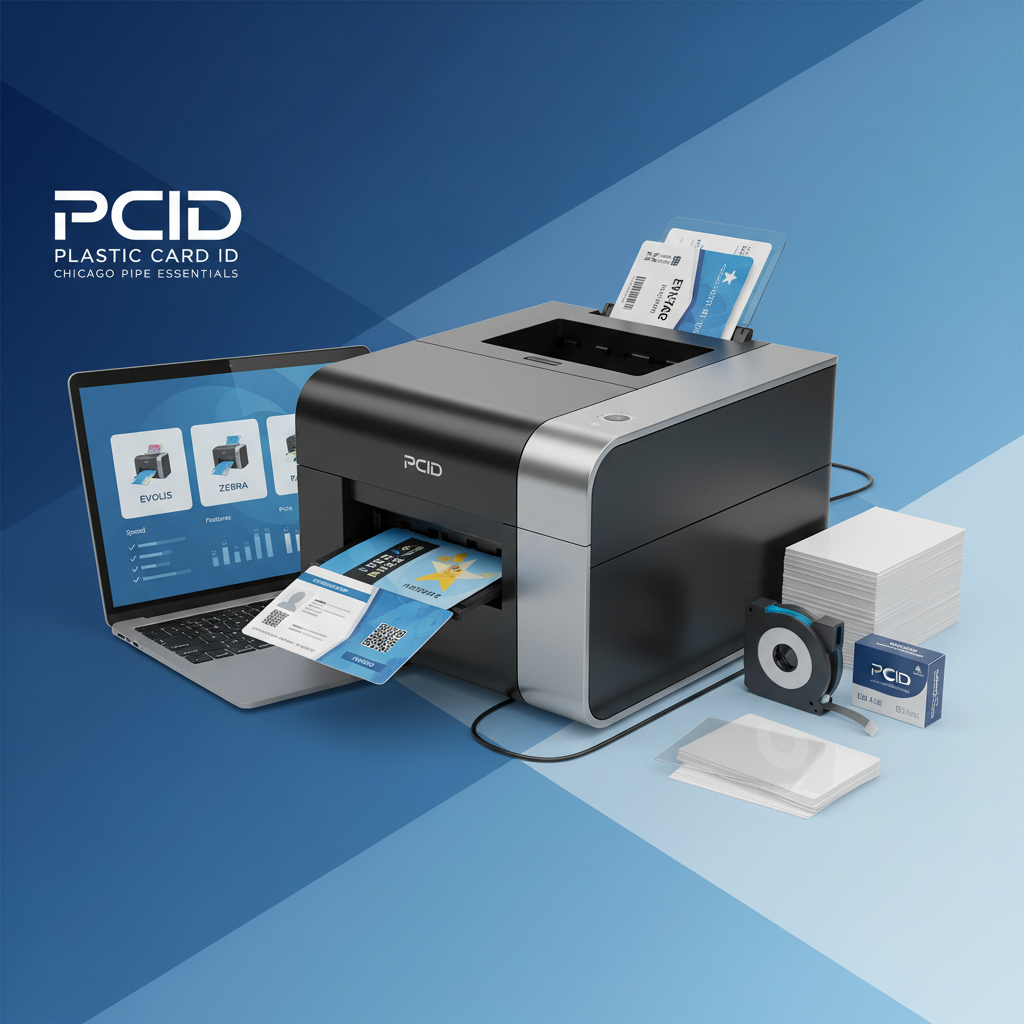 A plastic card printer is not an impulse purchase. Done right, it becomes a foundational piece of your operational infrastructure - quietly producing credentials, access cards, membership badges, and event passes for years without drama. Done wrong, it becomes a source of ongoing frustration, excess cost, and operational bottlenecks that could have been avoided entirely with better upfront guidance.
Plastic Card ID exists to make sure you get it right the first time. With a curated lineup of professional-grade printers from Evolis, Fargo, Zebra, and Matica - and 25-plus years of practical experience helping organizations across every industry and scale - CPE is the resource that takes the guesswork out of what should be a straightforward business investment. From selecting the right print volume tier to configuring encoding options, choosing ribbon types, and sourcing ongoing supplies, every element of a successful card program is within reach.
Ready to find the perfect printer for your organization? Contact Plastic Card ID today at 800.835.7919 and let an expert help you make the smartest choice for your card printing program.
Previous Page