Custom Plastic Card Printer: Create Unique Branded Cards
Table of Contents []
- Your Source for the Right Custom Plastic Card Printer - Plastic Card ID
- Understanding What a Custom Plastic Card Printer Actually Does
- The Brand Lineup - Four Names That Define the Industry
- Consumables and Accessories - The Ecosystem Behind Every Print
- Use Cases - Where Custom Plastic Card Printers Deliver Real Value
- Buyer's Guide - Making the Right Decision for Your Program
- Frequently Asked Questions About Custom Plastic Card Printers
- Get Started with Plastic Card ID - Your Custom Plastic Card Printer Partner
Your Source for the Right Custom Plastic Card Printer - Plastic Card ID
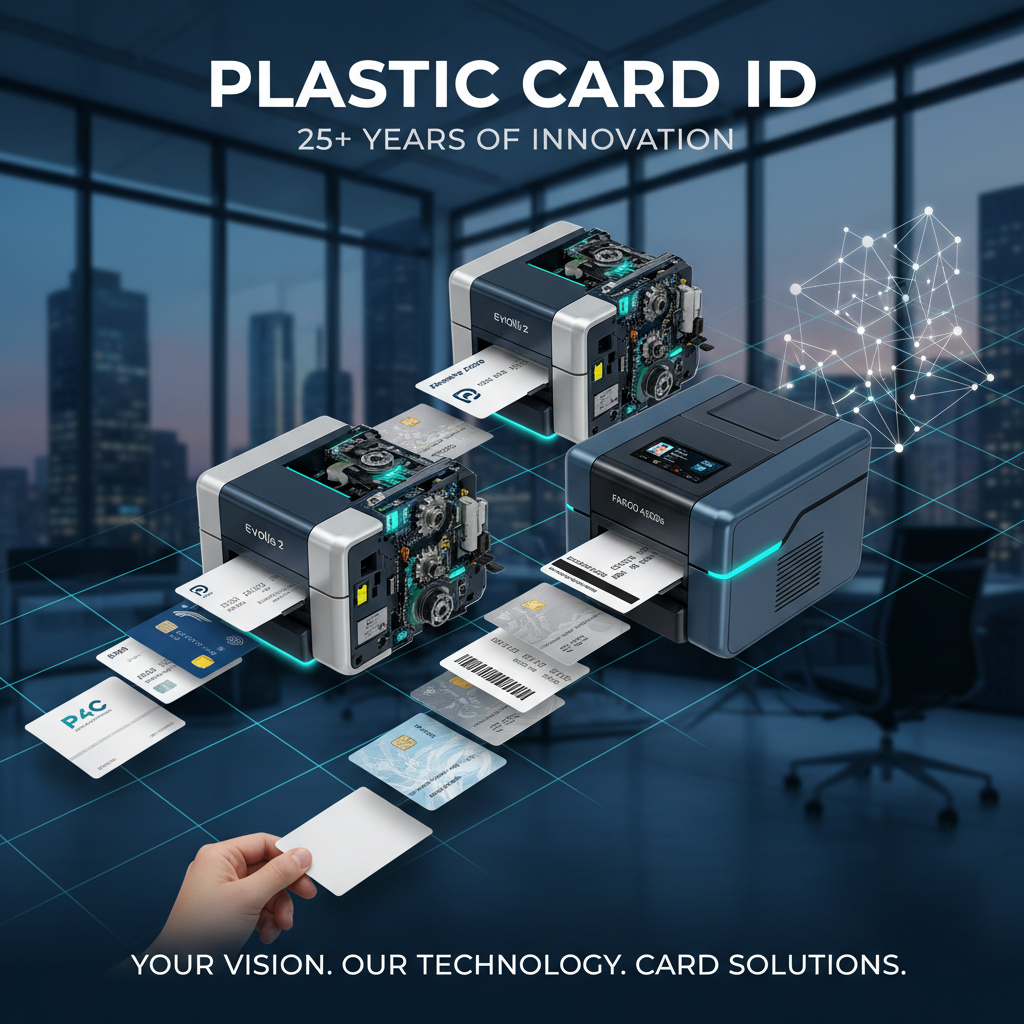 Choosing a custom plastic card printer sounds straightforward until you're standing between a dozen models, each promising to solve your exact problem. The truth? Most organizations get this decision wrong - not because they chose a bad printer, but because they chose the wrong printer for their specific volume, card type, and workflow. That's precisely where Plastic Card ID earns its reputation.
With over 25 years of dedicated hardware experience and a customer base exceeding 100,000 businesses across the United States, Plastic Card ID has refined the process of matching organizations to the card printing solutions they actually need - not the ones that look impressive on a spec sheet. Whether you're printing 200 employee badges a year or running a high-throughput operation producing thousands of credentials monthly, there's a purpose-built machine waiting for you here.
This page walks you through everything: the brands, the models, the accessories, the use cases, and the real-world decisions that separate a smart purchase from an expensive mistake. Read carefully - there's a lot of value packed into what follows.
| Volume Category | Recommended Model | Best Use Case |
|---|---|---|
| Under 1,000 cards/year | Evolis Badgy200 | Small offices, clubs, nonprofits |
| 1,000-6,000 cards/month | Evolis Zenius / Primacy2 | Mid-size ID programs, membership organizations |
| Premium quality focus | Evolis Agilia | Corporate branding, high-end credentials |
| Security ID programs | Fargo / Zebra | Government, healthcare, access control |
| On-site event badging | Matica Event Printer | Conferences, trade shows, large events |
Understanding What a Custom Plastic Card Printer Actually Does
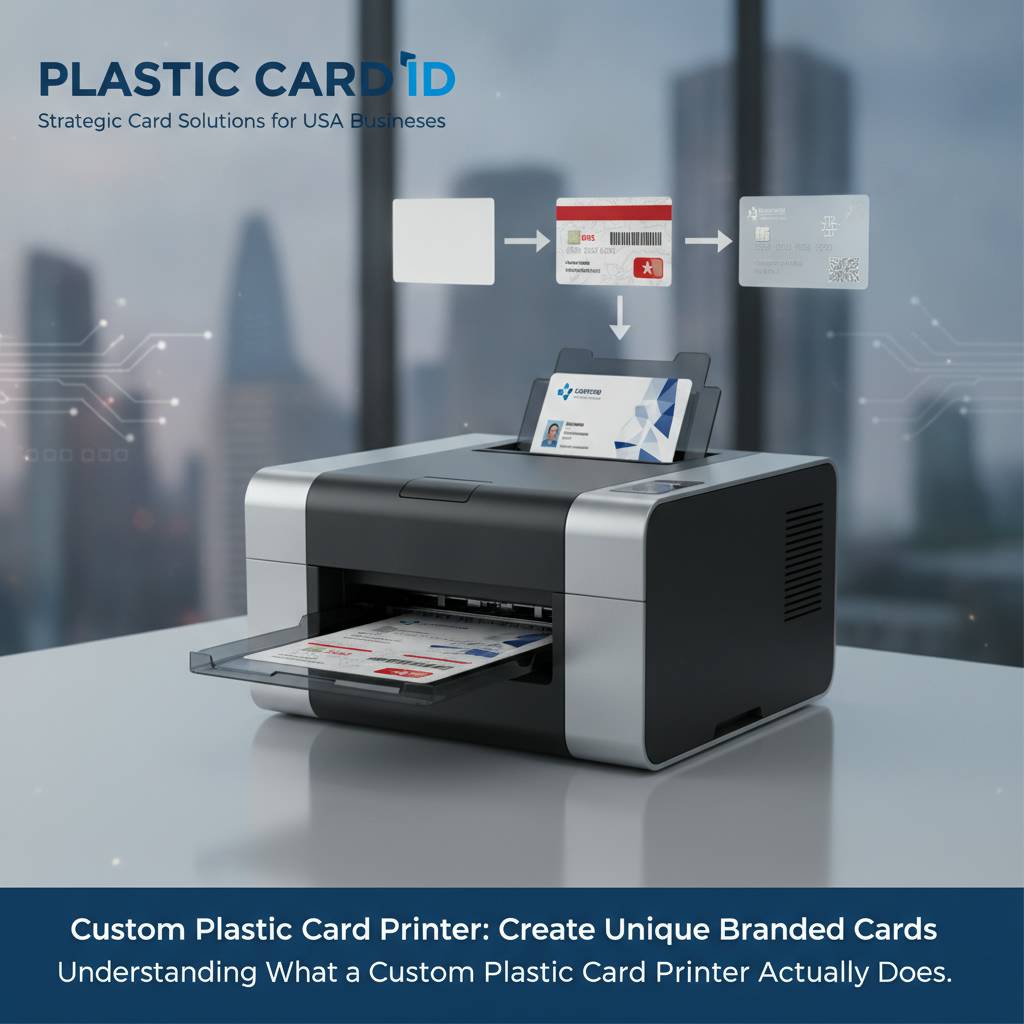 Let's set the record straight on terminology first. A custom plastic card printer doesn't just print a pretty picture onto a card. The best units in the industry - and CPE carries all of them - perform a sophisticated combination of dye-sublimation printing, thermal transfer, and optional encoding operations in a single pass. The result is a durable, professional-grade credential that looks and functions exactly as designed.
The word "custom" is doing a lot of heavy lifting in that phrase. These machines allow you to personalize every single card independently - different names, photos, barcodes, serial numbers, magnetic stripe data, even smart chip encoding - all in one automated workflow. That's not something you can replicate with an outside vendor without surrendering lead times, privacy, and flexibility.
Dye-Sublimation vs. Thermal Transfer Printing
Most professional card printers use dye-sublimation technology, where heat causes solid dye to transition directly into a gas that bonds with the card surface. The result is continuous-tone, photographic-quality color that doesn't sit on top of the card like ink - it becomes part of it. This is why professional card prints look so dramatically different from office inkjet output.
Thermal transfer printing, by contrast, melts a thin ribbon layer onto the card surface. It's typically used for monochrome printing, barcodes, text, and magnetic stripe encoding - tasks where speed and precision matter more than photographic color depth. Many mid-range and high-volume models support both technologies depending on the ribbon installed, giving operators real workflow flexibility.
Single-Sided vs. Dual-Sided Output
Not every card program needs printing on both sides, but many do. Employee ID badges frequently carry a photo, name, and department on the front with barcode, legal text, or access tier information on the back. Dual-sided models like the Evolis Primacy2 handle this in one pass, automatically flipping and feeding the card without operator intervention.
Single-sided models cost less upfront and run faster for programs that only need front-side printing. If your use case is a simple loyalty card or basic membership credential, a single-sided unit will likely serve you perfectly - and save meaningful budget. CPE team can help you determine which configuration actually fits your workflow rather than overselling features you won't use.
Encoding Capabilities That Go Beyond Print
A printed card is just a visual credential. An encoded card is an active tool. Magnetic stripe encoding stores swipeable data for access control systems, point-of-sale integrations, time and attendance platforms, and hotel door locks. Smart chip encoding goes further, embedding encrypted data directly onto an ISO-standard chip embedded in the card body.
These encoding functions are available as factory-installed upgrades on many models in the Plastic Card ID lineup. Rather than purchasing a separate encoder and running a two-stage operation, organizations can output a fully printed and encoded credential in a single automated workflow. For security-sensitive programs especially, eliminating manual handling steps reduces error rates and improves consistency.
The Brand Lineup - Four Names That Define the Industry
Ask any experienced ID program manager which brands they trust, and you'll hear the same four names consistently: Evolis, Fargo, Zebra, and Matica. These aren't interchangeable. Each manufacturer approaches card printing with a distinct philosophy, and understanding those differences makes the selection process significantly clearer.

Plastic Card ID carries the full professional lineup from all four brands, which matters more than it might initially seem. A vendor carrying only one or two brands will steer you toward what they have, not what you need. Having all four available means every recommendation here is based on fit, not inventory pressure.
Evolis - Versatility Across Every Volume Tier
Evolis has built a formidable reputation for combining clean industrial design with genuinely accessible operation. Their entry-level Badgy200 is the ideal starting point for organizations printing fewer than 1,000 cards annually - small clubs, boutique hotels, local nonprofits. It's compact, reliable, and straightforward to operate without deep technical knowledge.
Step up in volume requirements and the Evolis Zenius and Primacy2 become the natural choices. The Primacy2 in particular has earned strong loyalty from mid-size ID programs - it handles dual-sided printing with magnetic stripe encoding smoothly, and its software integration is clean. At the high end, the Evolis Agilia delivers edge-to-edge printing with premium color fidelity that genuinely stands apart from mid-range output.
Fargo and Zebra - Built for Security-Sensitive Environments
Fargo printers, now part of the HID Global family, have long been the go-to choice for government agencies, healthcare networks, and corporate security programs that need credentials meeting stringent standards. Their lamination and overlay capabilities add physical durability and tamper-evident features that generic printers simply can't replicate.
Zebra brings a similarly serious approach, with models designed for demanding environments where uptime and throughput reliability are non-negotiable. For high-stakes ID programs where a printer failure means a genuine operational crisis, Zebra's track record of durability is a meaningful differentiator. Both brands integrate cleanly with industry-standard card management software platforms.
Matica - High-Speed On-Site Event Badging
The Matica Event Printer occupies a specific and important niche: high-speed, on-demand badge production at live events. Conferences, trade shows, corporate summits, and large-scale credentialing events demand a different profile than a standard office ID program - shorter per-card cycle times, higher input hopper capacity, and resilience under sustained heavy use.
Matica delivers on all three counts. The Event Printer can produce fully personalized badges at speeds that keep registration lines moving rather than backing up. For event organizers who've endured the chaos of a slow badge printer during peak check-in, this machine represents a genuine operational upgrade. Call 800.835.7919 to discuss Matica configurations for your next event.
Consumables and Accessories - The Ecosystem Behind Every Print
 A printer is only as good as what you put in it. Ribbon quality, cleaning regimen, and card stock all directly affect print quality, card longevity, and printer lifespan. This is an area where cutting corners has predictable and frustrating consequences - faded prints, streaky color, premature printhead wear, and voided warranties.
Plastic Card ID supplies the complete consumables ecosystem for every printer in the lineup. That means manufacturer-specified ribbons, certified cleaning kits, lamination modules, and blank PVC card stock - everything required to keep a card program running at full output quality without hunting across multiple vendors.
Ribbon Types and When to Use Each
YMCKO ribbons (yellow, magenta, cyan, black, overlay) are the standard choice for full-color card printing. The overlay panel applies a clear protective coating that extends the visual life of the card significantly. These are the ribbons used in most employee ID, membership card, and loyalty card programs where photo-quality output is expected.
Monochrome ribbons - available in black, white, red, blue, and other colors - are purpose-built for single-color applications: text, barcodes, and basic graphics. They print dramatically faster and cost less per card than YMCKO. For high-volume programs printing simple credentials, switching to monochrome where full color isn't necessary can cut consumable costs substantially.
- YMCKO ribbons: Full-color photo output with protective overlay - best for photo ID, membership, loyalty
- YMCK ribbons: Full-color without overlay panel - for cards receiving a separate laminate
- Monochrome ribbons: Single-color text and barcode printing - fast, economical, high-contrast
- Specialty ribbons: Metallic, fluorescent, and UV-reactive formulations for security overlays
- Half-panel ribbons: Economical option splitting color zones for mixed front/back programs
Cleaning Kits - The Maintenance Step That Protects Your Investment
Printhead replacement is the most expensive maintenance event in any card printer's operational life. It's also largely preventable. Regular cleaning with manufacturer-specified cleaning kits removes the card dust, debris, and ribbon residue that accumulates inside the printer and gradually degrades output quality before causing component-level damage.
Most manufacturers specify a cleaning interval tied to ribbon changes - every one or two ribbon replacements, the cleaning rollers and transport path should be wiped with the appropriate cleaning card or swab. Organizations that follow this schedule consistently report dramatically longer printhead lifespans, often running well past the theoretical replacement threshold without output degradation.
Lamination Modules, Hoppers, and Card Carriers
For programs requiring the highest level of card durability and tamper resistance, lamination modules bond a thin film overlay directly onto the printed card surface. This significantly extends visual durability, provides UV protection, and creates a physical barrier against surface scratching and chemical exposure. Certain security-grade laminates also incorporate holographic elements that are essentially impossible to replicate without specialized equipment.
Input hoppers expand card capacity, allowing unattended batch printing without constant manual card loading - essential for any program running sustained print jobs of more than 50-100 cards. Card carriers and sleeves protect issued credentials from wear and extend their usable life in the field. These aren't luxury additions; for active-use credentials like hotel keys, access cards, and frequent-swipe loyalty cards, they're a practical necessity.
Use Cases - Where Custom Plastic Card Printers Deliver Real Value
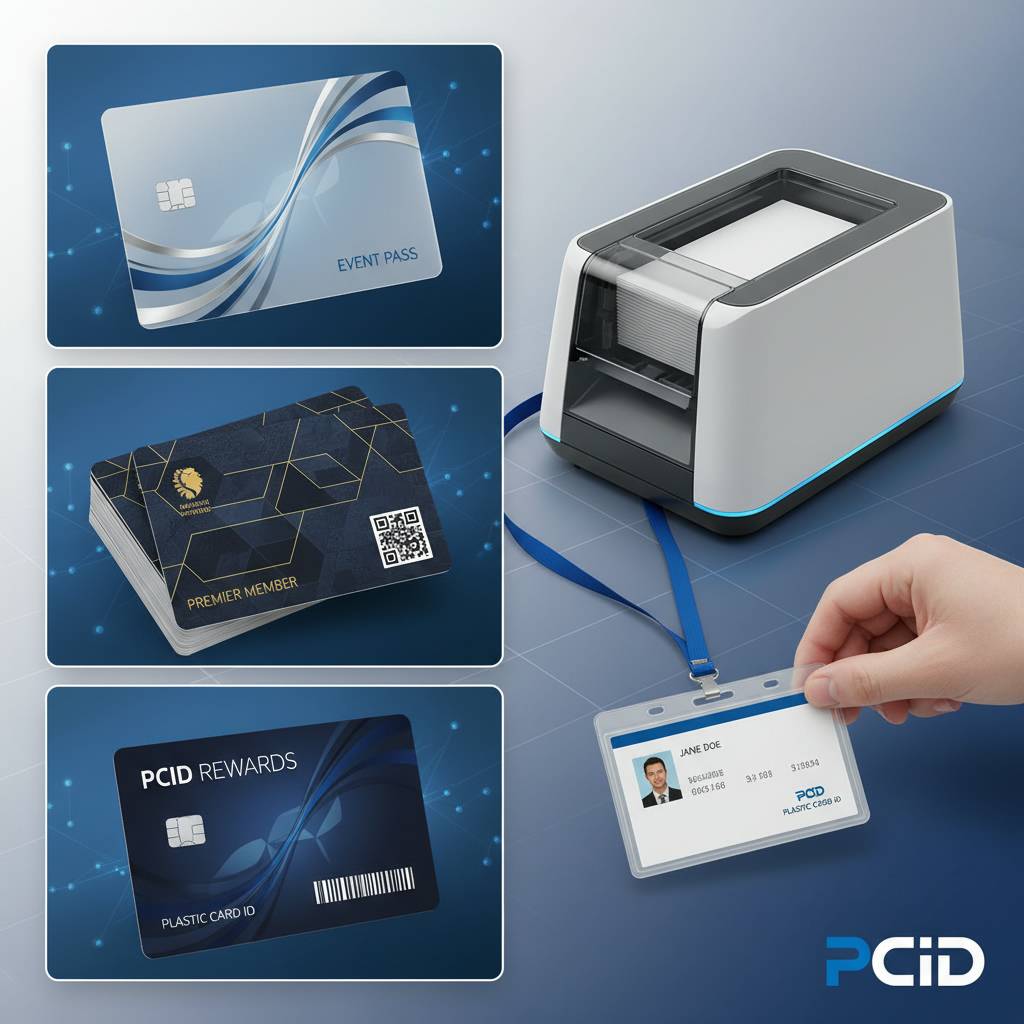 The range of applications driving demand for in-house card printing is broader than most people initially realize. Yes, employee ID badges are the obvious use case. But the organizations getting the most value from their custom plastic card printers are frequently using them across multiple concurrent programs - employee IDs, visitor passes, member cards, and event credentials all running on the same hardware with different card designs loaded by program.
The common thread across every successful card program is the same: control over timing, personalization, and data security. Printing in-house means no batch minimums, no vendor lead times, no sending employee photos to an outside party, and no waiting three weeks for a replacement when a card is lost or damaged.
Employee ID and Access Control Programs
This remains the highest-volume application segment. Organizations of every size need to issue verifiable identification to employees - and increasingly, those IDs are doing double duty as access control credentials, time and attendance tokens, and cafeteria account cards. Encoding a magnetic stripe or smart chip at the time of printing integrates the credential directly with existing security infrastructure.
The economics here are straightforward. A mid-range card printer running 200-500 encoded credentials per month typically recovers its purchase price within the first year compared to outsourced card production costs, even before accounting for the operational benefits of on-demand issuance. For organizations with frequent employee turnover, the math becomes even more compelling.
Membership, Loyalty, and Gift Card Programs
Gyms, clubs, retail loyalty programs, and hospitality operations all share a common requirement: attractive, durable cards that members carry and present regularly. The quality of that card reflects directly on the brand. A flimsy, faded credential communicates something very different than a crisp, professional card with sharp color and a smooth protective finish.
In-house printing gives these programs the flexibility to update card designs seasonally, issue personalized versions with member names and photos, and replace lost cards same-day rather than waiting for an outside print run. Magnetic stripe encoding enables direct integration with POS systems for instant account lookup, making the card a functional tool rather than just a brand artifact.
Student IDs, Hotel Keys, and Event Credentials
Schools and universities printing student IDs face the same core challenge as corporate ID programs - high issuance volume, frequent replacements, and the need for encoding that integrates with library systems, dining accounts, and building access. The Evolis Primacy2 and Fargo models handle this application particularly well, with dual-sided output and encoding options that cover most institution-standard card specifications.
Hotel key cards and event credentials share an emphasis on speed of issuance over long-term card durability. A hotel key needs to work reliably for a 3-day stay; an event badge needs to hold up for a 2-day conference. For these applications, the Matica Event Printer's speed and the right ribbon-and-card-stock combination produce exactly the right credential without over-engineering the solution.
Buyer's Guide - Making the Right Decision for Your Program
The single most common mistake organizations make when purchasing a custom plastic card printer is buying on price alone. The second most common mistake is buying on feature count alone. The right framework combines three variables in sequence: annual volume projection, required card features, and total cost of ownership over a realistic operating period.
Getting this right doesn't require deep technical expertise - it requires honest answers to a few straightforward questions. CPE has helped over 100,000 organizations work through exactly this process, and the recommendations that follow distill that experience into practical guidance.
Five Questions to Ask Before You Buy
- How many cards will you print annually? Under 1,000 points toward entry-level; 1,000-6,000 monthly points toward mid-range; sustained high volume requires industrial-grade hardware.
- Do your cards need encoding? Magnetic stripe, smart chip, or both? This determines which base models are compatible with your security infrastructure.
- Is dual-sided printing required? If back-of-card information is part of your design, factor this into the model decision early - retrofitting is not always possible.
- What is your software environment? Card design and issuance software compatibility with your ID management platform affects implementation complexity.
- What's your true total budget? Printer purchase price plus first-year ribbon and cleaning consumables gives a realistic first-year operational cost figure for comparison.
Running through these five questions honestly before comparing models will narrow the field dramatically. In most cases, the right printer becomes obvious once volume and encoding requirements are clearly defined. Reach out to Plastic Card ID at 800.835.7919 and a product specialist will work through these questions with you directly.
Common Pitfalls and How to Avoid Them
Underestimating future volume is probably the most expensive mistake in card printer selection. Organizations that purchase an entry-level unit for a program projected at 800 cards per year frequently find themselves at 2,000 cards per year within 18 months - and facing a printer change sooner than planned. Buying one tier above your current minimum need is almost always the right call when growth is even remotely likely.
Ignoring consumable costs is the second major pitfall. A printer with a lower purchase price but high per-card ribbon cost will frequently exceed the total ownership cost of a more expensive unit with efficient ribbon yield. Calculate cost-per-card across a realistic annual print volume before comparing printer prices in isolation.
When to Consider Multiple Printers
For organizations running distinct card programs - say, employee IDs with encoding and loyalty cards without - there's a real operational case for maintaining two separate printers rather than forcing both programs through a single unit. Ribbon changes between programs create downtime and increase error risk. Dedicated hardware per program, where volume justifies it, is a cleaner operational model.
Redundancy is the other factor worth considering for any program where printer downtime creates a genuine operational problem. A school that can't issue student IDs during orientation week, or a hotel that can't program key cards at check-in, experiences real consequences from an unexpected printer failure. A backup unit - even an entry-level model - provides insurance worth far more than its purchase price in those moments.
Frequently Asked Questions About Custom Plastic Card Printers
 After years of working with organizations at every stage of card program development, certain questions come up consistently. The answers below reflect real-world experience across thousands of deployments, not just manufacturer specifications.
What is the realistic lifespan of a card printer?
A well-maintained professional card printer - one receiving regular cleaning, manufacturer-specified ribbons, and appropriate-quality blank card stock - typically delivers 5-8 years of reliable service, often longer. Printhead lifespan is measured in cards printed, not calendar years, and varies by model. The maintenance discipline of the operator matters as much as the hardware quality in determining how long a unit runs without issues.
Skipping cleaning intervals, using off-brand ribbons, and running low-quality card stock are the three most reliable ways to shorten a printer's useful life prematurely. Conversely, organizations that follow maintenance protocols and use quality consumables consistently report printer lifespans that exceed manufacturer projections by meaningful margins.
Can one printer handle multiple card types and designs?
Yes, absolutely - and this is one of the significant advantages of in-house printing. Most professional card printers work with standard CR80 PVC cards and can print any design loaded through the card design software. Changing between programs is as simple as loading the appropriate card stock, verifying the ribbon type, and selecting the correct design template. No hardware changes required.
The practical limit is when different programs require different ribbon types - switching between full-color YMCKO and monochrome requires a ribbon change, which adds a few minutes of setup time. For programs with very different output requirements running at high frequency, dedicated hardware per program type is worth considering. For most organizations, a single printer handles multiple programs without meaningful friction.
How long does it take to print a single card?
Print speed varies by model, ribbon type, and whether encoding is included in the job. Full-color YMCKO single-sided prints on mid-range models typically complete in 25-45 seconds per card. Dual-sided jobs run longer. Monochrome-only jobs are significantly faster, often completing in 10-15 seconds per card. High-throughput models like the Matica Event Printer compress these times further for sustained batch production.
For planning purposes, a 100-card batch on a mid-range full-color printer with encoding takes roughly 60-90 minutes of unattended operation once loaded. Most organizations with moderate volume programs find that a single printer running a couple of times per week easily meets their production requirements without becoming a workflow bottleneck.
Get Started with Plastic Card ID - Your Custom Plastic Card Printer Partner
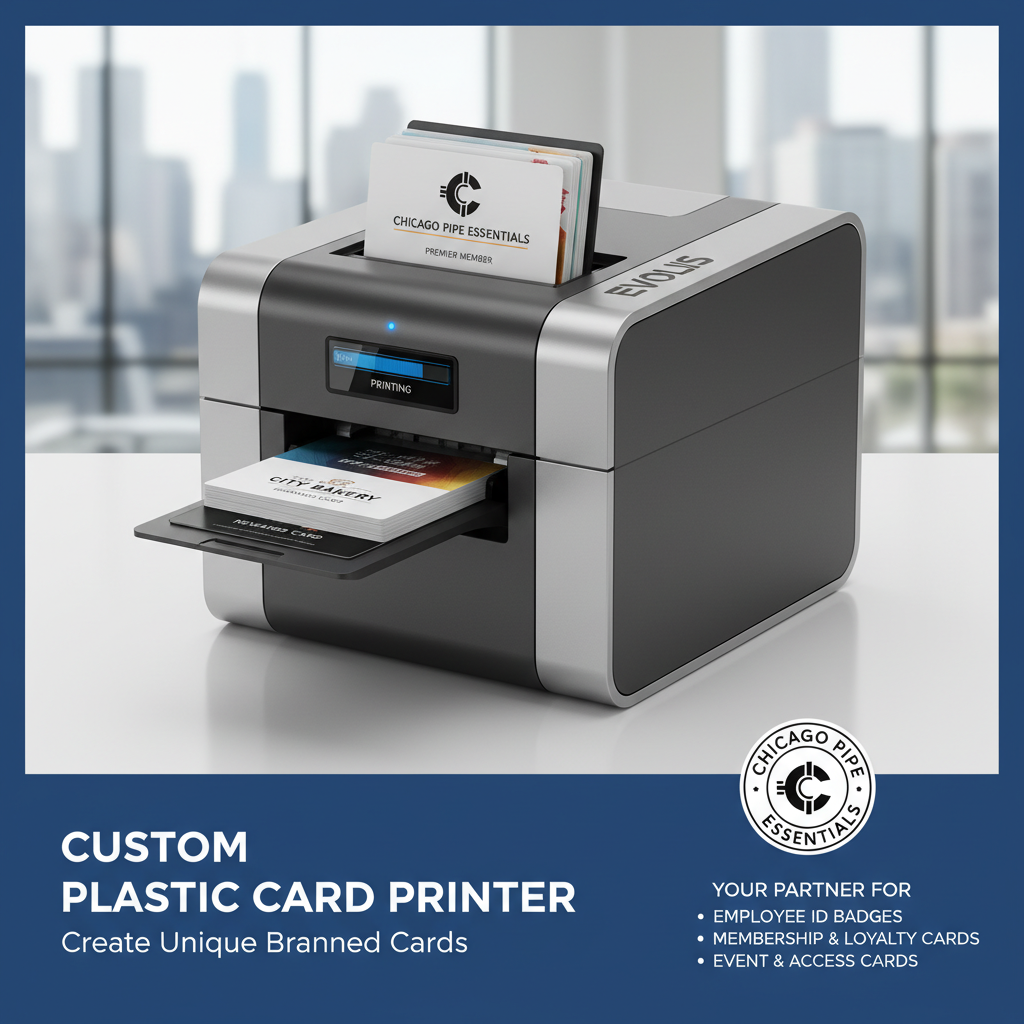 There's a reason more than 100,000 businesses across the United States have chosen Plastic Card ID for their card printing programs. The combination of 25 years of focused expertise, a curated lineup of the industry's four most trusted brands, and a complete consumables supply chain means that every organization - from a 10-person nonprofit to a multi-location enterprise - gets matched with hardware that genuinely fits their needs and keeps running reliably for years.
Whether you're launching a new ID program from scratch, replacing aging hardware, or scaling an existing operation to handle higher volume, the path forward starts with a direct conversation. Plastic Card ID has product specialists standing by to work through your requirements, compare appropriate models, and give you a clear picture of total cost of ownership before you commit to anything.
Call 800.835.7919 today and put 25 years of card printing expertise to work for your organization. The right custom plastic card printer is waiting - let Plastic Card ID help you find it.
Previous Page