Desktop Plastic Card Printer: Compact and Efficient Solutions
Table of Contents []
- Why Plastic Card ID Is the Trusted Name in Desktop Plastic Card Printers
- The Desktop Card Printer Lineup Available Through Plastic Card ID
- Supplies That Keep Your Card Program Running
- Matching Your Organization's Needs to the Right Printer
- Frequently Asked Questions About Desktop Plastic Card Printers
- Industries Served and Real-World Applications
- Why Buyers Keep Coming Back to Plastic Card ID
Why Plastic Card ID Is the Trusted Name in Desktop Plastic Card Printers
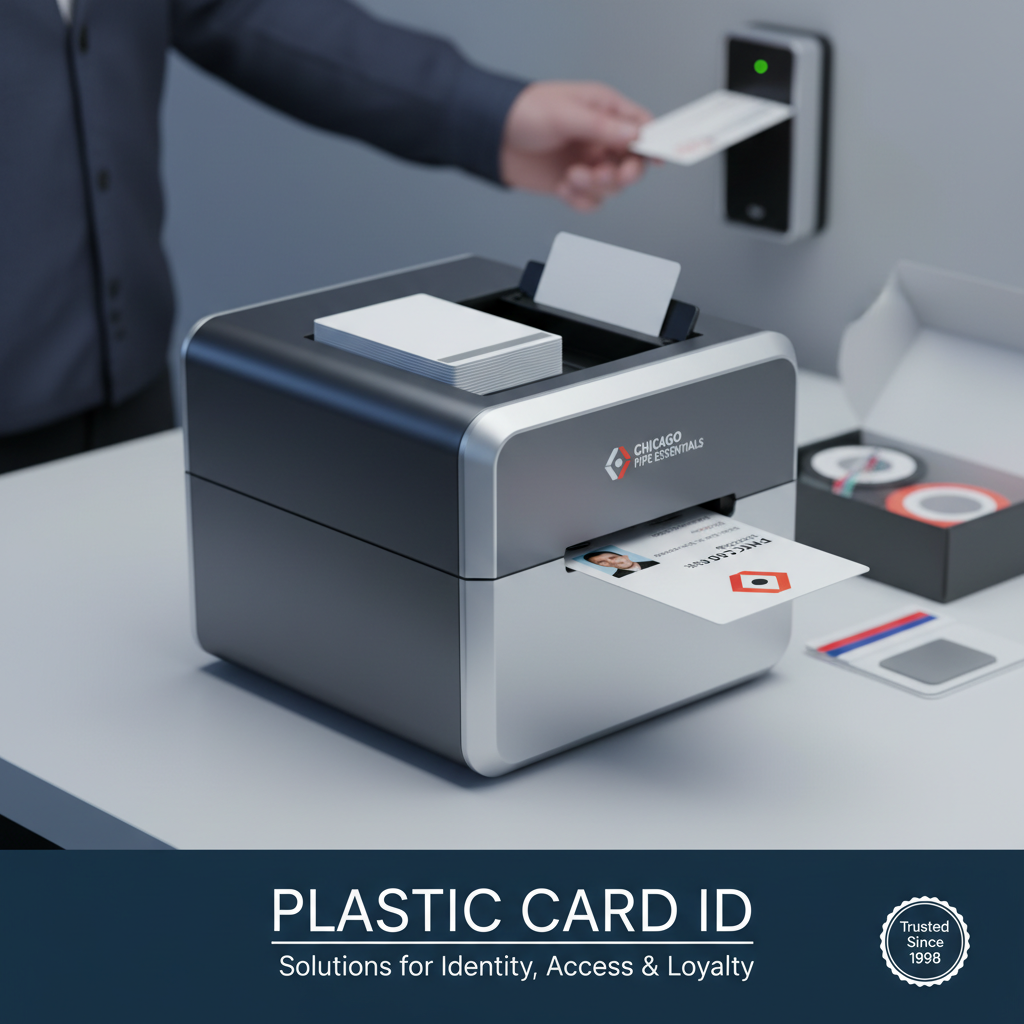 Walk into almost any organization that prints its own ID cards in-house, and you'll find a story behind that decision - a moment when someone realized that waiting weeks for a vendor to deliver badges was costing time, money, and control. That's exactly the problem a desktop plastic card printer solves, and it's exactly why Plastic Card ID has built a reputation serving more than 100,000 customers across the United States over the past 25 years.
There's a certain confidence that comes with printing cards yourself. On your schedule. With your branding. Encoded exactly the way your access control system demands. Plastic Card ID supplies the hardware, supplies, and expertise to make that possible - from the first card to the ten-thousandth. Whether you're running a small nonprofit or a sprawling university campus, the right desktop printer changes how your organization operates.
This page covers everything you need to know: which printers belong in which environments, what features actually matter versus what's marketing noise, and how to match your card volume and encoding needs to the right machine. Let's get into it.
What Defines a Desktop Plastic Card Printer?
The term "desktop" in card printing means more than just physical footprint. It signals a category of professional ID card printers designed to sit on a workbench or desk, plug into a standard power outlet, and connect directly to a PC or network without requiring dedicated infrastructure. Compact in size but serious in output quality, these machines produce PVC cards at the standard CR-80 size - the same dimensions as a credit card.
What separates a true professional desktop card printer from a toy is print resolution, ribbon compatibility, encoding options, and duty cycle. Machines in this category from brands like Evolis, Fargo, Zebra, and Matica are engineered for real business environments - not craft projects. They handle YMCKO full-color ribbons, monochrome ribbons for fast single-color output, lamination overlays, and optional magnetic stripe or smart chip encoding.
Who Actually Needs One?
The honest answer is: more organizations than you'd think. Schools printing student IDs. Hospitals issuing visitor badges. Hotels encoding key cards at the front desk. Corporate HR departments onboarding new employees. Gyms printing membership cards. Event venues credentialing staff on the morning of a show. The use cases are genuinely broad, and they all share a common thread - the need to produce a professional, durable plastic card quickly and on their own terms.
CPE works with buyers across all of these verticals, and one thing becomes clear in nearly every conversation: organizations that switch to in-house card printing rarely go back to outsourcing. The speed, flexibility, and cost-per-card economics simply make too much sense once you experience them firsthand.
The Real Cost Advantage of Printing In-House
Outsourcing plastic card production to a print vendor involves setup fees, minimum order quantities, shipping costs, and lead times that can stretch from days to weeks. A desktop plastic card printer eliminates all of that overhead. Your cost per card drops dramatically once you're printing in-house - ribbons, blank PVC cards, and cleaning supplies are the primary ongoing expenses, and they're predictable.
Consider a mid-size company printing 200 employee ID cards per year. Outsourcing those cards might cost $3-$8 per card after all fees. With an in-house printer and supplies, that same card might cost $0.50-$1.50 to produce. Over three to five years, the printer pays for itself many times over. The math is hard to argue with.
| Printer Model | Brand | Recommended Volume | Dual-Sided Option | Encoding Options |
|---|---|---|---|---|
| Badgy200 | Evolis | Under 1,000/year | No | None standard |
| Zenius | Evolis | 1,000-3,000/month | No | Mag stripe, smart chip |
| Primacy2 | Evolis | Up to 6,000/month | Yes | Mag stripe, smart chip |
| Agilia | Evolis | High volume, premium | Yes | Full encoding suite |
| Fargo HDP Series | Fargo | Mid to high volume | Yes | Mag stripe, smart chip, HID |
| Zebra ZC Series | Zebra | Low to mid volume | Yes | Mag stripe, smart chip |
The Desktop Card Printer Lineup Available Through Plastic Card ID
 Choosing the right printer isn't just about picking a brand you've heard of. It's about matching machine capabilities to your actual volume, your encoding requirements, and the image quality your organization demands. Plastic Card ID carries a carefully curated selection - not a bloated catalog of every printer ever made, but a lineup of proven performers from Evolis, Fargo, Zebra, and Matica.
Each brand occupies a distinct role in the overall lineup, and understanding those roles saves you from overspending on features you don't need - or worse, underspending on a machine that can't keep up with your operation. Here's a closer look at what's available and who each printer is built for.
Evolis: The Versatile Workhorse Family
Evolis has earned its place as one of the most widely deployed desktop card printer brands in North America, and for good reason. The lineup spans from the entry-level Badgy200 - a straightforward machine for organizations printing fewer than 1,000 cards per year - all the way up to the Agilia, which delivers edge-to-edge, gallery-quality card output for organizations that simply will not compromise on print quality.
The Zenius and Primacy2 occupy the critical middle ground. The Zenius handles single-sided printing beautifully in environments producing 1,000 to 3,000 cards per month, while the Primacy2 steps up with dual-sided capability and a higher throughput ceiling, comfortably handling up to 6,000 cards per month. Both support magnetic stripe encoding and smart chip encoding as add-on modules - critical for organizations running access control or loyalty programs that require encoded credentials.
Fargo and Zebra: Security-First ID Printing
Fargo has long been the printer of choice for security-sensitive ID programs - government contractors, large corporations with physical access control requirements, universities managing student credential ecosystems. Fargo's HDP (High Definition Printing) technology prints onto a clear film layer before transferring the image to the card surface, resulting in exceptional image durability and tamper-evident credentials that resist delamination and alteration.
Zebra's ZC Series desktop printers bring that brand's legendary reliability to the card printing space. Organizations already running Zebra label or receipt printers often find the ZC Series a natural extension of their existing infrastructure. Zebra printers offer solid dual-sided printing, magnetic stripe and smart chip encoding, and the kind of consistent, predictable output that large organizations depend on when printing thousands of cards across multiple departments or locations.
Matica Event Printer: When Speed Is Everything
There's a specific scenario that most desktop card printers aren't optimized for: high-speed on-site badge production at events, conferences, and conventions. The Matica Event Printer was purpose-built for exactly this scenario. When you need to credential hundreds of attendees rapidly - printing, encoding, and dispensing badges in seconds - throughput becomes the only metric that matters, and Matica delivers.
Event organizers, conference management companies, and trade show operators who've relied on pre-printed badge kits or slow on-site printers quickly discover what a difference the right hardware makes. The Matica Event Printer keeps lines moving, keeps attendees happy, and keeps staff from scrambling under pressure. It's a niche machine, but for the buyers who need it, nothing else compares.
How to Call Plastic Card ID for Printer Guidance
Selecting a desktop plastic card printer is a significant investment, and the specifications matter. Card volume, encoding type, single versus dual-sided, lamination requirements - these variables affect which machine is right for your operation. The team at Plastic Card ID is available to walk through the decision with you at 800.835.7919, helping you avoid costly mismatches between printer capability and real-world production needs.
Whether you're replacing an aging machine, launching a new card program from scratch, or scaling up an existing operation, a quick conversation can clarify the right path forward. CPE carries the full lineup and can configure printers with the specific encoding and lamination modules your program requires.
Supplies That Keep Your Card Program Running
A desktop plastic card printer is only as effective as the supplies feeding it. Organizations that treat ribbons and cleaning kits as afterthoughts tend to experience inconsistent print quality, increased printer downtime, and higher long-term costs. Getting the supply chain right from the beginning is one of the most practical things an in-house card program can do.
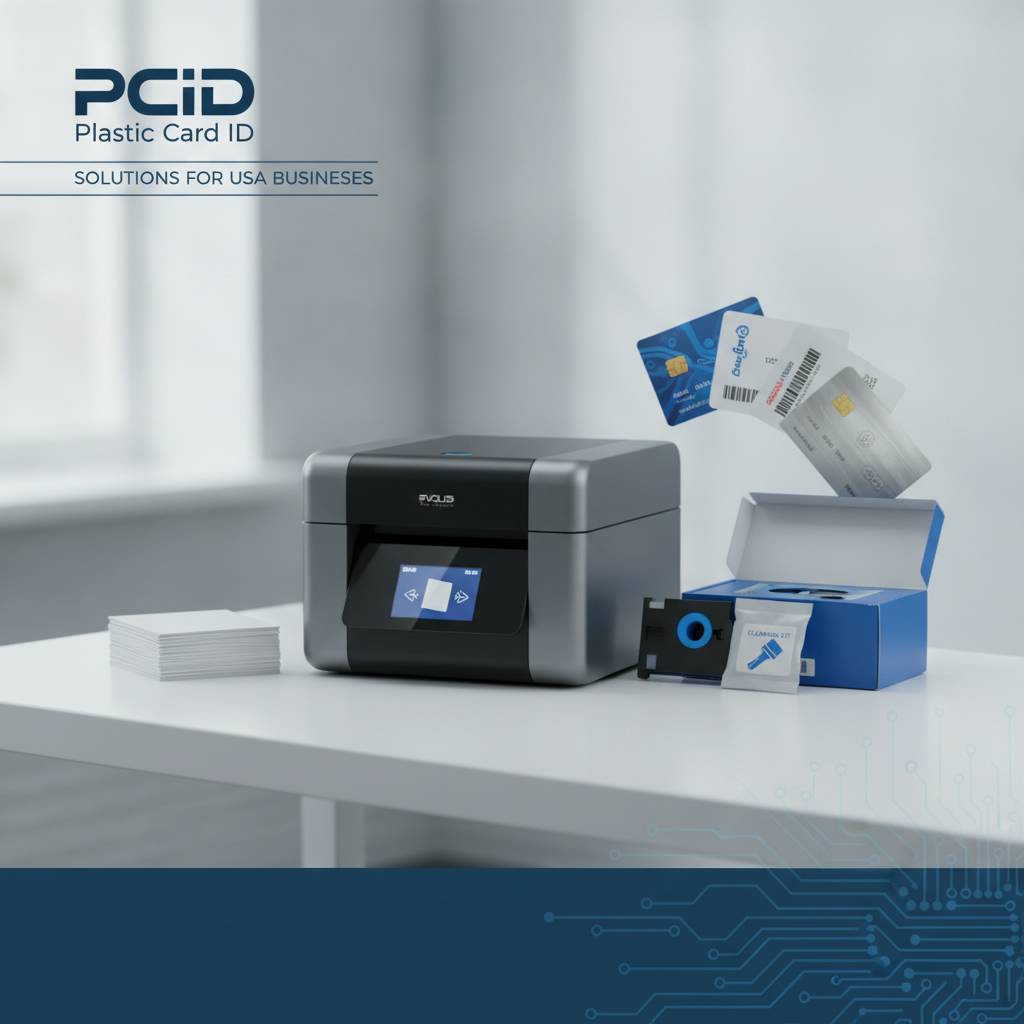
Plastic Card ID supplies everything downstream of the printer itself - ribbons in every configuration, cleaning kits designed for each printer model, lamination modules, encoding upgrades, input hoppers for high-volume loading, and card carriers and sleeves for protecting finished credentials. It's a complete supply ecosystem built around the printers they sell.
Ribbon Types and When to Use Each
The ribbon you choose directly determines your card's appearance, cost per card, and production speed. YMCKO ribbons - yellow, magenta, cyan, black, and overlay panels - are the standard choice for full-color photo ID cards. Each panel contributes to a layered, vibrant image, with the clear overlay panel providing a protective coating that extends card life significantly. YMCKO ribbons are the default choice for most employee and student ID programs.
Monochrome ribbons (available in black, blue, red, and other colors) sacrifice color in exchange for speed and dramatically lower cost per card. Organizations printing access control cards, membership cards, or any credential where a photograph isn't required often find monochrome ribbons far more economical. Specialty ribbons - including scratch-off panels, holographic overlays, and fluorescent inks - serve specific security and personalization needs.
Cleaning Kits: The Maintenance Step Most Organizations Skip
Printer cleaning is the single most commonly neglected maintenance task in card programs, and it's directly responsible for a disproportionate share of print quality problems and premature printhead failures. Every major card printer manufacturer specifies cleaning intervals - typically every ribbon change or every 500-1,000 cards - and skipping those intervals has real consequences. A printhead replacement can cost hundreds of dollars. A cleaning kit costs a fraction of that.
Cleaning kits for desktop card printers typically include cleaning cards, cleaning pens, and cleaning swabs designed to remove dust, PVC debris, and ribbon residue from the card path and printhead. Plastic Card ID stocks cleaning kits matched to every printer model they carry, so you're always using the right cleaning solution for your specific machine - not a generic substitute that may leave residue or damage sensitive components.
Lamination Modules and Encoding Upgrades
For organizations that need cards to last under demanding conditions - outdoor use, frequent swiping, heavy daily handling - lamination modules add a protective overlay that dramatically extends card lifespan and adds a meaningful security layer against tampering. Lamination modules are available as add-ons for compatible Evolis, Fargo, and Zebra printers and apply a clear film over the printed card surface post-print.
Encoding upgrades for magnetic stripe and smart chip (contact and contactless) transform a basic card printer into a complete credential issuance system. Rather than printing a card and sending it elsewhere to be encoded, organizations with encoding-equipped printers handle the entire process in a single pass - print, encode, eject. Single-pass print and encode is a game-changer for access control programs and loyalty card issuance alike.
| Supply Type | Best For | Cost Range Per Unit |
|---|---|---|
| YMCKO Ribbon | Full-color photo ID cards | $40-$120 |
| Monochrome Ribbon | Access cards, membership cards | $20-$60 |
| Cleaning Kit | Printer maintenance, print quality | $15-$45 |
| Lamination Module | Durability, tamper resistance | Add-on pricing varies |
| Card Sleeves/Carriers | Card protection and display | $10-$35 per pack |
Matching Your Organization's Needs to the Right Printer
 Every buyer arrives at this decision with a different set of constraints. Budget matters. Volume matters. Encoding requirements matter. But so does a factor that's easy to overlook: how many people will actually operate this machine, and how much training do they have? A printer with a steep learning curve is a poor choice for a front-desk receptionist printing one card a week. A simplified entry-level machine is a poor choice for a security department printing 500 encoded access cards a month.
Getting this match right from the beginning prevents the frustration of outgrowing a machine in six months or discovering an encoding limitation that forces a costly upgrade. Plastic Card ID has helped over 100,000 organizations across the country navigate exactly this decision, and the experience shows in how confidently the team can guide buyers toward the right solution.
Low-Volume Buyers: The Evolis Badgy200
For small businesses, community organizations, nonprofits, and any operation printing fewer than 1,000 cards per year, the Evolis Badgy200 represents the cleanest entry point into professional in-house card printing. It's compact, straightforward to operate, and produces full-color cards that look genuinely professional - far beyond what you'd expect from a machine at this price tier. The Badgy200 removes every barrier to getting started with in-house card production.
It's worth being honest about what the Badgy200 isn't: it's not designed for encoding, it doesn't support dual-sided printing, and it won't keep up with a production environment demanding hundreds of cards per week. But for the buyer it's actually designed for - a small office printing employee IDs twice a year, or a school club printing membership cards - it's precisely the right tool.
Mid-Volume Programs: Evolis Zenius and Primacy2
The Zenius and Primacy2 are where the Evolis lineup truly earns its professional reputation. These machines handle the volume demands of real card programs without breaking a sweat - the Zenius covering up to roughly 3,000 cards per month, and the Primacy2 pushing to 6,000 per month with dual-sided printing capability. For HR departments, universities, healthcare facilities, and membership organizations, this range is the sweet spot.
Both models support optional magnetic stripe encoding and smart chip encoding modules, making them capable of issuing fully functional access control cards, loyalty program cards, and student ID credentials in a single print pass. The Primacy2 in particular has become a standard fixture in medium-to-large ID programs across the country - it's reliable, fast, and produces consistently excellent output over a long service life.
Premium and High-Demand Situations
When your organization demands the absolute best in card image quality - or when your volume consistently pushes past the mid-range ceiling - the Evolis Agilia and the Fargo HDP Series enter the conversation. The Agilia is built for organizations where card aesthetics are genuinely premium - financial institutions, luxury hospitality brands, high-end membership clubs. Its edge-to-edge printing capability and exceptional color fidelity produce cards that look and feel truly impressive.
Fargo's HDP technology, meanwhile, is the gold standard for security-critical ID programs. The reverse-transfer printing process creates a card that's significantly more resistant to tampering, counterfeiting, and physical wear than traditional direct-to-card printing. If your credentials need to hold up to scrutiny and physical stress, Fargo HDP printers are hard to beat. CPE can configure these printers with full encoding suites to match even the most demanding security program requirements.
Frequently Asked Questions About Desktop Plastic Card Printers
 After 25 years and more than 100,000 customers, the team at Plastic Card ID has fielded a lot of questions about desktop card printers. The ones that come up most consistently tend to reflect genuine uncertainty about a category that many buyers are approaching for the first time. Here are honest, practical answers to the questions that matter most.
How Long Do Desktop Card Printers Last?
With proper maintenance - regular cleaning, using manufacturer-recommended ribbons and cards, and keeping the machine free of dust and debris - a well-built desktop card printer can remain in production service for five to ten years or longer. Printhead lifespan is the most commonly cited concern; most manufacturers rate their printheads for hundreds of thousands of card passes. Consistent cleaning is the single biggest factor in achieving that lifespan.
Organizations that neglect cleaning intervals often experience printhead degradation within two to three years. Those that follow the maintenance schedule routinely operate the same machine for a decade. The cleaning kit investment is genuinely one of the highest-ROI purchases in the entire card program supply chain.
Can I Print on Both Sides of the Card?
Dual-sided printing - printing on both the front and back of a PVC card in a single pass - is supported by several models in the Plastic Card ID lineup, including the Evolis Primacy2, the Fargo HDP printers, and the Zebra ZC Series. Entry-level machines like the Badgy200 and the Zenius are single-sided only. If your card design requires text, logos, or encoding data on the back of the card, confirming dual-sided capability before purchasing is essential.
It's also worth noting that dual-sided printing adds some time to the per-card production cycle, as the printer must flip and reprint the card before ejecting it. For high-volume programs, this is a manageable tradeoff - the convenience of single-pass dual-sided printing far outweighs the slight speed reduction compared to running cards through twice manually.
What Cards Work With These Printers?
- Standard CR-80 PVC cards (85.6mm x 54mm) are compatible with all desktop card printers in the lineup.
- Cards with magnetic stripes must be specified when ordering blank card stock if you plan to encode them.
- Smart chip cards (contact or contactless/RFID) require compatible blank card stock and an encoding-equipped printer.
- Card thickness typically runs 30 mil (0.76mm) for standard PVC cards; some printers also accept 20 mil or composite cards.
- Never use cards that aren't rated for thermal transfer or dye sublimation printing - they can damage the printhead.
Sourcing blank card stock through Plastic Card ID ensures compatibility with the printer you've purchased. Mismatched card stock - particularly cards with incompatible surface coatings or nonstandard thickness - is one of the most common causes of print quality problems and unnecessary printer service calls. Buying cards and ribbons from the same trusted source eliminates this risk entirely.
Industries Served and Real-World Applications
The versatility of a desktop plastic card printer becomes obvious when you look at the sheer range of industries that rely on in-house card production. From healthcare corridors to hotel lobbies, from corporate campuses to convention centers, the common denominator is the need for a durable, professional credential that can be produced quickly without depending on an outside vendor.
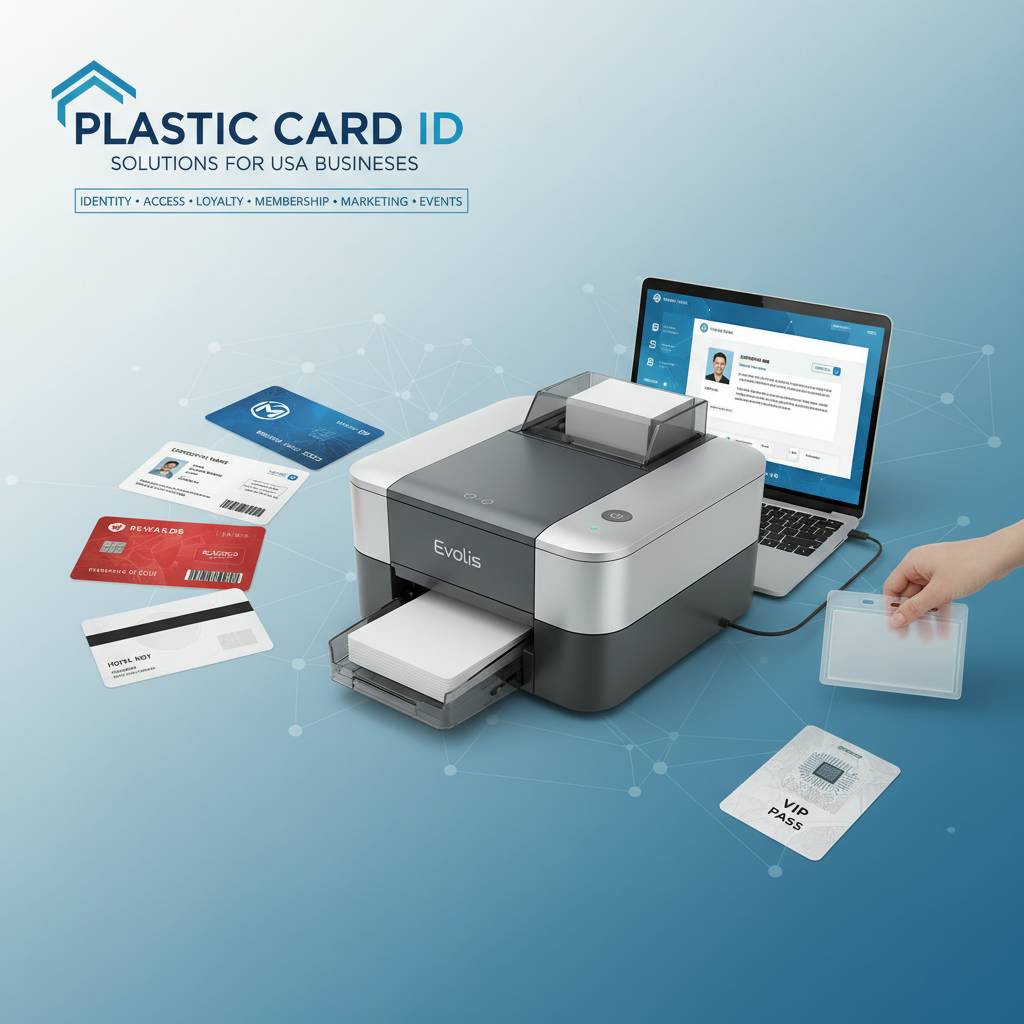
Plastic Card ID serves buyers across all of these environments and many more. The applications vary widely, but the underlying value proposition is always the same: take control of your credential issuance, reduce your cost per card, and eliminate outsourcing delays.
Corporate and Enterprise ID Programs
Large companies with multiple locations, high employee turnover, or strict access control requirements find desktop card printers invaluable. Rather than waiting for a vendor to produce and ship a batch of new hire ID cards, HR can print a professional, encoded credential on day one of employment. Access is granted immediately. The new employee experience is better. Security isn't compromised by delays.
Enterprise programs often deploy multiple desktop printers across different facilities, with a standardized supply chain running through a single source like Plastic Card ID. This approach ensures consistent card quality across all locations and simplifies supply ordering through a single account relationship.
Education: K-12 and Higher Education
Schools and universities print more varieties of cards than almost any other institution: student IDs, faculty and staff credentials, library cards, meal plan cards, parking permits, and athletic passes. A mid-range desktop card printer like the Evolis Primacy2 or a Zebra ZC Series handles this diversity well, especially with dual-sided printing and encoding capabilities enabling one card to serve multiple functions. A single card that opens doors, pays for lunch, and checks out library books is the reality for thousands of campuses nationwide.
Call 800.835.7919 to discuss multi-function student credential programs and the printer configurations that support them. CPE can help spec a complete system that integrates with existing access control and campus management platforms.
Hospitality, Healthcare, and Event Credentialing
Hotels printing key cards in-house, hospitals managing visitor and staff credentials, and events credentialing attendees on-site all share a critical common requirement: cards need to be produced fast, often under pressure, and they need to work correctly every time. A malfunctioning key card at 2 AM is a hospitality nightmare. A credential failure at a sold-out conference is a logistical crisis.
Reliability is non-negotiable in these environments, which is why Plastic Card ID focuses on proven hardware from established brands rather than low-cost alternatives with questionable track records. The Matica Event Printer specifically addresses the event credentialing scenario with purpose-built speed and throughput that generic desktop printers simply cannot match. Reliable hardware in high-pressure environments isn't a luxury - it's a fundamental operational requirement.
Why Buyers Keep Coming Back to Plastic Card ID
 A 25-year track record and a customer base exceeding 100,000 organizations doesn't happen by accident. It happens because buyers find what they need, get the guidance required to use it correctly, and return when it's time to expand, upgrade, or replenish supplies. Plastic Card ID has built its business on that cycle of trust - not on one-time transactions.
The curated printer lineup reflects a deliberate philosophy: carry the best tools for real business applications rather than every product that exists in the market. Buyers benefit from that curation. Instead of wading through dozens of marginal options, you get clear recommendations backed by genuine expertise. That clarity is rare, and it's genuinely valuable when you're making a significant equipment investment.
Complete Solutions, Not Just Hardware
Selling a desktop card printer without the ribbons, cleaning supplies, blank card stock, and encoding modules to support it would be like selling a camera without film - or memory cards, in the modern era. Plastic Card ID supplies the complete ecosystem around every printer in the lineup, ensuring buyers never face the frustrating situation of having a printer ready to go and no compatible supplies to run it.
This completeness extends to configuration advice. Which ribbon type is right for your card design? Which cleaning kit matches your printer model? Should you add a lamination module now, or plan for it as a future upgrade? These are the kinds of questions CPE answers every day, helping organizations build card programs that function smoothly from day one rather than discovering supply gaps after the fact.
Serving Every Scale of Card Program
From a one-printer operation at a boutique hotel to a multi-location enterprise deploying ten machines across regional offices, Plastic Card ID scales with its customers. The same trusted source that sells a single Badgy200 to a small nonprofit also supports the supply chain for organizations running Fargo HDP printers around the clock. The ability to serve every scale without compromising attention or service quality is a genuine differentiator.
Buyers who start small frequently grow. As their card programs expand in volume or complexity - adding encoding, upgrading to dual-sided printing, adding lamination - they find Plastic Card ID ready to support each step of that evolution. That continuity of relationship, sustained across years and sometimes decades, is what transforms a vendor into a genuine business partner.
Reach the Team Directly
The most effective way to navigate a desktop plastic card printer purchase is to talk to someone who knows the products inside and out. Online research gets you part of the way there, but the specific questions - encoding compatibility, duty cycle math, ribbon yield calculations, network versus USB connectivity - are best answered in a direct conversation. The team at Plastic Card ID is ready for exactly that conversation at 800.835.7919.
No high-pressure sales approach. No push toward the most expensive option regardless of your needs. Just straightforward guidance toward the printer and supply configuration that actually fits your organization's card program requirements.
Ready to take control of your card printing? Contact Plastic Card ID today at 800.835.7919 and let our team help you find the perfect desktop plastic card printer for your organization's unique needs. From your first card to your ten-thousandth, we're here to make sure every credential you produce is exactly right.
Previous Page