What Is a Plastic Card Printer? A Clear Overview
Table of Contents []
- What Is a Plastic Card Printer? Your Complete Guide from Plastic Card ID
- How a Plastic Card Printer Actually Works
- The Full Spectrum of Plastic Card Printer Models
- Supplies and Consumables That Keep Your Program Running
- Who Uses Plastic Card Printers? Real Applications Across Industries
- Buyer's Guide: Choosing the Right Plastic Card Printer
- Ready to Print? Plastic Card ID Has Everything You Need
What Is a Plastic Card Printer? Your Complete Guide from Plastic Card ID
 Walk into almost any office, gym, school, or hotel and you'll encounter them - those crisp, professional plastic cards that unlock doors, identify employees, reward loyal customers, and grant access to exclusive spaces. But have you ever stopped to wonder how those cards are made in-house? The answer is a plastic card printer, and understanding what one is, what it does, and which one fits your operation is exactly what this guide is here to accomplish.
A plastic card printer is a specialized piece of hardware designed to print, personalize, and encode PVC cards on-site, at your facility, on your schedule. Unlike commercial printing services with their long lead times and minimum order requirements, these machines hand control back to the organization. Print one card or a thousand. Change a template at midnight. Encode a magnetic stripe before handing the card directly to the cardholder. That flexibility is genuinely transformative for businesses that take their card programs seriously.
| Printer Tier | Typical Volume | Example Models | Best For |
|---|---|---|---|
| Entry-Level | Under 1,000 cards/year | Evolis Badgy200 | Small businesses, clubs, nonprofits |
| Mid-Range | 1,000 - 6,000 cards/month | Evolis Zenius, Primacy2 | HR departments, schools, healthcare |
| High-Volume | High-throughput production | Evolis Agilia, Matica Event | Enterprises, events, large campuses |
| Security-Focused | Variable | Fargo, Zebra series | Government, law enforcement, banking |
How a Plastic Card Printer Actually Works
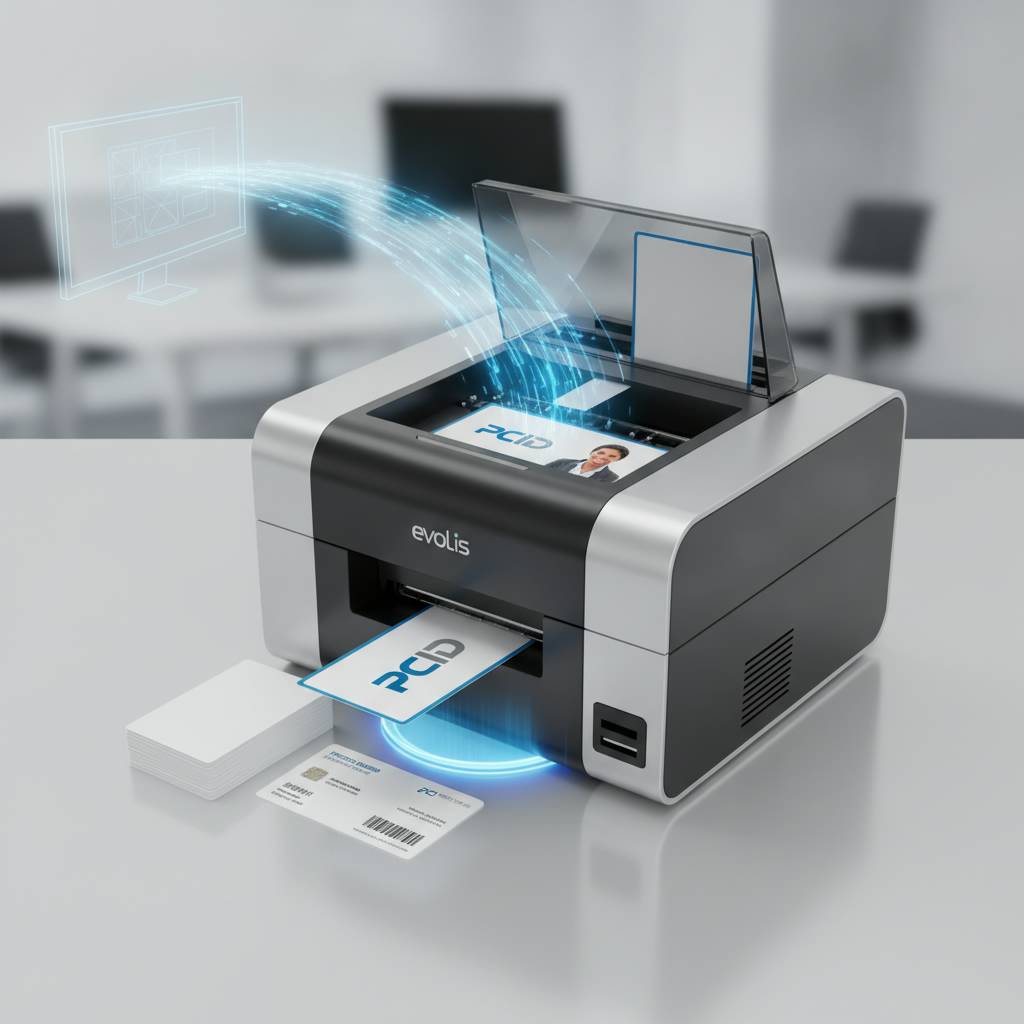 The core technology behind most plastic card printers is dye-sublimation printing, a heat-transfer process where tiny heating elements activate colored dye panels on a ribbon, transferring precise amounts of color directly into the surface of a PVC card. The result is a smooth, vibrant, durable image that won't smudge, peel, or fade like an inkjet print would. It's an entirely different class of output, built for credentials that need to look professional and hold up to daily handling.
The ribbon is central to the whole process. Most full-color printers use a YMCKO ribbon - yellow, magenta, cyan, black, and overlay panels - each cycling across the card in sequence to build the final image layer by layer. Monochrome ribbons produce single-color prints, ideal for high-speed text and barcode applications. Understanding this mechanics matters when budgeting, because ribbons are a recurring consumable cost that varies by format, volume, and printer model.
The Role of the Print Head
Inside every card printer is a print head loaded with heating elements, often numbering in the hundreds per inch. The density of those elements - measured as dots per inch (DPI) - determines the sharpness of the final output. Entry-level machines may print at 300 DPI, which is more than adequate for standard ID cards. Premium models climb to 600 DPI, capturing fine text, intricate logos, and photo-quality portraits with striking clarity.
Print heads are precision instruments. They require regular cleaning using the appropriate cleaning kits to maintain consistent output quality. Dust and debris buildup is the enemy of a pristine print, which is why CPE supplies dedicated cleaning kits for every printer brand in the lineup. A well-maintained print head extends the life of the machine considerably, protecting your hardware investment.
Single-Sided vs. Dual-Sided Printing
Some card printers print on one face of the card; others flip the card automatically and print on both sides. Dual-sided printing is invaluable when cards need to carry a lot of information - employee details on the front, access level indicators or terms and conditions on the back, for instance. It's also common in loyalty card programs where the front carries branding and the back includes a barcode or magnetic stripe instructional text.
Not every application requires dual-sided capability, but it's worth thinking through your design requirements before selecting a printer. Upgrading from a single-sided to a dual-sided unit later typically means purchasing a new machine, so if there's any likelihood your program will expand to include back-of-card content, it's often smarter to start with a duplex-capable model from the outset.
Encoding: Magnetic Stripes, Smart Chips, and More
Printing a card is only part of the story for many organizations. Encoding transforms a printed card into a functional credential - a hotel key that opens a specific room, an access card that unlocks a secure door, a loyalty card that interfaces with a point-of-sale system. Magnetic stripe encoding writes data to the stripe on the back of the card. Smart chip and contactless encoding programs embedded chips for more sophisticated data storage and security.
Most plastic card printers support encoding modules as integrated or add-on options. Fargo and Zebra printers are particularly well-regarded in security-conscious applications where the encoding specifications need to meet strict standards. When your card program involves any form of physical access control, it's critical to match the printer's encoding capability to the hardware your doors, readers, or POS terminals are expecting.
The Full Spectrum of Plastic Card Printer Models
Matching the right printer to the right volume and application is not a trivial decision. Underbuying leads to overworked hardware and diminished output quality. Overbuying means paying for throughput capacity you'll never use. The good news is that the lineup available through CPE covers every meaningful point on that spectrum, from compact desktop units to robust production systems.
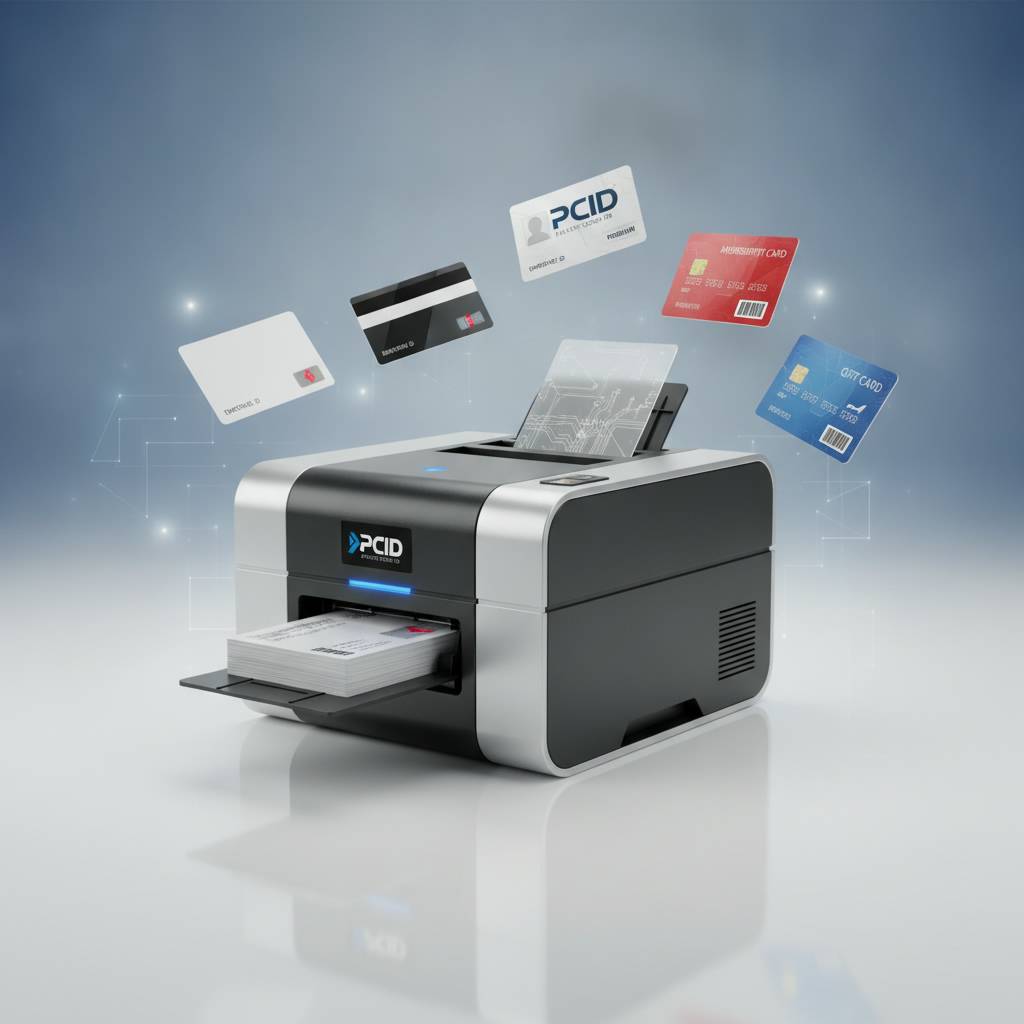
Each major brand in the portfolio has carved out a distinct identity in the market. Evolis is synonymous with elegant design and reliable everyday performance. Fargo and Zebra bring deep security-oriented engineering to the table. Matica delivers speed and high-volume throughput for event environments where hundreds of badges need to be produced in a compressed timeframe. Knowing the distinctions helps buyers align their purchase with their actual needs rather than marketing language.
Entry-Level: Evolis Badgy200
The Badgy200 is an approachable, thoughtfully designed card printer for organizations that don't need industrial output. Clubs, small businesses, community organizations, and nonprofits printing a few hundred cards per year will find the Badgy200 more than capable. It connects via USB, works with straightforward design software, and produces full-color, professional cards without requiring a dedicated operator to manage it.
The value proposition here is access. Not every organization has a large IT department or a dedicated credentialing administrator. The Badgy200 was engineered to be used by someone who has ten other responsibilities - set up the template, load the cards and ribbon, hit print. That simplicity, combined with Evolis's build quality, makes it a best-in-class entry point for in-house card printing.
Mid-Range Workhorses: Evolis Zenius and Primacy2
When volume grows, or when the application demands dual-sided capability and encoding options, the Evolis Zenius and Primacy2 step into their own. These are the printers you'll find humming along in HR departments at mid-size companies, school administrative offices, healthcare facilities managing staff ID programs, and associations issuing member cards. Their throughput comfortably handles 1,000 to 6,000 cards per month without strain.
The Primacy2 in particular is worth highlighting for organizations that expect to scale. Its modular design accommodates lamination and encoding upgrades, and its print quality is consistently excellent. When an HR department needs to onboard fifty new employees during a peak hiring season, the Primacy2 handles that batch reliably, then settles back into everyday cadence without complaint.
Premium Output: Evolis Agilia
The Agilia represents the top of the Evolis range - a printer designed for organizations that demand edge-to-edge, full-bleed, visually stunning card output at high volumes. This is not simply a faster version of the Primacy2; it's a fundamentally different machine in terms of its print architecture, card handling capacity, and integration capabilities. Organizations printing government-adjacent credentials, high-end membership cards, or corporate ID programs with exacting brand standards will find the Agilia matches their expectations precisely.
When appearance is not a compromise and volume is substantial, the Agilia earns its place. It supports encoding and lamination modules, handles a wide range of card thicknesses and finishes, and connects into enterprise environments with the kind of software integration that large IT departments require. This is professional-grade equipment for programs that treat card credentialing as a core operational function.
Supplies and Consumables That Keep Your Program Running
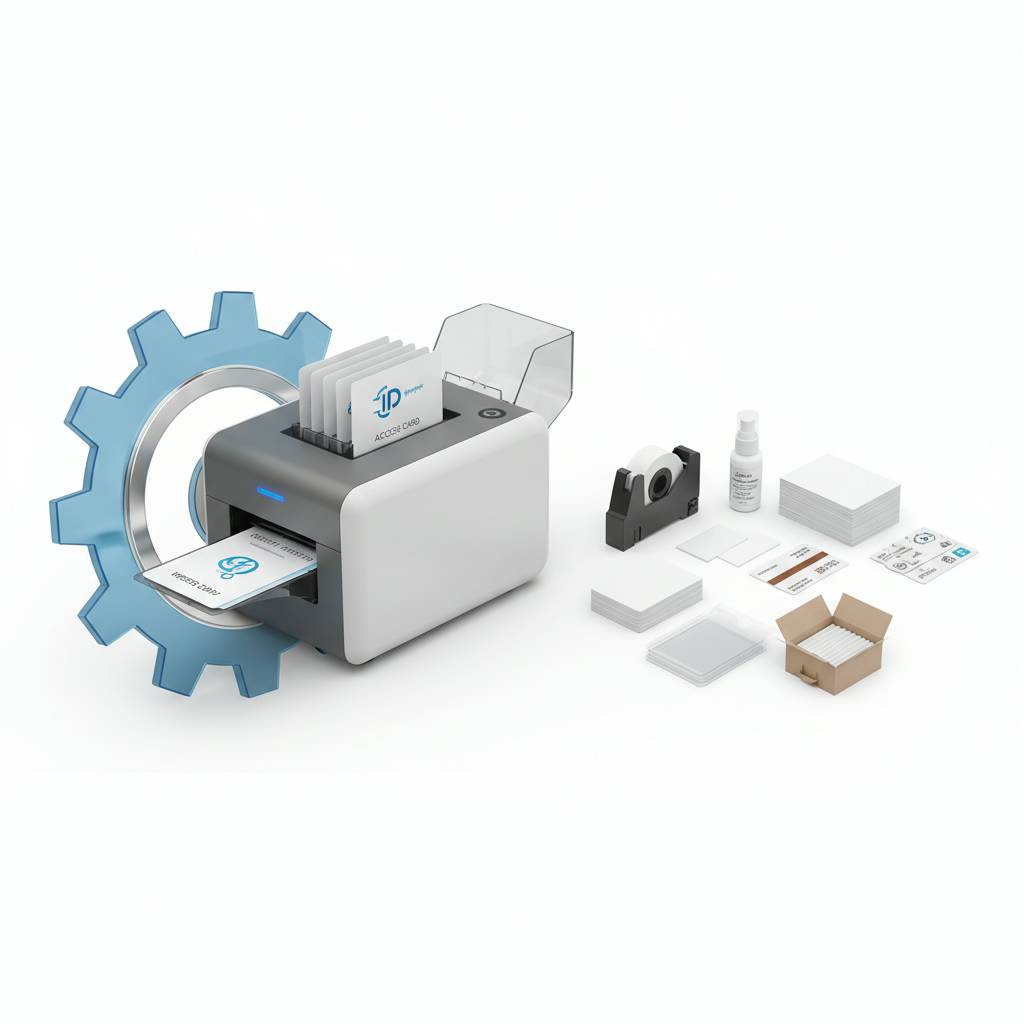 A plastic card printer is only as good as the consumables feeding it. Running out of ribbon mid-batch, or using a cleaning kit that's incompatible with your print head, creates problems that slow operations and potentially damage hardware. Stocking the right supplies, in the right quantities, is an operational discipline that serious card programs take seriously. CPE supplies a full range of consumables matched specifically to the printers in the lineup.
Consumables management is often underestimated by first-time buyers. The printer itself is a capital expense - an investment made once. Ribbons, cleaning kits, and lamination film are recurring costs that directly affect total cost of ownership over time. Buyers who calculate only the upfront hardware cost often find themselves surprised when they work through the true per-card economics of their program.
Printer Ribbons: YMCKO, Monochrome, and Specialty
YMCKO ribbons are the workhorse of full-color card printing. Each panel - yellow, magenta, cyan, black, overlay - contributes to the final card image, and the overlay layer provides a protective coating that guards the printed surface against UV fading and handling wear. Choosing the right ribbon yield for your volume is a practical cost-control measure: higher-yield ribbons reduce the per-card cost and mean fewer ribbon changes during high-output sessions.
Monochrome ribbons are a different tool for a different job. When cards require only text, barcodes, or single-color graphics - think access control cards or visitor badges - monochrome ribbons print significantly faster and at a lower per-card cost than YMCKO options. Specialty ribbons, including fluorescent and metallic options, introduce additional design possibilities for organizations whose card programs include premium or security elements.
Cleaning Kits, Lamination, and Card Carriers
Cleaning kits aren't glamorous, but they are essential. Regular cleaning cycles remove dust, PVC debris, and ribbon residue that accumulate inside the printer's card path and on the print head. Most manufacturers recommend a cleaning cycle with each ribbon change at minimum. The kits typically include cleaning cards and swabs designed specifically for the internal geometry of each printer model - generic alternatives can leave residue of their own.
Lamination modules add a durable protective layer to the finished card, extending its lifespan in demanding environments. Cards that will be swiped repeatedly through readers, exposed to outdoor conditions, or handled heavily benefit significantly from lamination. Card carriers and sleeves extend the visual life of a card after printing, protecting the surface during transport and daily use. These aren't afterthoughts - they're part of a complete card program strategy.
Input Hoppers and Encoding Upgrades
For higher-volume operations, input hoppers allow larger batches of blank cards to be loaded at once, reducing operator intervention during print runs. This matters when printing hundreds of cards for a new enrollment period or a large event. The time saved from not manually loading cards throughout a long print run is real, and in production environments, it translates directly to labor cost savings.
Encoding upgrades - magnetic stripe, smart chip, contactless - can often be added to compatible printers as module integrations rather than requiring a complete hardware replacement. This upgrade path is important for organizations whose card programs are evolving. Starting with a print-only unit and adding encoding capability as the program grows is a legitimate and cost-effective approach, provided the base printer was selected with that expansion path in mind from the start.
Who Uses Plastic Card Printers? Real Applications Across Industries
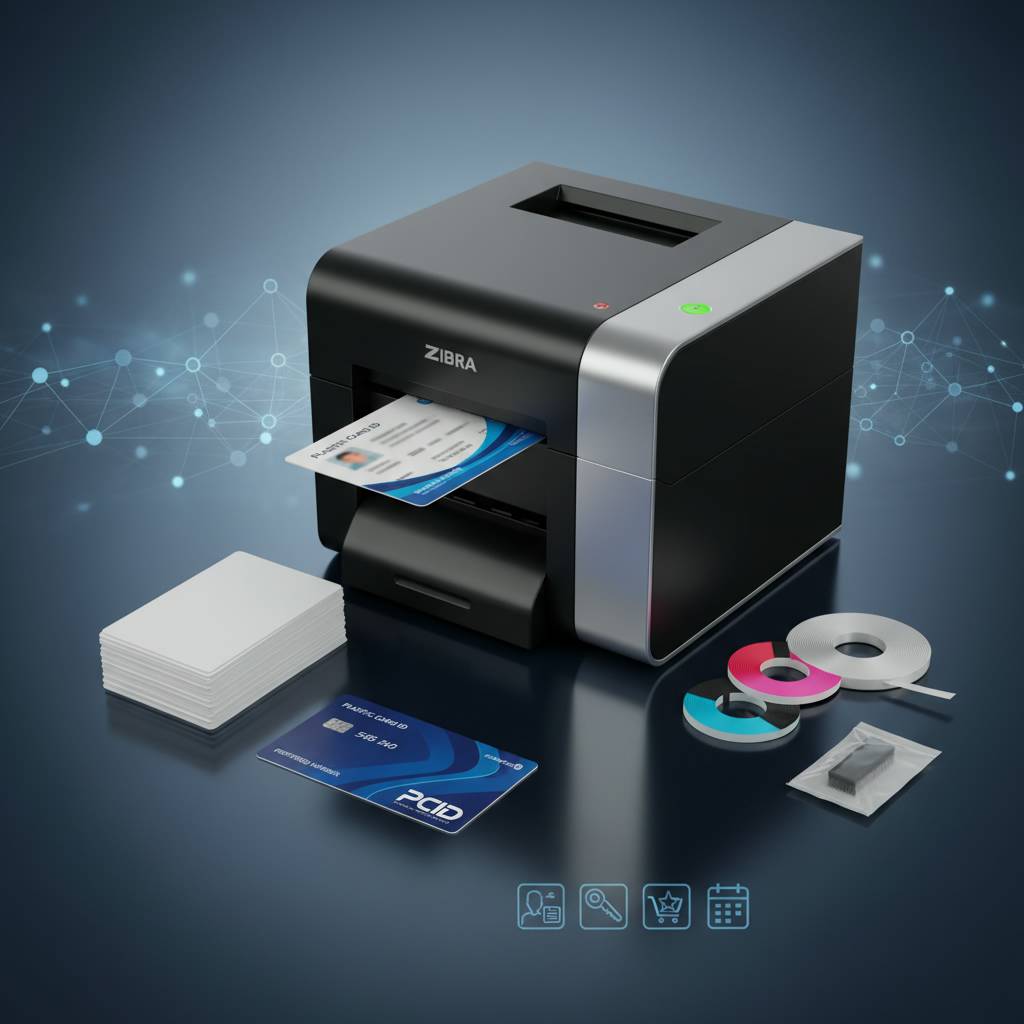 The market for plastic card printers is far broader than many people initially assume. The technology isn't niche - it touches virtually every sector that manages people, access, or loyalty relationships at scale. From a regional hospital printing staff ID badges to a hotel chain encoding key cards for daily check-ins, the applications are as varied as the organizations running them.
What unifies these use cases is the core value proposition: in-house printing gives the organization control. Control over timing, control over design, control over encoding, and control over cost. No waiting for a third-party vendor to turn around an order. No minimum order requirements. No lead times that collide with an urgent hire or a surprise enrollment spike. The printer is there when you need it, ready to produce exactly what you need right now.
Employee ID and Access Control Programs
Corporate HR departments and facility managers are among the most consistent users of plastic card printers. Employee ID cards serve dual functions: they establish identity within the workplace and, when encoded, they control physical access to secure areas. A single printer handles both outputs simultaneously - printing the employee's photo and information while encoding their access privileges to the magnetic stripe or chip.
The operational advantage is immediate. New hires can receive a fully functional, professionally printed ID card on their first day without waiting for an outside vendor. Terminated employees can be removed from the access system and their card deactivated the same day. That kind of real-time control is not possible when cards are sourced externally, and for security-conscious organizations, that gap in control is simply not acceptable.
Membership, Loyalty, and Event Credentials
Gyms, associations, clubs, and retail loyalty programs use plastic card printers to issue member cards that carry both brand identity and functional data. A gym membership card printed in-house carries the club's branding, the member's photo and name, and a barcode or magnetic stripe that interfaces with their check-in system. The entire production cost per card can be a fraction of what an external print vendor charges, especially when accounting for design changes and reprint cycles.
Event credentialing is a specialized and high-pressure application. Conferences, trade shows, and large-scale gatherings need to produce hundreds or thousands of badges quickly and accurately. The Matica Event Printer is engineered specifically for this environment - fast throughput, reliable card handling, and the ability to produce personalized event credentials on-site in real time as attendees arrive and register.
Schools, Healthcare, and Hospitality
Educational institutions printing student IDs, staff badges, and library cards find mid-range printers like the Evolis Primacy2 well-suited to their cyclical volume patterns - heavy printing at semester starts, lighter activity throughout the year. Healthcare facilities face strict requirements around staff identification, and the ability to produce photo ID badges with encoding for restricted area access meets those requirements without depending on external vendors who may not understand the urgency of a mid-shift credential replacement.
Hotels represent one of the most volume-intensive card printing applications: every guest, every check-in, requires a freshly encoded key card. Properties that manage their own card encoding in-house maintain tighter control over room access and can respond faster to lost card situations. The combination of print quality and encoding reliability is what makes professional-grade plastic card printers the only viable tool for that environment.
Buyer's Guide: Choosing the Right Plastic Card Printer
Selecting a plastic card printer without a framework for evaluating your needs is an invitation to purchase the wrong tool. The market offers genuinely different machines for genuinely different purposes, and the specifications that matter most depend entirely on what you're trying to accomplish. A few structured questions can focus the decision considerably.
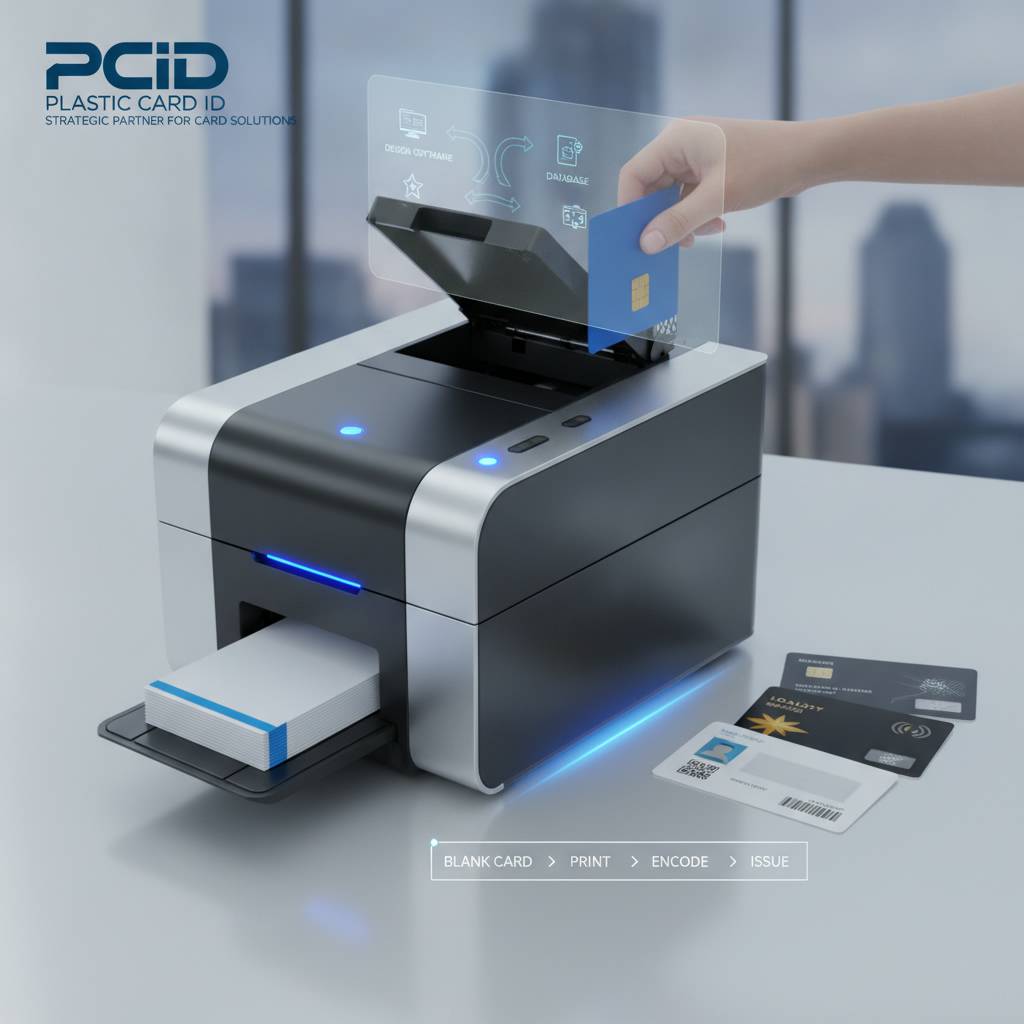
Think through your monthly volume first. Then consider whether you need single or dual-sided output. Factor in any encoding requirements. Assess whether lamination is needed for durability in your specific use environment. Each of those answers narrows the field significantly and points you toward the right tier and brand. CPE has helped over 100,000 businesses work through exactly this process over more than two decades.
Key Questions Before You Buy
- How many cards do you print per month? This single number does more to guide printer selection than almost any other factor.
- Do your cards need to be encoded - magnetic stripe, smart chip, or contactless?
- Is dual-sided printing required, or will single-sided output meet your design needs?
- What level of print resolution does your application demand? Photo-quality portraits require higher DPI than simple text and logo cards.
- Do you need lamination for extended card durability in challenging environments?
- What is your total budget, including ongoing ribbon and consumable costs, not just the upfront hardware price?
- Does the printer need to integrate with existing HR software, access control platforms, or POS systems?
Answering these questions honestly - rather than optimistically - protects against both under-buying and over-buying. The organization that prints 400 cards per year doesn't need an Agilia. The hotel encoding 200 key cards per day doesn't need a Badgy200. The right match produces the right outcomes.
Understanding Total Cost of Ownership
The sticker price of a plastic card printer is the beginning of the cost conversation, not the end. A complete cost-of-ownership calculation includes the printer hardware, the initial ribbon supply, cleaning kits, lamination film if applicable, replacement ribbons over the printer's operational life, and any encoding module upgrades. For high-volume applications, the per-card ribbon cost compounds quickly and can dwarf the original hardware investment over a multi-year program lifecycle.
This is not a reason to avoid in-house printing - quite the opposite. When you calculate the true per-card cost of ordering from an external vendor (including minimum order requirements, design change fees, and shipping costs), in-house printing typically delivers substantial savings at moderate to high volumes. The calculation simply needs to be done with all the variables included, not just the hardware line item.
Getting Support When You Need It
Even well-engineered hardware requires support from time to time. Ribbons jam. Print quality shifts. Software drivers need updating. Having a knowledgeable supplier in your corner makes a significant operational difference when a problem surfaces mid-production. Call 800.835.7919 to speak directly with a CPE specialist who can walk through troubleshooting, supply questions, or printer selection guidance without transferring you through layers of automated systems.
The depth of supplier knowledge matters as much as the hardware itself in many cases. A team that has spent over 25 years supplying card printers to more than 100,000 customers has encountered virtually every configuration, edge case, and operational challenge in the industry. That experience translates into faster problem resolution and more confident purchasing decisions for the businesses they serve.
Ready to Print? Plastic Card ID Has Everything You Need
 Whether you're building a card program from scratch or upgrading aging hardware that can no longer keep pace with your organization's demands, the right plastic card printer makes an immediate, tangible difference in operational efficiency, card quality, and credentialing control. The technology is mature, reliable, and proven across hundreds of thousands of real-world deployments - from small nonprofits to large enterprise environments.
CPE carries the full lineup of professional-grade printers from Evolis, Fargo, Zebra, and Matica, along with every consumable and accessory needed to run a complete, sustainable card program. The selection is curated deliberately - these are not commodity products sourced opportunistically. Every brand and model in the portfolio has been evaluated for reliability, output quality, and the kind of long-term performance that real organizations depend on.
Take the next step toward in-house card printing with confidence. Contact Plastic Card ID today and speak with a specialist who understands your program needs from day one.
Call 800.835.7919 now - the right plastic card printer for your organization is ready and waiting.
Previous Page