Buy Plastic Card Printer: Best Deals and Expert Advice
Table of Contents []
- Why Smart Businesses Choose Plastic Card ID When They Buy a Plastic Card Printer
- Understanding the Plastic Card Printer Market Before You Buy
- Ribbons, Supplies, and the True Cost of Running a Card Printer
- Buyer's Guide: How to Choose the Right Plastic Card Printer
- Applications: What Are Businesses Actually Printing?
- Common Questions When You Buy a Plastic Card Printer
- Ready to Buy a Plastic Card Printer? Plastic Card ID Makes It Simple
Why Smart Businesses Choose Plastic Card ID When They Buy a Plastic Card Printer
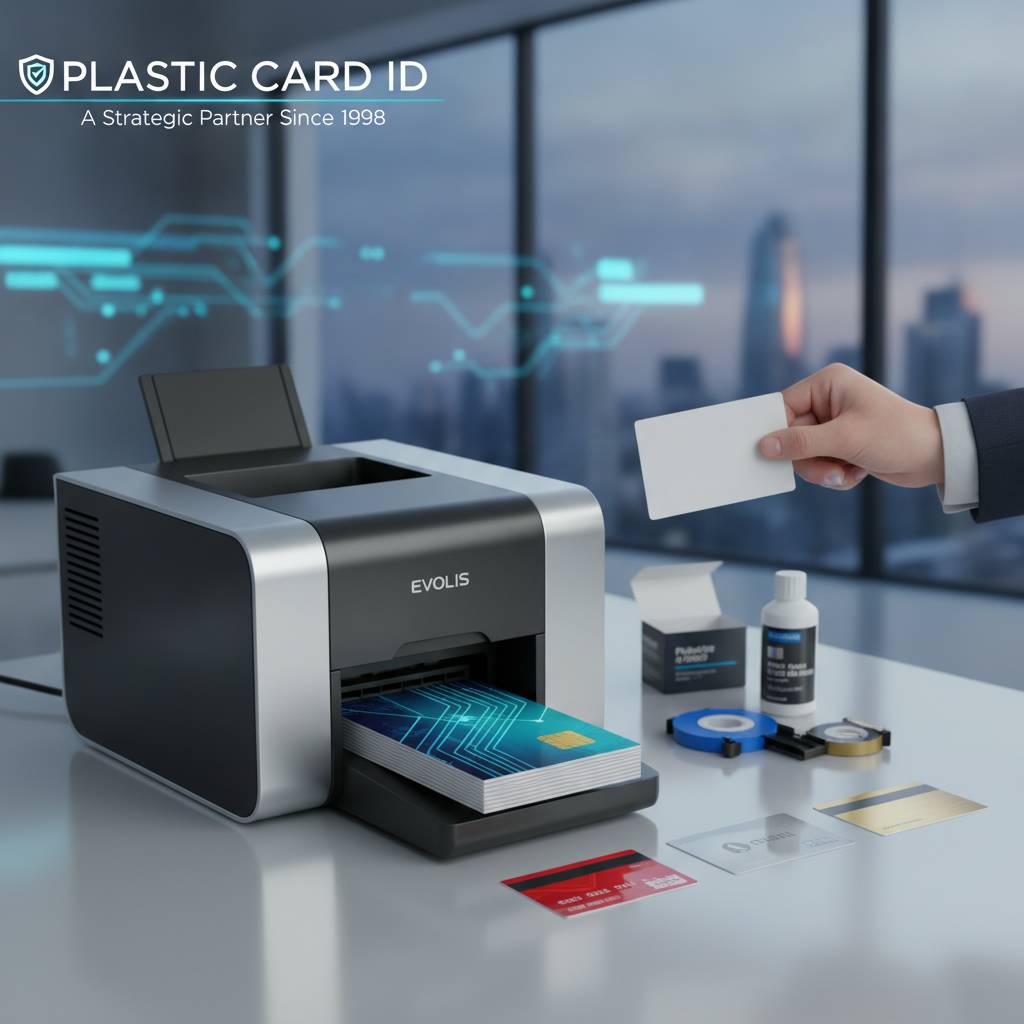 There's a moment every organization reaches - when the cost of outsourcing card production finally stops making sense. Maybe the turnaround from a third-party vendor is too slow. Maybe you need cards personalized on the spot. Maybe you've simply done the math and realized that printing in-house pays for itself faster than most people expect. Whatever brought you here, the decision to buy a plastic card printer is one of the smartest operational moves a business can make.
Plastic Card ID has spent over 25 years helping businesses across the United States make that transition with confidence. More than 100,000 customers have trusted CPE to match them with the right hardware, supplies, and know-how to run a professional card program from day one. This isn't a warehouse that happens to stock card printers - it's a curated, specialized operation built around one purpose: getting you printing.
Whether you're producing employee ID badges, membership cards, hotel key cards, or access control credentials, the path starts with understanding what the market actually offers - and making sure you're buying from people who know the difference between a $300 desktop unit and a $5,000 industrial system, and can tell you honestly which one your organization needs.
The In-House Advantage Nobody Talks About Enough
Control is the word that keeps coming up when customers describe why they made the switch. Print on demand, encode on demand, personalize every single card - no minimum order quantities, no waiting a week for a vendor to ship a batch. An employee starts Monday? Their card is ready Friday. A membership lapses? Print a replacement in two minutes.
Outsourcing card production means you're on someone else's schedule, at someone else's price point, with someone else's quality standards. In-house printing eliminates every one of those variables. You own the process. You own the timeline. And after the initial hardware investment, the per-card cost drops dramatically compared to vendor pricing.
Who Relies on In-House Card Printing?
The short answer: more organizations than you'd guess. Schools printing student IDs, hospitals issuing staff credentials, gyms handing out membership cards, hotels programming key cards, event organizers credentialing attendees on-site - the use cases are remarkably diverse. What they share is a need for speed, professionalism, and control over a physical credential program.
Access control, in particular, has pushed many businesses over the edge into buying their own printer. When a card needs to carry an encoded magnetic stripe or a smart chip that integrates with a door access system, you can't just email a file to a print shop. That encoding has to happen on a machine configured for your specific system - which means the printer lives in-house, where it belongs.
What Plastic Card ID Brings to the Table
CPE doesn't just sell printers. The lineup is deliberately curated from the industry's most respected brands - Evolis, Fargo, Zebra, and Matica - covering everything from compact desktop units for low-volume needs to high-throughput industrial systems for large-scale operations. Every product in the catalog earns its place by performing reliably in real-world business environments.
The support infrastructure matters too. Ribbons, cleaning kits, lamination modules, encoding upgrades, input hoppers, card carriers - everything you need to keep a card program running is available in one place. There's real value in not having to source consumables from three different suppliers while troubleshooting a ribbon jam at 8 AM before a new-hire orientation.
Reach the team directly at 800.835.7919 when you're ready to talk through your specific requirements. Plastic Card ID experts help you match the right printer to your actual production volume, card type, and encoding needs - no guesswork, no overselling.
Understanding the Plastic Card Printer Market Before You Buy
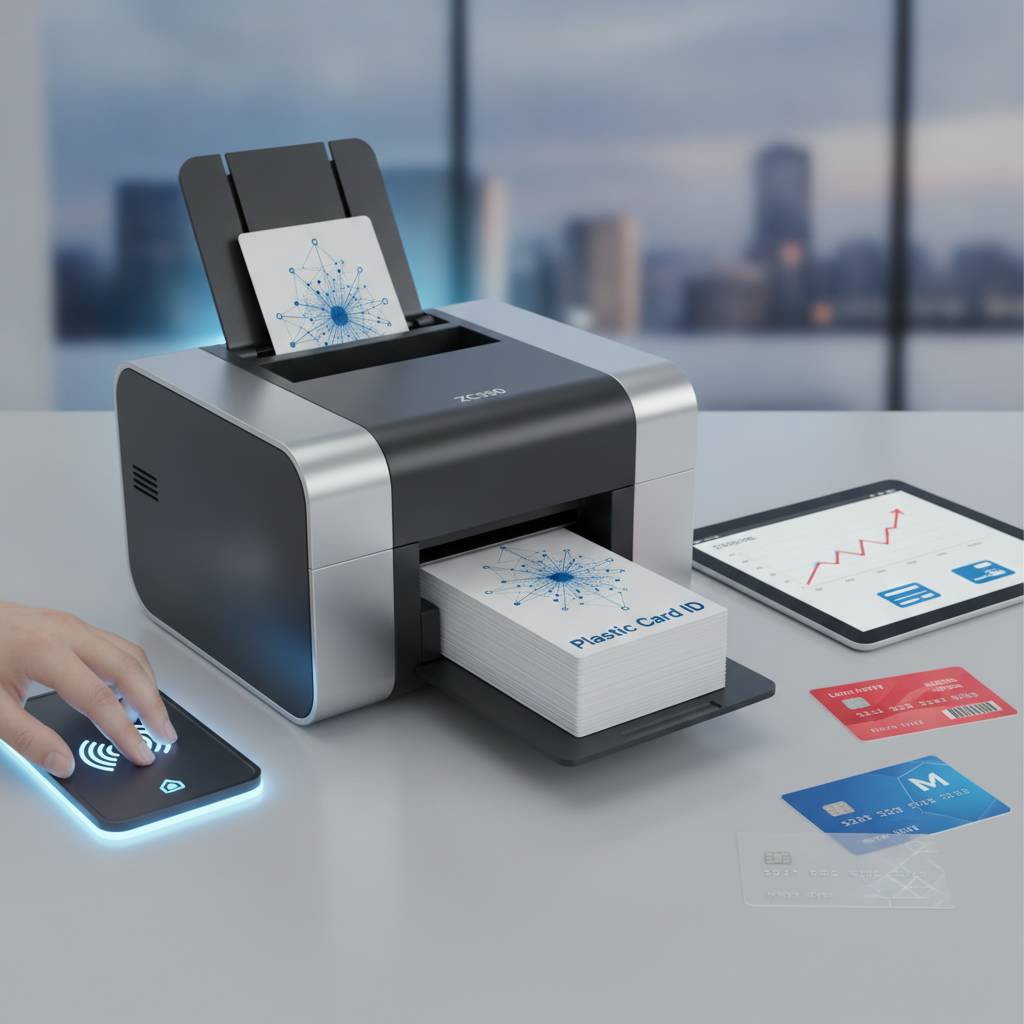 Walk into the market without a framework and the options can feel overwhelming fast. Single-sided or dual-sided? Retransfer or direct-to-card? Lamination module or not? Magnetic stripe encoding or smart chip or both? These aren't arbitrary specs - they're decisions that will affect your card quality, production speed, and total cost of ownership for years.
The good news is that the market segments fairly cleanly once you know what to look for. Volume is almost always the right starting point. How many cards do you print per year - or per month? That single number narrows your options dramatically and points you toward the right class of machine.
Entry-Level Printers: Low Volume, High Value
For organizations printing fewer than 1,000 cards per year, a desktop entry-level unit is the correct answer. The Evolis Badgy200 is the benchmark in this category - compact, straightforward, and capable of producing crisp, professional cards without requiring a dedicated operator or a complex setup process.
Don't let the "entry-level" label fool you into underestimating the output quality. These machines produce genuinely professional cards. The limitation is speed and volume capacity, not image quality. For a small business, a nonprofit, a school office, or any organization with modest card output, the Badgy200 delivers everything needed at a price point that makes the investment easy to justify.
Mid-Range Workhorses: The Sweet Spot for Most Businesses
The 1,000-to-6,000 cards-per-month range is where the majority of CPE's commercial customers land. This is the territory of the Evolis Zenius and the Evolis Primacy2 - printers that handle sustained production without breaking a sweat, with options for dual-sided printing and magnetic stripe encoding built right in or added as upgrades.
The Primacy2, in particular, has earned a loyal following among organizations running active ID card programs. Its combination of print speed, image quality, and upgrade flexibility makes it one of the most versatile mid-range card printers on the market. Dual-sided printing means employee ID cards can carry a photo and name on the front while a barcode, magnetic stripe, or compliance information lives on the back.
Premium and Industrial Tier: When Quality and Volume Both Matter
At the top of the Evolis lineup sits the Agilia - a printer built for organizations that refuse to compromise on output quality. Edge-to-edge printing, exceptional color accuracy, and the kind of card finish that signals professionalism from across a room. For membership programs, event credentials, or any application where card appearance directly reflects brand quality, the Agilia sets the standard.
Fargo and Zebra printers round out the high-end options, particularly for security-focused ID programs where card durability and encoding sophistication are non-negotiable. And for on-site event badge printing at scale - conferences, trade shows, sporting events - the Matica Event Printer delivers the throughput to credential hundreds of attendees without a bottleneck.
| Printer Model | Brand | Best For | Volume Range | Key Features |
|---|---|---|---|---|
| Badgy200 | Evolis | Small orgs, low volume | Under 1,000/year | Compact, easy setup |
| Zenius | Evolis | Growing businesses | 1,000-3,000/month | Upgrade-ready, reliable |
| Primacy2 | Evolis | Active ID programs | Up to 6,000/month | Dual-sided, mag stripe |
| Agilia | Evolis | Premium output needs | High volume, premium | Edge-to-edge, top quality |
| Fargo/Zebra | Fargo / Zebra | Security ID programs | Mid to high volume | Robust, security-grade |
| Matica Event Printer | Matica | On-site event badging | High throughput | Speed, on-site credentialing |
Ribbons, Supplies, and the True Cost of Running a Card Printer
Buying the printer is step one. Understanding the ongoing cost of operation is step two - and it's where a lot of first-time buyers get caught off guard. The per-card cost of printing is determined almost entirely by your ribbon choice and print configuration, so getting this right from the start keeps your card program financially predictable.
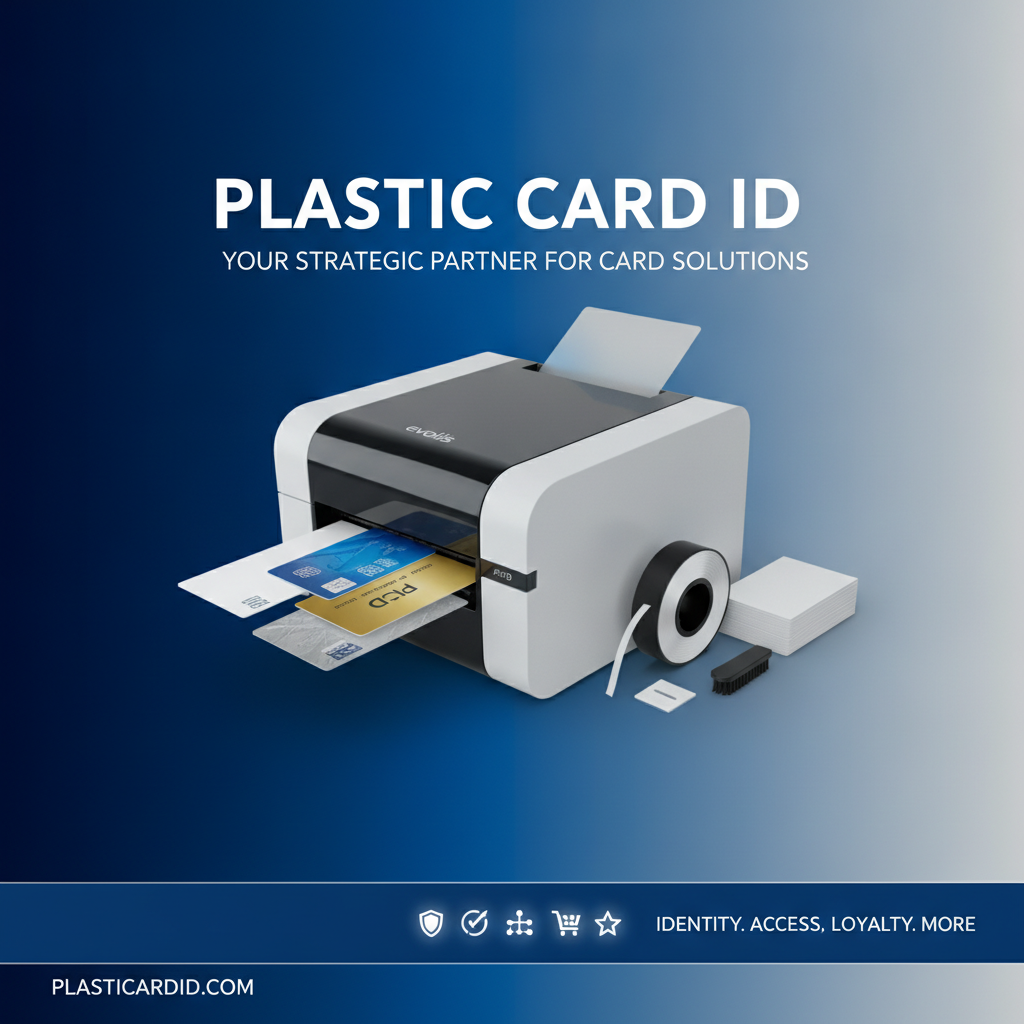
Plastic Card ID supplies the full range of consumables you'll need, sourced to work seamlessly with every printer in the lineup. Buying mismatched or off-brand ribbons is one of the most common and easily avoidable mistakes new card printer owners make - and it can affect print quality, void warranties, and cause premature printer wear.
Ribbon Types: Matching the Ribbon to the Job
YMCKO ribbons are the standard for full-color card printing - Yellow, Magenta, Cyan, blacK, and Overlay panels combine to produce vivid, photo-quality output with a protective topcoat. For most employee ID and membership card applications, YMCKO is the right choice. Cost per card typically runs in the range that makes in-house printing clearly economical versus outsourcing.
Monochrome ribbons serve a different purpose entirely. When you need to print high volumes of cards with text and simple graphics - access cards, library cards, basic membership credentials - a single-color ribbon drops the per-card cost significantly. Black monochrome is the most common, but other colors are available for specific applications. The key is matching ribbon type to the actual content of the card, not defaulting to color when it isn't needed.
Cleaning Kits: The Maintenance Step That Extends Printer Life
A card printer is a precision device. Dust, card particles, and ribbon residue accumulate inside every machine with use, and without regular cleaning, print quality degrades and mechanical wear accelerates. Cleaning kits are not optional accessories - they're part of the operating cost of any professional card program.
CPE stocks cleaning kits designed for each printer model in the lineup. The cleaning process is straightforward enough that any staff member can perform it on a regular schedule, and the difference in print quality and printer longevity is measurable. Skipping cleaning to save a few dollars is the kind of false economy that leads to a premature printer replacement.
Encoding Upgrades: Adding Intelligence to the Card
A PVC card is a physical credential on its own. Add a magnetic stripe and it becomes a functional access or loyalty card. Add a smart chip and it becomes an integrated component of a digital security or identification system. Encoding upgrades transform a simple printed card into a working part of your organization's infrastructure.
Both magnetic stripe encoding and smart chip encoding are available as factory options or field upgrades on compatible printer models. Lamination modules add a protective overlay layer that dramatically extends card life - important for cards that see heavy daily use, like hotel key cards or frequently swiped access credentials. Call 800.835.7919 to discuss which encoding and lamination options are compatible with the printer model you're evaluating.
Buyer's Guide: How to Choose the Right Plastic Card Printer
 The right printer for your organization isn't necessarily the most expensive one, nor is it always the cheapest one that meets the minimum requirements. It's the one that matches your actual production volume, card complexity, and budget without leaving significant capability unused or leaving you underpowered when volume grows.
Here's a structured approach to making the decision confidently, drawn from the questions CPE helps customers work through every day.
Step One: Define Your Volume and Card Type
Start with volume. Count the cards you'll print annually, then divide by 12 to get a monthly figure. Under 83 cards per month puts you firmly in entry-level territory. Between 83 and 500 cards per month lands you in the mid-range. Above 500 per month, you're looking at mid-range to premium options. Sizing the printer correctly to your volume prevents both overspending and underperformance.
Card type is the second filter. A single-sided photo ID with no encoding is the simplest possible card - almost any printer handles it. Dual-sided cards with magnetic stripe encoding and lamination require a configured mid-range or higher unit. Knowing what the card needs to do narrows the decision tree considerably before you ever look at a price tag.
Step Two: Evaluate Upgrade Path and Future Needs
Organizations grow. Card programs that start at 200 cards per month sometimes double within a year as the program expands. Buying a printer with room to grow - upgradeable encoding modules, higher-capacity input hoppers - is smarter than buying to the exact minimum and replacing the unit in 18 months.
The Evolis Zenius and Primacy2 are particularly strong choices here because their upgrade architecture allows meaningful capability additions without replacing the base unit. Encoding modules, lamination options, and connectivity upgrades can be added after initial purchase, which protects the original investment while allowing the program to evolve.
Step Three: Factor in Total Cost of Ownership
- Ribbon cost per card: Calculate how many cards per ribbon panel set and divide the ribbon cost by that number.
- Cleaning kit frequency: Most manufacturers recommend cleaning every 250-500 cards printed. Factor in the annual cleaning cost.
- Card stock cost: PVC card blanks are a fixed cost per card - consistent and easy to budget.
- Lamination cost: If your cards require lamination, add the per-card lamination cost to the total.
- Printer warranty and support: Consider the length and terms of the manufacturer warranty and factor in any service agreements.
- Encoding module cost: If magnetic stripe or smart chip encoding is needed, confirm whether it's included in the base price or an add-on.
Total cost of ownership almost always favors in-house printing over outsourcing once volume reaches a consistent level. The crossover point varies, but most organizations recoup the hardware investment within the first one to two years of consistent card production.
Applications: What Are Businesses Actually Printing?
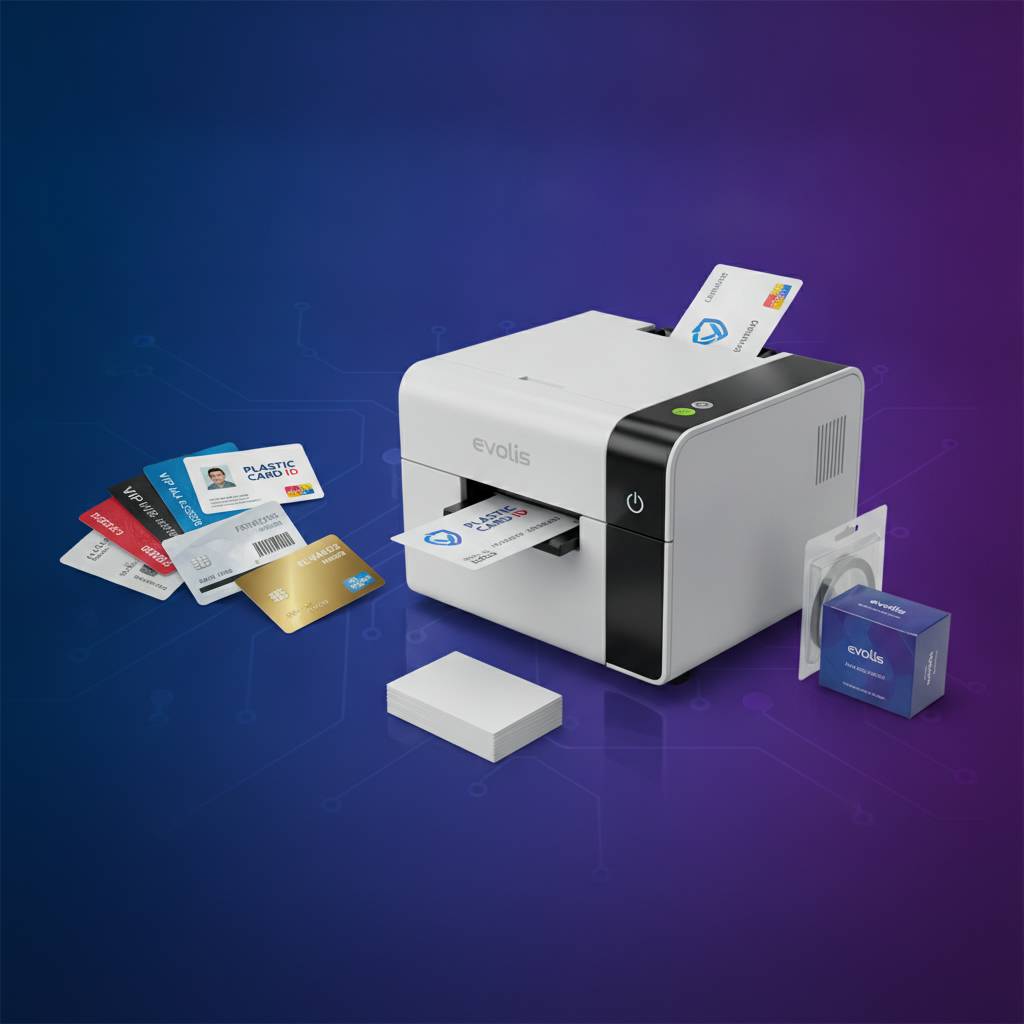 The range of organizations buying plastic card printers is broader than most people realize. It's not just corporations with large HR departments. It's the 50-person gym that wants membership cards that don't look like they came from a copy shop. It's the regional hospital system that needs staff credentials updated weekly. It's the conference organizer who needs 800 attendee badges printed and encoded the morning of day one.
Any organization that issues physical credentials to people - for access, identification, membership, or loyalty - is a potential card printing operation. The question isn't whether you need a printer. It's whether you've done the math on what outsourcing is actually costing you in money, time, and control.
Employee ID and Access Control
This is the backbone of the card printing market. Employee ID cards serve dual purposes - identification and access control - and the need to add, modify, or revoke credentials on a regular basis makes in-house printing the only practical approach for active organizations. Waiting three days for a vendor to ship a replacement badge is not an option when an employee needs building access on Monday morning.
Access control cards frequently require magnetic stripe or smart chip encoding to integrate with door access systems. Plastic Card ID stocks printers with the encoding capabilities needed for the most common access control platforms, and the team can advise on compatibility before you buy.
Membership, Loyalty, and Event Credentials
Gyms, clubs, libraries, retail loyalty programs, trade associations - membership card programs benefit enormously from in-house printing because the volume is steady and the personalization needs are ongoing. New members need cards immediately, and the professional appearance of a well-printed PVC card signals organizational quality in a way that a paper printout never will.
Event credentialing is a specialized but high-demand application. The Matica Event Printer exists specifically because the on-site badging challenge at conferences and large events is genuinely different from everyday card production - the throughput demands and the on-demand nature of the work require hardware purpose-built for the use case.
Student IDs and Institutional Programs
Schools and universities have been running in-house card programs for years, and for good reason. Student turnover is annual, enrollment changes are constant, and the credential serves multiple functions - library access, meal plans, campus access, student identification. A mid-range printer configured for the school's specific card design and encoding needs is a standard piece of institutional infrastructure.
For institutions printing at scale - large universities issuing thousands of cards each enrollment period - CPE can recommend the right hardware tier and supplies configuration to handle the seasonal volume surge without compromising the everyday program. Call 800.835.7919 to walk through institutional card program requirements with the team.
Common Questions When You Buy a Plastic Card Printer
After 25 years and over 100,000 customers, certain questions come up consistently. Here are the ones that matter most - answered directly, without the runaround.
What Software Do I Need?
Most card printers in Plastic Card ID's lineup are compatible with popular card design software packages. Some Evolis models include basic design software in the package. For more complex programs - especially those integrating with databases, access control systems, or ID management platforms - the printer needs to be compatible with the software your organization uses. Confirming software compatibility before purchase is non-negotiable.
The good news is that the major brands - Evolis, Fargo, Zebra - have broad software compatibility precisely because they're designed for enterprise ID programs that exist within larger technology ecosystems. Specific compatibility questions are best answered with a direct conversation before purchase.
How Long Do Card Printers Last?
A well-maintained card printer from a reputable manufacturer can serve an organization reliably for many years. The single biggest determinant of printer lifespan is maintenance - specifically, consistent cleaning and the use of manufacturer-approved ribbons and supplies. Neglected printers fail early. Maintained printers run long.
Entry-level units naturally have a different design life than industrial-tier machines, which is another reason why right-sizing the printer to your actual volume matters. Running a low-volume printer at sustained high volume stresses the machine in ways it wasn't designed to handle. Matching machine to workload is both a quality and longevity decision.
Can I Add Features After I Buy?
On most mid-range and premium models - yes, within the upgrade architecture of that specific printer. Encoding modules for magnetic stripe and smart chip, lamination units, and higher-capacity card hoppers are commonly available as add-ons for compatible units. Not every feature can be added to every printer, which is why understanding the upgrade path at the time of purchase is important.
This is where the Plastic Card ID team adds genuine value. Rather than discovering post-purchase that the printer you bought can't accept the encoding module you now need, a pre-purchase consultation maps out the full capability roadmap so you're never caught flat-footed by a limitation you could have avoided.
Ready to Buy a Plastic Card Printer? Plastic Card ID Makes It Simple
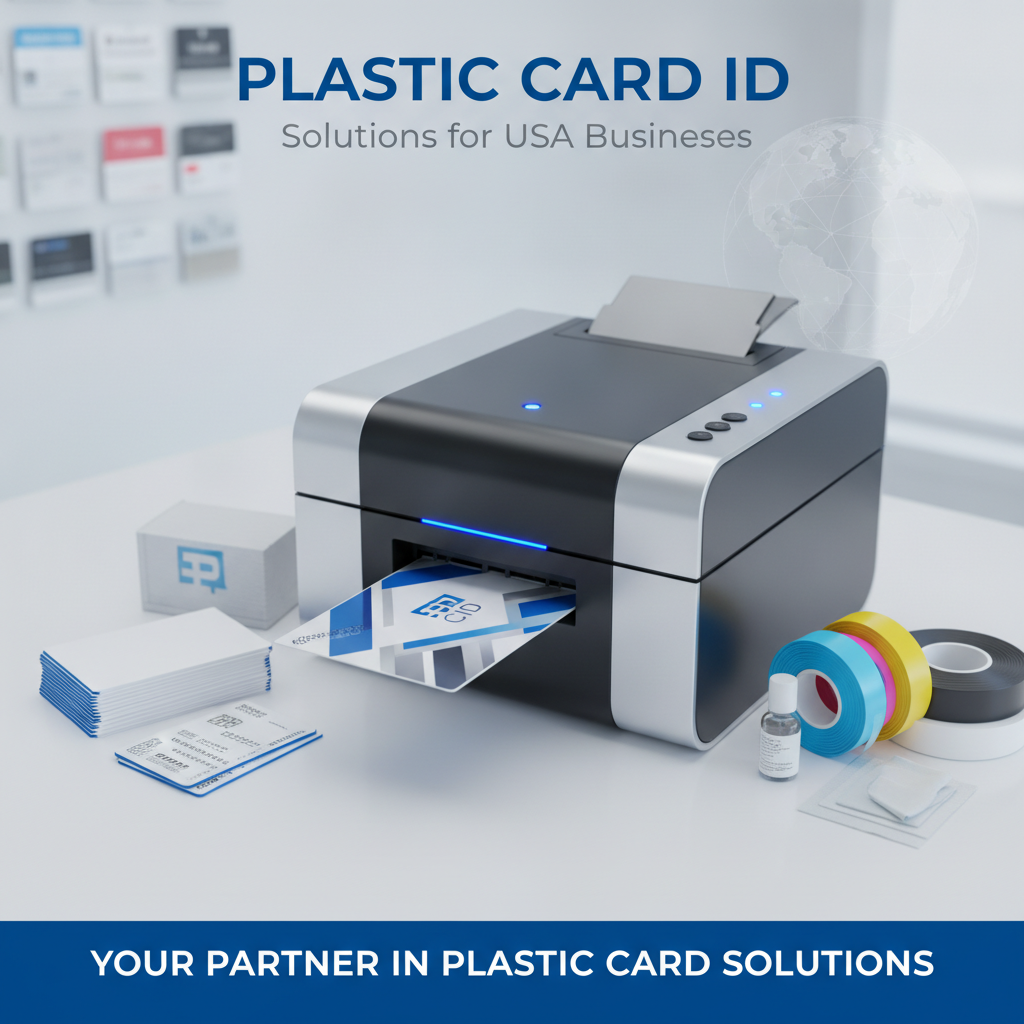 The decision doesn't have to be complicated. Define your volume, identify your card type and encoding needs, set your budget, and talk to someone who knows the market inside and out. Plastic Card ID has been doing exactly this for over 100,000 customers across 25 years - and the process works.
The full lineup from Evolis, Fargo, Zebra, and Matica is available, along with the complete range of ribbons, cleaning kits, lamination modules, encoding upgrades, and card supplies needed to run a professional program from day one. There's no need to piece together a card operation from multiple suppliers or figure out compatibility on your own.
Explore the Full Printer Lineup
From the Evolis Badgy200 for small-scale needs to the Evolis Agilia for premium, high-volume output - the right printer for your organization is in the catalog. Fargo and Zebra options cover security-focused ID programs, and the Matica Event Printer handles on-site event credentialing at the pace live events demand. Every printer in the lineup is a professional-grade tool for serious card programs.
Exploring the full lineup gives you a clear picture of what's available at each price and volume tier, and makes the comparison process straightforward. Budget-conscious buyers will find genuine value at the entry and mid-range levels; organizations with premium output requirements won't be disappointed by what the top tier delivers.
Get Expert Guidance Before You Commit
Buying a card printer is not a trivial purchase. Done right, it's an investment that pays back in operational control, cost savings, and professional credential quality for years. Done wrong, it's an underperforming machine that doesn't quite meet your needs and a ribbon supply that costs more per card than the outsourcing you were trying to escape. The difference between those two outcomes is almost always a single honest conversation before the purchase.
The Plastic Card ID team has had that conversation tens of thousands of times. They know which printer fits a gym with 300 members and which one fits a university with 15,000 students. They know when a lamination module is worth the investment and when it's overkill. That expertise is available to you at no charge - just call.
Contact Plastic Card ID today at 800.835.7919 and get matched with the right plastic card printer for your organization. No guesswork, no overselling - just the right equipment from the right team.
Previous Page